
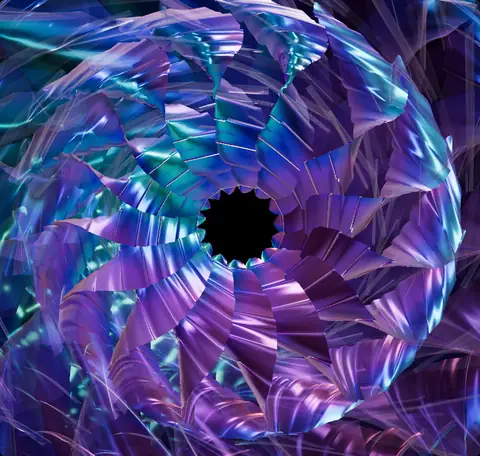
SPIRAL BLOOM
Curling petals fold into reflective musical flowers
Explore the controlsRETRO VISUALIZERS
Remember watching your music turn into glowing trails? BeamTracer brings that feeling into your browser with moving cameras, sculpted waveforms, reflective ribbons and ready-to-play looks. Choose a visualizer, start your music, and shape how each part of the scene responds. Share a favorite look with a link.
Free to start · No credit card · Nothing to install
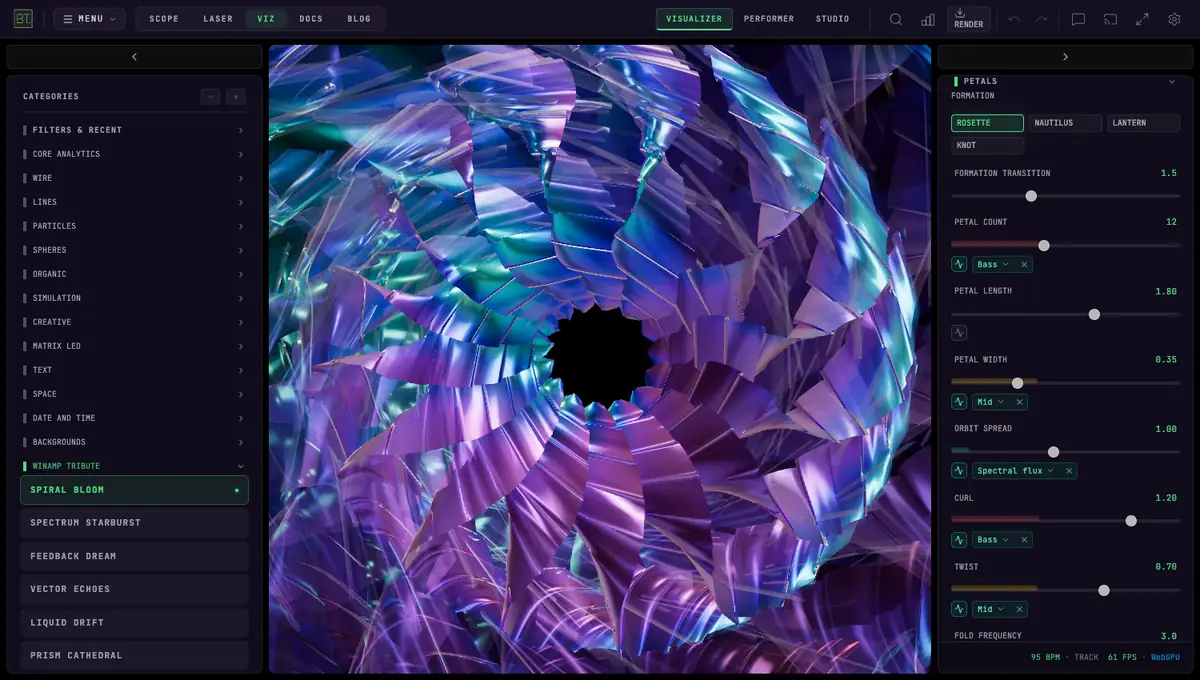
The glow, the afterimages, the pleasure of finding a look that fits a song: this collection celebrates the era when listening to an MP3 meant watching the screen, too.
Start with a factory look, then take the camera through the scene. Bend waveforms into depth, blend between formations, or add stars to make the space around the music visible.
Use a Winamp-style visualizer with Spotify or YouTube with the step-by-step tab-audio guide.
28 visualizers · 260 ready-to-play looks
Curling petals fold into reflective musical flowers
Explore the controls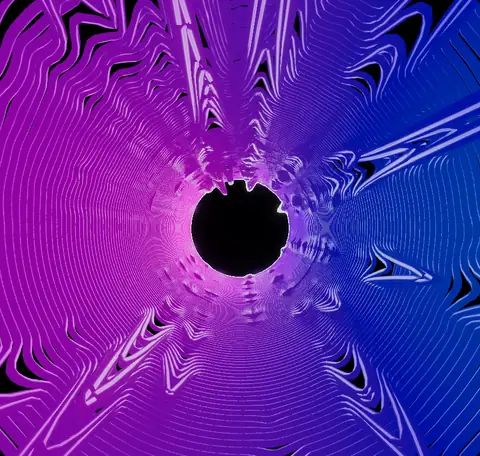
Curved spectrum rays blossom into luminous flowers
Explore the controls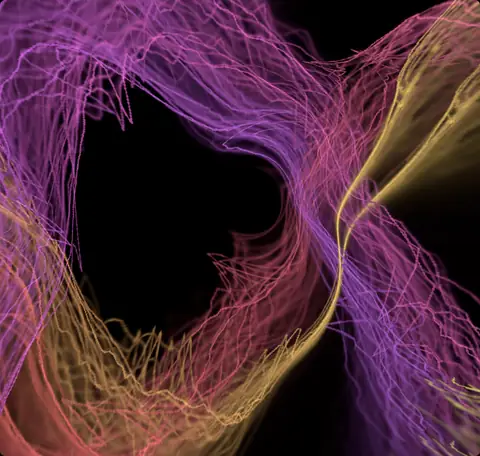
Luminous signal paths melt into swirling trails
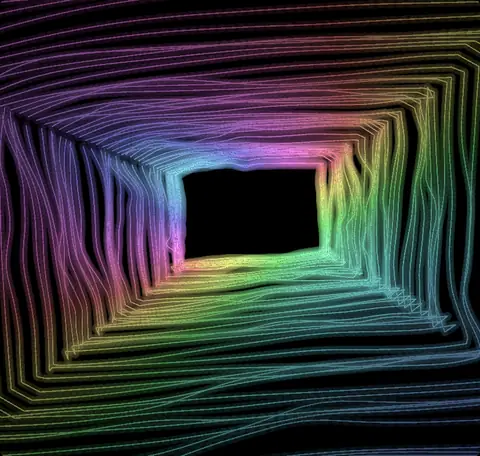
Glowing waveforms leave crisp, colorful afterimages
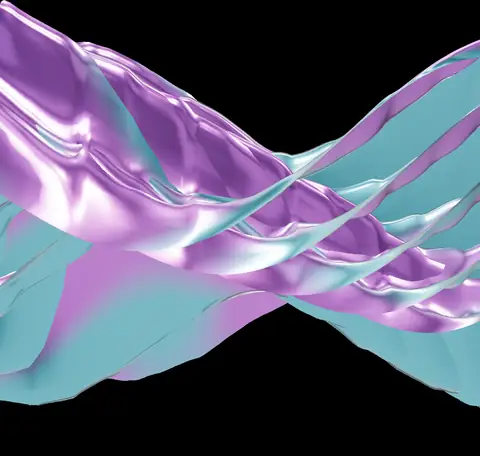
Reflective sheets curl into flowing waves and liquid color
Explore the controls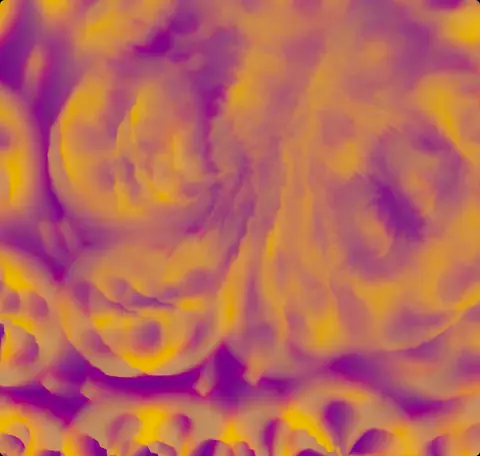
Patterned color melts through drifting swirls
Explore the controls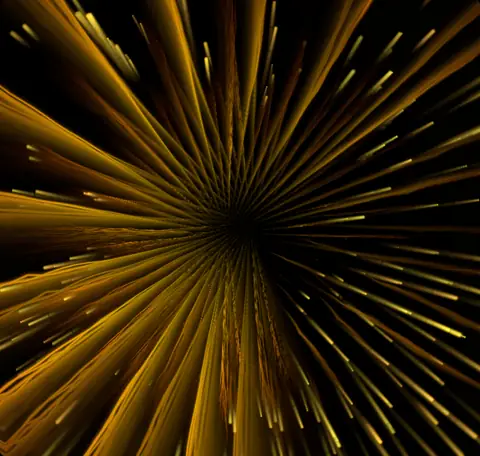
Star trails or ray fans rush through an endless void
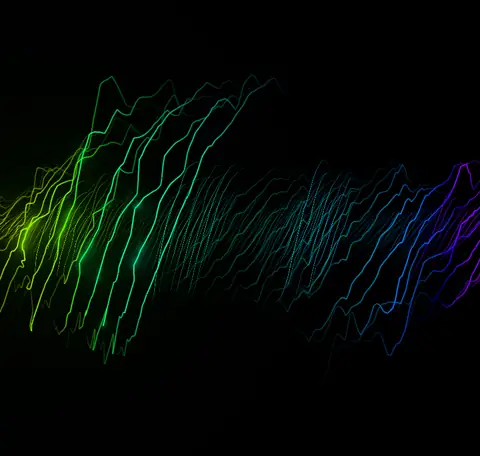
Glowing strands braid into a rope that twists with the music
Explore the controls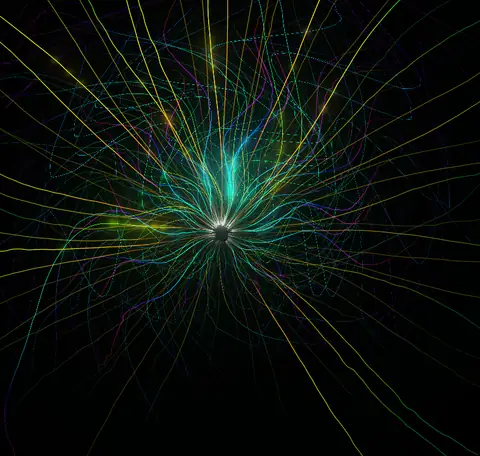
Spectral rays burst, curl and pulse outward with the music
Explore the controls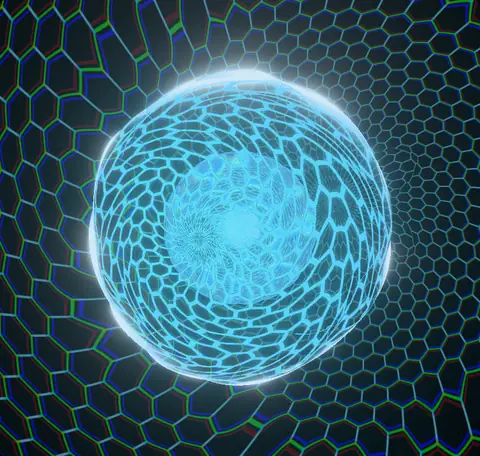
A glass lens and chrome core inside a glowing hex lattice
Explore the controls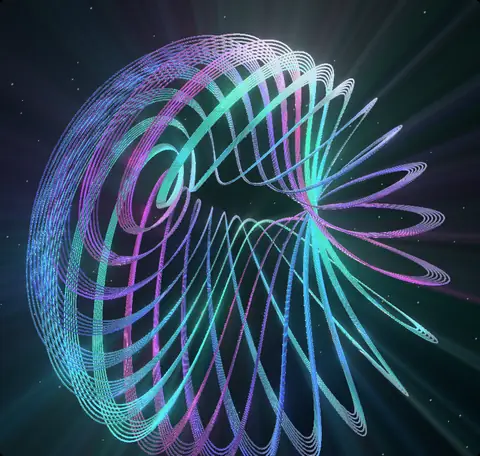
Interlaced orbital threads weave music into luminous knots
Explore the controls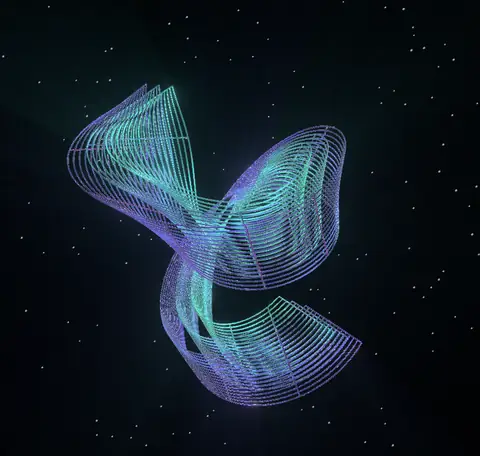
Woven sails and coils fold through a field of stars
Explore the controls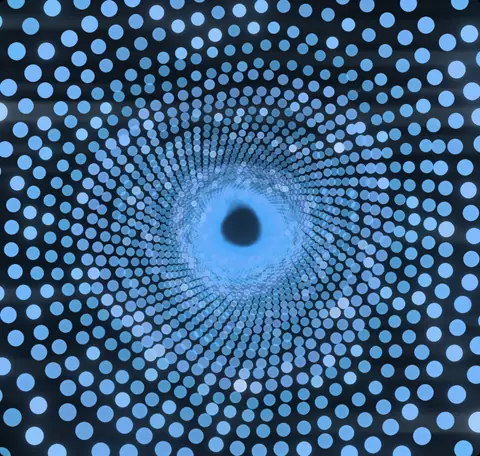
Fly into a spiral tunnel of dots that echoes your music
Explore the controls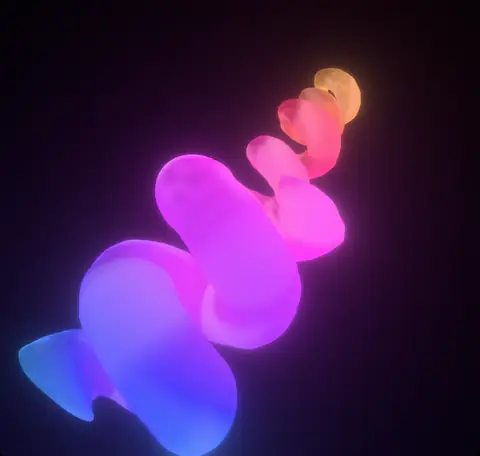
A milky glass coil you can orbit, wound by your music
Explore the controls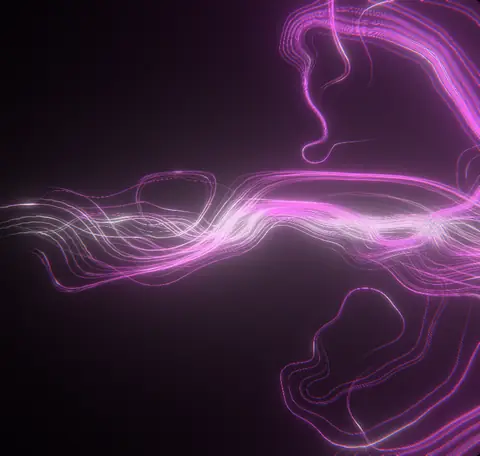
Rivers of light that tangle, swirl and weave to your music
Explore the controls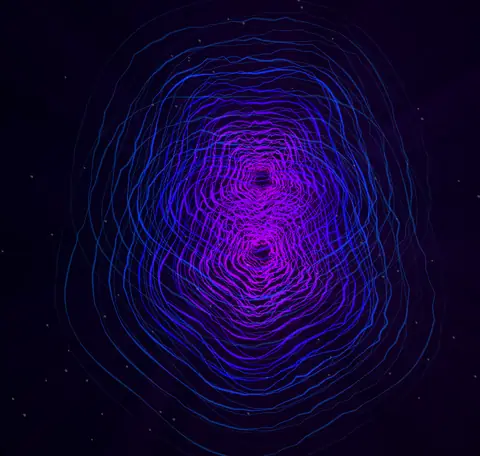
Jeweled contours or interfering ring tunnels move with music
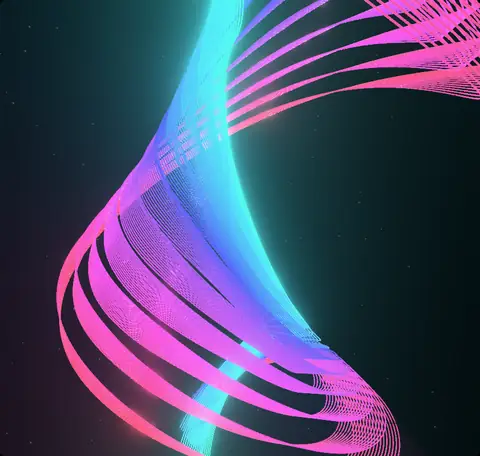
Colored filament ribbons bend and flow through space
Explore the controls
Beat-lit droplets ride luminous threads through soft focus
Explore the controls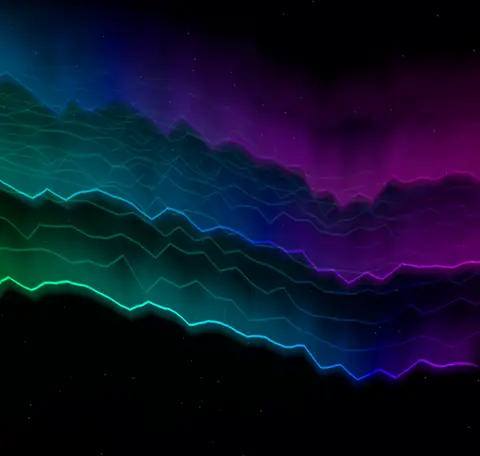
Spectrum ridges or curtains of light fall away with your music
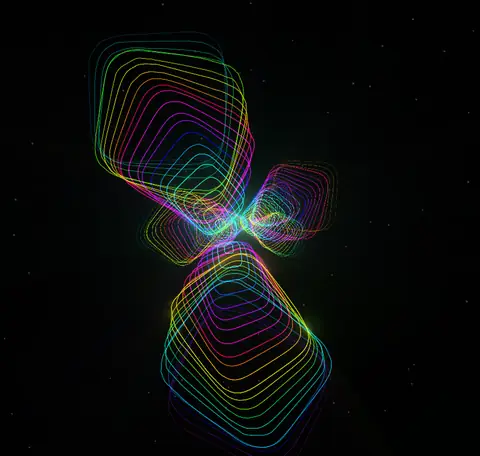
Ribbon or contour petals bloom with your music
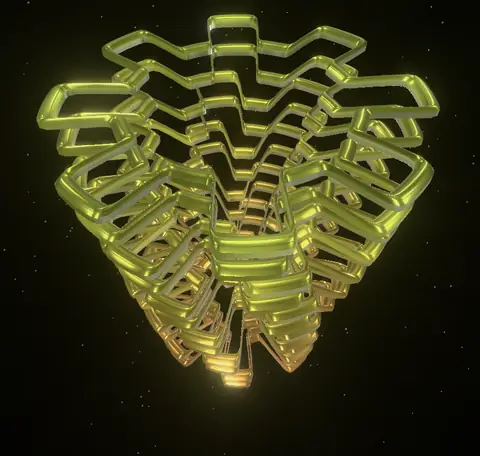
Concentric toothed shutters turn and flex with music
Explore the controls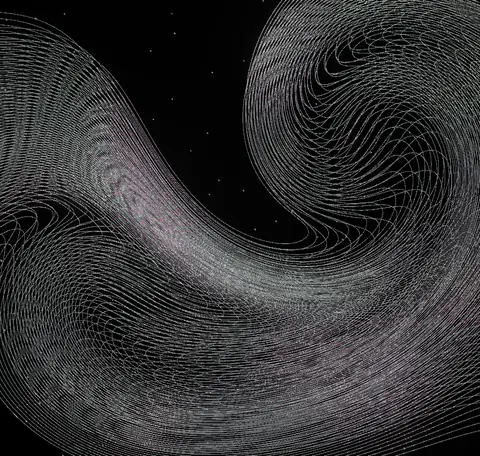
Fine glowing filaments curl through layered vortex currents
Explore the controls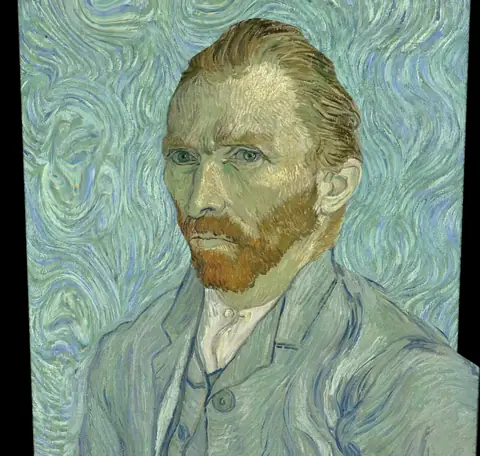
Photos bend into ripples and color with your music
Explore the controls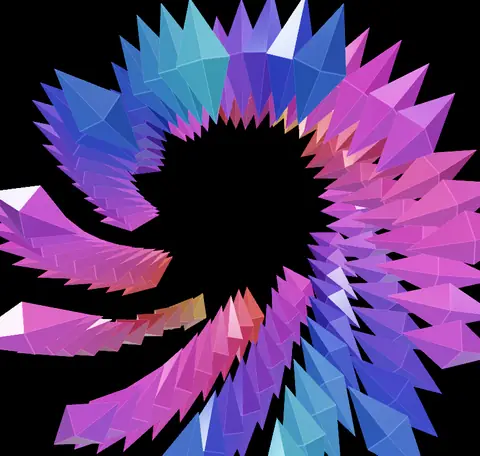
Crystal corridors fold into kaleidoscopic roses
Explore the controls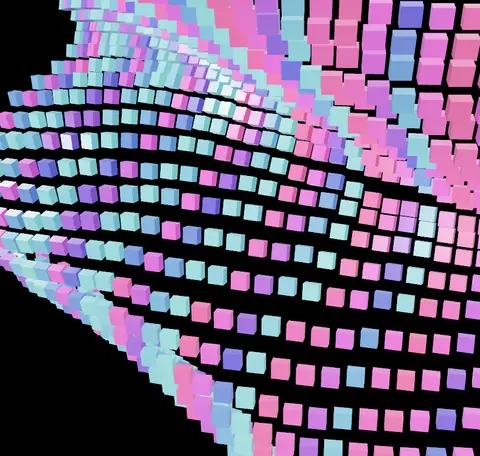
Solid pixel tiles fold into music-driven surfaces
Explore the controls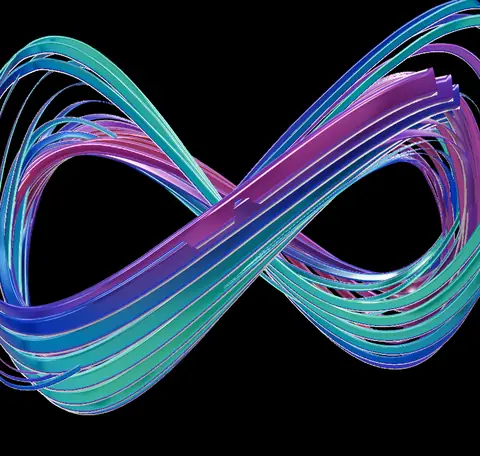
Reflective particle trails weave through musical space
Explore the controls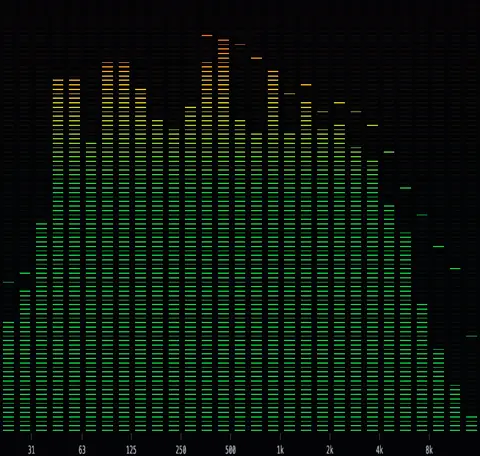
Precision spectrum bars with peak caps, LED and radial looks
A phosphor-bloomed oscilloscope trace
From a blank tab to your first sound-reactive visual: play the demo track, pick a visualizer, capture your own music, customize live. Follow along in the written guide or browse all tutorial videos.
Route bass, mids, highs and other audio signals to separate controls. Let one bend the waveform while another spreads the echoes or moves the camera.
Choose a camera view and motion path. Adjust travel and scene depth, then add an optional starfield for a sense of distance.
Open a factory look directly from this page. COPY LOOK LINK shares the original look and its audio reactions, so a friend can start from the same place.
Select a factory look from the collection to open the visualizer with its audio reactions already assigned.
Press Play audio for the demo, or choose a source from Audio settings.
Explore the camera and shape controls. Use Studio when you are ready to render a video.
Find a look for the album, hide the panels and enjoy the motion.
Give a retro set a new sense of depth, with controls you can change as the music changes.
Bring the same visualizer into Studio alongside titles and other layers.
No. This is an independent BeamTracer tribute inspired by the visualizer era. It is not affiliated with or endorsed by Winamp.
These visualizers use their own looks and controls. They do not import MilkDrop preset files.
The visualizers run in the browser. Use a supported WebGPU browser and check the browser-support guide if a visualizer cannot start.
You can start with the free plan. Paid plans add capabilities and export allowances; see pricing for the current limits.
A factory-look link opens the original preset and its audio reactions. It does not include your music or personal slider edits.
Start with a familiar glow. Then see where the camera takes you.