
Professional Audio-Visual Tools. In Your Browser.
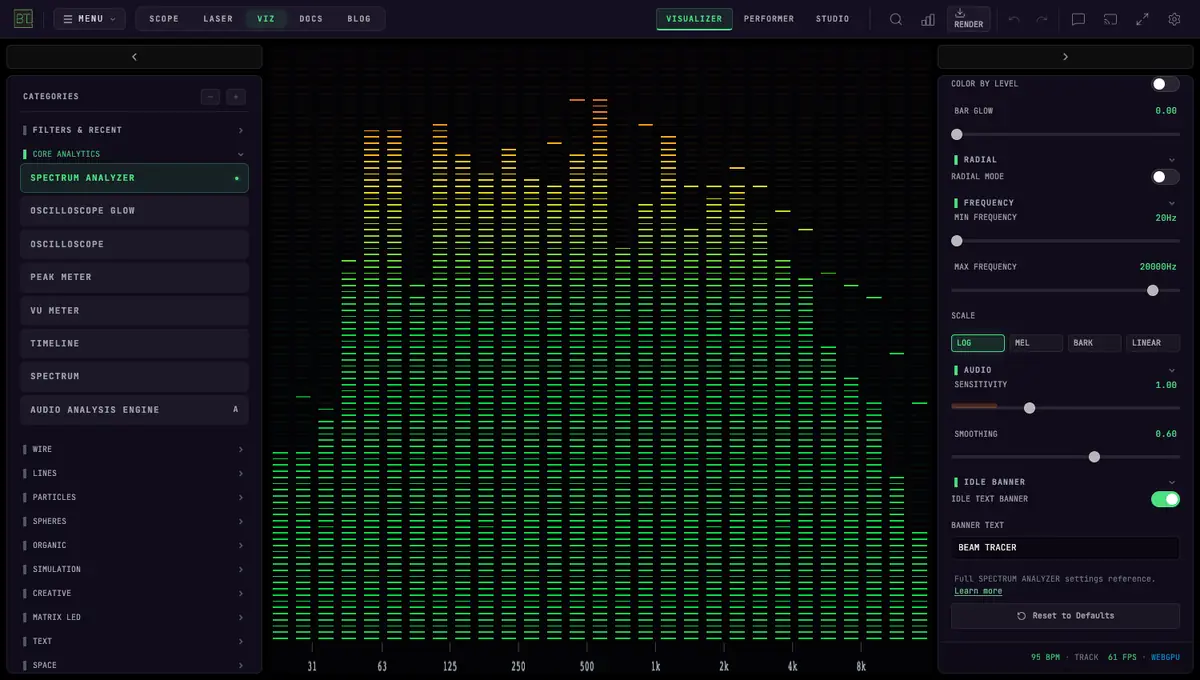
AUDIO VISUALIZERS
179 audio-reactive modes for live visuals, from spectra and particles to fluid motion and 3D scenes. Studio adds artwork, text, and lyrics for finished music videos. Explore WebGPU modes in Chrome or Edge.
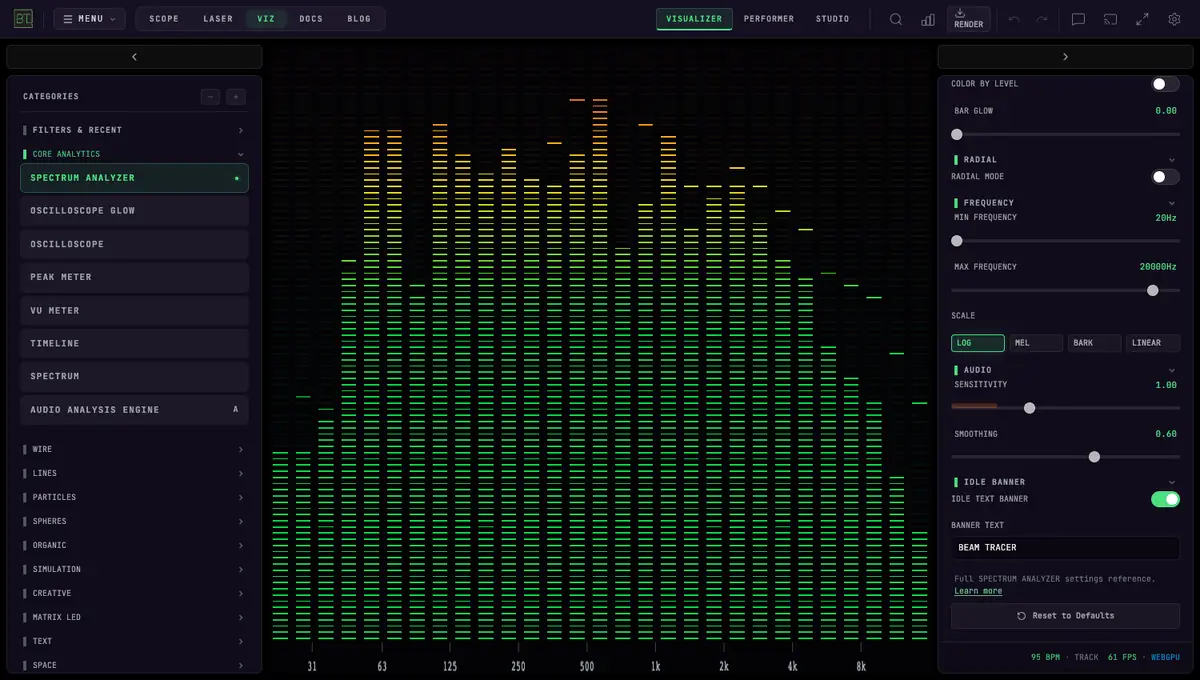 SPECTRUM ANALYZER
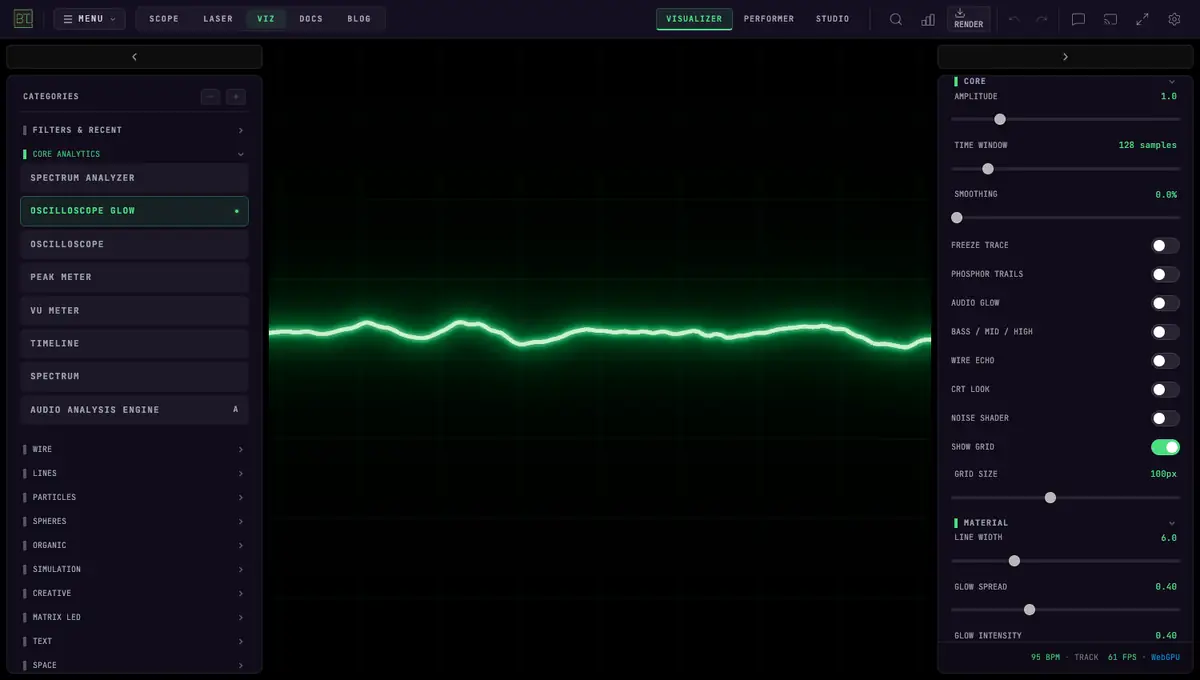 OSCILLOSCOPE GLOW
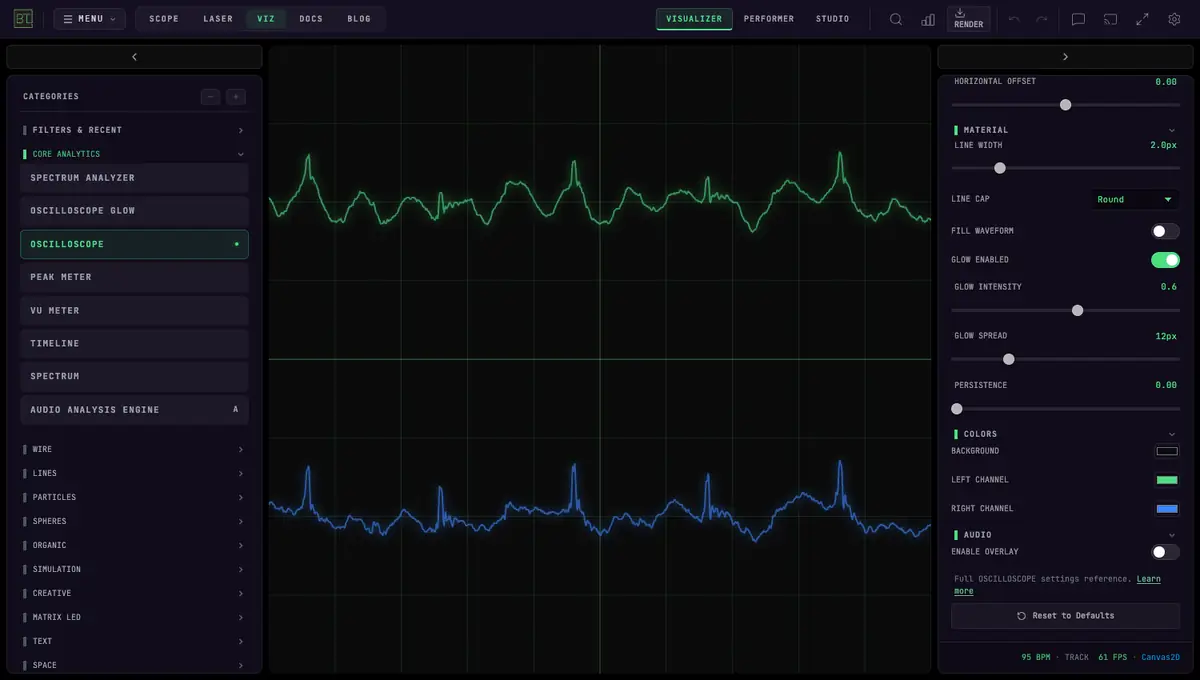 OSCILLOSCOPE
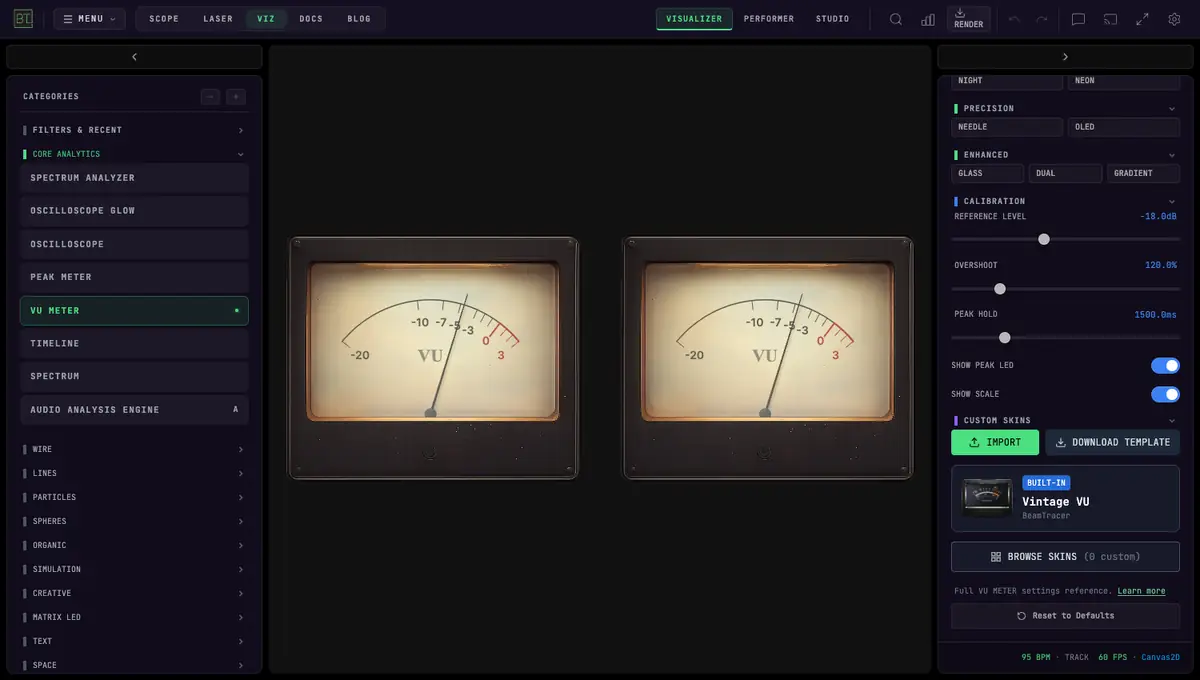 VU METER
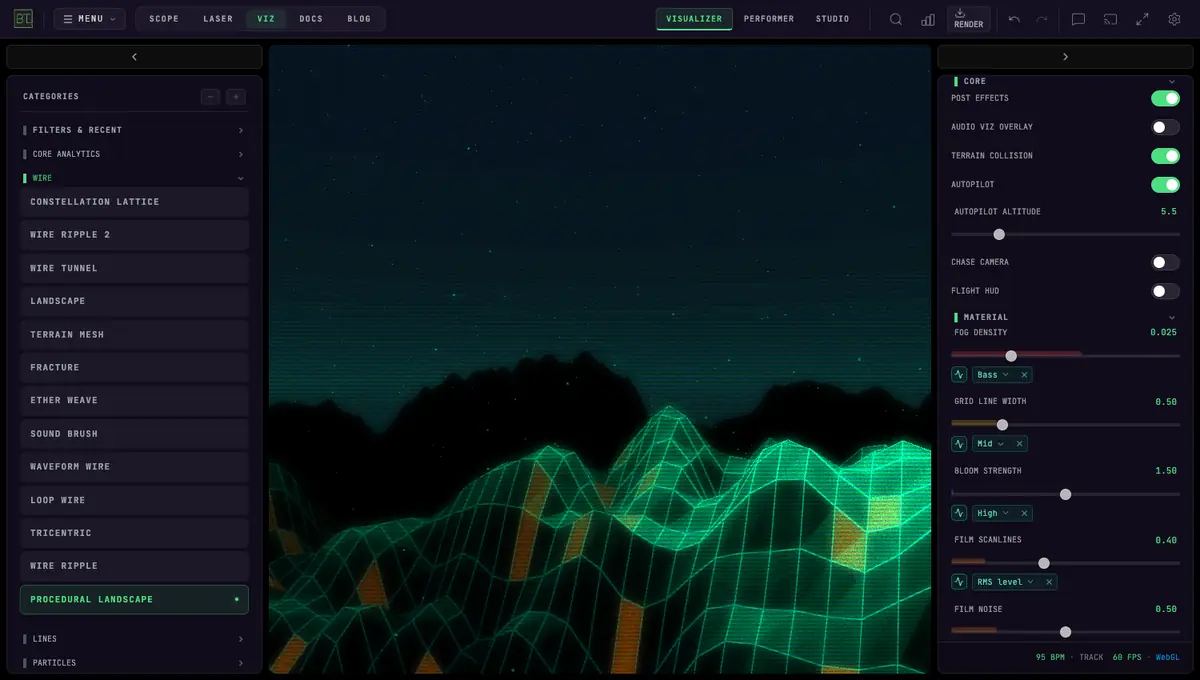 PROCEDURAL LANDSCAPE
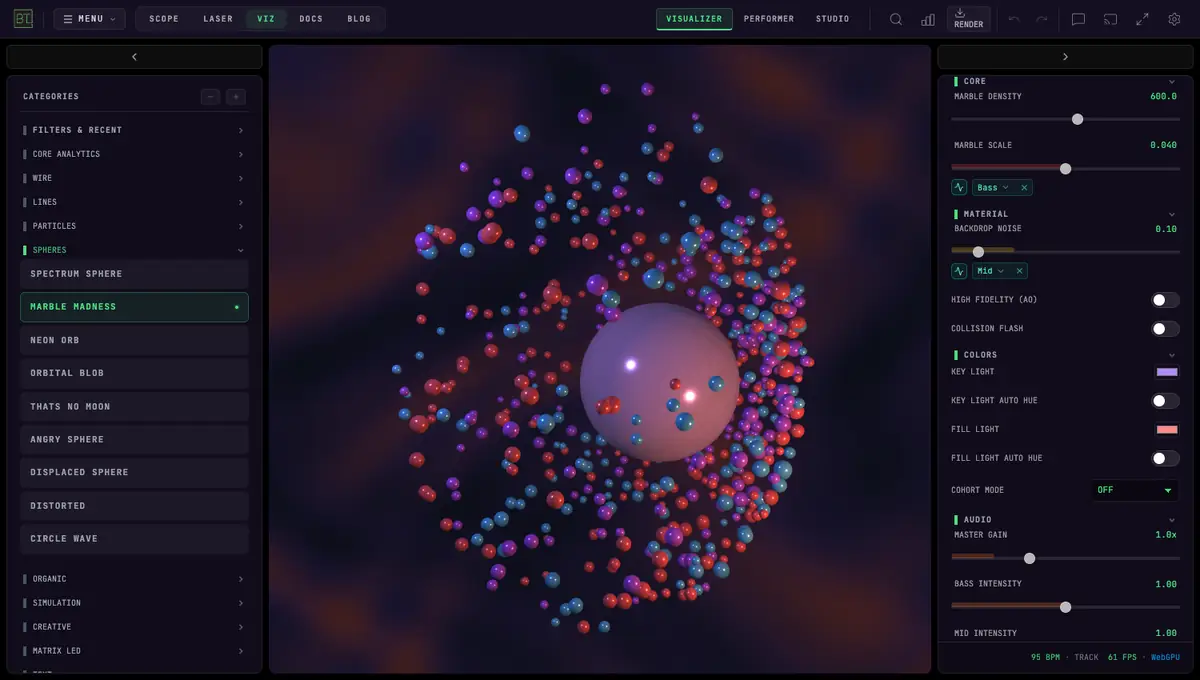 MARBLE MADNESS
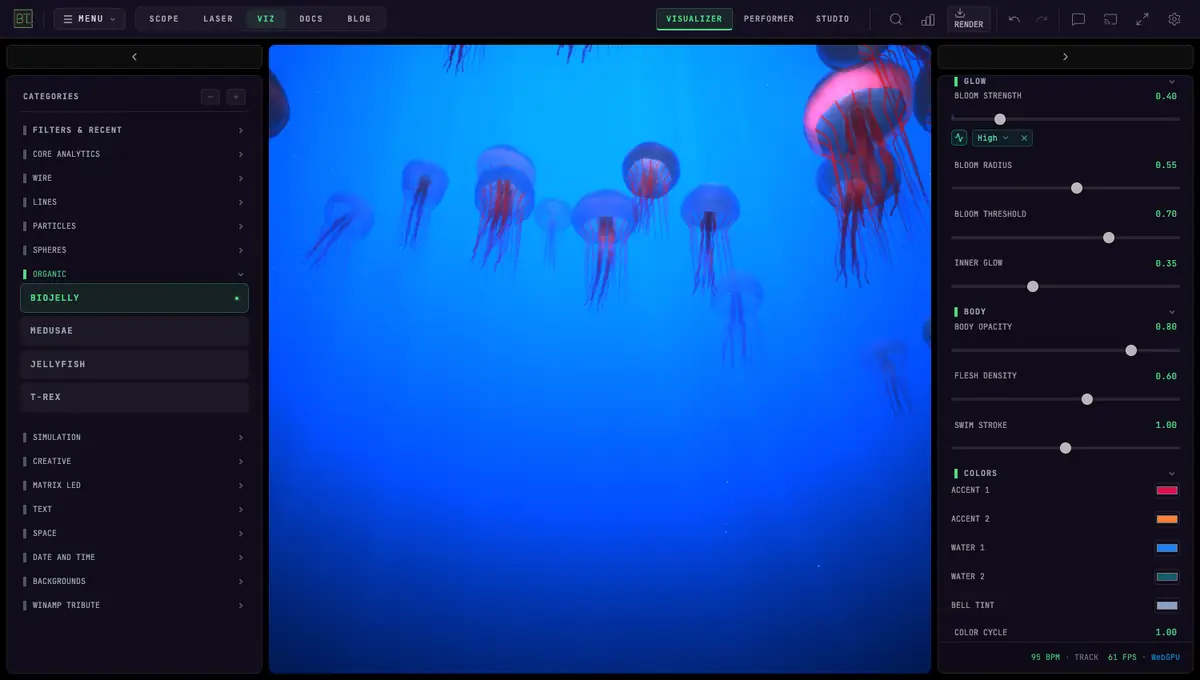 BIOJELLY
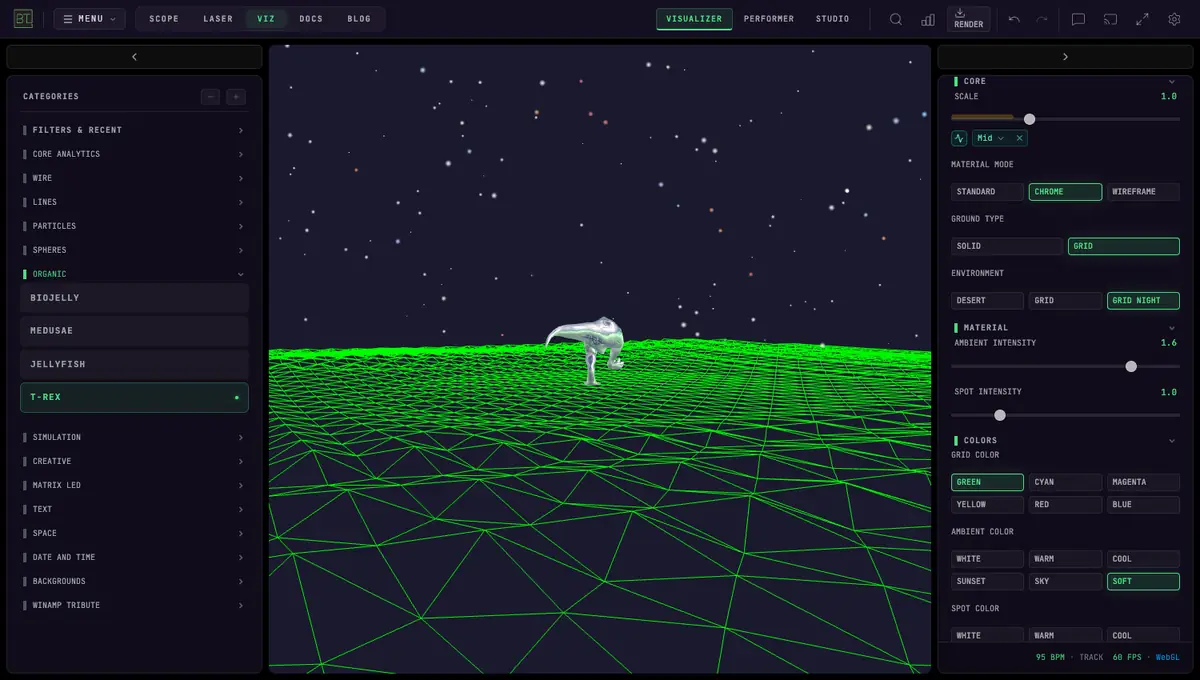 T-REX
T-REX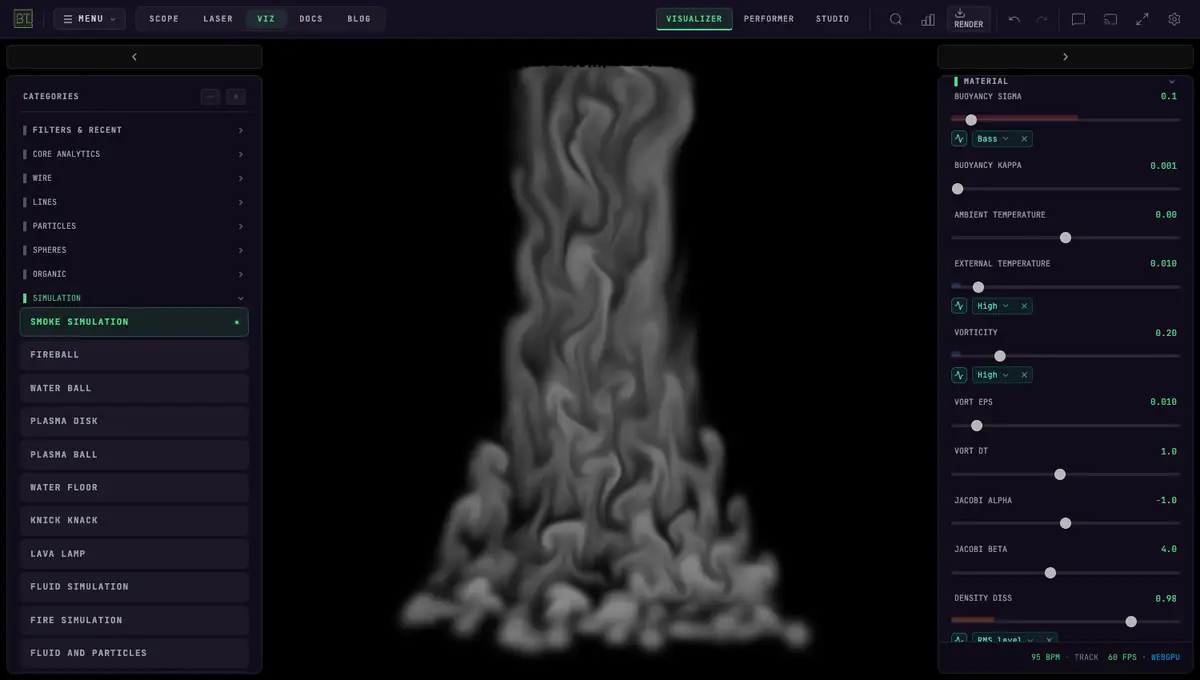 SMOKE SIMULATION
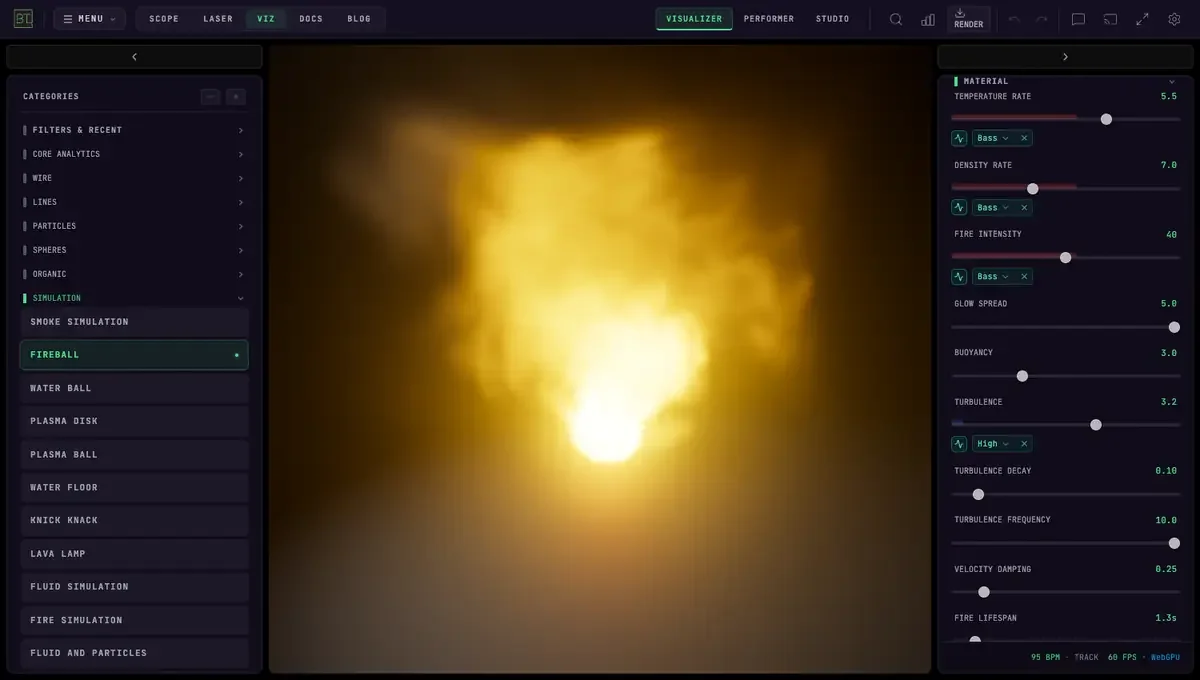 FIREBALL
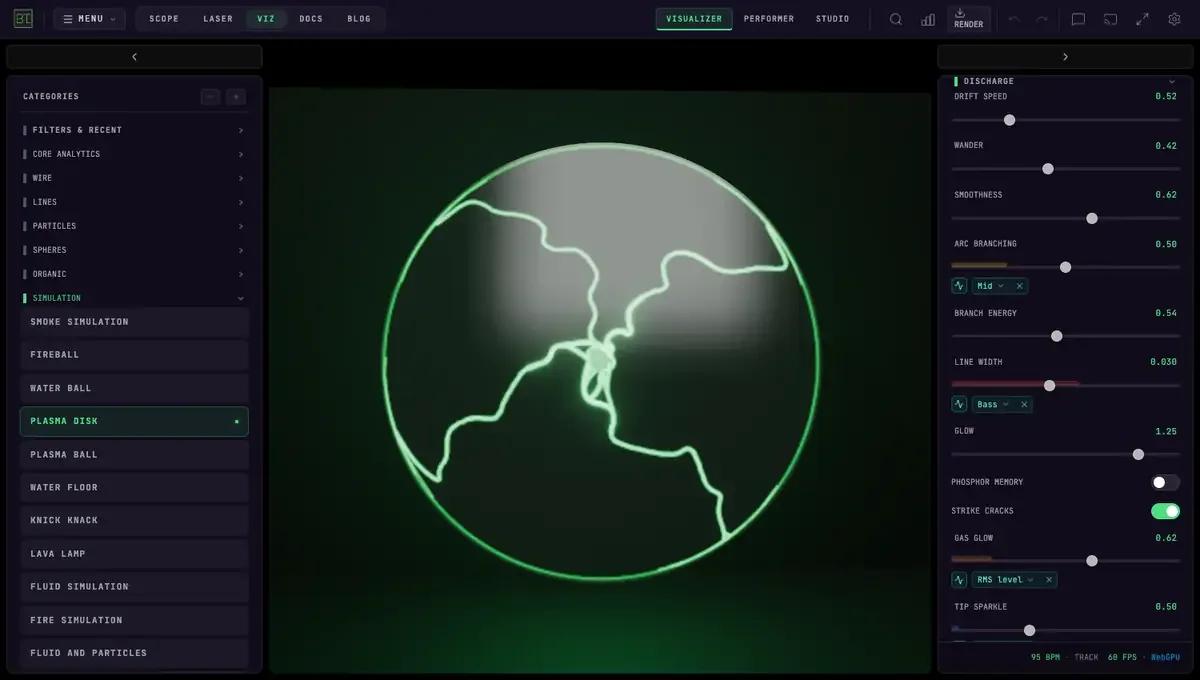 PLASMA DISK
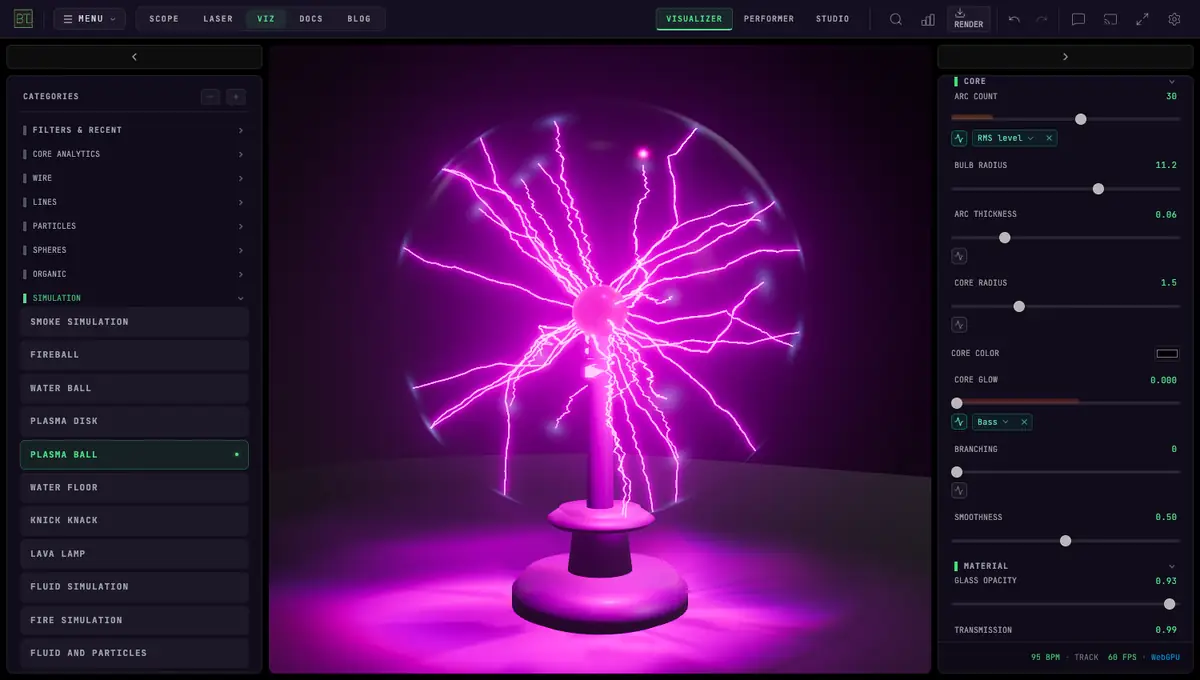 PLASMA BALL
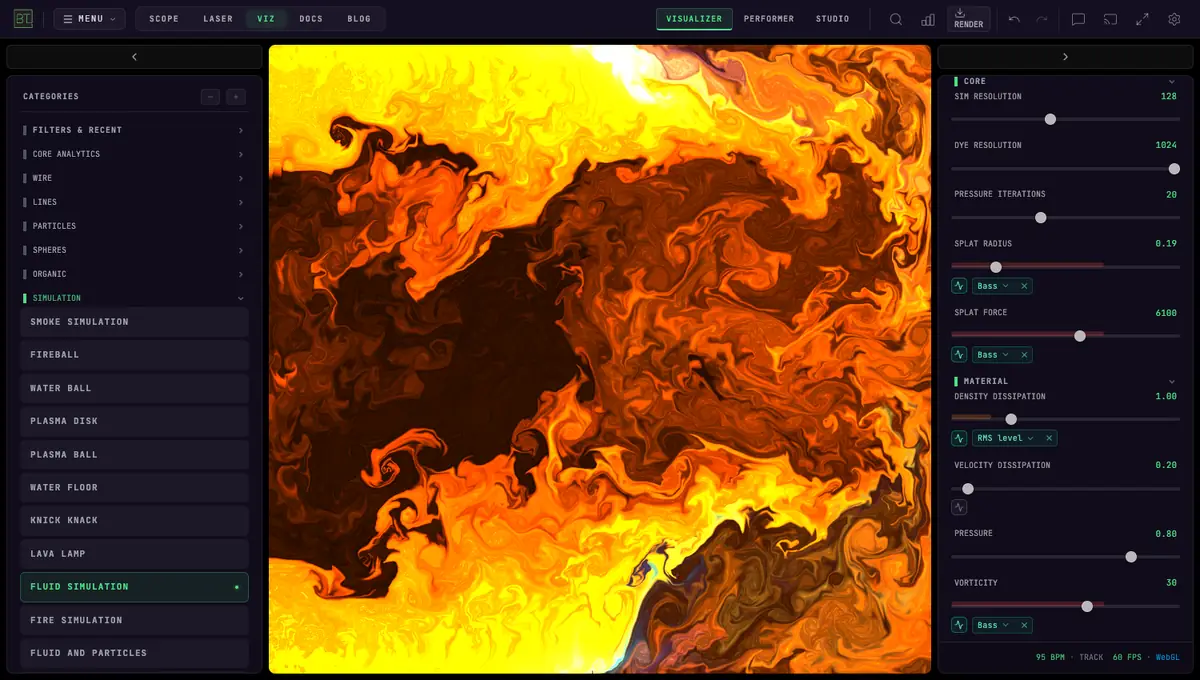 FLUID SIMULATION
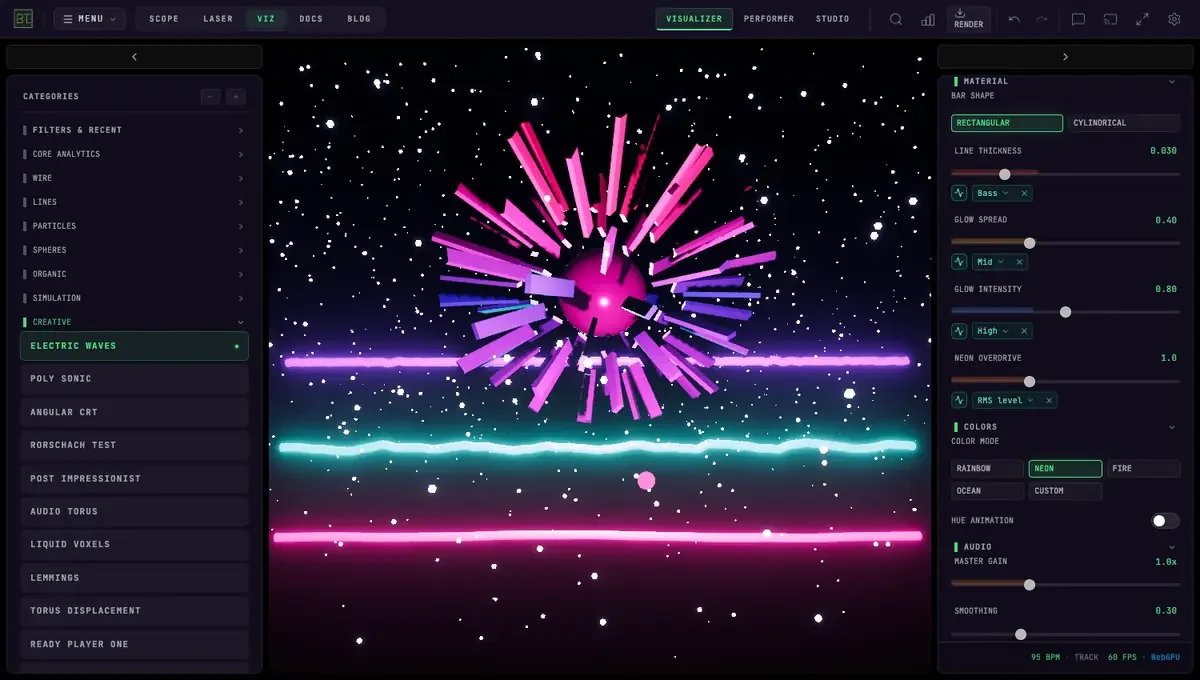 ELECTRIC WAVES
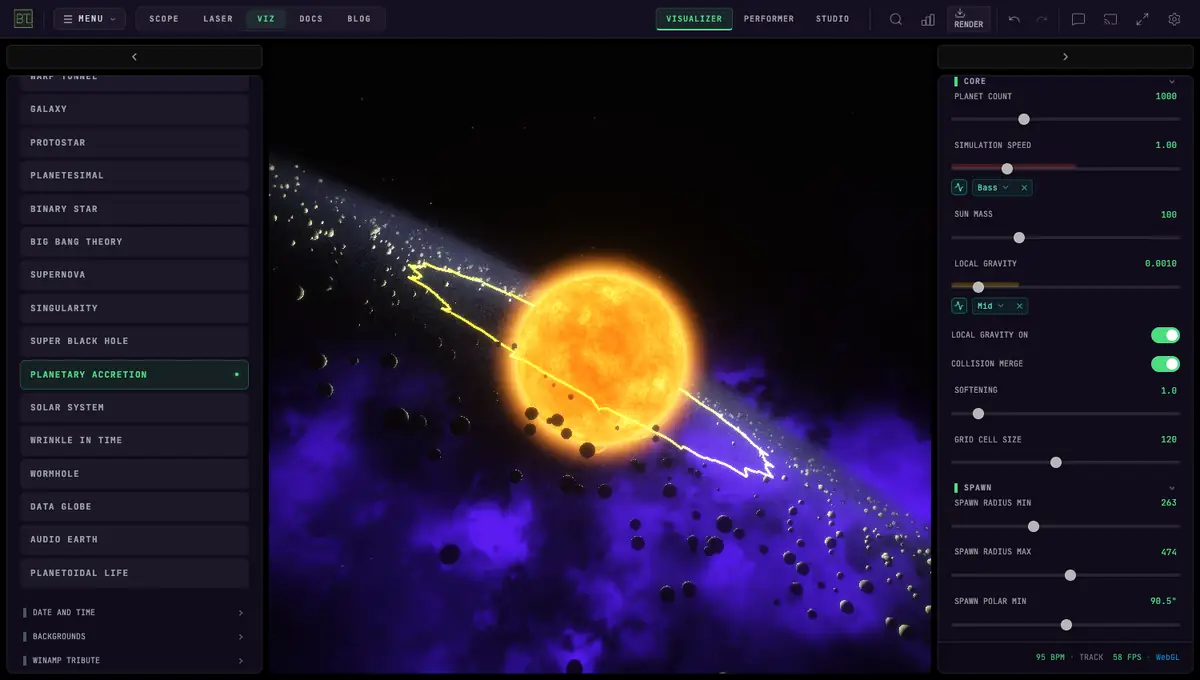
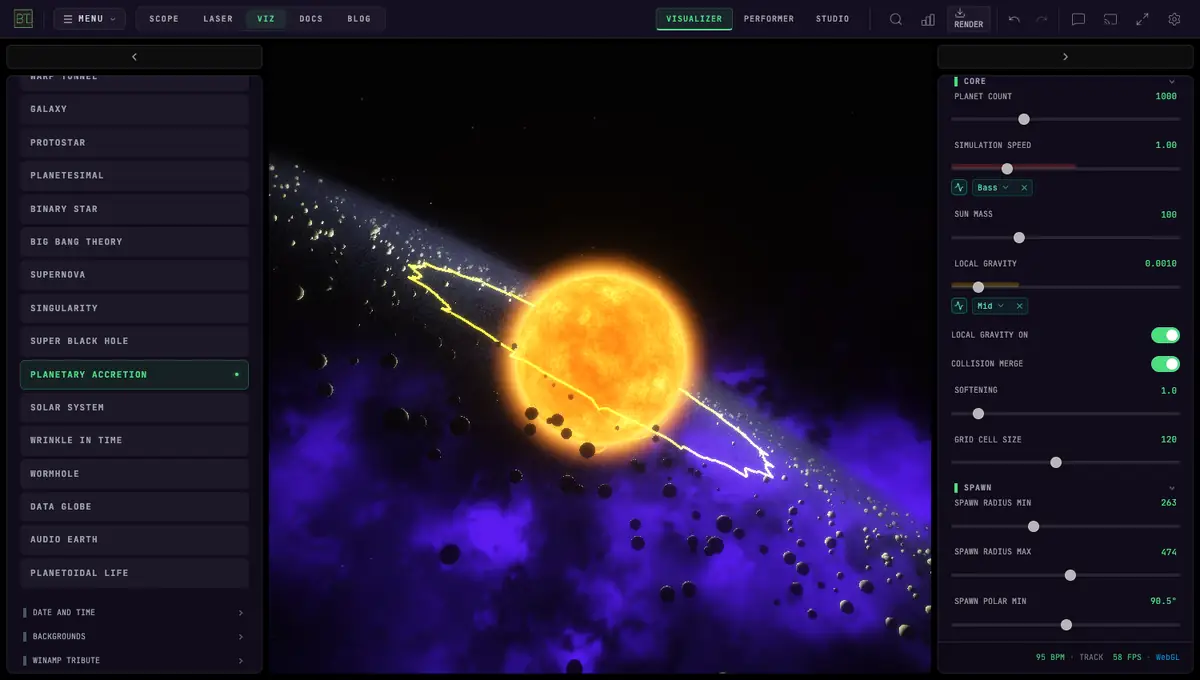 PLANETARY ACCRETION
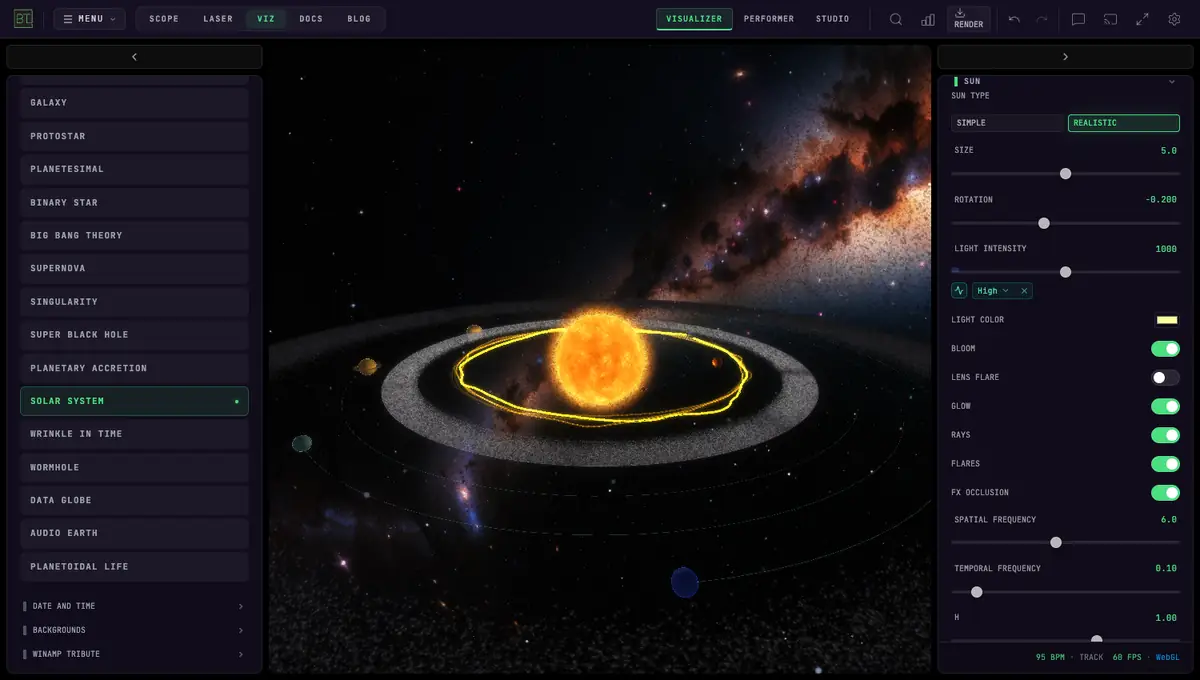 SOLAR SYSTEM
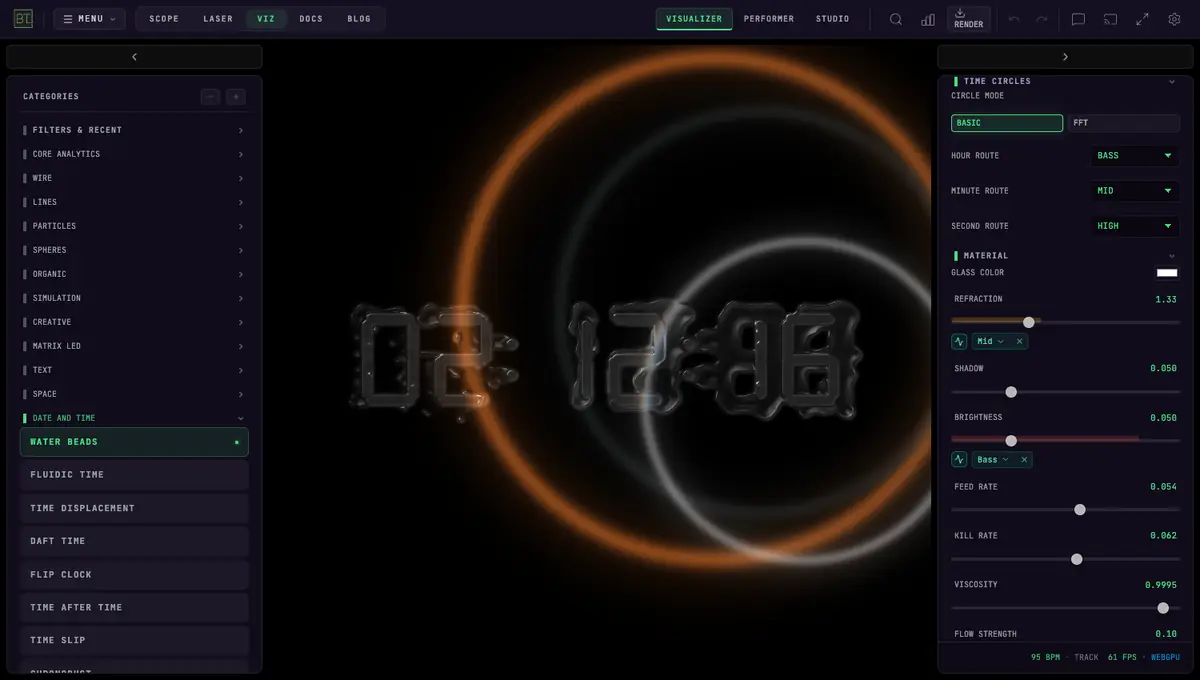 WATER BEADS
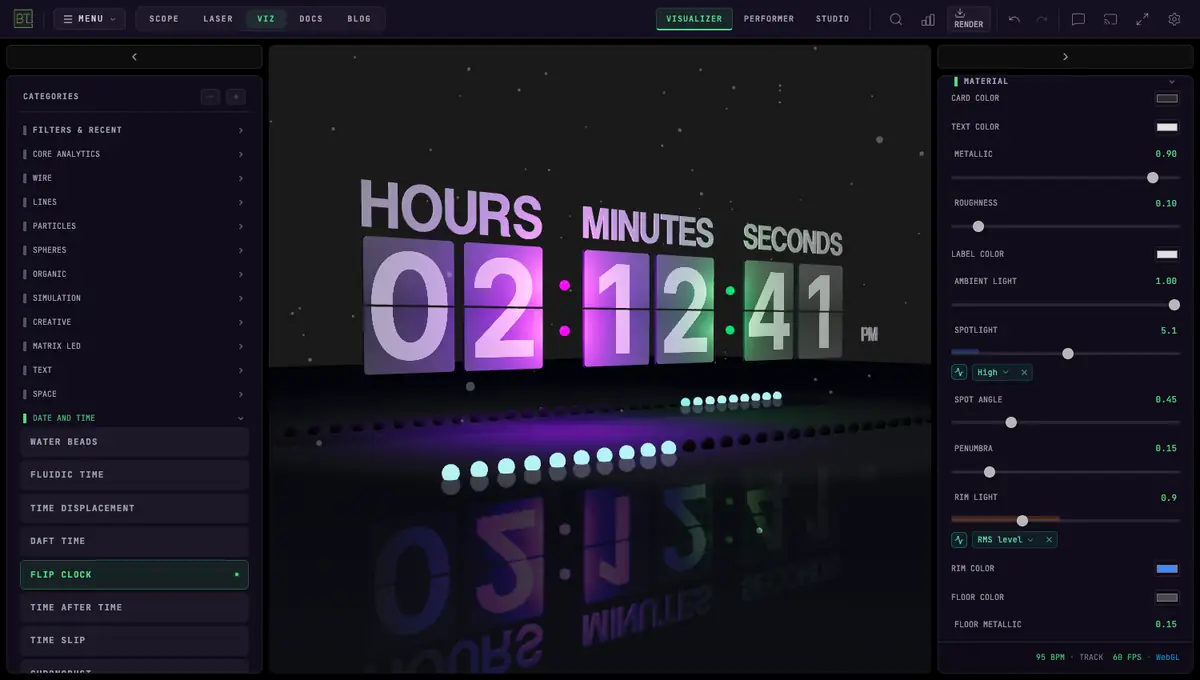 FLIP CLOCK
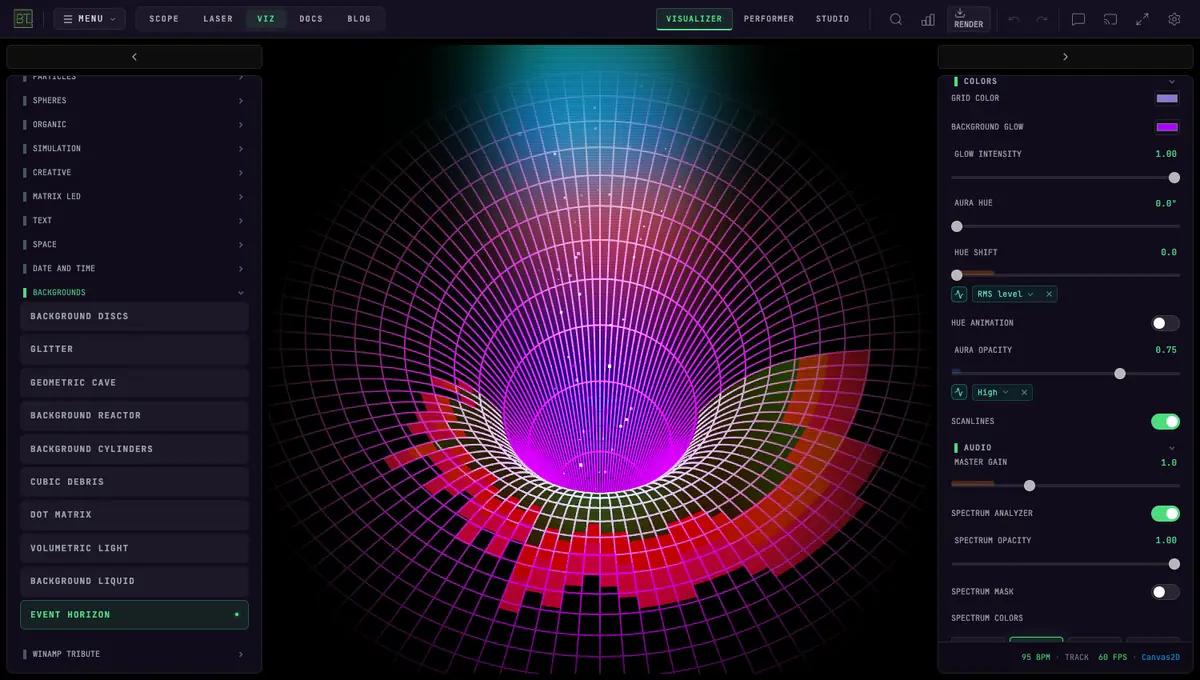 EVENT HORIZON
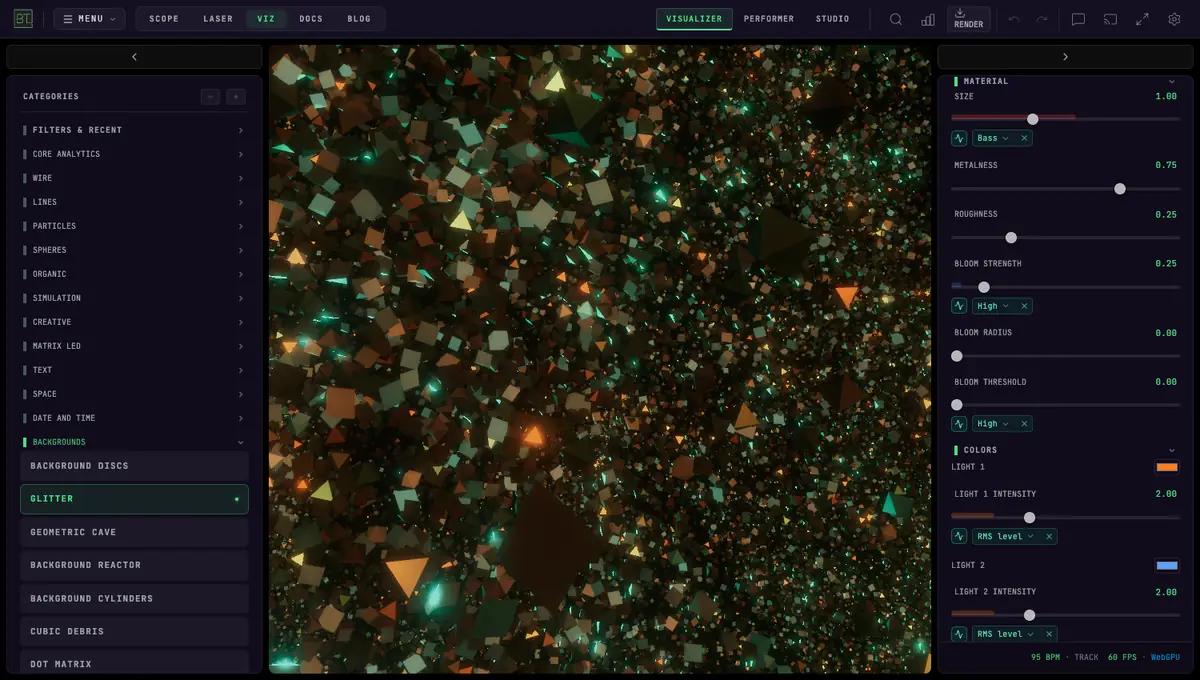 GLITTER
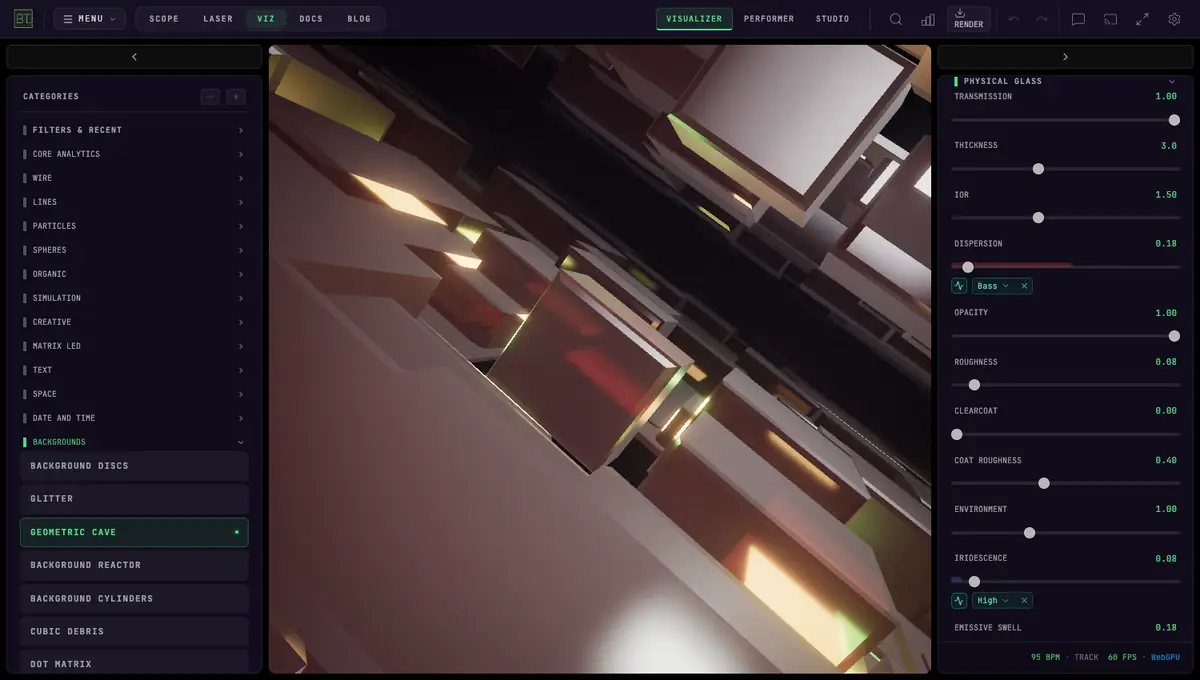 GEOMETRIC CAVE
179 VISUALIZER MODES
13 categories: Core Analytics, Wire, Lines, Particles, Spheres, Organic, Simulation, Creative, Matrix LED, Text, Space, Date and Time, Backgrounds.
MODULATION MATRIX
LFOs, envelope followers, spring dynamics, and audio-reactive mappings. Wire any audio source to any visual parameter.
MIDI INTEGRATION
Full Web MIDI with Learn mode. Native APC Mini MK2 support. Map any knob to any parameter.
4K VIDEO EXPORT
Record at 720p, 1080p, or 4K with audio. Export directly for YouTube, TikTok, and streaming.
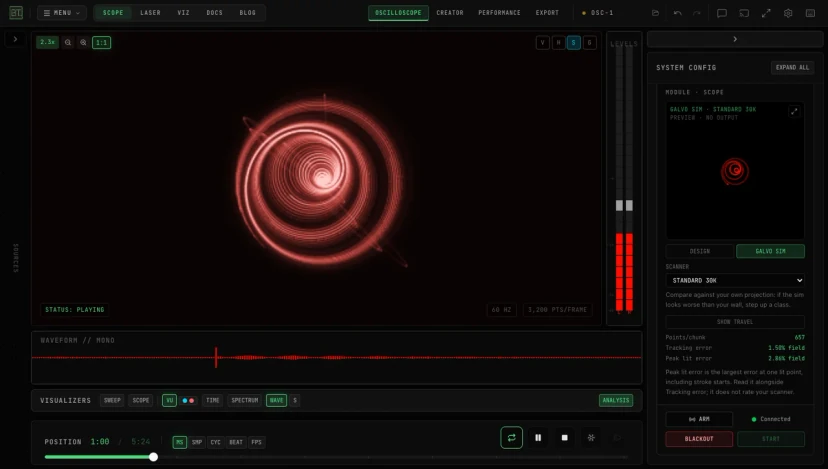
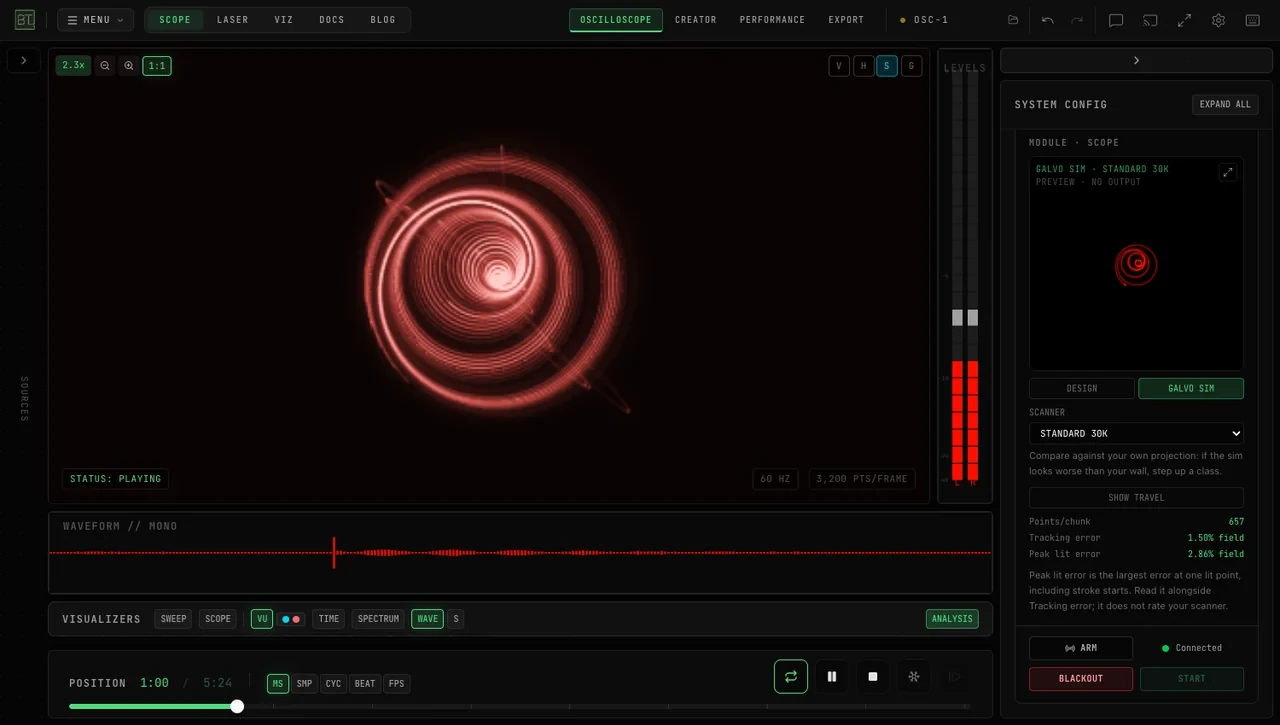
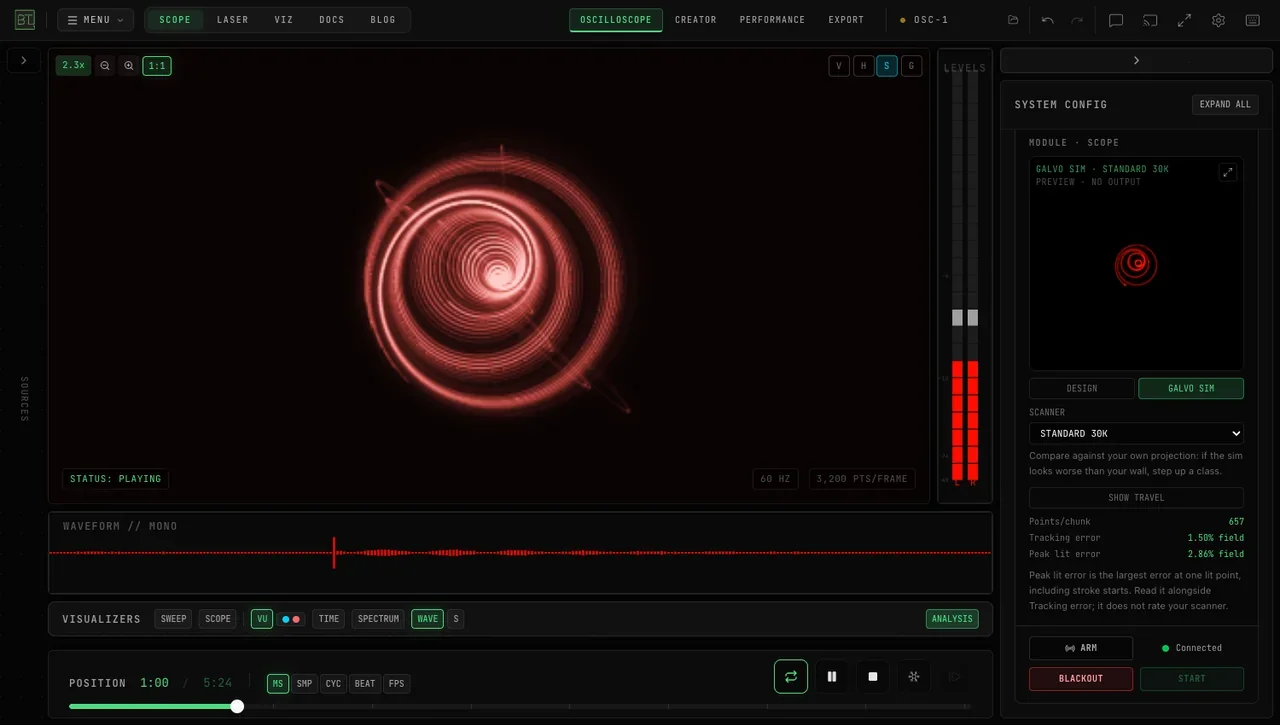
OSC-1 OSCILLOSCOPE
Shape sound with an XY oscilloscope, CRT-style glow, a built-in synthesizer, and live output to supported laser DACs.
 OSCILLOSCOPE
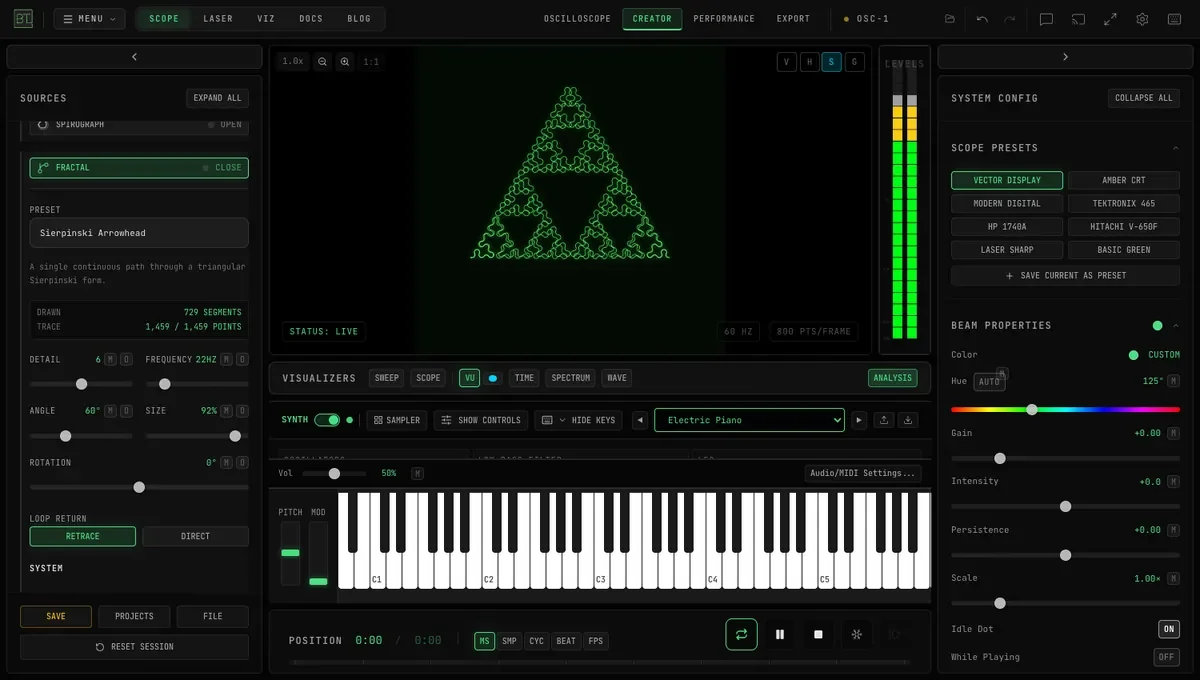 FRACTAL GENERATOR
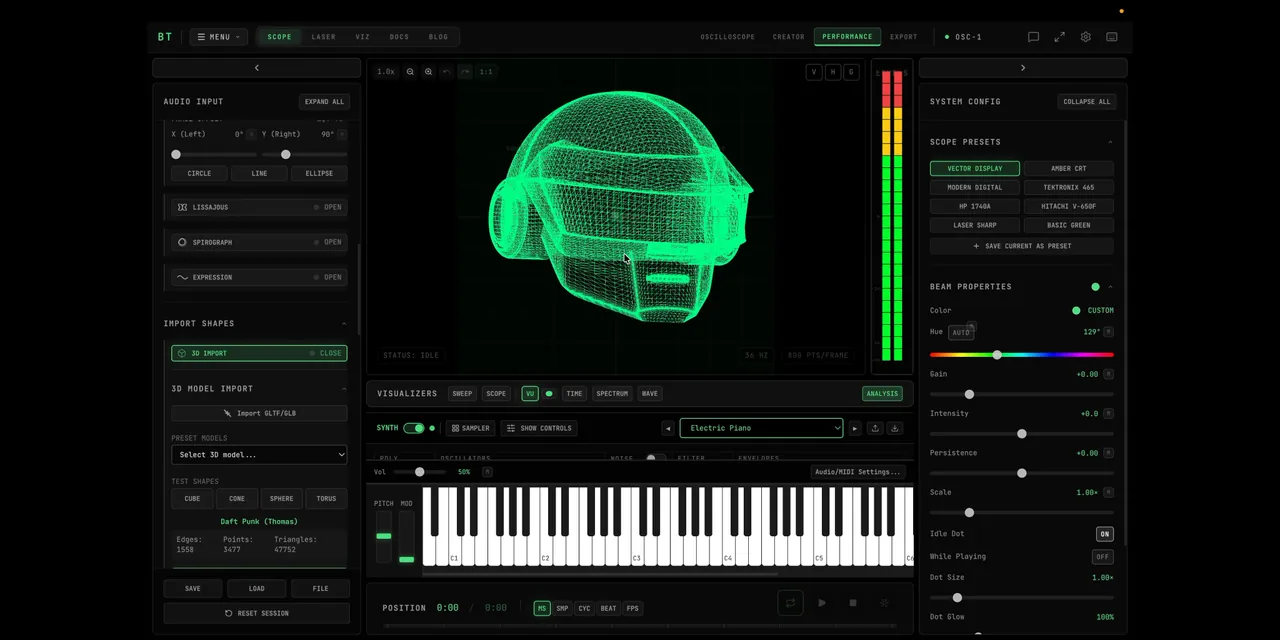 3D TO OSCILLOSCOPE
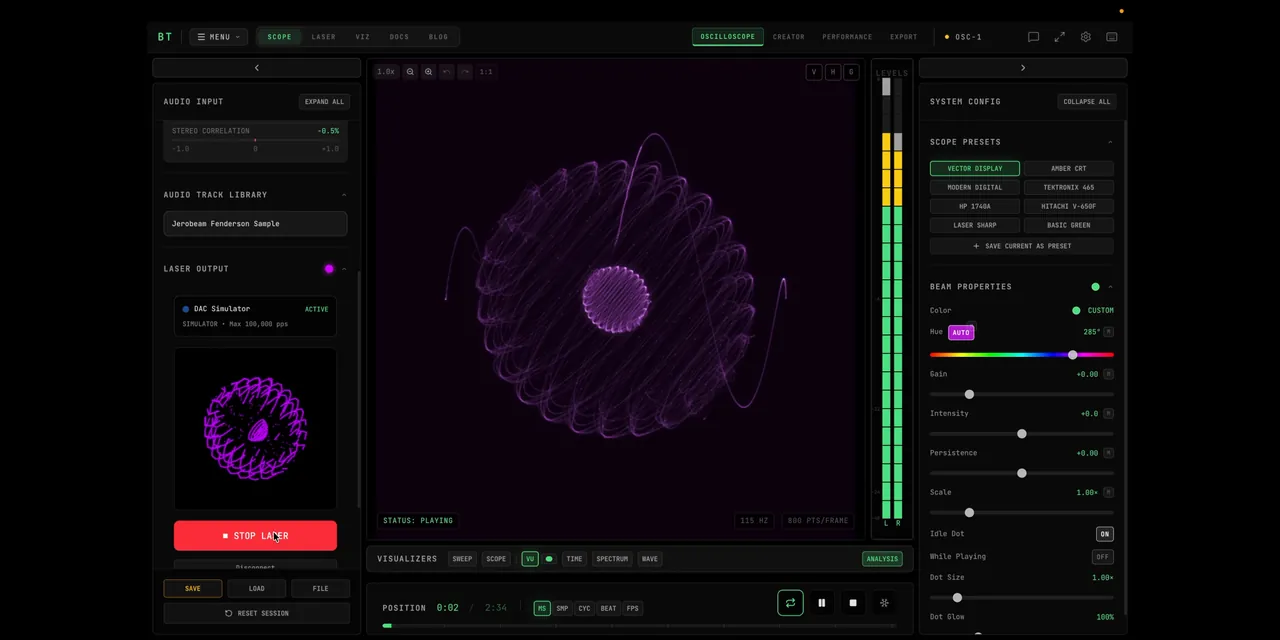 LASER OUTPUT
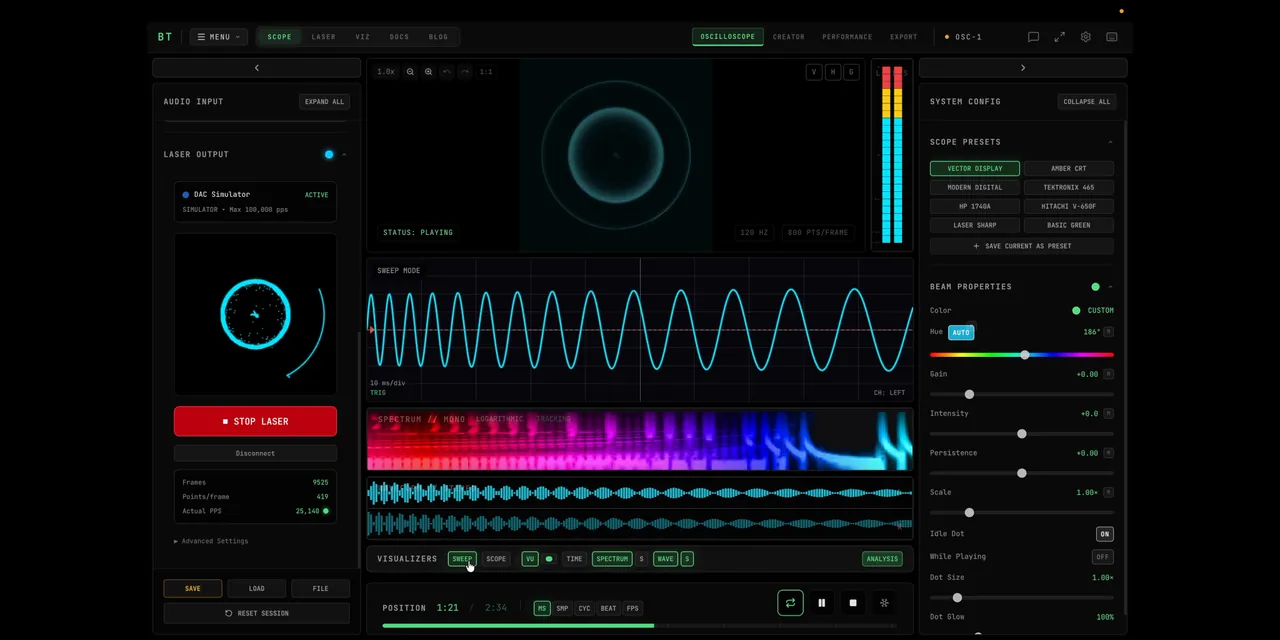 STACKED VISUALIZERS
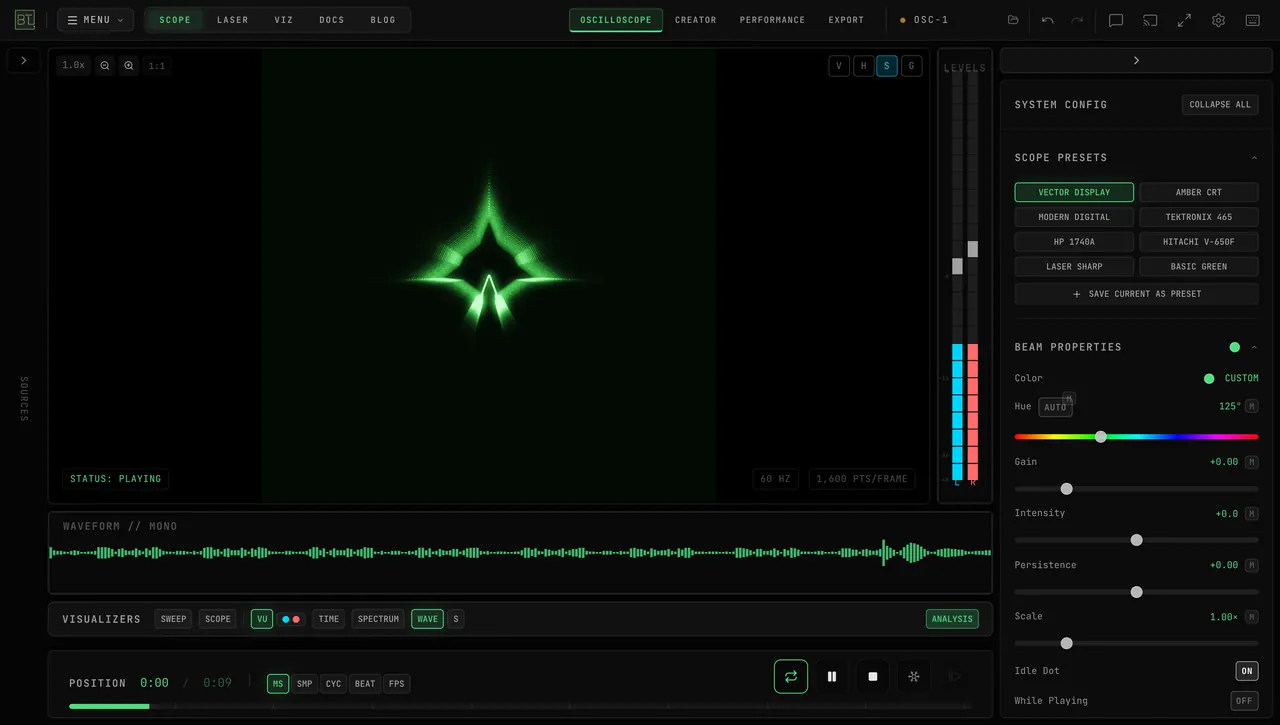 WAVE VISUALIZER
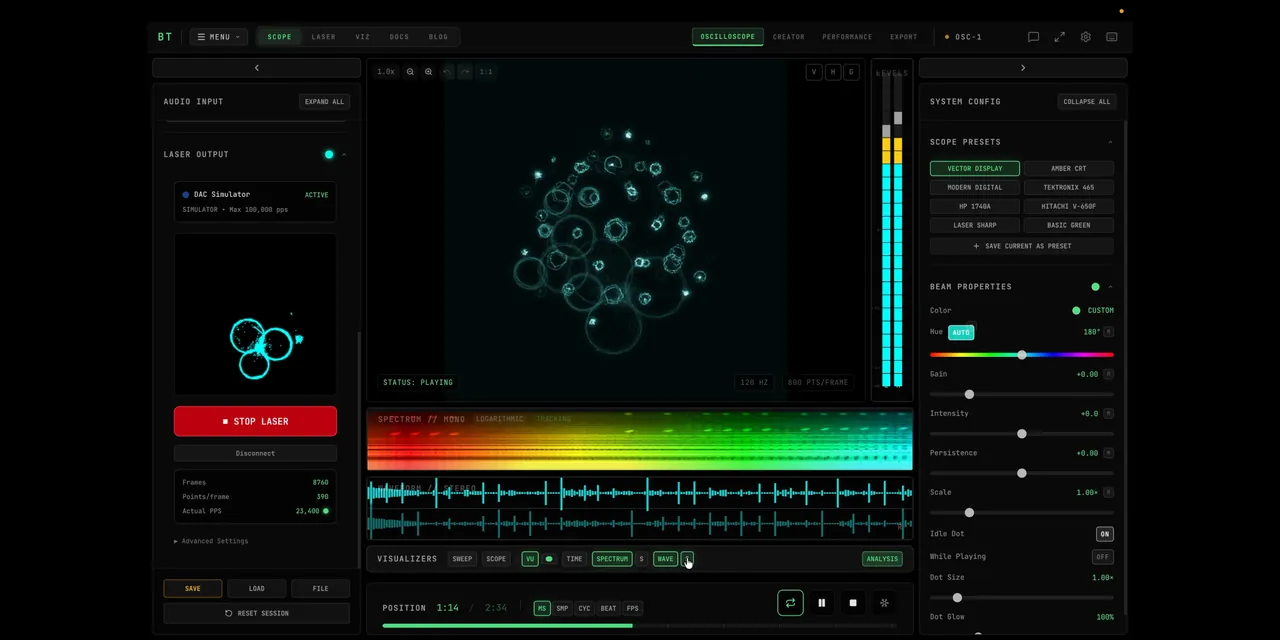 SPECTRUM
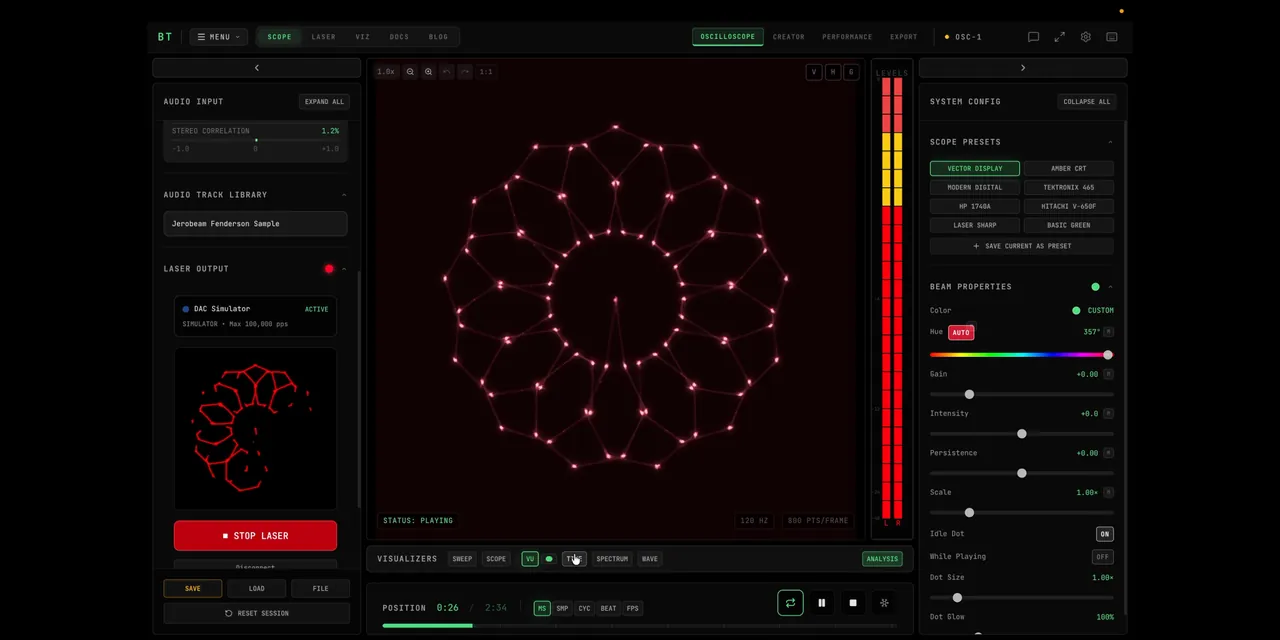 AUTO HUE
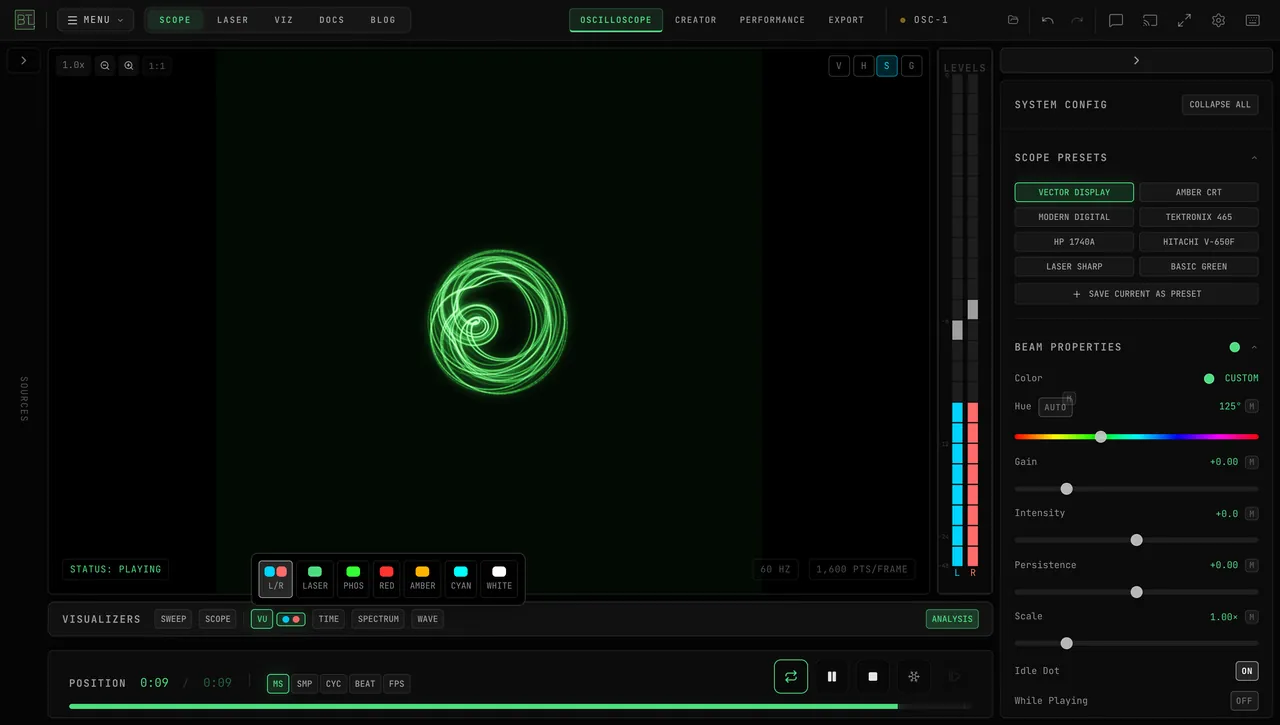 VU COLORS
8 SCOPE PRESETS
Tektronix 465, HP 1740A, Hitachi V-650F, Amber CRT, Laser Sharp, and custom user presets.
BUILT-IN SYNTHESIZER
Built-in 3-oscillator subtractive synth with dual ADSR, LFO, 50+ presets, and full MIDI Learn.
15 XY BEAM EFFECTS
Rotate, Swirl, Ripple, Wobble, BitCrush, Vortex, Kaleidoscope. All controllable via MIDI/OSC.
LASER DAC OUTPUT
Helios streams straight from the browser over USB — no extra software. Ether Dream and LaserCube connect through the free Bridge app. ILDA Format 5 export.
BT LASER STUDIO
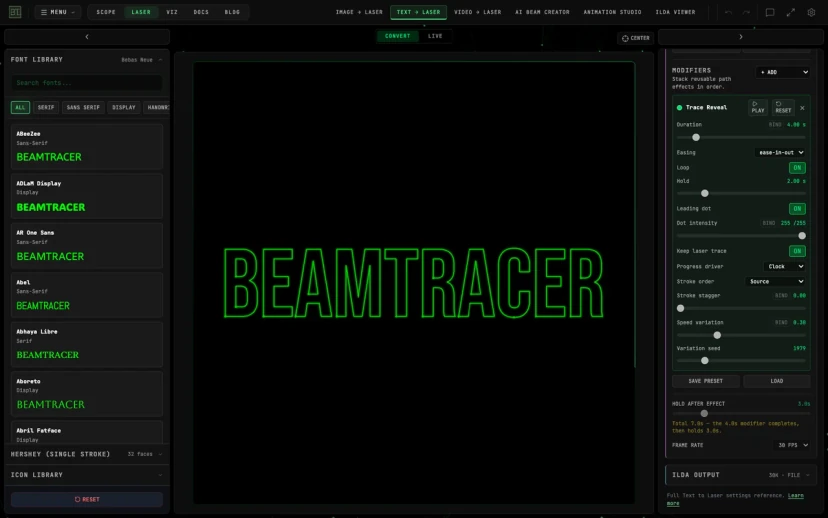
Create laser artwork from images, text, and video. Preview scanner paths, add motion that follows your track, and export ILDA files or connect a supported laser DAC.
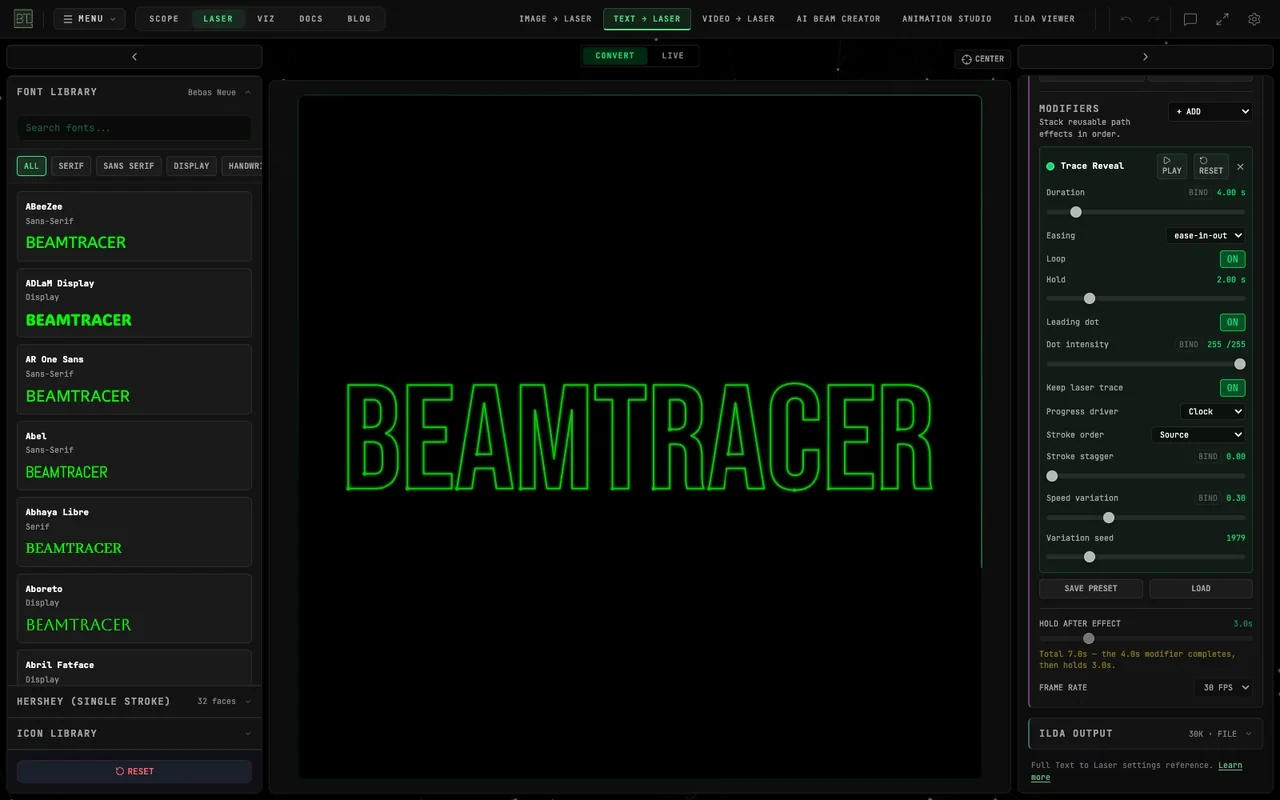
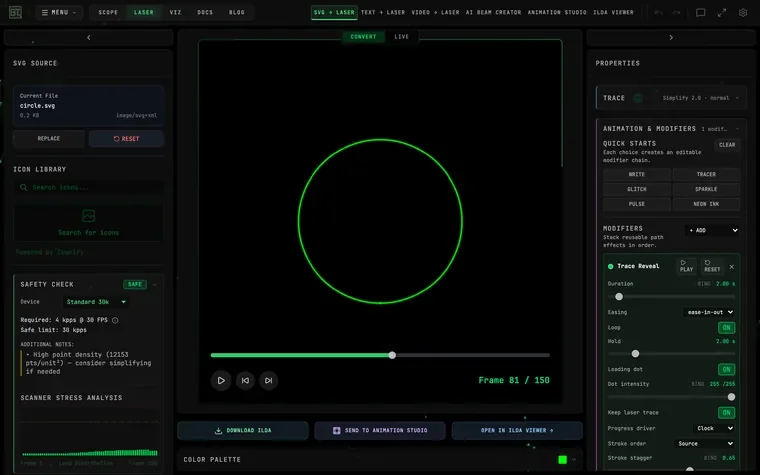 IMAGE TO LASER
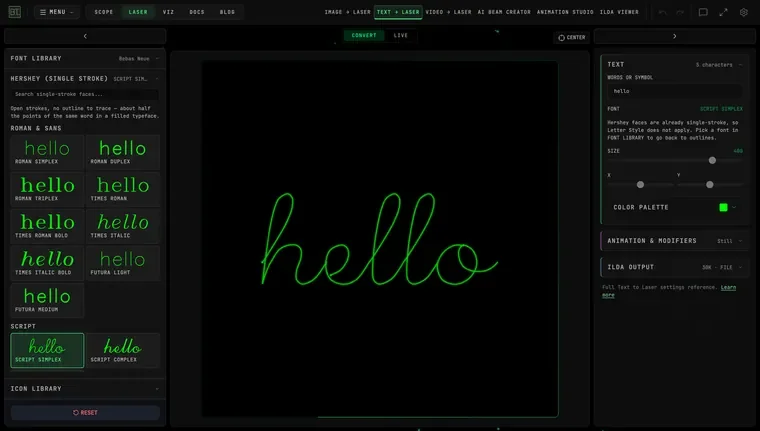 TEXT TO LASER
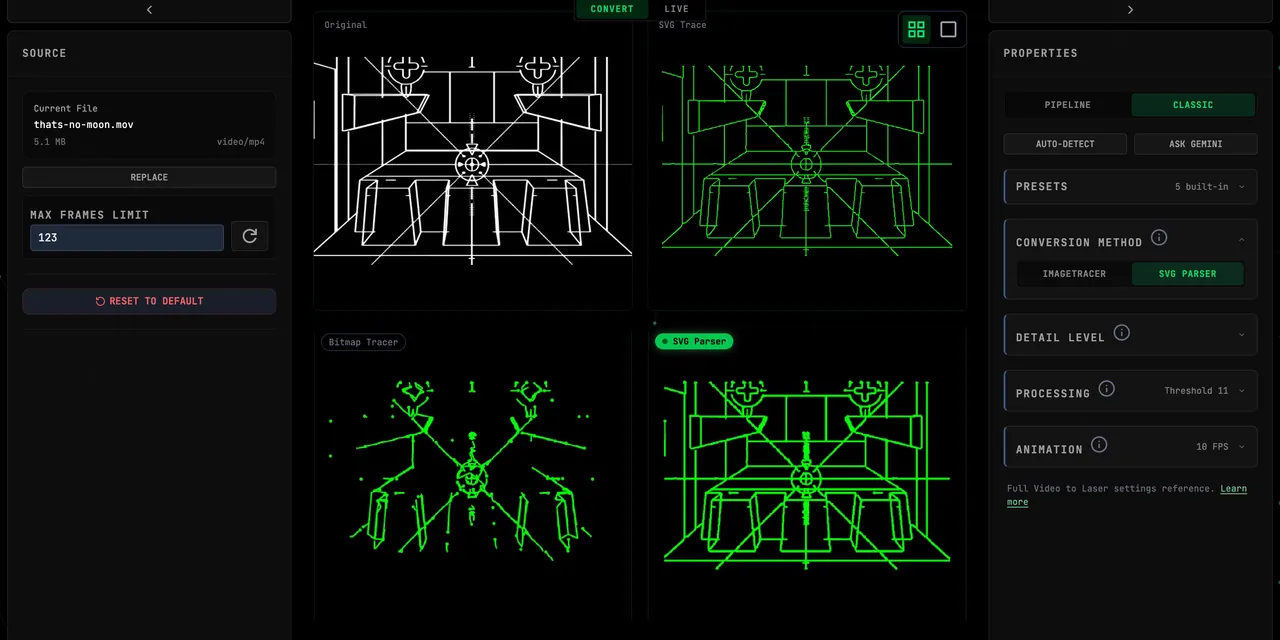 VIDEO TO LASER
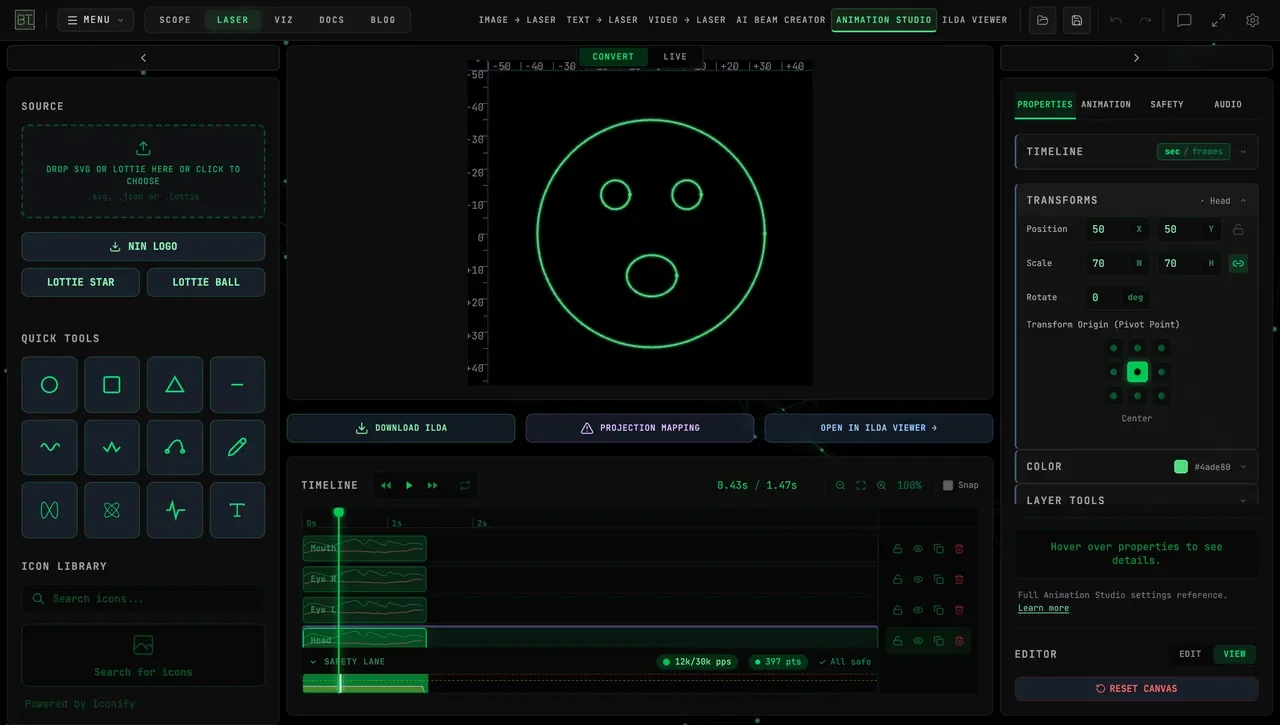 ANIMATION STUDIO
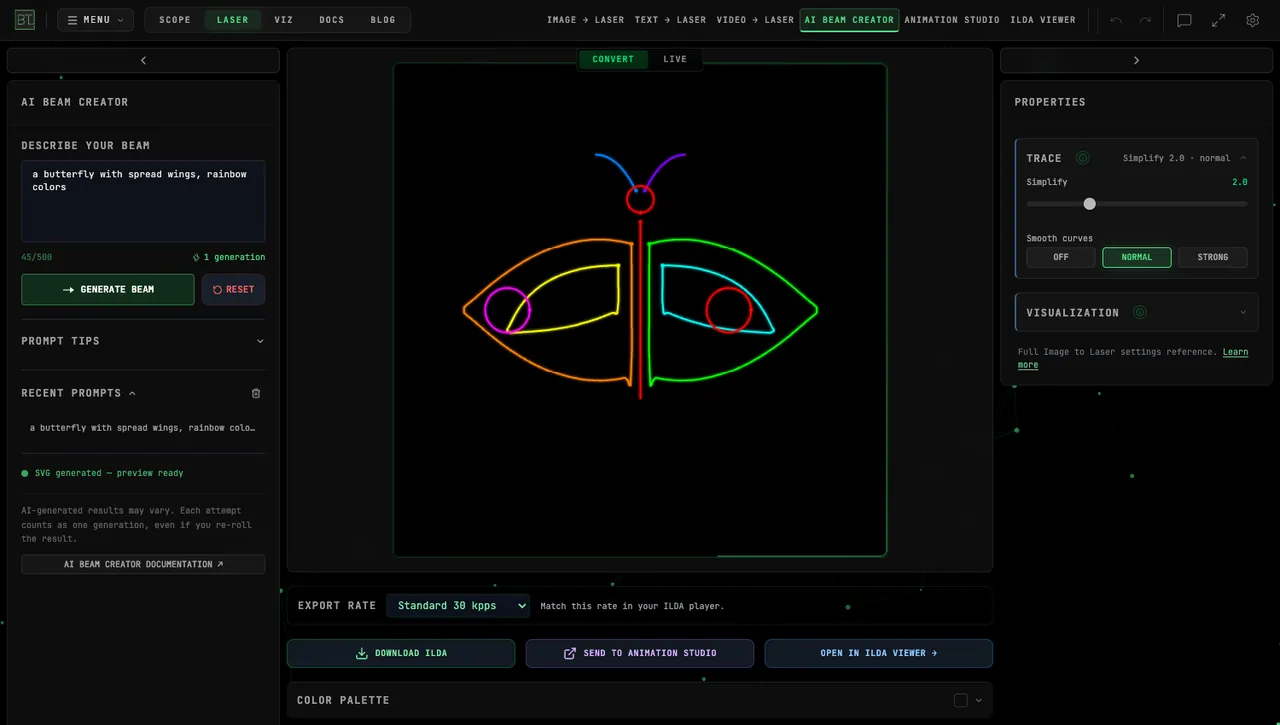 AI BEAM CREATOR
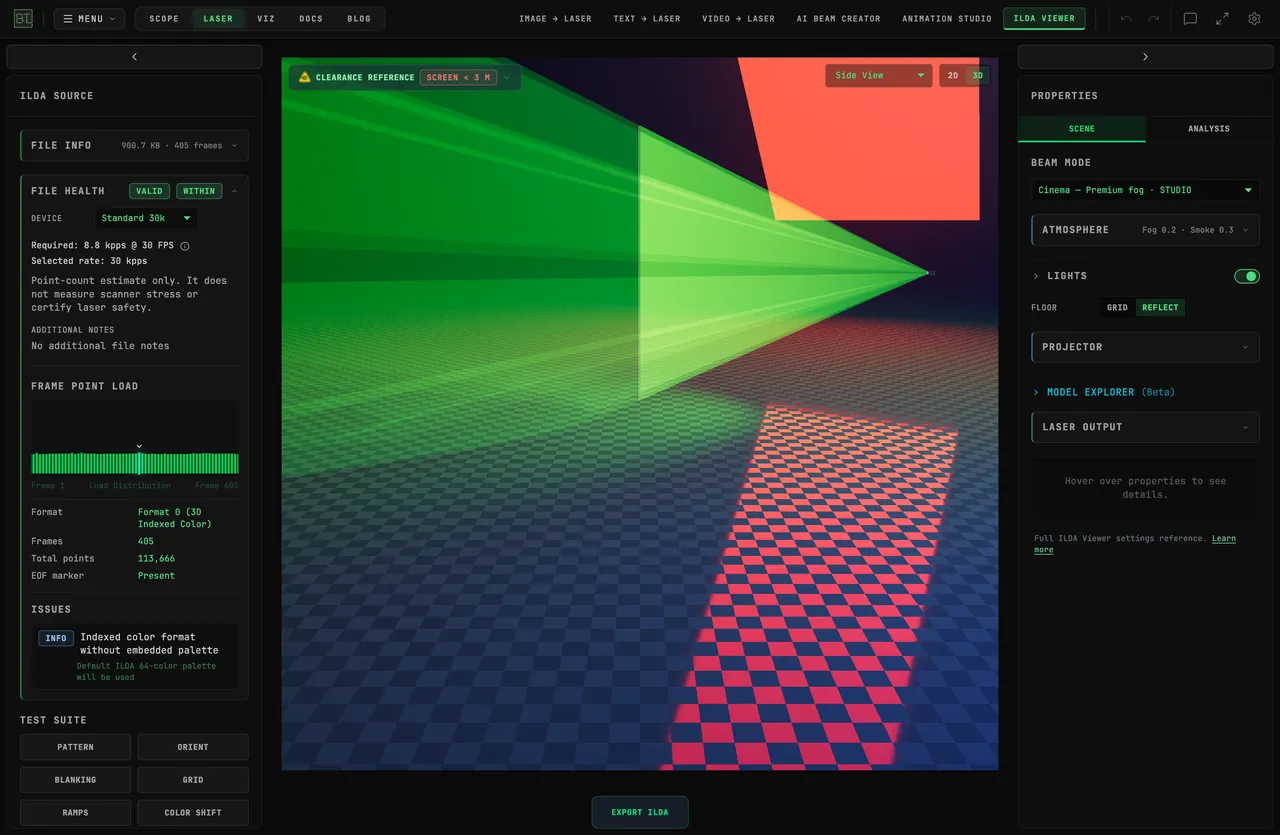 ILDA VIEWER 3D
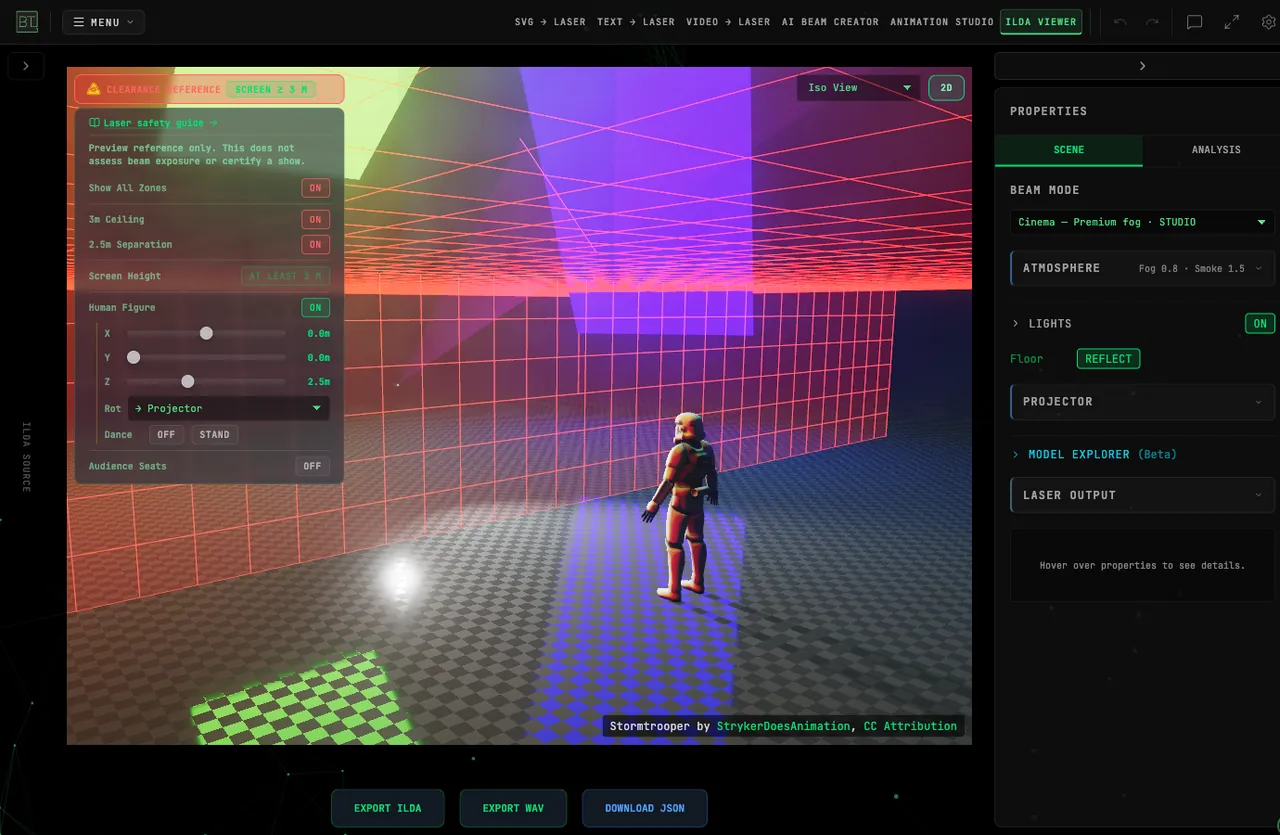 SAFETY GUIDE
5 CONVERSION TOOLS
Create from images, text, or video, arrange animations, and inspect your files in the ILDA viewer.
AUDIO-REACTIVE ILDA
Turn a track's beats and dynamics into an animation, then export that timed motion as an ILDA file. Live output can follow the current audio input.
AI DIAGNOSTICS
Inspect ILDA files with stress heat maps, point readouts, and suggested fixes.
3D BEAM VIEWER
Compare beam and scanner previews before projection. A preview helps you inspect artwork; it cannot certify a projector setup as eye-safe.
WHY BEAMTRACER
NO INSTALLATION
Create in Chrome or Edge on Mac, Windows, and Linux. Connect supported USB laser DACs directly, or use the free Bridge app for network laser output.
THREE APPS, ONE LOGIN
Use Audio Visualizers and its Studio workspace, Oscilloscope, and Laser Studio under one account. Choose a plan for one app or the full suite.
FREE TO START
No credit card. No signup wall. Open any app and start creating immediately. Upgrade when you’re ready.
MIDI + OSC CONTROL
Full Web MIDI with Learn mode. Bidirectional OSC for TouchOSC and MaxMSP. APC Mini MK2 native support.
WEBGPU POWERED
Explore detailed WebGPU scenes alongside spectra, scopes, and meters in a 179-visualizer catalog.
CLOUD SYNC
Keep working with settings saved in your browser. Sign in with a supported plan to sync eligible preferences across devices.
HOW WE COMPARE
| Feature | BeamTracer | Resolume Arena (~$929) | Imaginando VS (~$150) | TouchDesigner Commercial ($600) | Synesthesia Pro ($399) |
|---|---|---|---|---|---|
| Browser-based | |||||
| Installation | Browser app | Required | Required | Required | Required |
| Platform | Chrome / Edge | Win/Mac | Win/Mac/iPad | Win/Mac | Win/Mac |
| Audio Visualizers | 179 modes | Clips + generators | Shader library | Node-based authoring | 80+ scenes |
| Shaders / scripting | Wire add-on | Python + GLSL | |||
| NDI / Spout / Syphon | Not yet | ||||
| MIDI Control | Web MIDI Learn | MIDI mapping | MIDI mapping | MIDI mapping | MIDI + OSC |
| Video Export | Up to 4K | Built-in recording | 4K60 | Movie export | External recorder |
| Starting Price | Free (watermarked) | ~$347 (Avenue) | ~$150 (desktop, one-time) | Free (non-commercial) | $199 (Standard) |
Prices are in USD. Approximate EUR conversions use the ECB reference rate dated September 4, 2026; final charges may vary with taxes and currency conversion. Headings link to the named editions; Starting Price lists free or entry editions where shown. Features checked September 5, 2026.
PRICING
FREE
- 5 presets
- 10 video exports per app / month
- Watermarked 1080p export
- 3 clean ILDA exports / month
- 3 tries per AI feature
- No cloud sync
PRO
- 1 app (full access)
- 50 presets
- 1080p export
- Cloud sync
- Commercial use
BUNDLE
- All 3 apps (full)
- 100 presets
- 4K export
- Cloud sync
- Commercial use
STUDIO
- All 3 apps + pro
- Unlimited presets
- 4K export
- Cloud sync
- ILDA + DAC output
All plans include: Cancel anytime. Free trial credits to try premium features before you subscribe.
FREQUENTLY ASKED QUESTIONS
Answer three quick questions and BeamTracer opens the app that matches your goal and experience level, with a guided tour of the interface. It runs the first time you click Try Free, and you can retake it anytime.
Take the 30-second questionnaireNo special hardware — all three apps run entirely in your browser on Mac, Windows, or Linux. Use Chrome or Edge for the full product: direct laser DAC output needs WebUSB, which only Chromium-based browsers implement. For live laser output you need a DAC and the Studio tier, with 3 free output sessions to try it: a Helios plugs in over USB and runs straight from the browser with no extra software, while Ether Dream and LaserCube are network devices reached through the free BeamTracer Bridge app on the same computer.
See the browser compatibility matrixFree lets you create in all three apps with 5 presets, 1080p export, and a small watermark on exported video. Finished video exports are limited to 10 per app each calendar month, resetting on the 1st — building, previewing and playing are never counted, only saved videos. Your first export needs no account; after that a free account keeps your allowance. Paid plans remove the watermark and video export limit, and include cloud sync and commercial use. Choose Bundle or Studio for 4K video export.
Live audio analysis and visuals run on your device. Load the modes and audio you intend to use before disconnecting, and check your set beforehand. AI tools, cloud sync, and loading new online assets require an internet connection.
Commercial use (live shows, YouTube, client work) is included with Pro, Bundle, and Studio tiers. The Free tier is for personal and non-commercial use only.
Chrome or Edge is what BeamTracer is built and tested against, and laser DAC output needs WebUSB, which only Chromium implements. Firefox and Safari now ship WebGPU as well, so the visualizers are no longer ruled out there — we just don't verify them. Web MIDI works in Firefox after a one-time permission prompt and is unavailable in Safari. The documentation carries a full feature-by-browser matrix.
Live audio analysis and rendering happen on your device. Optional AI tools send the material you choose for that task, such as audio for lyric transcription. Settings and presets are saved in your browser; supported paid plans can sync eligible settings to your account. We review limited product-usage events as aggregate totals to improve BeamTracer. You can turn that off in account settings.
GET STARTED IN SECONDS
OPEN
Visit beamtracer.com
PLAY
Drop audio or play the built-in synth
LEARN MORE
READY TO ELEVATE YOUR LIVE VISUALS?
No download. No signup. Open any app and start creating.
START FOR FREE