
BEAMTRACER TITLE CARDS
MOVIE TITLE MAKER
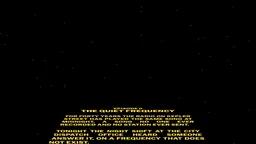
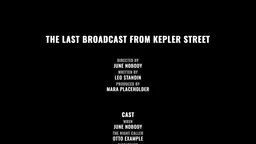
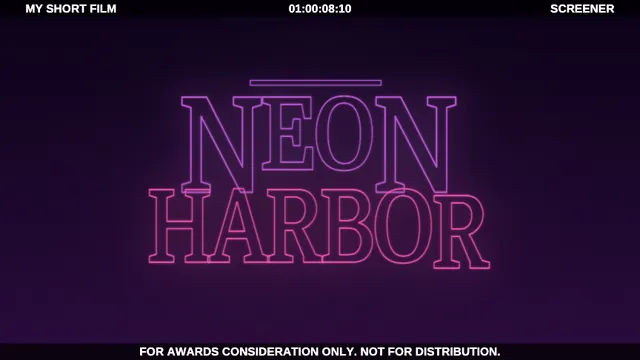
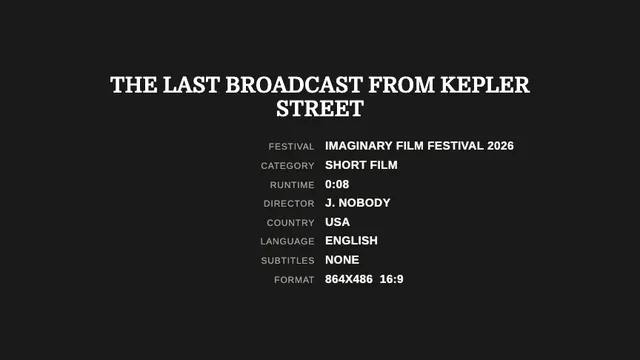
Make movie titles in your browser with BeamTracer Title Cards. Pick one of seventeen kinds of card, from a trailer approval card and a festival laurel to rolling end credits and a text crawl, type your own words, and render it as a video on black, white or green screen.
Free to start · No credit card · Nothing to install
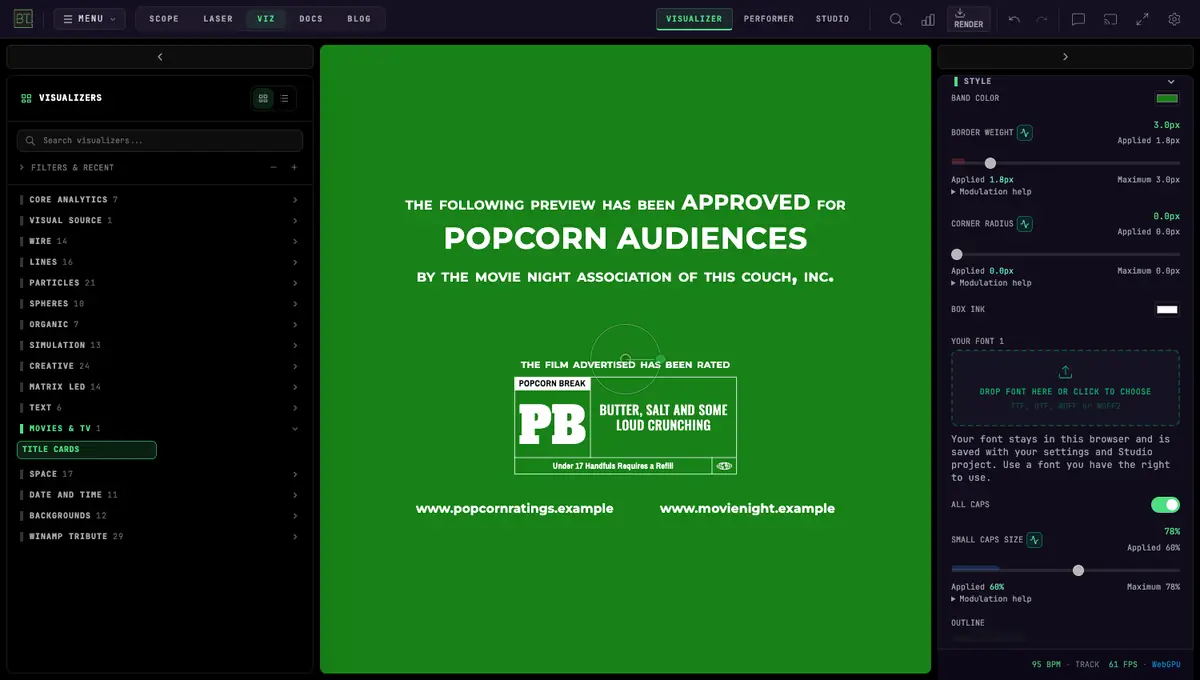
HOW DO I MAKE A MOVIE TITLE?
CHOOSE A CARD
Open Title Cards and choose a kind of card under MODULE, then a preset. Or open a look from the gallery below.
TYPE YOUR WORDS
Open TEXT and type your own title, names and dates over the sample words. The card sets them in its own layout.
RENDER THE VIDEO
Choose what is behind it under BACKGROUND, such as BLACK, WHITE or CHROMA GREEN. Then choose RENDER, RENDER VIDEO and SAVE VIDEO.
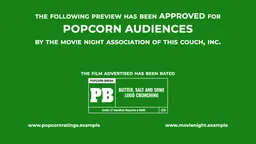
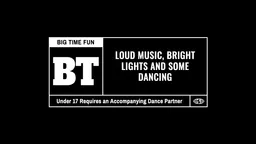
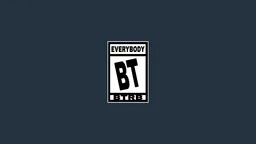


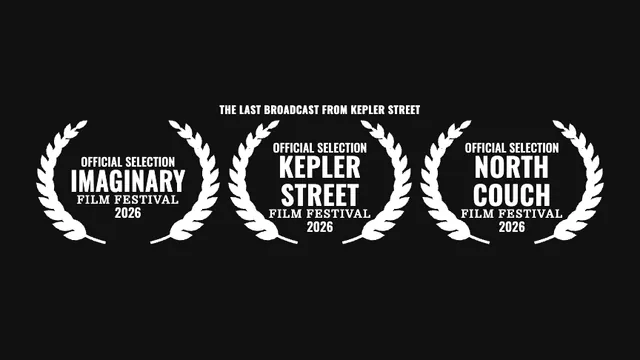
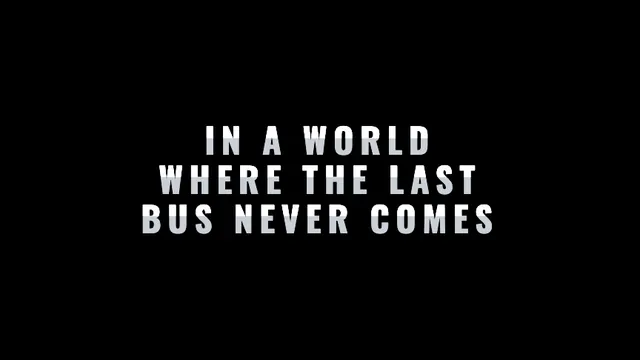
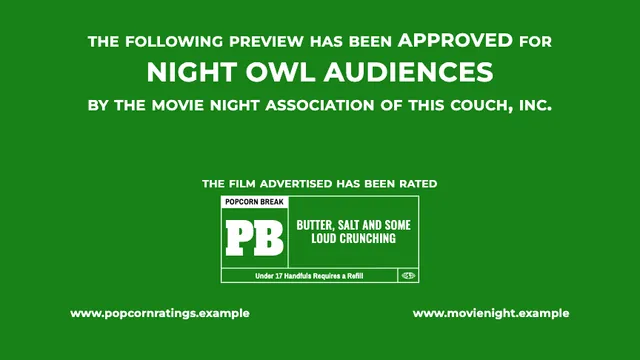
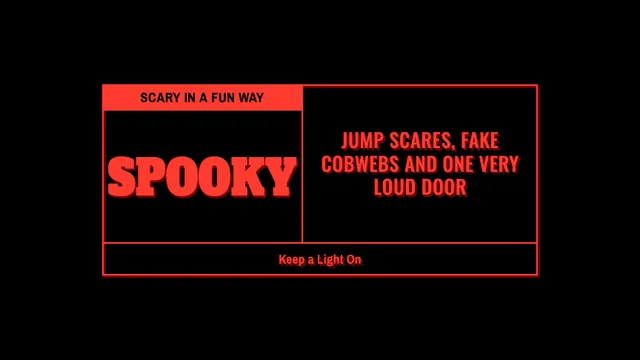
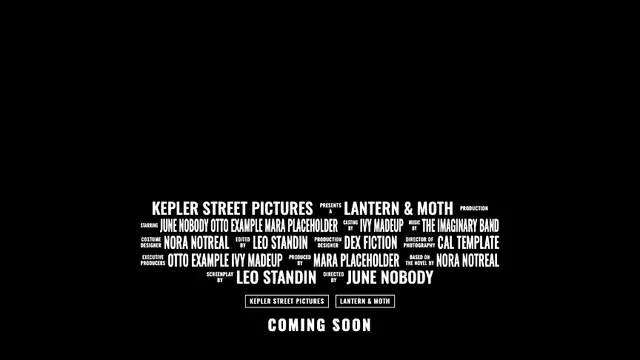
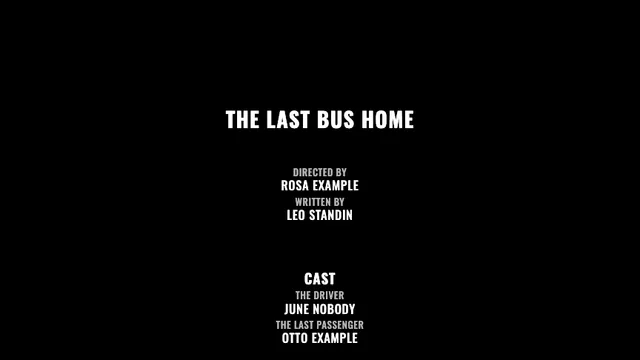
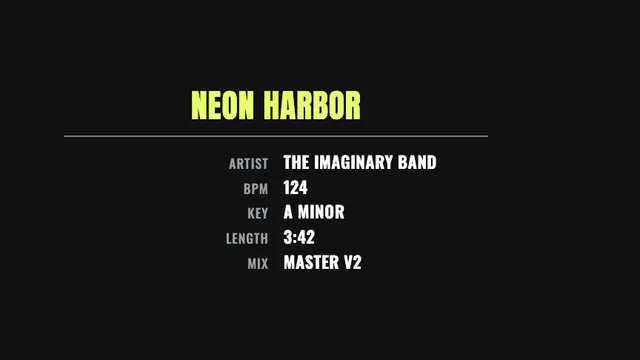
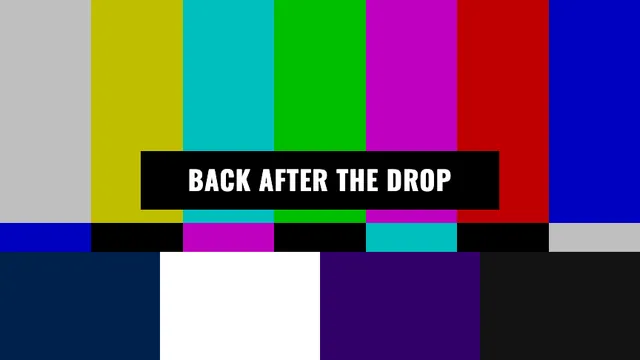
CAN I MAKE A WHOLE TRAILER?
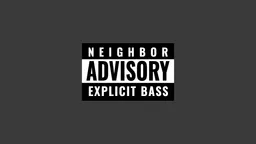
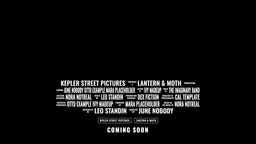
Six trailers that cut on the beat of your track
Yes. In Studio, TEMPLATES → MOVIES & TV has six trailers that cut from card to card on the bars of your music. Load your track, type your film’s title, studio, director, cast and opening date once under WORDS, and every card shows them. Drag a cut on the waveform to move it, then export the video.
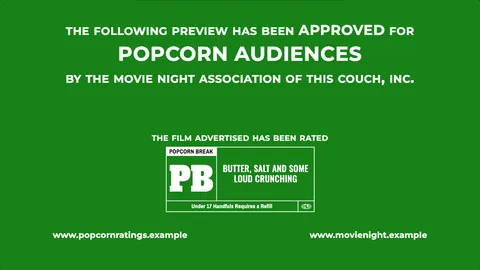
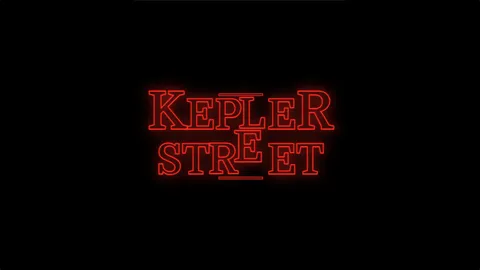
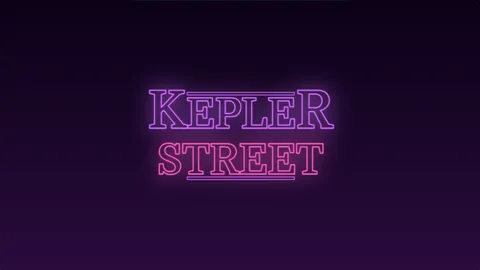
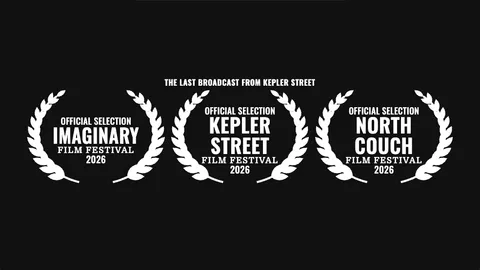

CAN I PUT A TITLE OVER MY OWN VIDEO?
Render the title on green screen and key it out in your video editor. Open BACKGROUND and choose CHROMA GREEN or CHROMA BLUE; with KEY-SAFE on AUTO, edges stay hard and no ink comes close to the key color. Choose BLACK or WHITE for a plain title card.
Title Cards also draws for lasers and oscilloscopes: LASER & SCOPE downloads the title as an ILDA file or as an XY WAV.
WHAT ARE THE LIMITS?
The presets are parodies with invented words, codes and names. No real rating, rating body or official mark comes with them. You choose the words you type and the artwork you add, so use names, marks and festival claims you have the right to use.
Title Cards sets its words in its own typefaces. To use a typeface you own, choose ADD YOUR FONT in the font picker; the font stays in this browser under YOUR FONTS.
You can make and preview titles for free in the browser. Free video exports carry a watermark and monthly limits; paid plans export clean video. See current plans.
LEARN EVERY CONTROL
- Title Cards guideEvery module, preset and control, and how to render.
- Preview Approval CardThe band that opens a trailer, line by line.
- Rating-Style BoxCodes, legends and the box’s layouts.
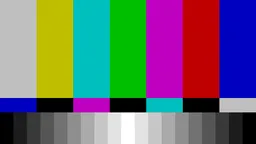
- Color BarsBars, ramps and bars that move with the music.
- Music Advisory LabelThe three-band sticker with your own lines.
- Game Rating BoxYour own word, code and board name.
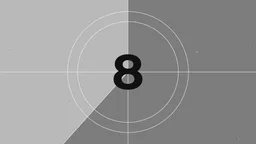
- Countdown LeaderAn old film countdown, a 2-pop and green screen.
- Station IdentA color test card for please stand by and starting soon screens.
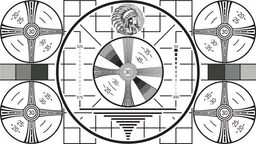
- Resolution ChartA black and white TV test pattern, and a broadcast pattern for checking a screen.
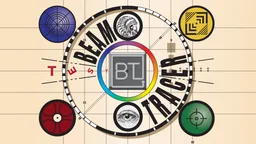
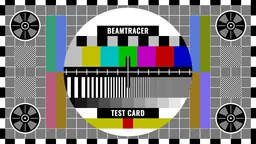
- Circle CardA color test card with your names, color bars and widgets in the corners.