
BLOG
Tutorials, guides, and updates from the BeamTracer team
Find articles for your workflow
39 articles for BT Laser Studio
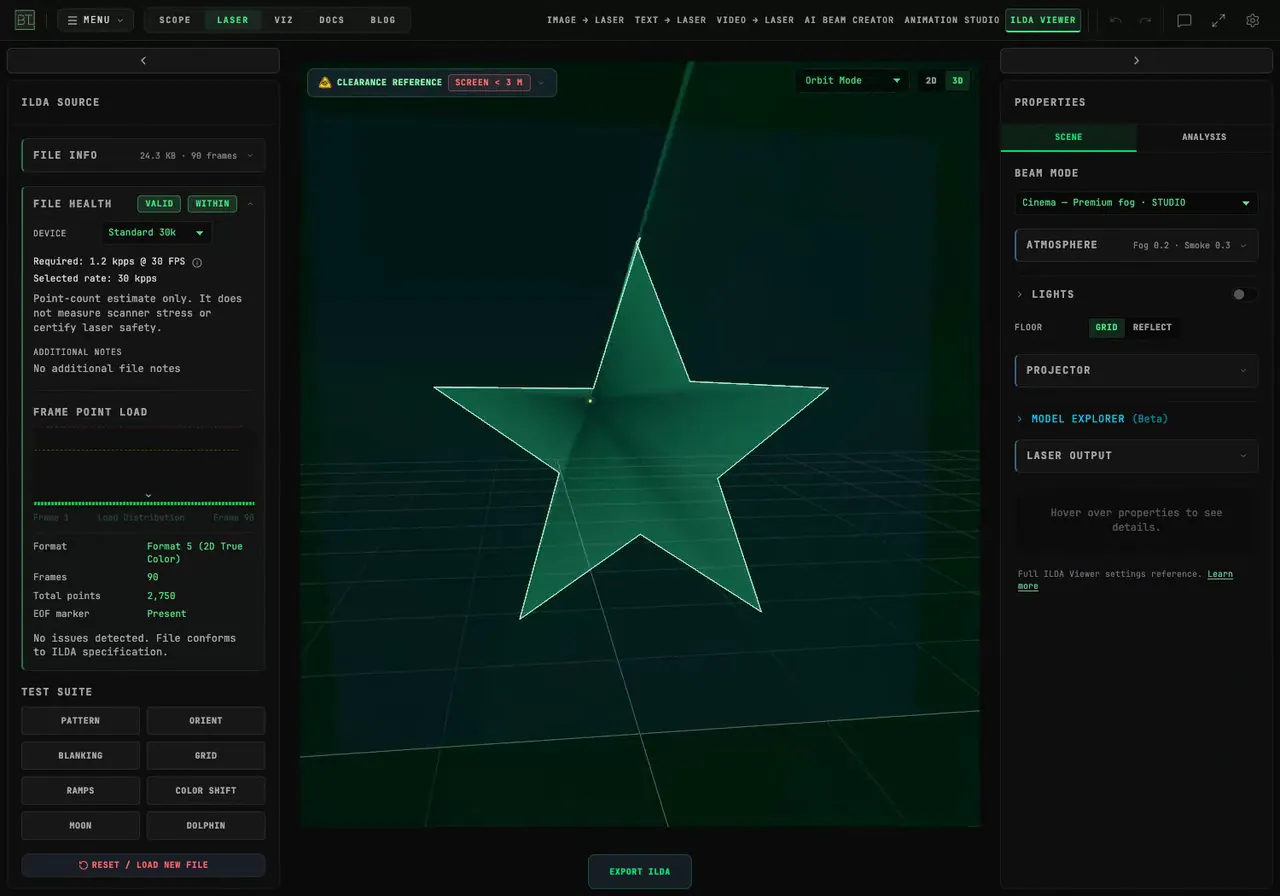
How Do I Add an Animated Glitch Effect to Laser Artwork?
Break up an SVG with BeamTracer's Glitch modifier. Compare intensity, rate and dropout, export an ILDA animation, and replay the actual file in Cinema.
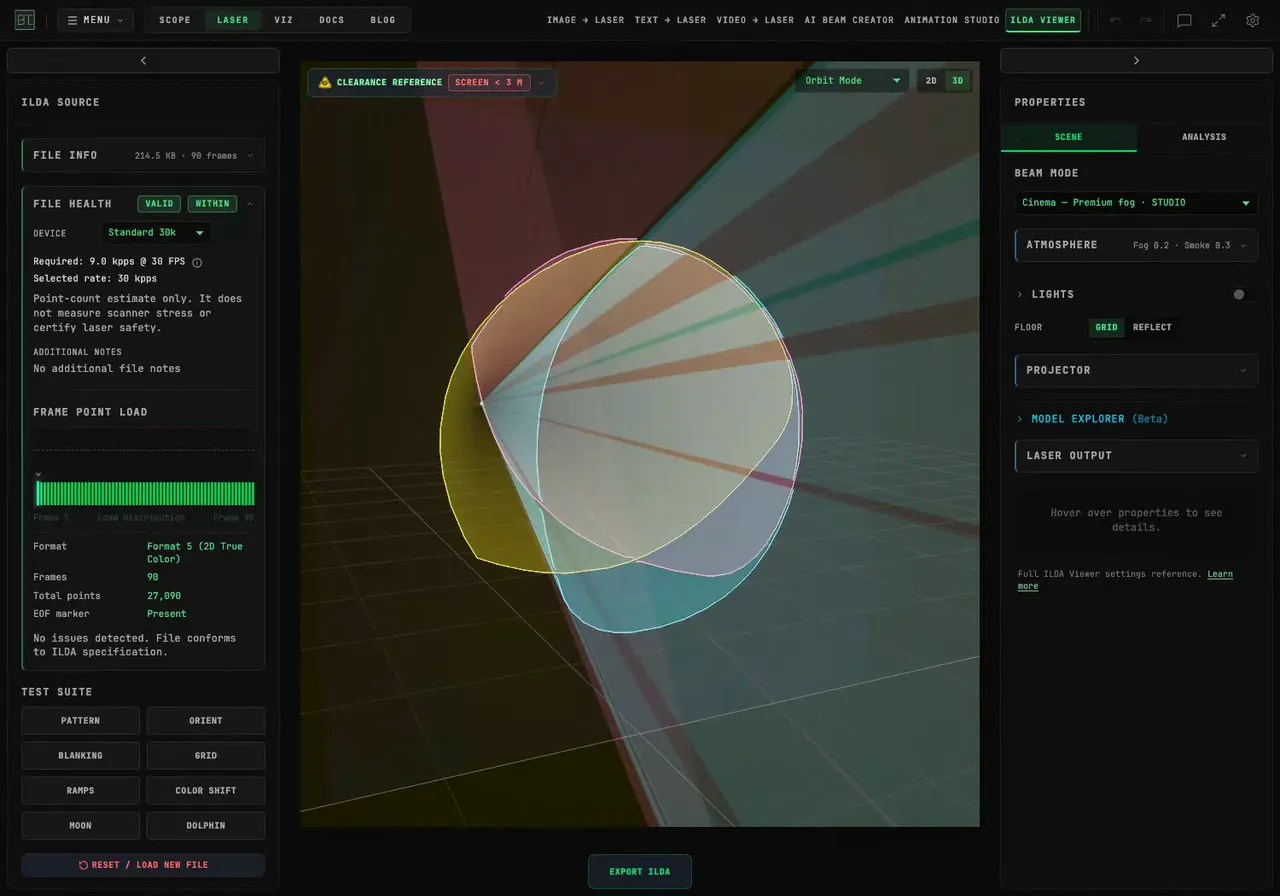
How Do I Keep My Image's Colors in a Laser Animation?
Preserve your artwork's colors, recolor one region or apply a single laser palette color. Follow the settings and replay the exported ILDA animation.
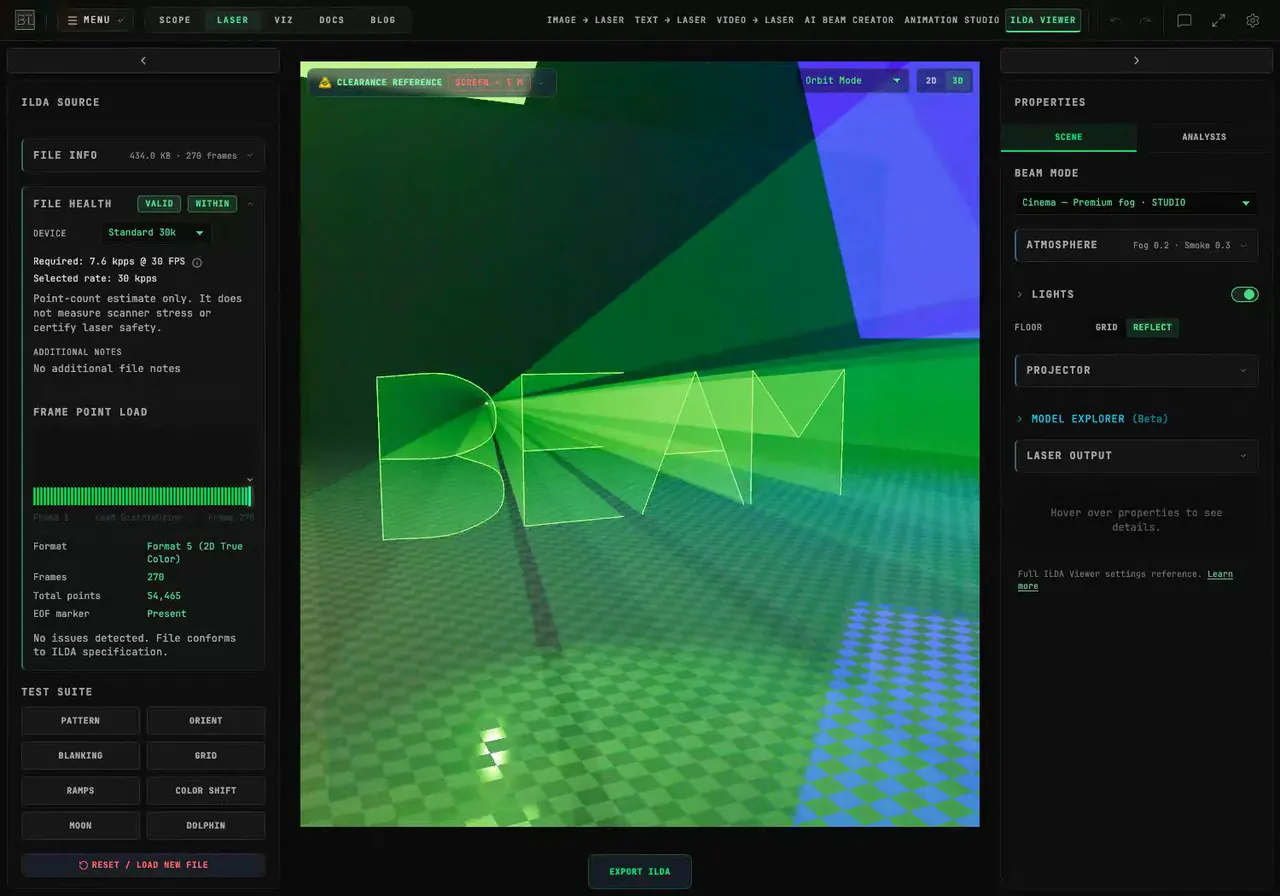
How Do I Make Laser Text Write Itself One Stroke at a Time?
Animate laser lettering in your browser with HANDWRITING and WRITE. Control stroke order, stagger the reveal, add neon color, and download the animation as ILDA.
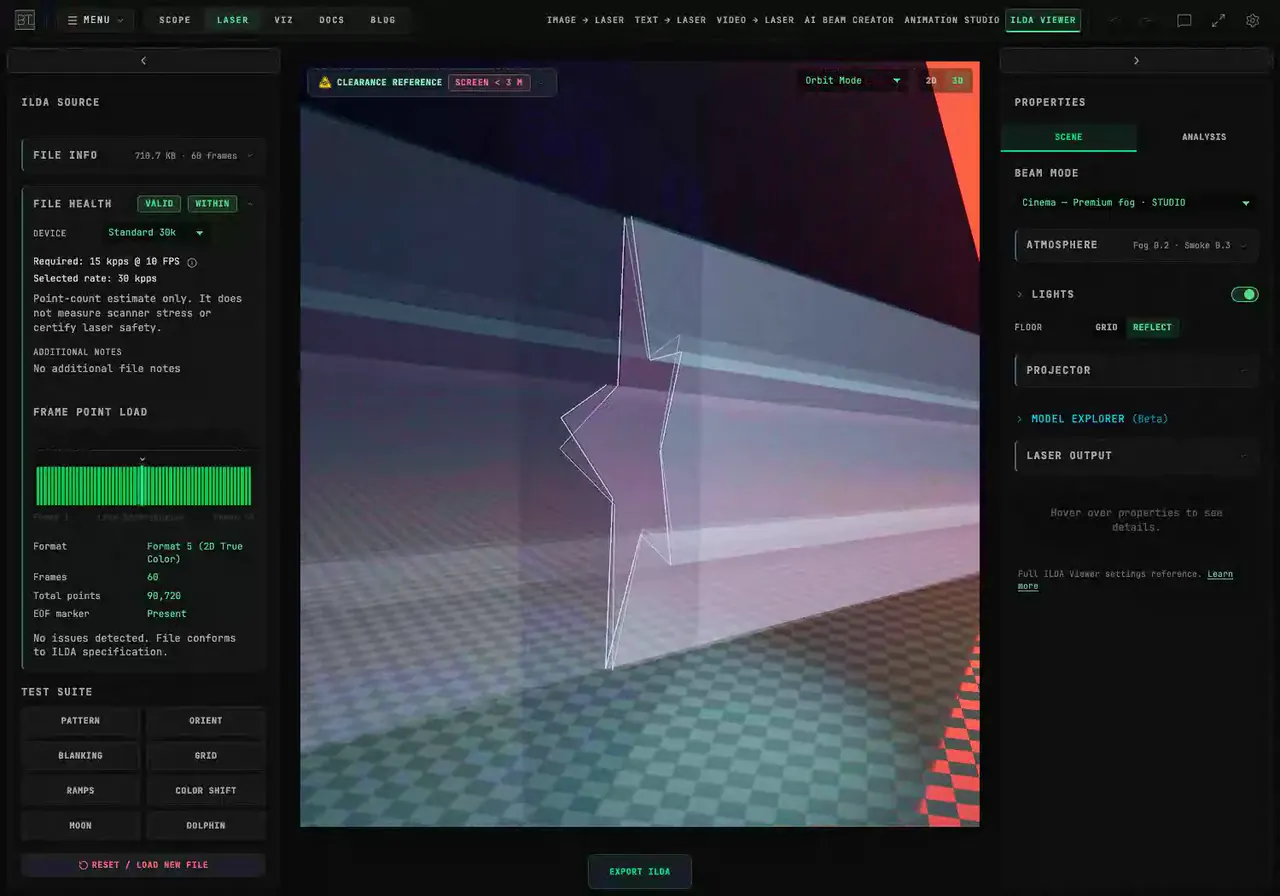
How Do I Check an ILDA File Before Connecting a Laser?
Check ILDA file structure and point demand in BeamTracer. Compare frame rates and device profiles, read File Health, and preview the artwork in 3D Cinema.
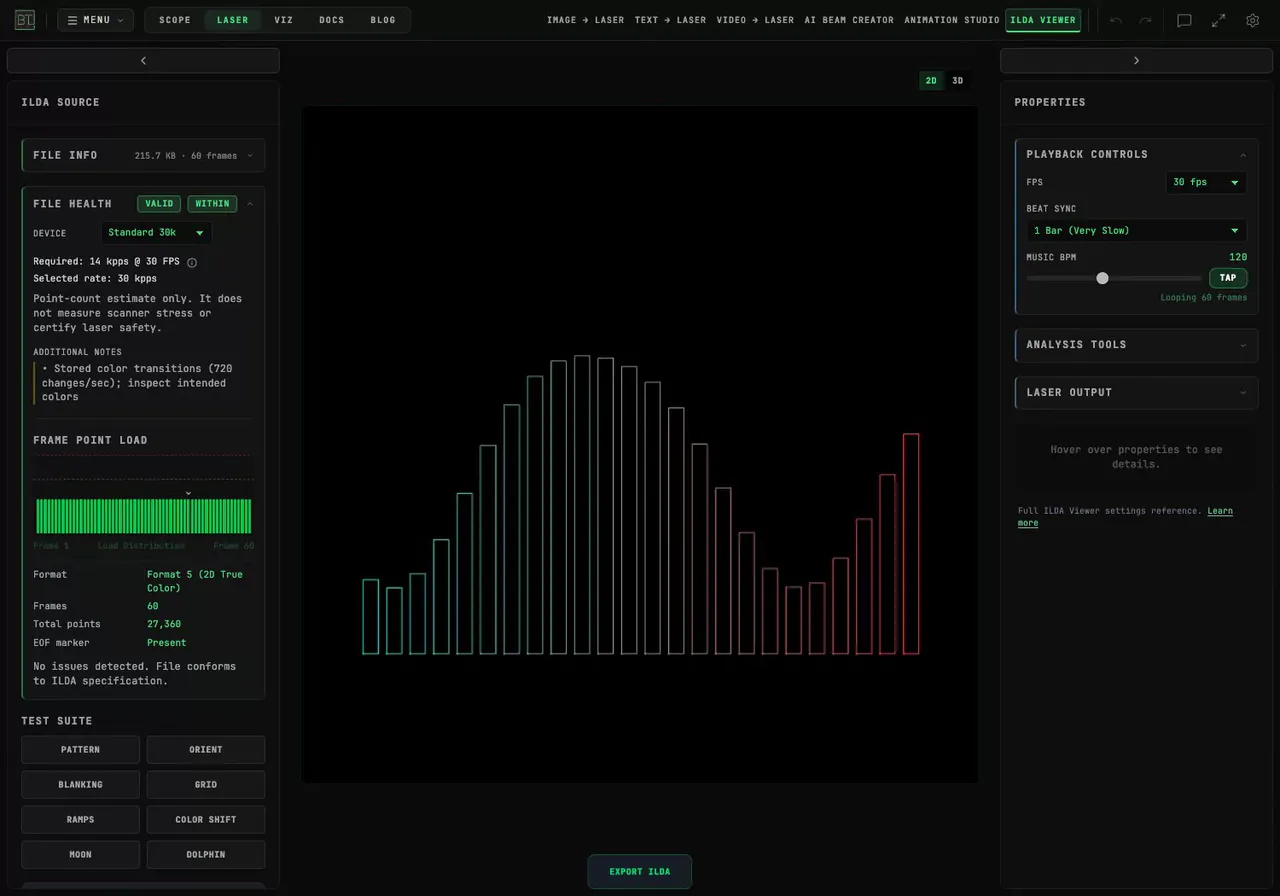
How Do I Loop an ILDA Animation to the Beat?
Time an ILDA animation in BeamTracer with FPS, Beat Sync and Music BPM. Compare one-beat and one-bar loops, inspect the frame range, and preview it in Cinema.
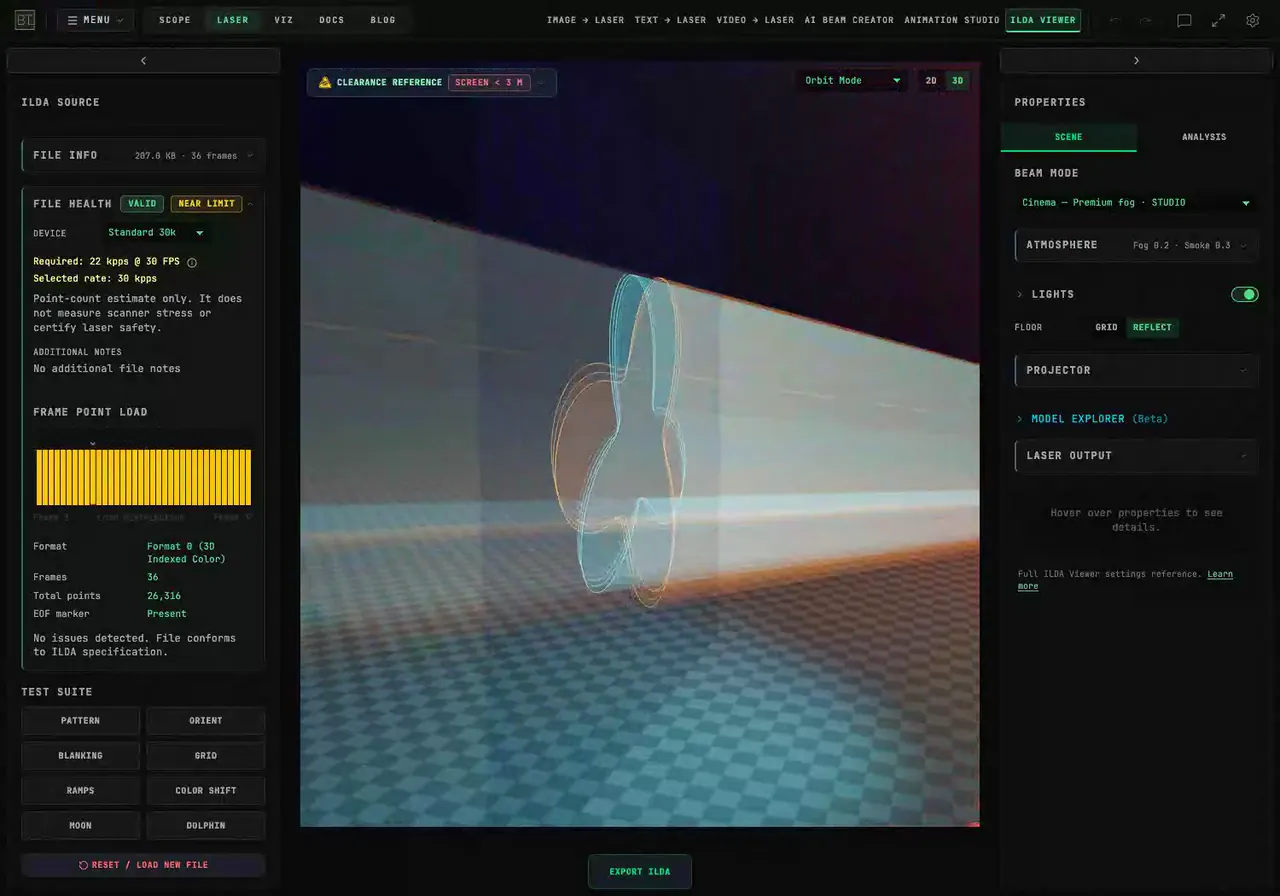
How Do I Prepare an ILDA Animation for an SD-Card Laser?
Prepare an ILDA animation with BeamTracer's SD Card export preset. Check format, point limits and lost shapes, then reopen the downloaded file before copying it.
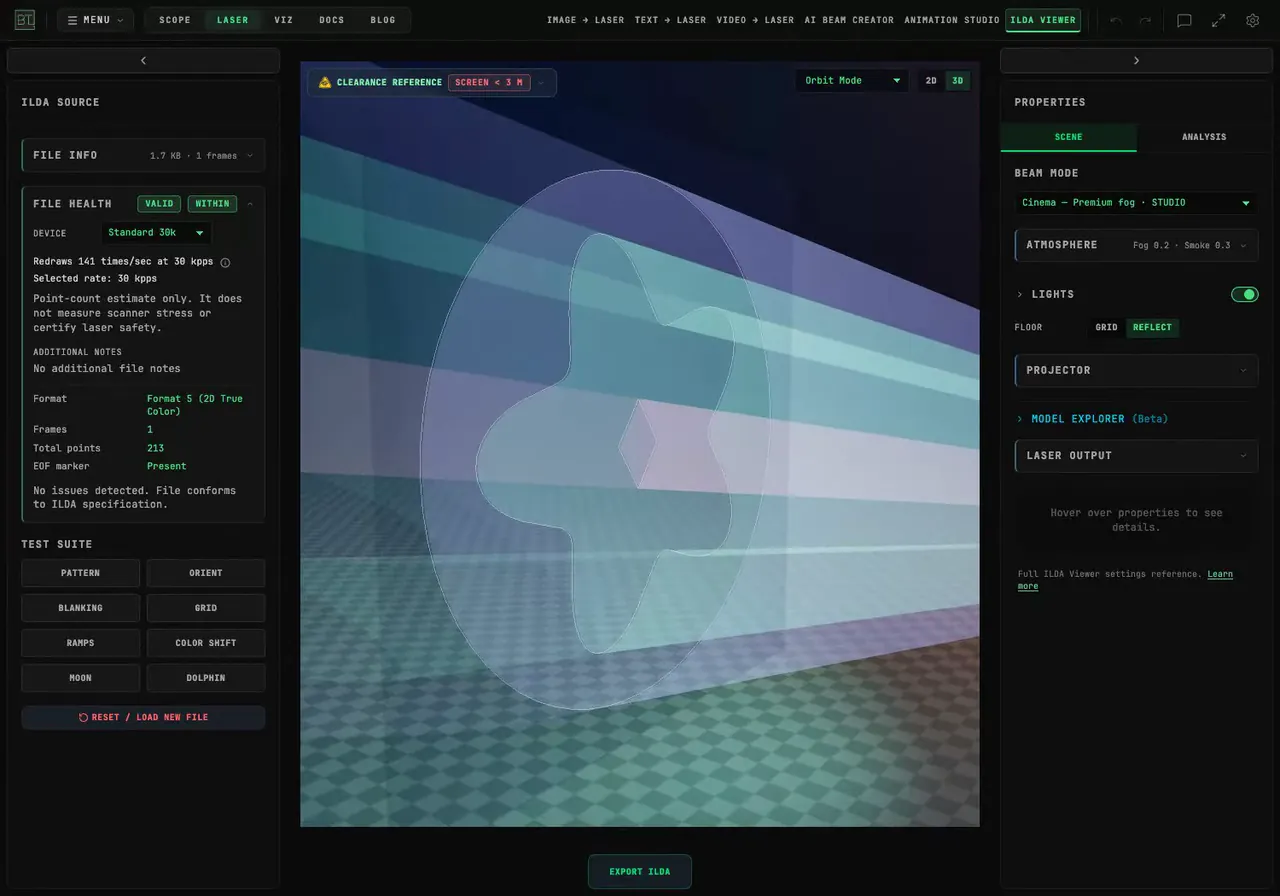
How Do I Simplify an SVG Before Exporting a Laser File?
Reduce redundant SVG samples in BeamTracer, compare point budgets and inspect the exported ILDA file. Watch Simplify, density and Cinema demonstrations.
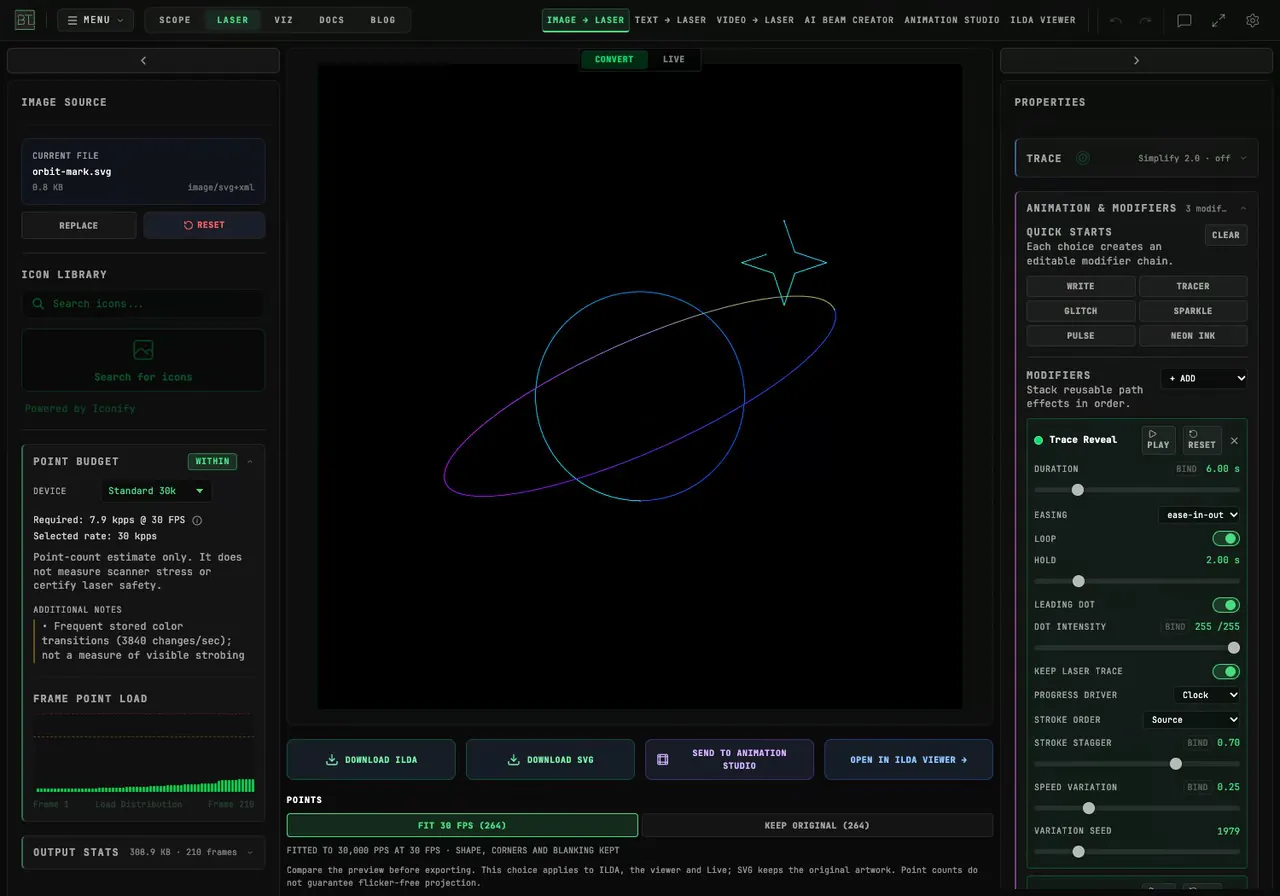
How Do I Animate a Static SVG for a Laser?
Animate an SVG in BeamTracer with Write or Neon Ink, adjust its reveal and hold time, then export ILDA frames and inspect the same artwork in 3D Cinema.
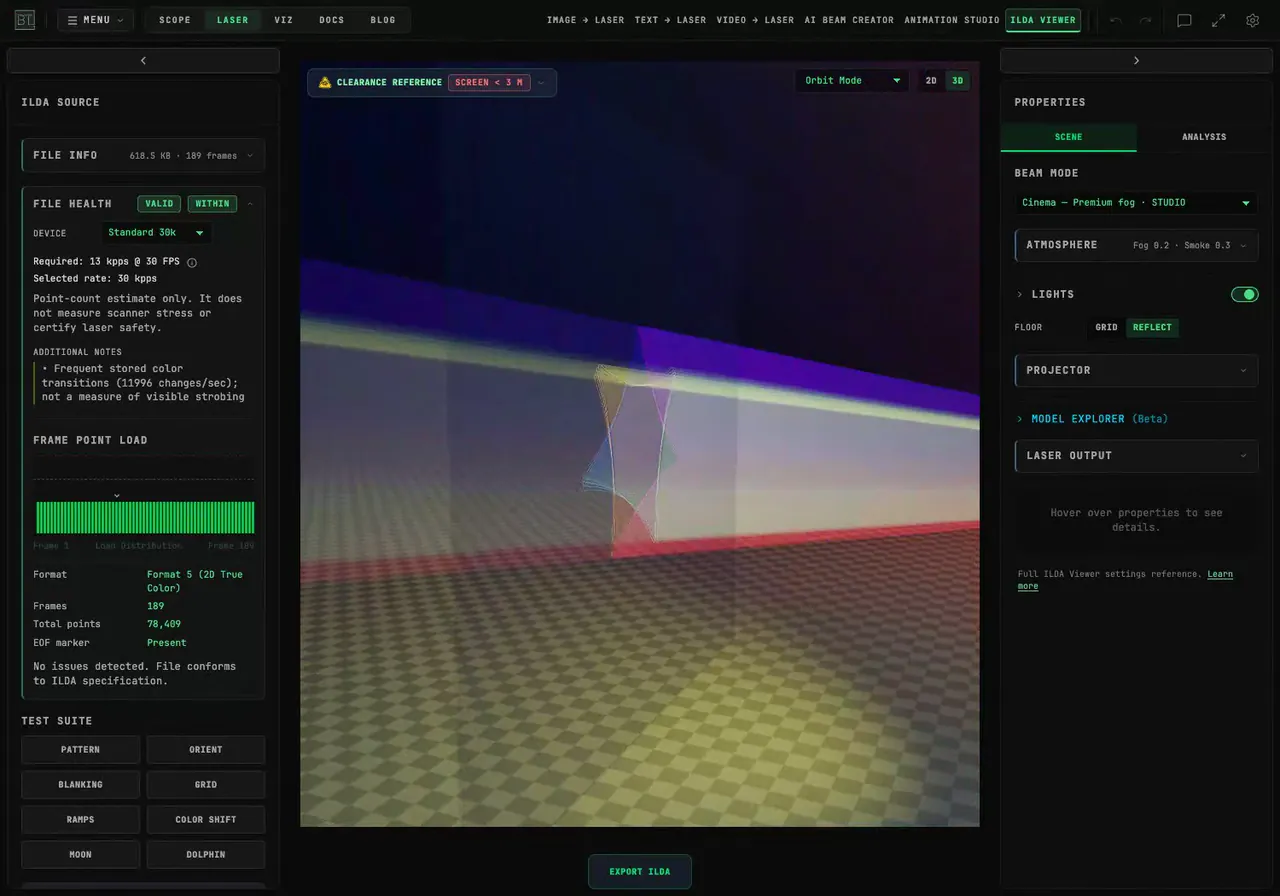
How Do I Make a Rotating Spirograph Laser Animation?
Build a rotating Spirograph in BeamTracer Laser, compare instant drawing with a gradual reveal, and preview the exported ILDA animation in Cinema view.
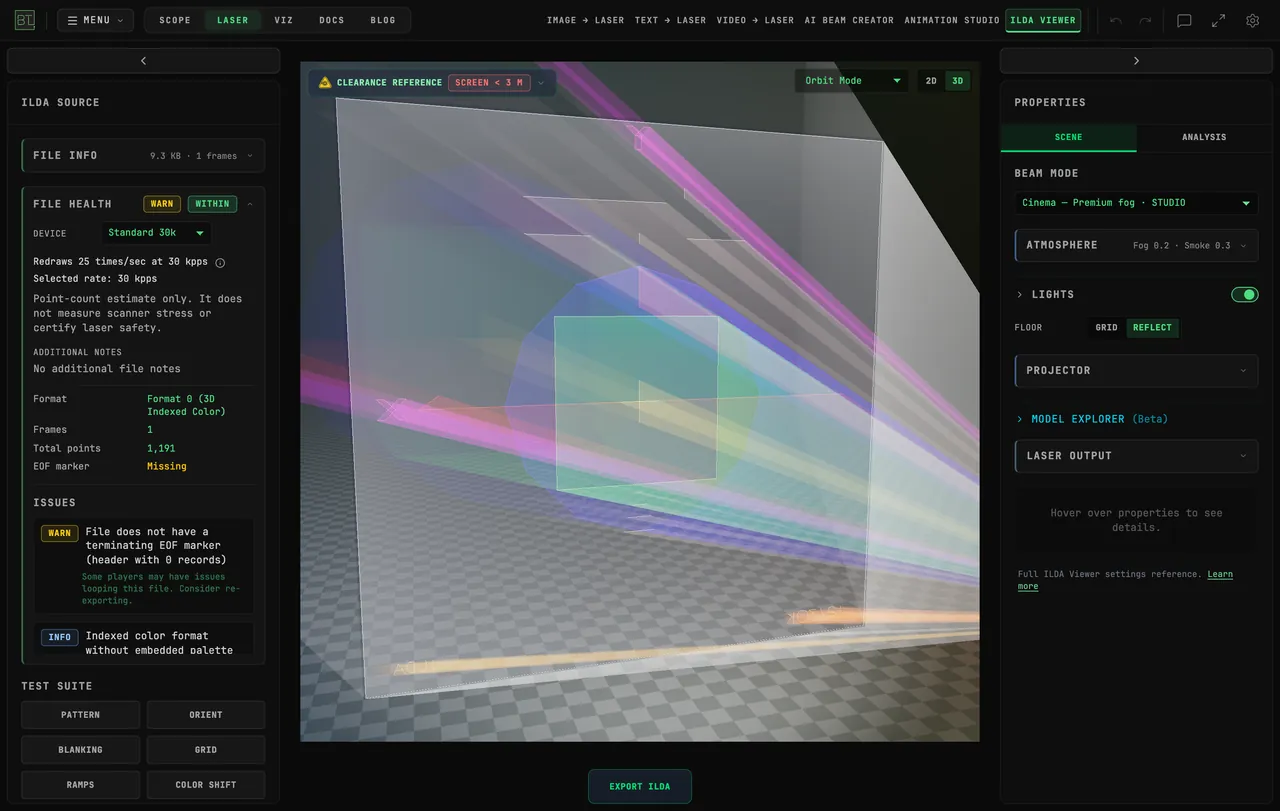
How Do I Connect a Helios Laser DAC Directly from Chrome?
Connect a Helios laser DAC to BeamTracer in Chrome or Edge. Learn the USB picker, practice with the simulator, and check what to do before starting real output.
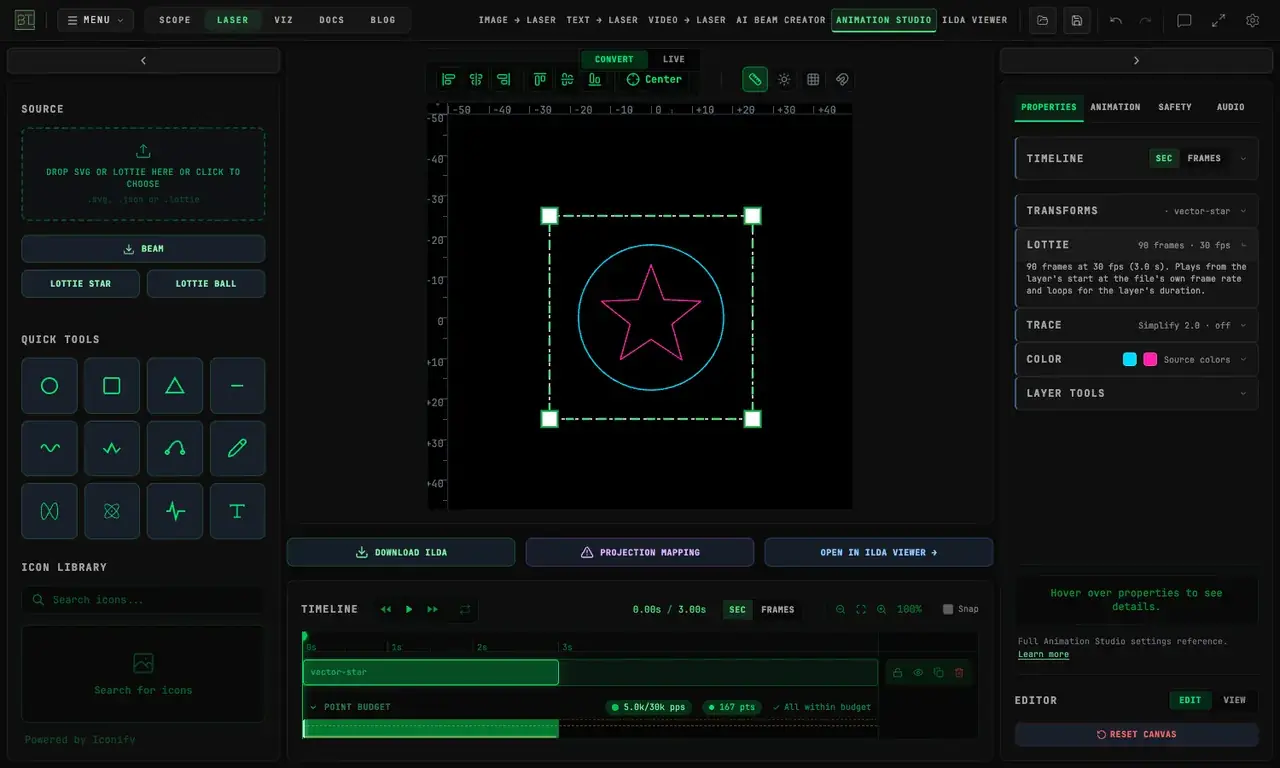
How Do I Turn an After Effects Animation into an ILDA Laser File?
Prepare After Effects vector animation for BeamTracer. Export Lottie, check imported shapes and colors, then save an ILDA file and inspect it in Cinema preview.
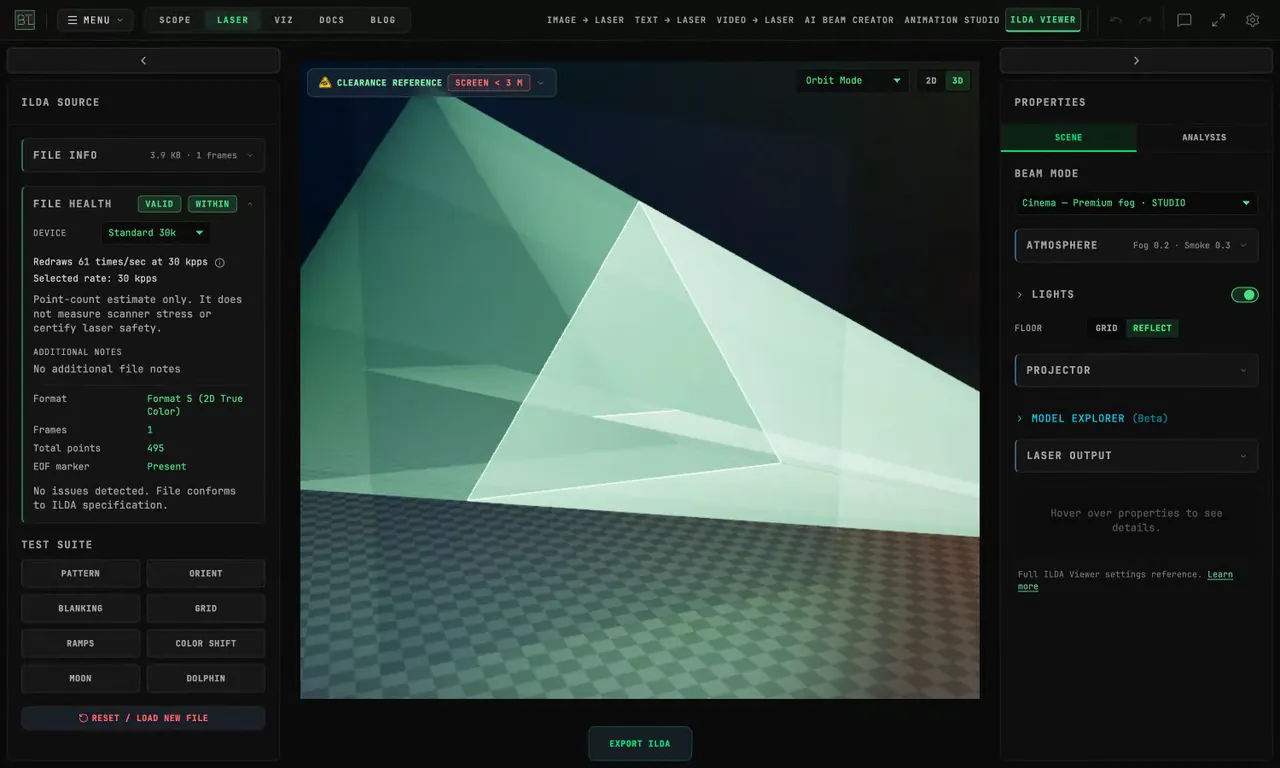
How do I inspect an ILDA file before connecting a projector?
Inspect an ILDA file in BeamTracer before connecting a projector. Check File Health, compare scanner simulation, and view the same artwork in Cinema mode.
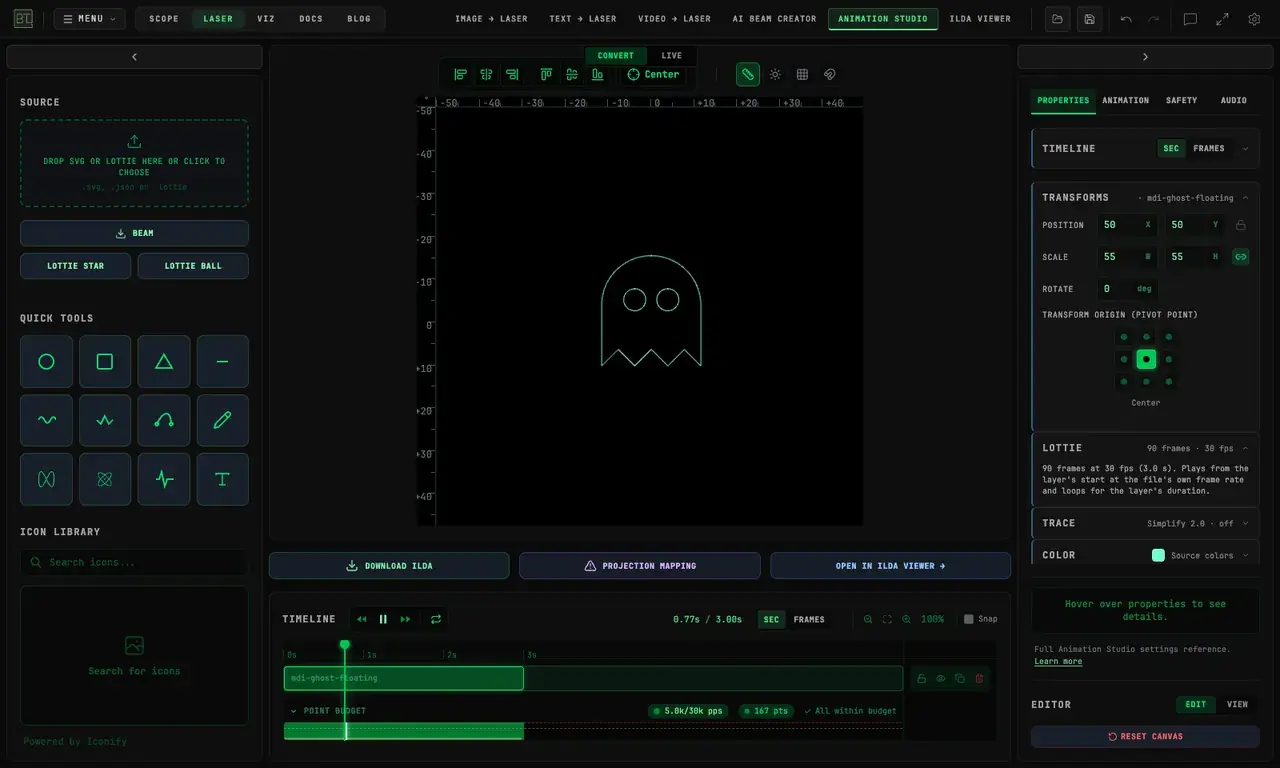
Halloween Laser Ideas: Turn Free Lottie and SVG Art into ILDA Files
Make Halloween laser artwork from free Lottie animations, SVG pumpkins, and clip art. Preview the result in BeamTracer and learn the free ILDA export limits.
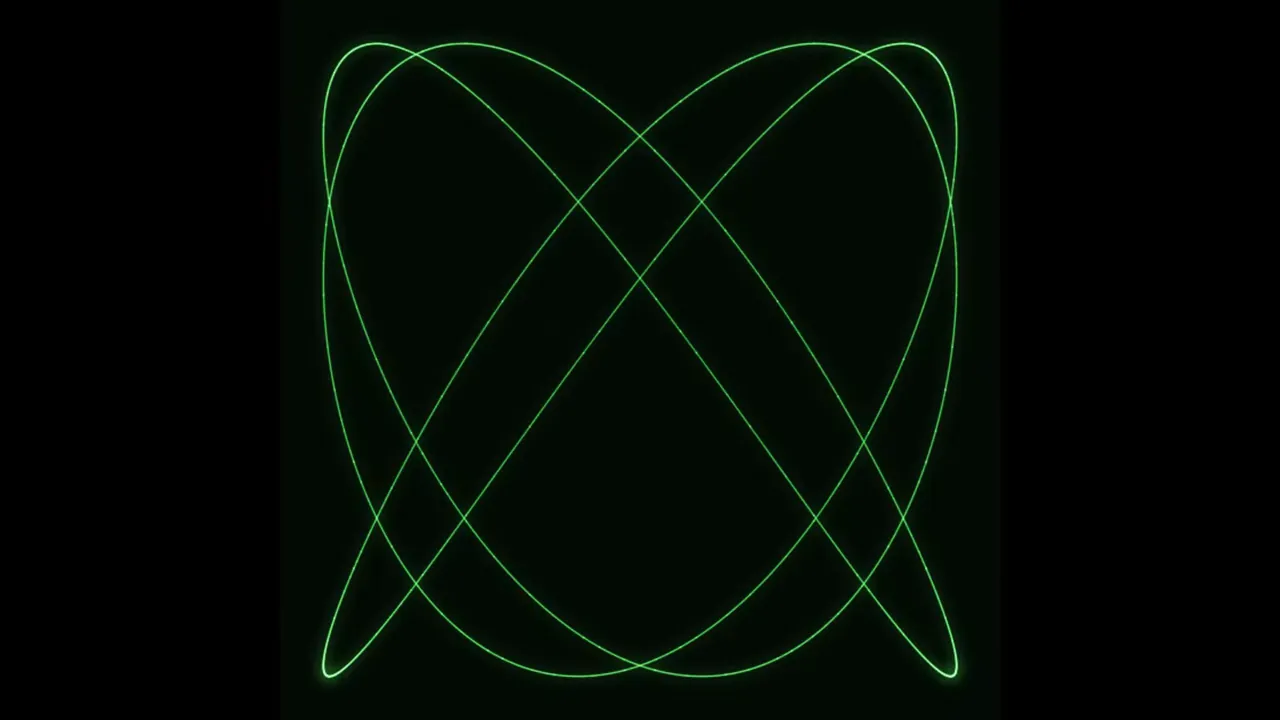
How Do You Make Lissajous Figures in a Browser?
Make Lissajous figures in BeamTracer OSC-1 with frequency ratios, phase and amplitude. Save a static SVG or ILDA frame, or record the figure with its sound.
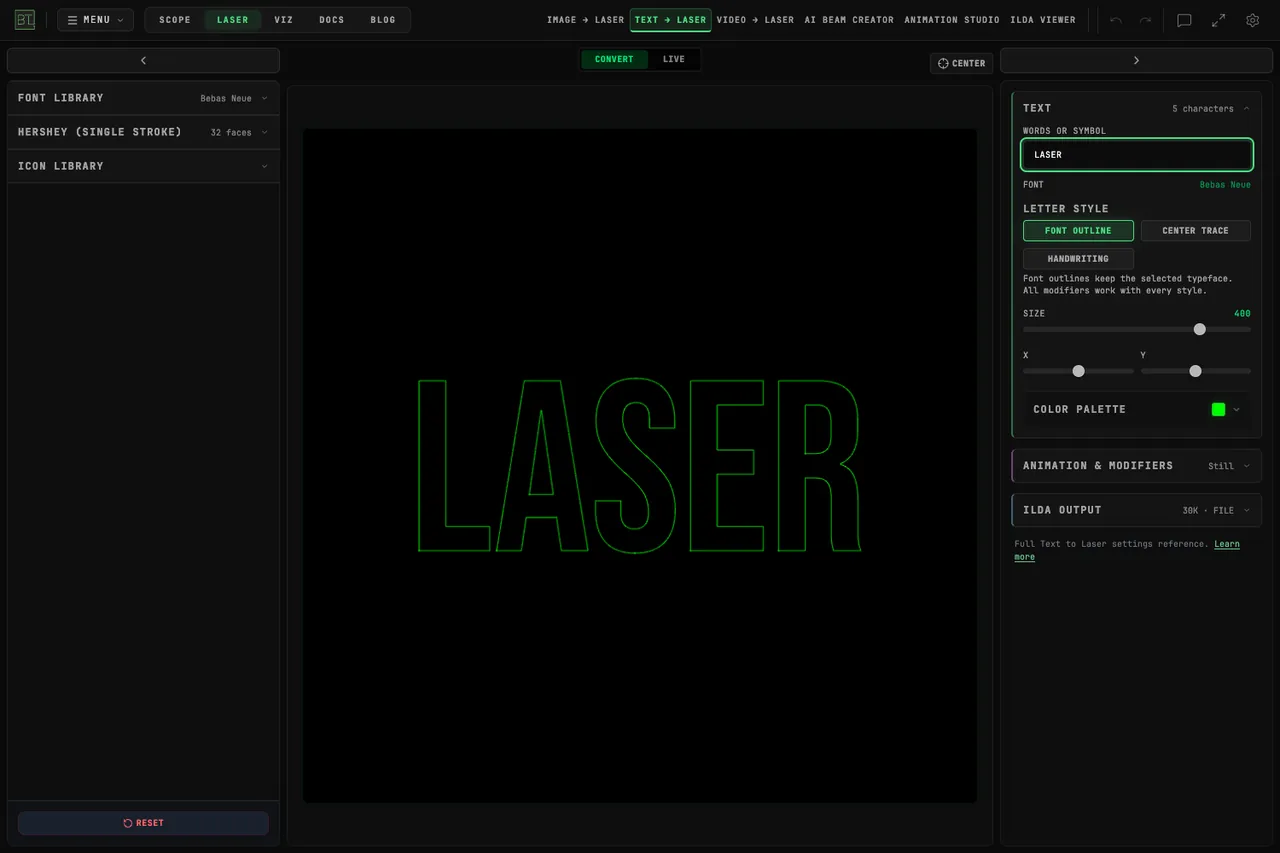
Which Fonts Work Best for Laser Text?
Compare Font Outline, Center Trace and Hershey single-stroke lettering in BeamTracer. Inspect readable laser text in ILDA Viewer and save an ILDA animation.
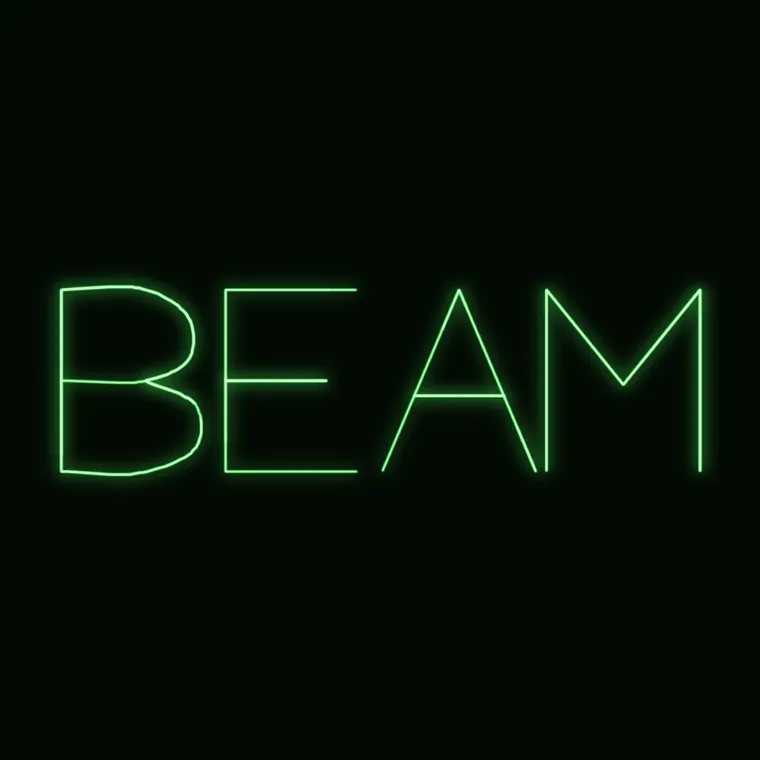
How Do You Draw Animated Text on an Oscilloscope?
Draw animated text on an oscilloscope in BeamTracer OSC-1: animate lettering with WRITE or TRACER, preview laser output, and choose a compatible DAC for a real projector.
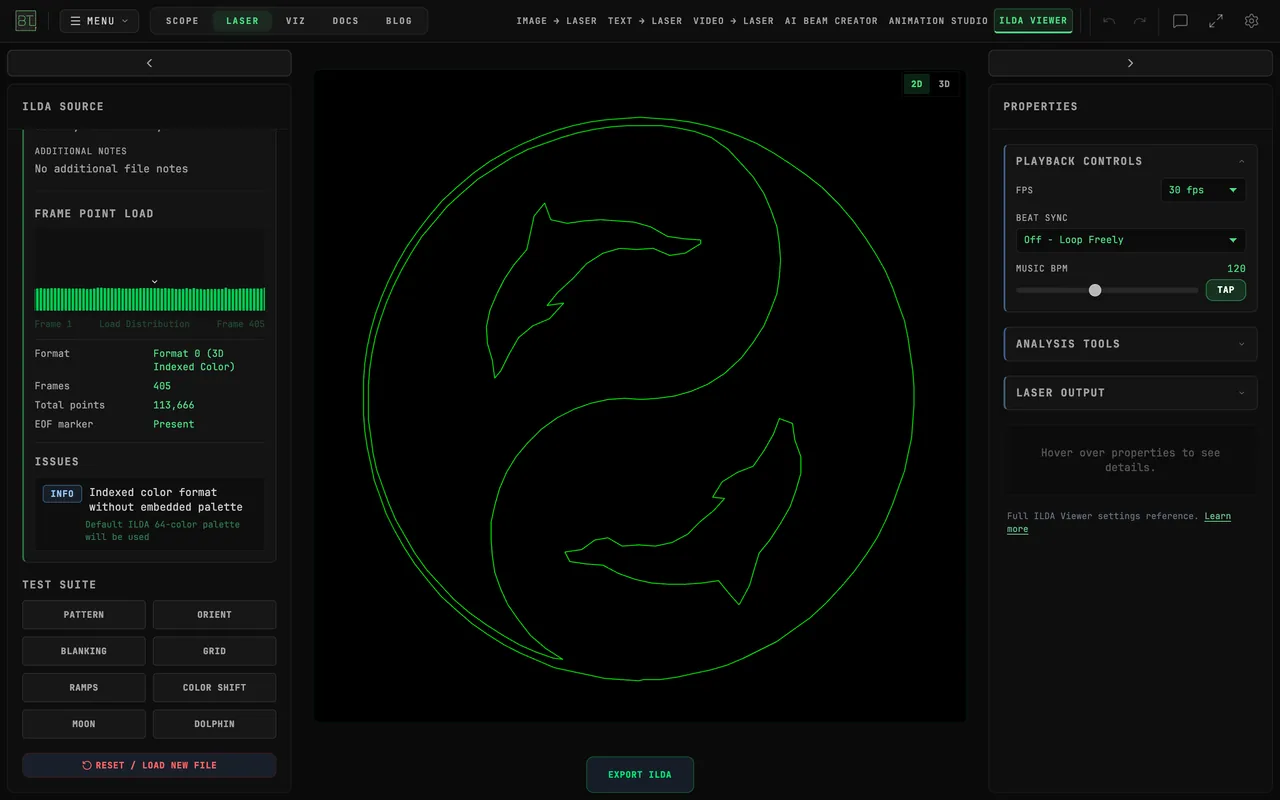
Which ILDA Format Should You Export: 0, 1, 4 or 5?
Choose an ILDA export format in BeamTracer by comparing 2D and 3D coordinates, indexed and true color, then convert a file for your intended laser player.
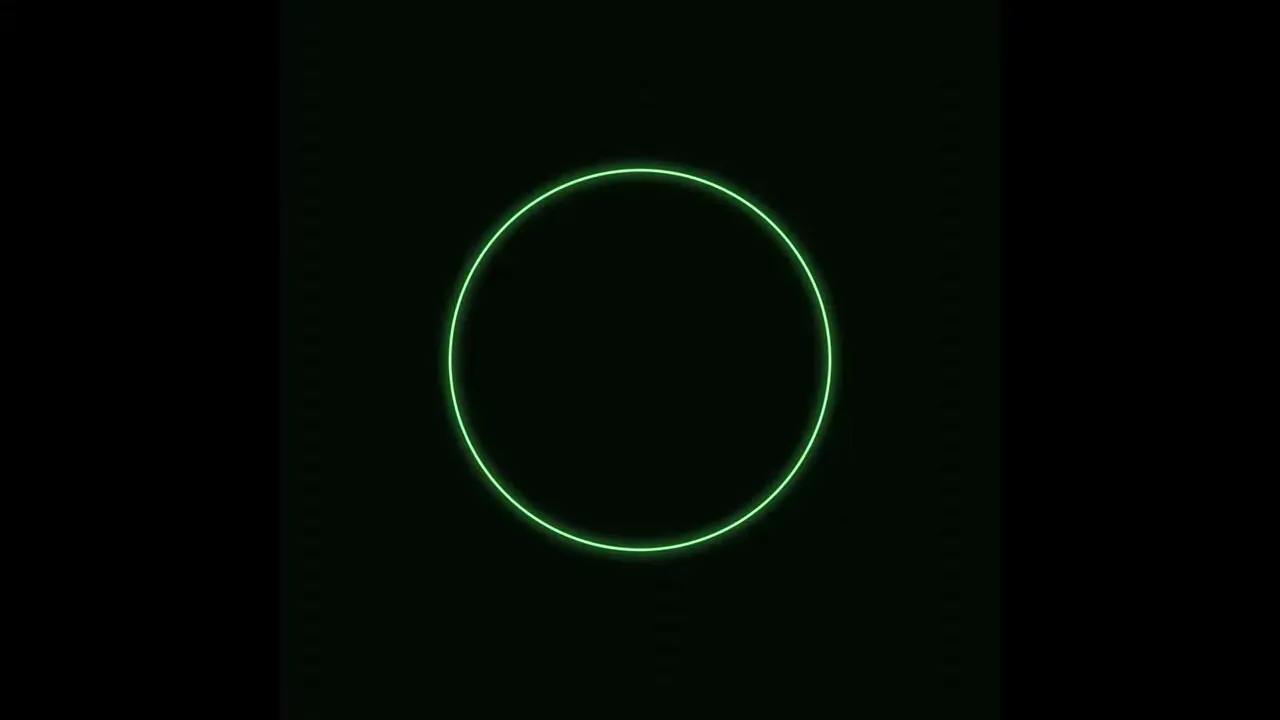
How Does Oscilloscope Music Work? Hear the Drawing
Explore oscilloscope music in BeamTracer Scope. Hear how phase, pitch, summed tones, and square-wave offsets change an X/Y drawing, then take the artwork to Laser.
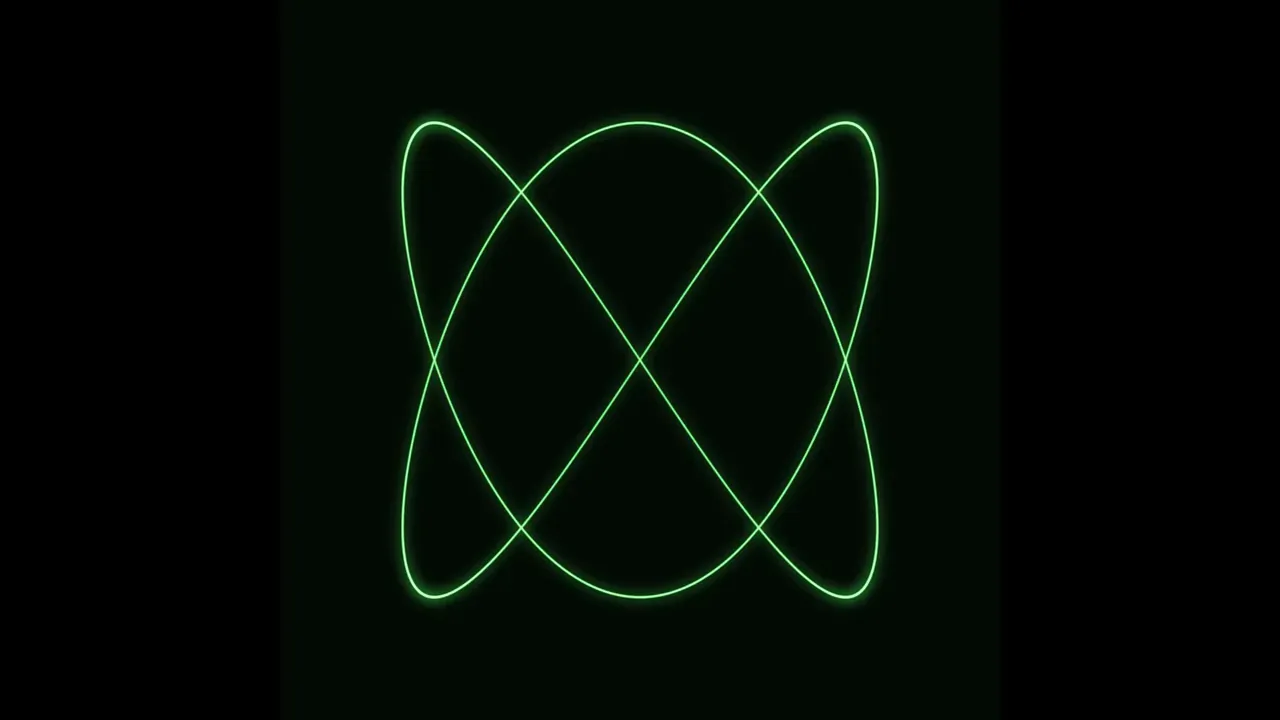
What Harmony Looks Like: Hear the Shape of Music
Hear and see musical intervals in BeamTracer Scope. Explore Lissajous curves, just and equal tuning, phase, harmonics, beats, and four-note chord projections.
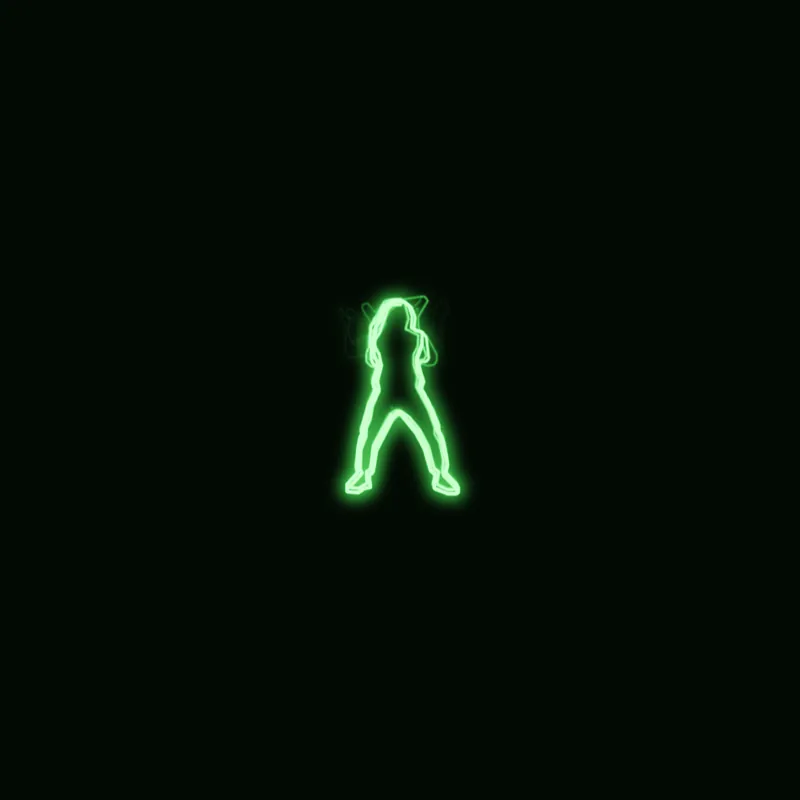
Trace Live Video on an Oscilloscope (and Send It to a Laser)
Trace a camera or screen live on an XY oscilloscope in OSC-1, then send the same outlines to a laser. Plus which of three video-to-laser routes fits your job.
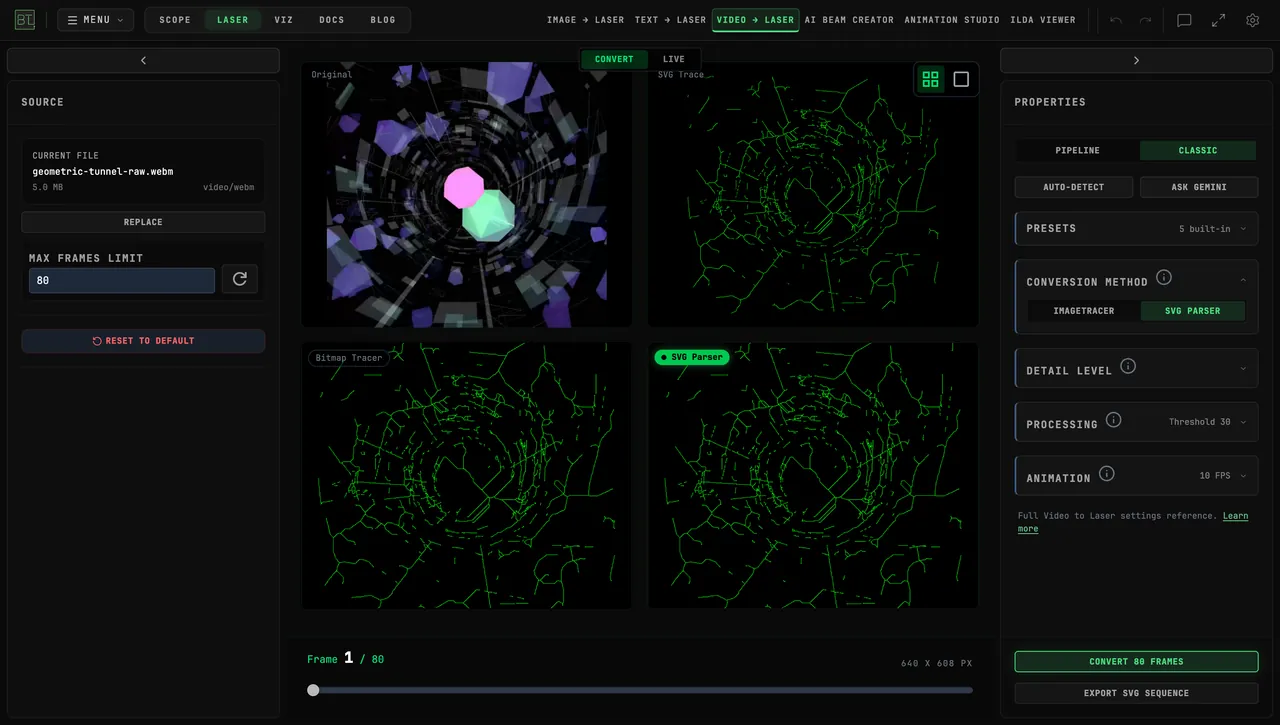
Can You Turn Geometric Animation into Laser Graphics?
Turn geometric animation into laser graphics with BeamTracer Video to Laser. Compare video projection, traced contours, ILDA export, and live sources.
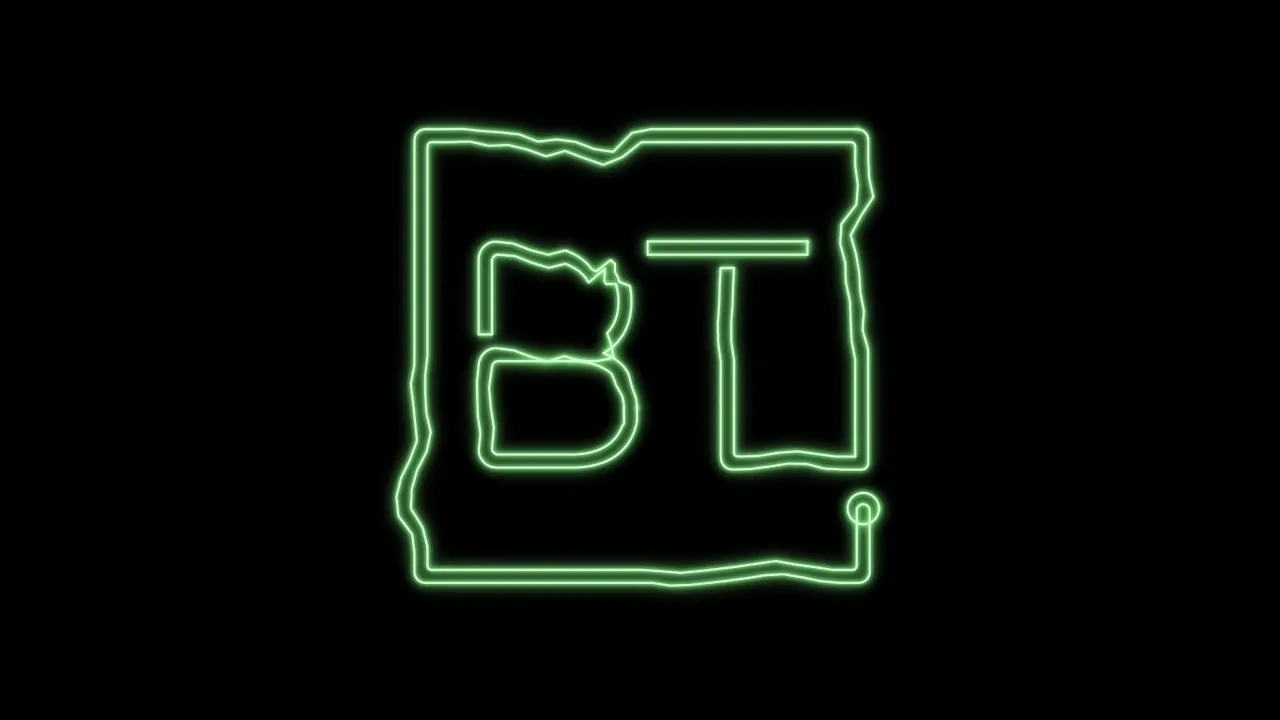
Send Your Laser Look as an MP4
Make a laser show preview video with no projector: export your look from BeamTracer Animation Studio as a 1080p or 4K MP4 to send a client or post online.
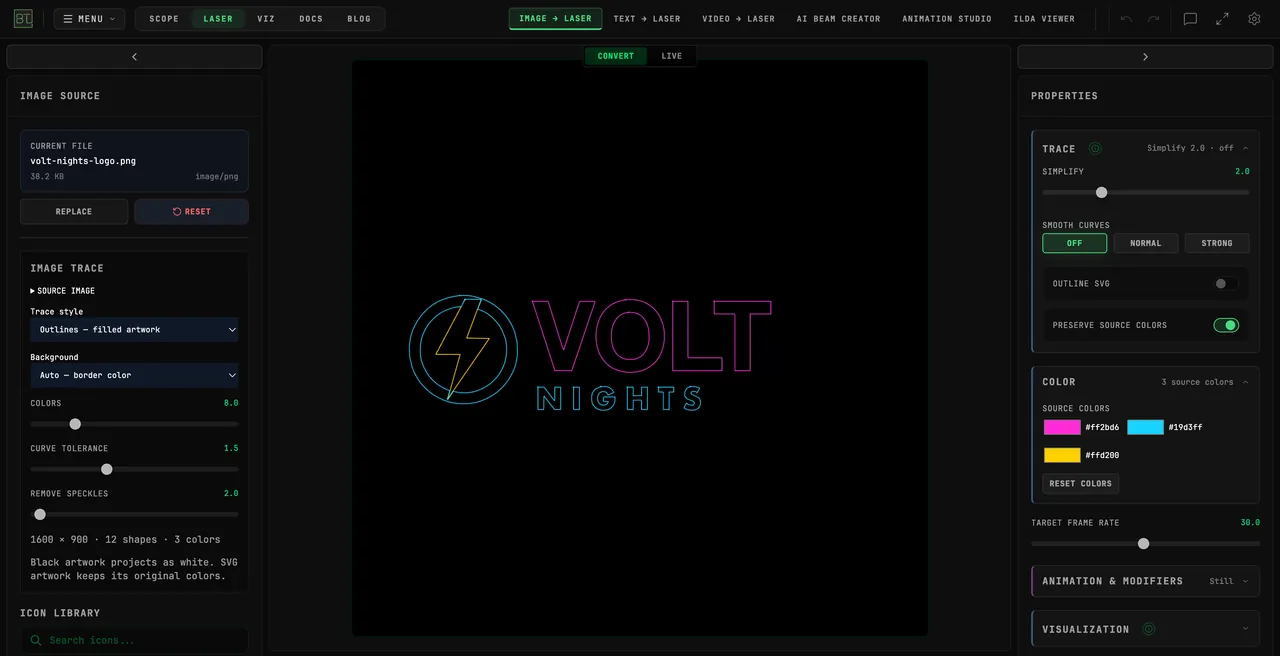
PNG or JPG Logo to ILDA (When You Don't Have an SVG)
Convert a PNG or JPG logo to an ILDA laser file with no SVG: trace it in BT Laser Studio's Image to Laser, clean up a JPG, pick the point count and download.
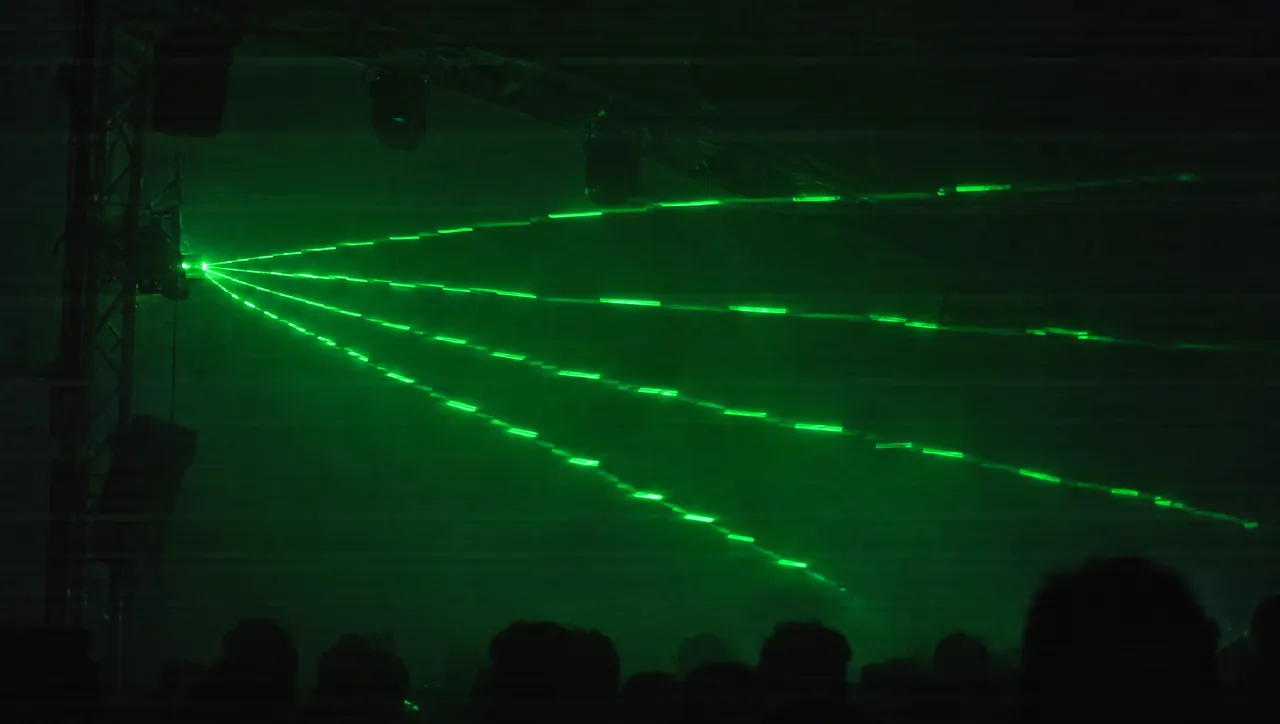
Laser Banding Explained: Why Laser Beams Look Wavy or Broken on Camera
Laser banding explained: why laser beams look wavy, bent or broken on camera but not to the eye, the redraw-rate math, and how to match it to your camera in BeamTracer.
Audio-Reactive Laser Show: Export a Beat-Synced ILDA File
Make an audio-reactive laser show: tie a shape to your track's bass in BeamTracer Animation Studio, export an ILDA file, and check it in the ILDA Viewer.
Audio-Reactive Laser Logo: Make Your Logo Pulse to Music
Make an audio-reactive laser logo: split your SVG into parts in BeamTracer Animation Studio, give each part its own reaction to the track, and export ILDA.
LaserCube Audio-Reactive Without Loopback Software
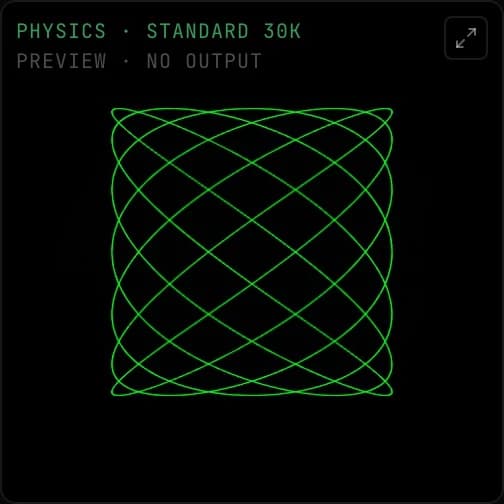
Make a Wicked Lasers LaserCube react to music from a browser tab, a file or a mic: OSC-1 in Chrome or Edge, no virtual audio cable, with a free simulator first.
LaserCube Point Rate: What the 35K Limit Means
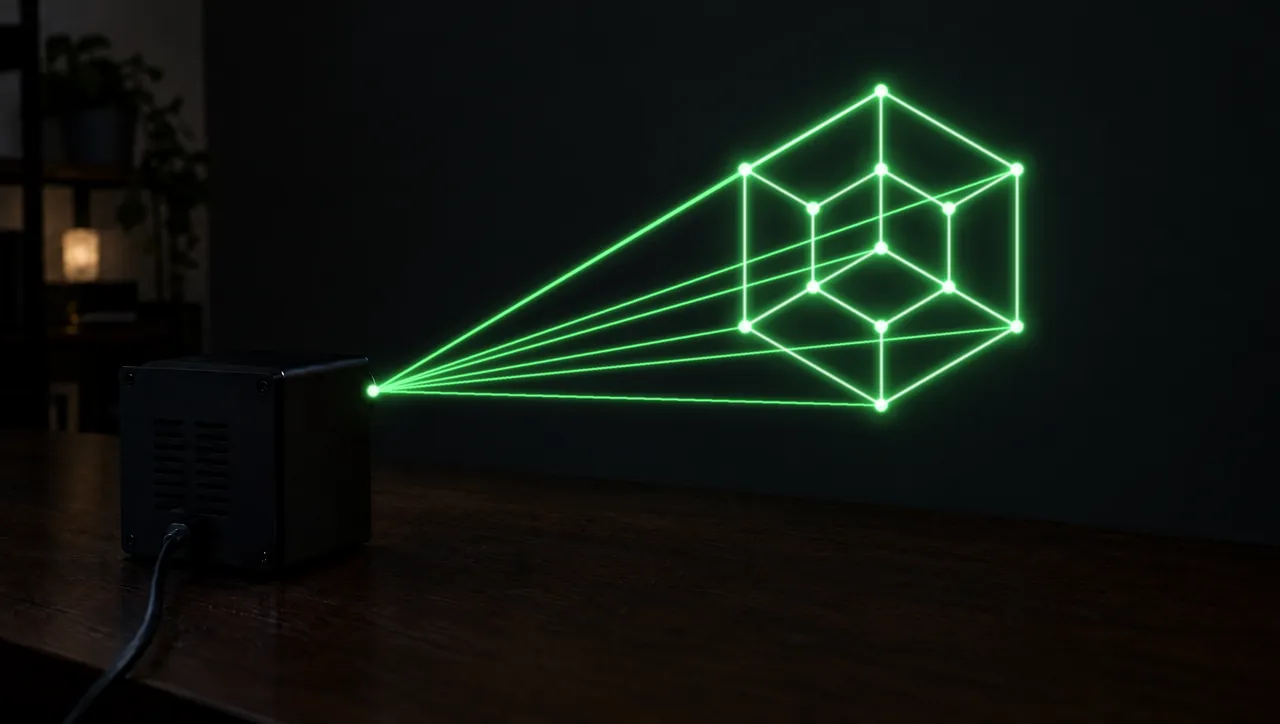
The Wicked Lasers LaserCube Ultra Mk2 tops out at 35,000 points per second. What a higher setting does, the low-rate floor, and how to check a file first.
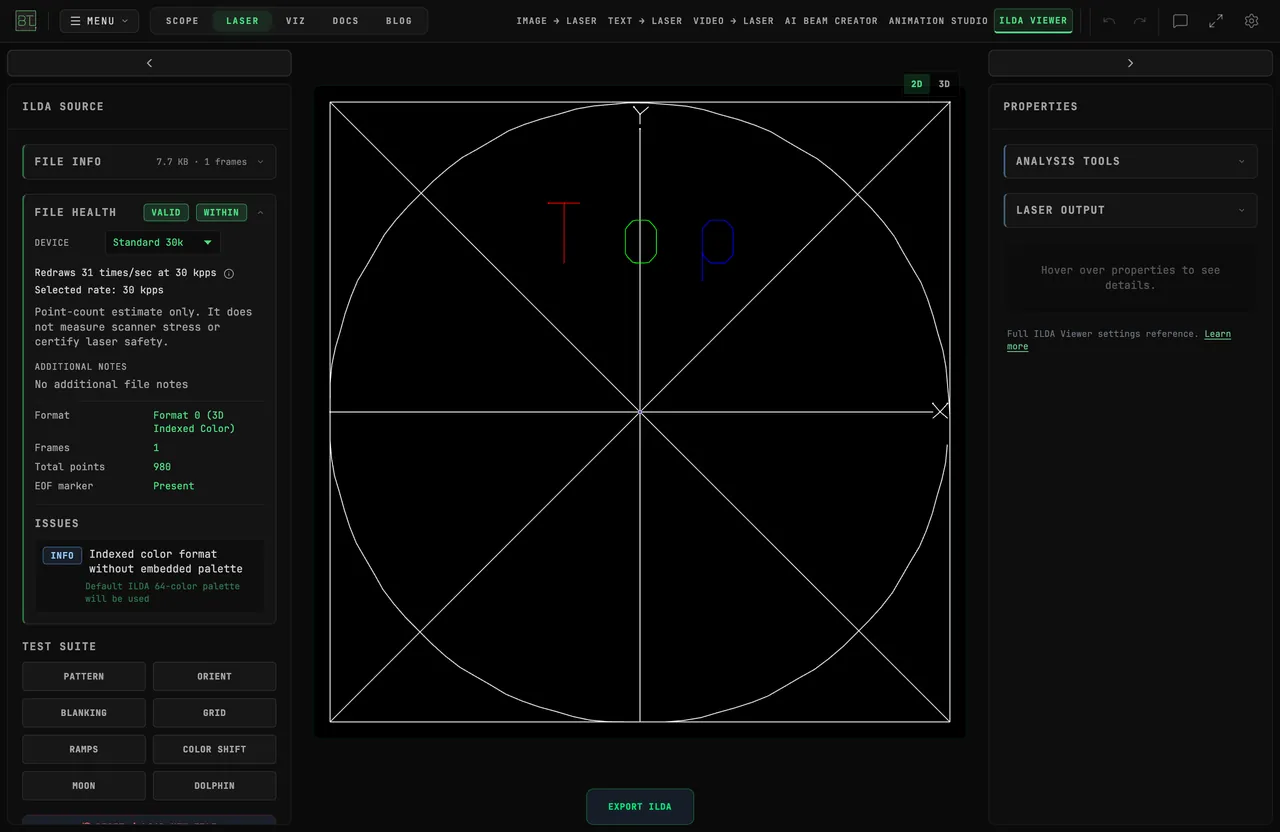
LaserCube Setup with BeamTracer: LAN Client to First Light
Set up a Wicked Lasers LaserCube for BeamTracer: Ethernet, LAN client mode, quit LaserOS, FIND NETWORK DACS in the Bridge, then ARM and START a first frame.
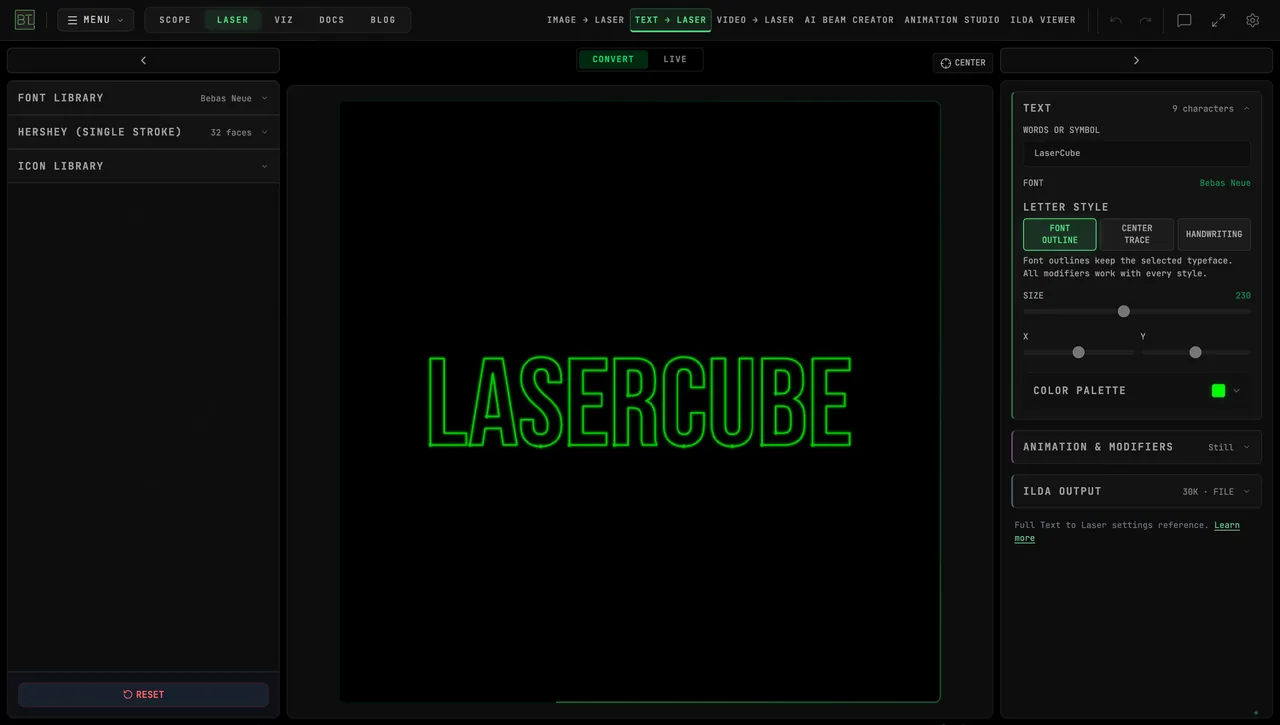
LaserOS Alternatives: Other Ways to Drive a LaserCube
LaserOS alternatives for a Wicked Lasers LaserCube, from each vendor's own pages: Modulaser, Liberation, LaserShowGen, MadLaser, CloudLase and BeamTracer.
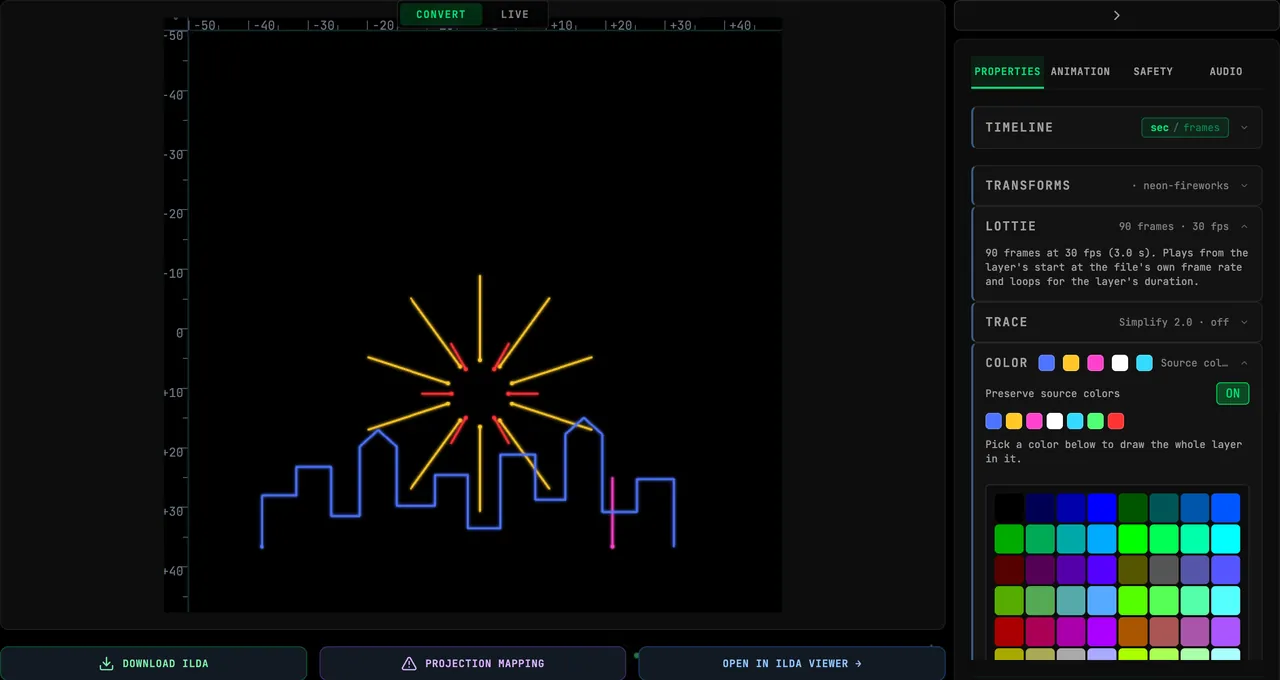
Lottie to Laser: Turn a Lottie Animation into an ILDA Show
Turn a Lottie animation into a laser show: drop the .json or .lottie file into BeamTracer, keep its colors, export ILDA, and prepare the file so it draws cleanly.
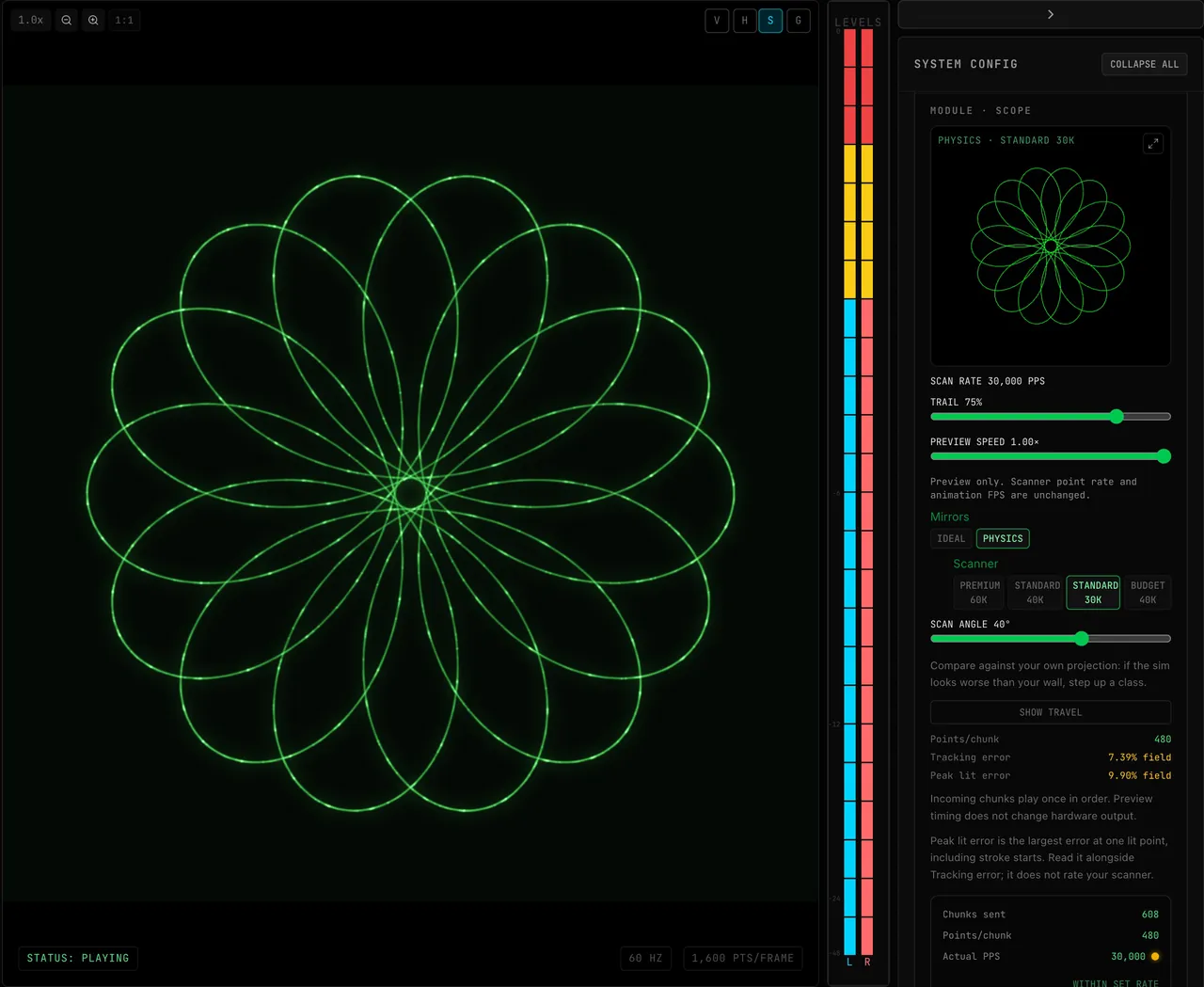
Oscilloscope Music on a Laser Projector: How to Play It
Play oscilloscope music on a laser projector: stream OSC-1 to a Helios, Ether Dream or LaserCube, preview the scanners free, and see what changes from a CRT.
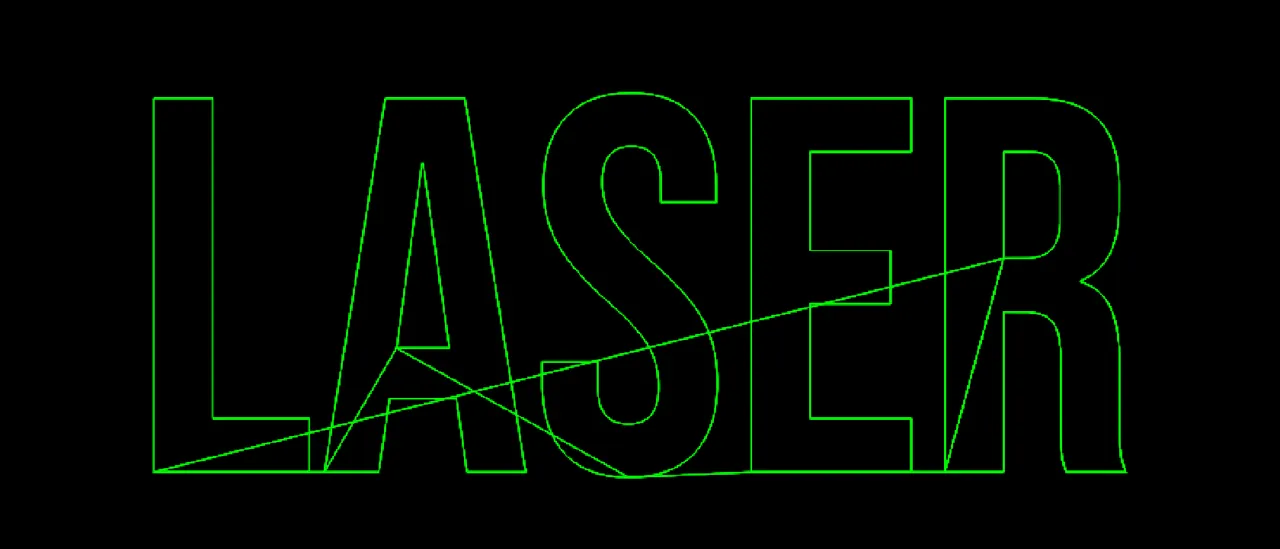
Laser Blanking Explained: How to Fix Ghost Lines Between Letters
Laser blanking explained: why ILDA files show ghost lines between letters, how to check a file in the free ILDA Viewer, and how to fix blanking or color delay.
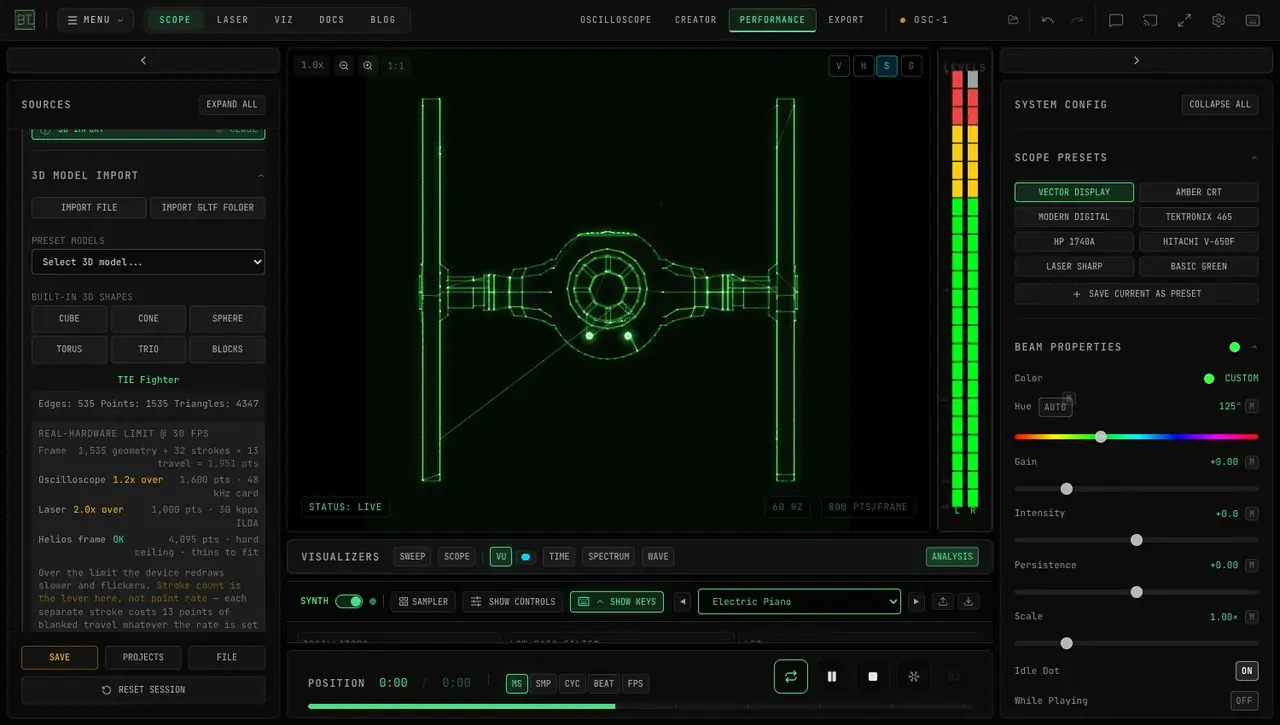
How Does Hidden Line Removal Change a 3D Model's XY Audio?
In OSC-1, hidden line removal changes which 3D edges become XY audio. Compare the same view with the setting on and off, then inspect the picture and point count.
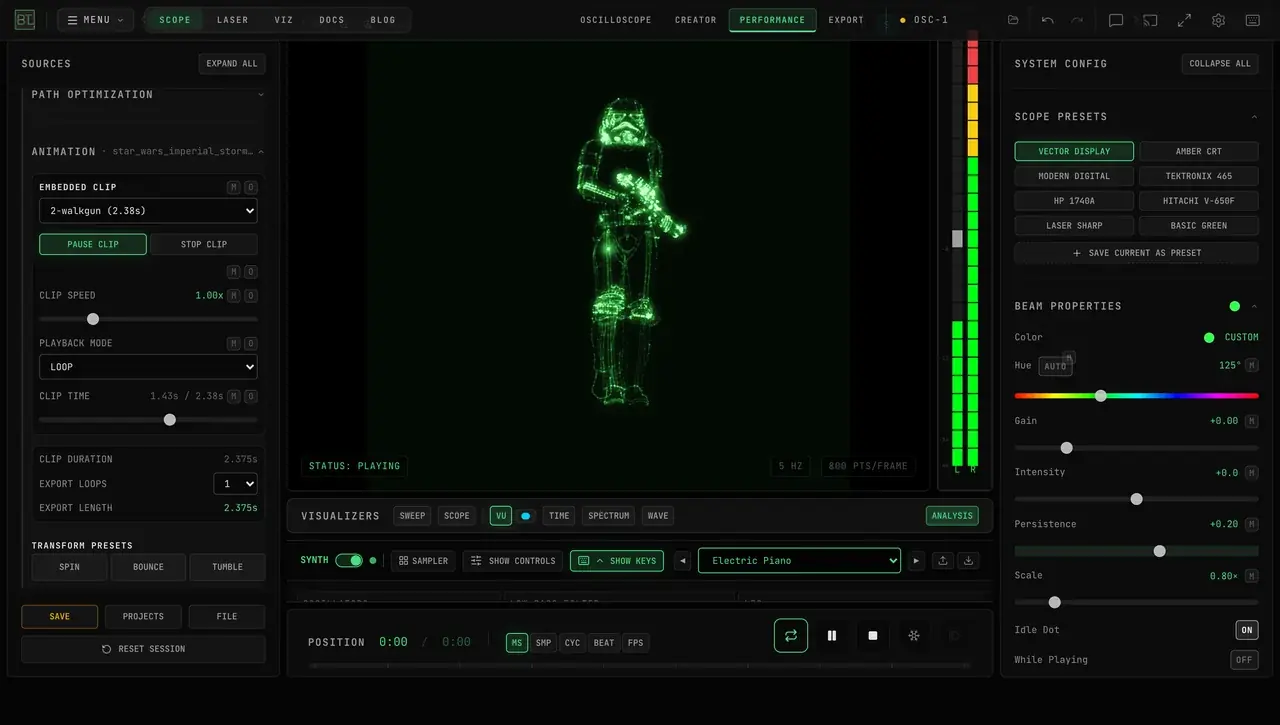
Animated GLTF to XY Audio and Laser Art in Your Browser
Convert animated GLTF or GLB files into XY audio and laser-ready motion in your browser. Choose clips, loop, scrub and export WAV without Blender or plugins.
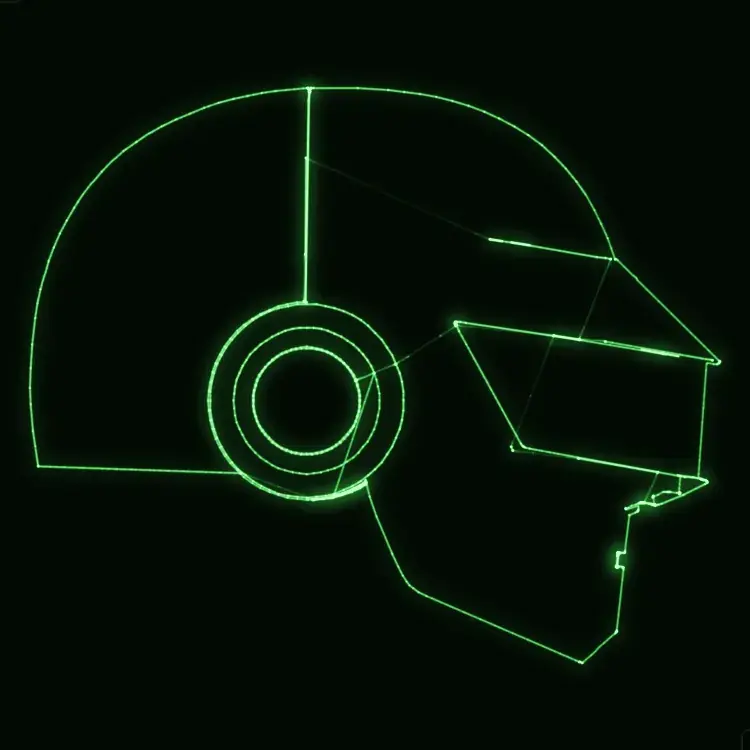
3D Model to Oscilloscope or Laser Art in Your Browser
Turn a 3D model into XY oscilloscope art or a laser projection. Import GLTF/GLB in the browser with hidden-line removal and real scan limits — no plugins.
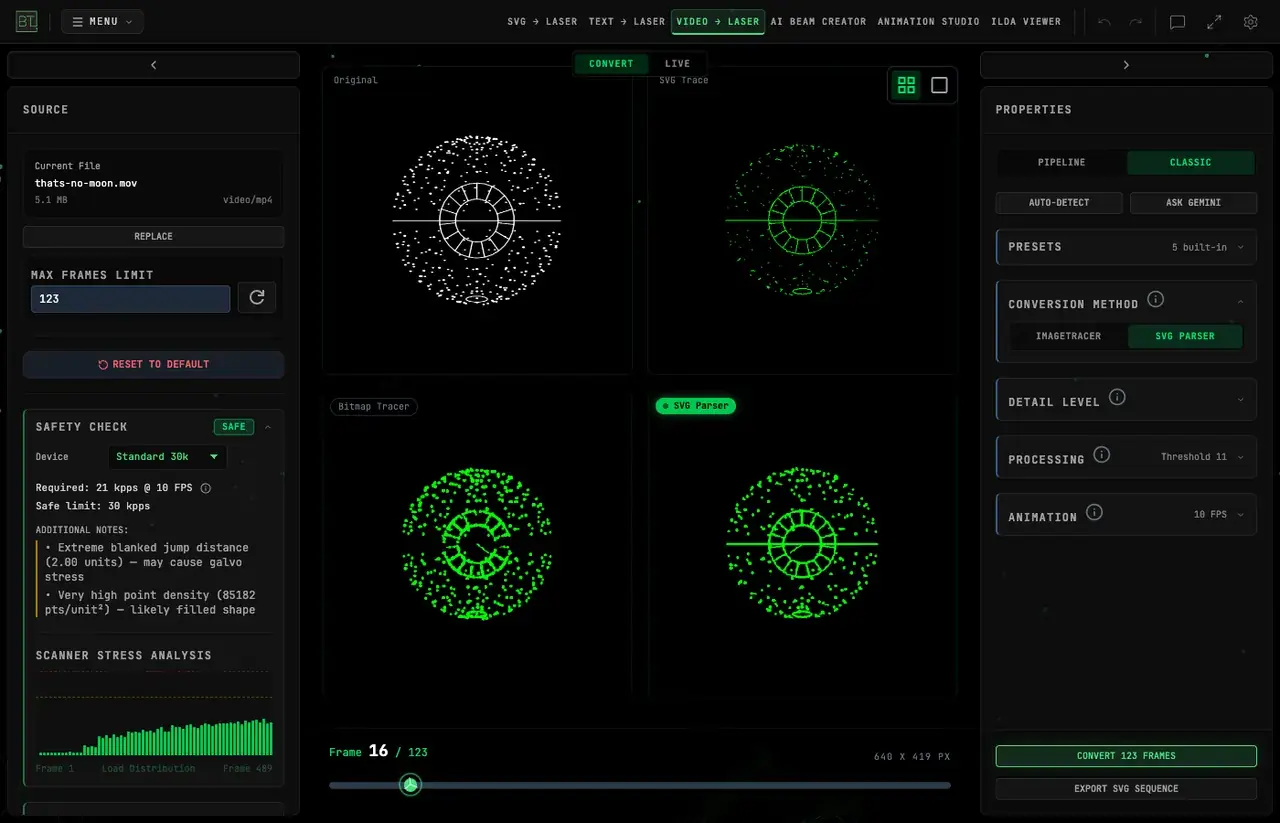
Beginner Laser Projector (2026): ILDA, DACs & First Setup
Choosing your first laser projector — what's safe, what's legal, ILDA vs DMX, how to connect a laser to your computer, and how to sync shows to music.
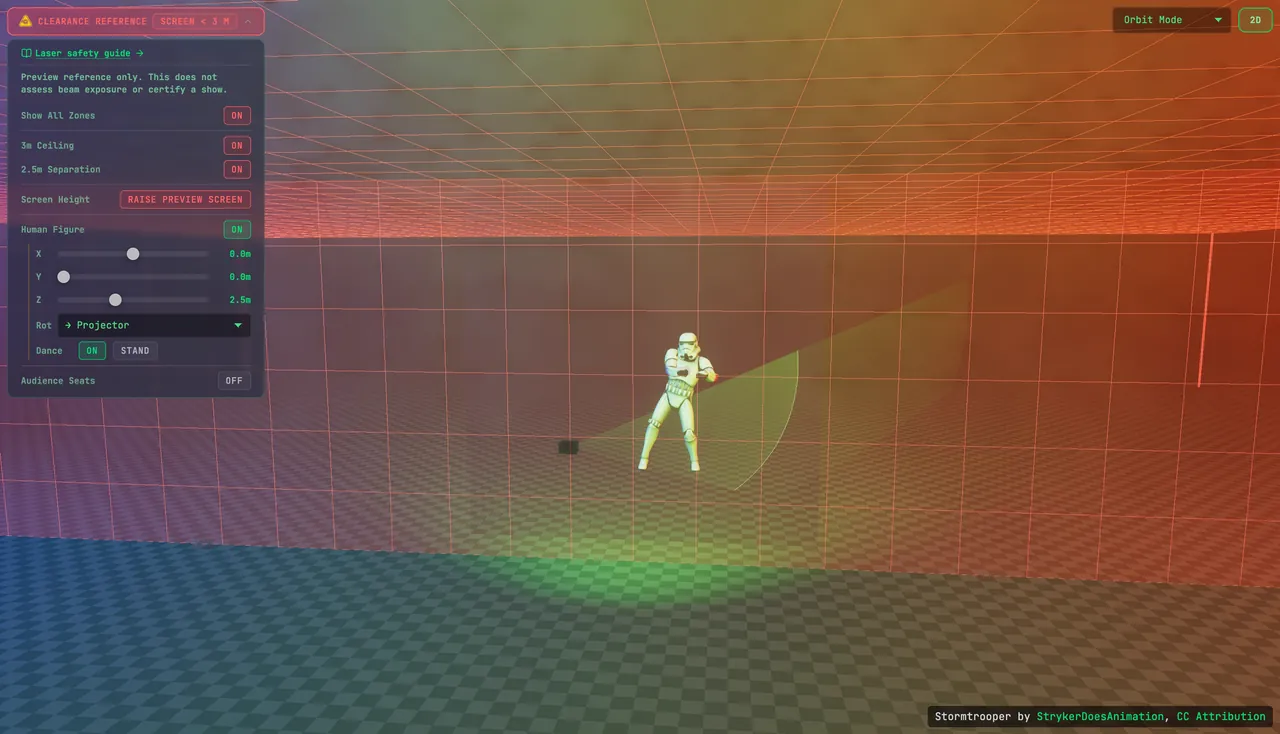
Laser Show Safety (US, 2026): Variance, 3 m Rule, Checklist
How to run a safe, legal laser show in the US — FDA variance rules, audience separation distances, beam termination, scan-fail, and a pre-show safety checklist.
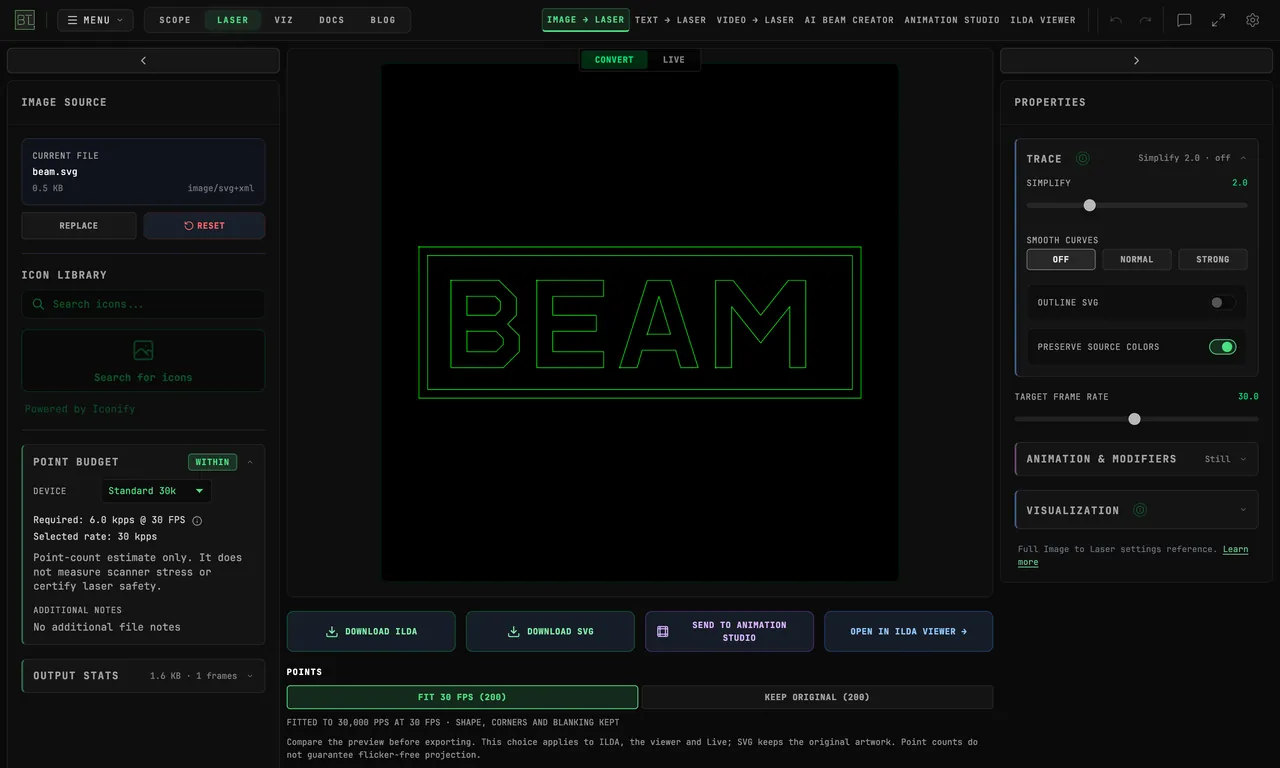
How to Convert SVG to ILDA — Free Online Laser Converter
Convert SVG artwork into laser-ready ILDA files with BT Laser Studio, free in Chrome or Edge — step-by-step, from import to preview and ILDA export.