
BLOG
Tutorials, guides, and updates from the BeamTracer team
Find articles for your workflow
43 articles for Audio Visualizers
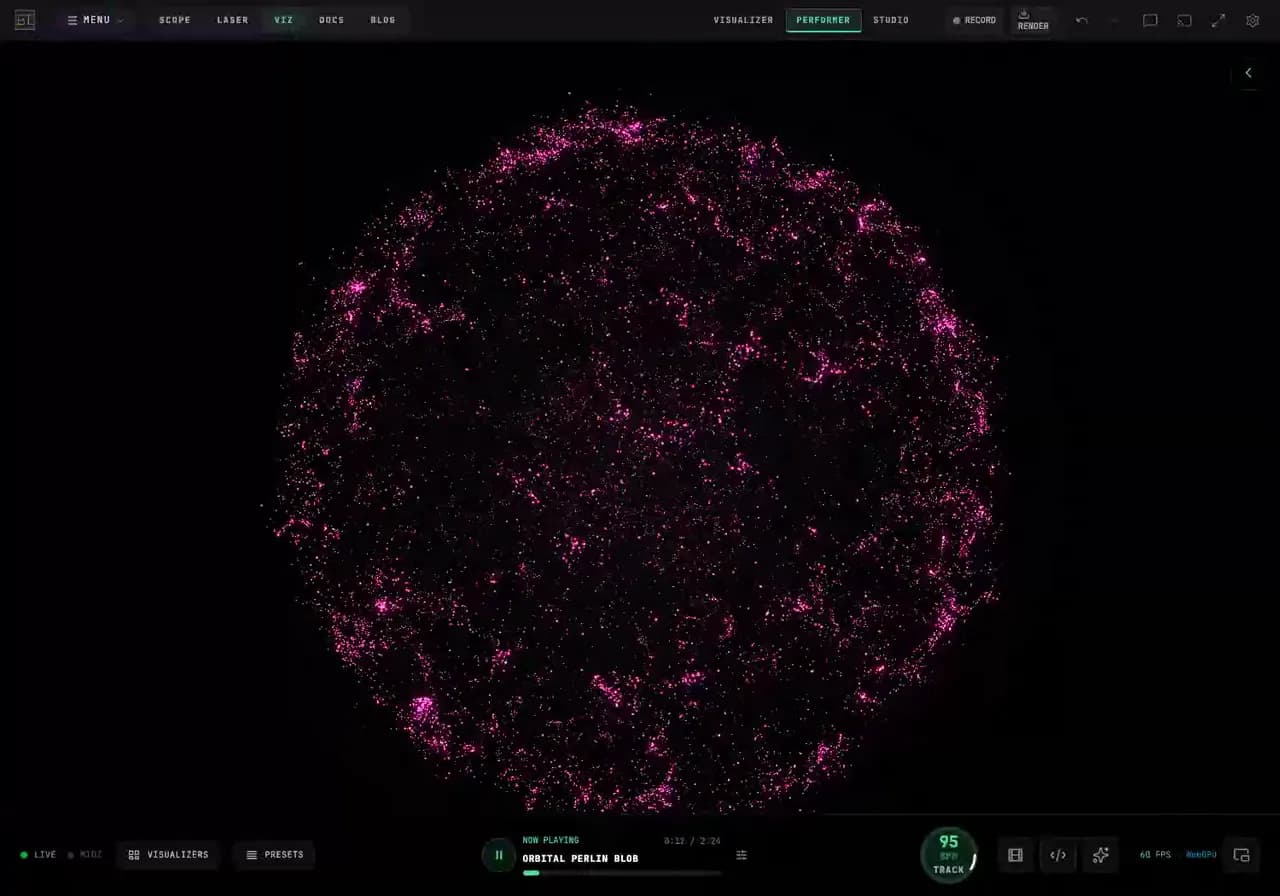
How Do I Make Organic Particle Visuals That Stay Readable?
Build a flowing particle sphere in BeamTracer. Compare particle lifespan, edge turbulence and Organic amount with animated native examples.
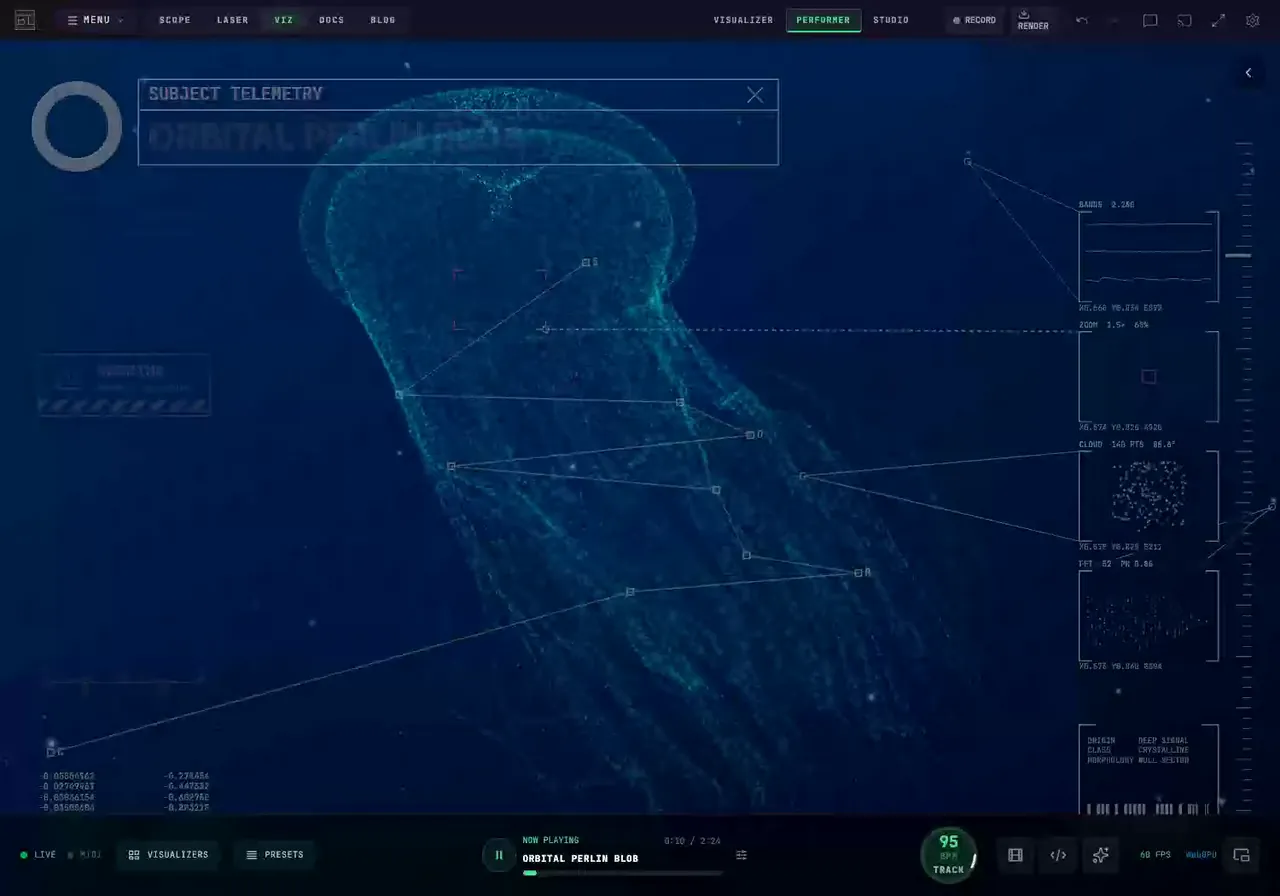
How Do I Make a 3D Research-Scan Visual in My Browser?
Build a scientific HUD look with Model Pulse: animated jellyfish particles, tracked specimen labels, moving widgets and close-up camera views in BeamTracer.
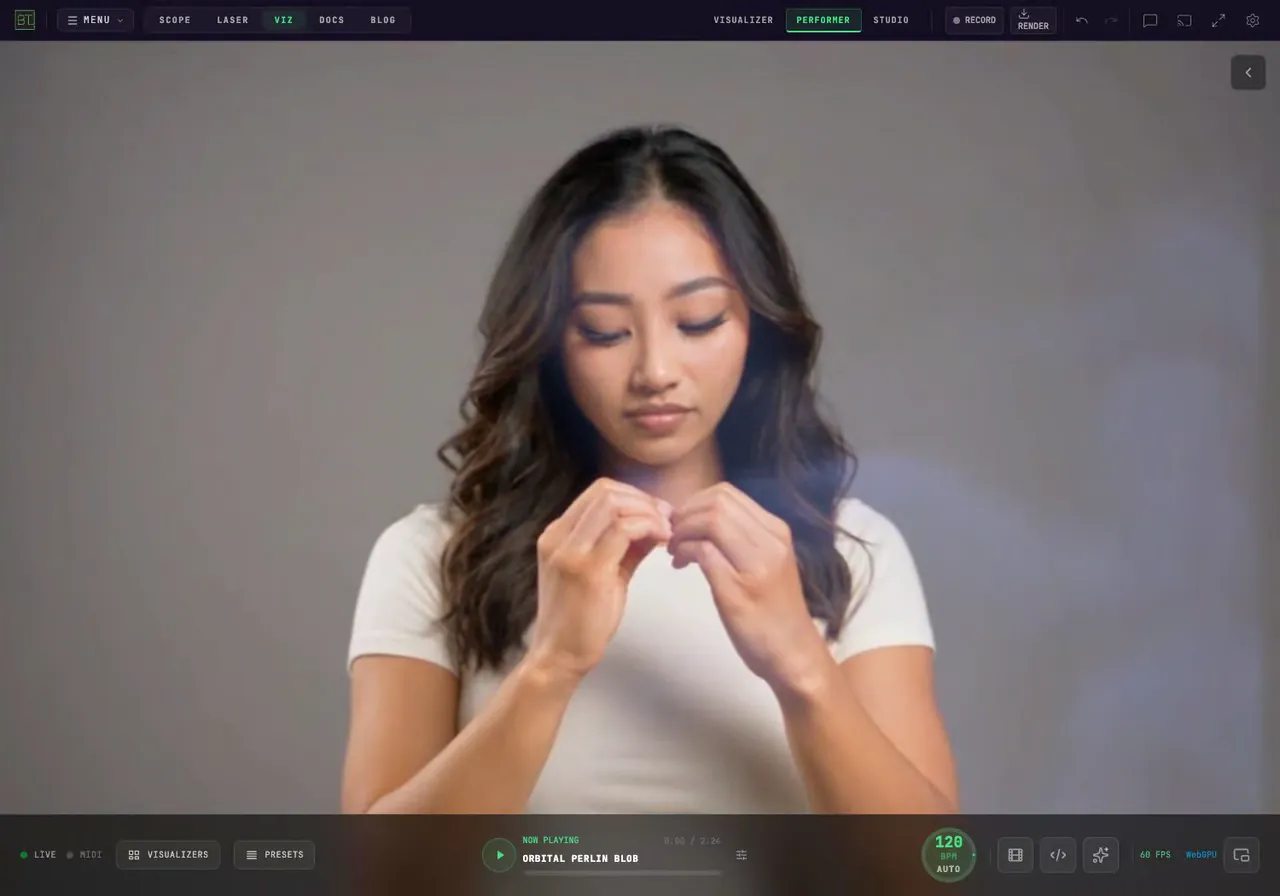
How Do I Make Smoke Follow a Moving Video?
Make smoke rise from a moving portrait in BeamTracer Performer. Compare outline and motion emission, add wind, and leave drifting trails behind gestures.
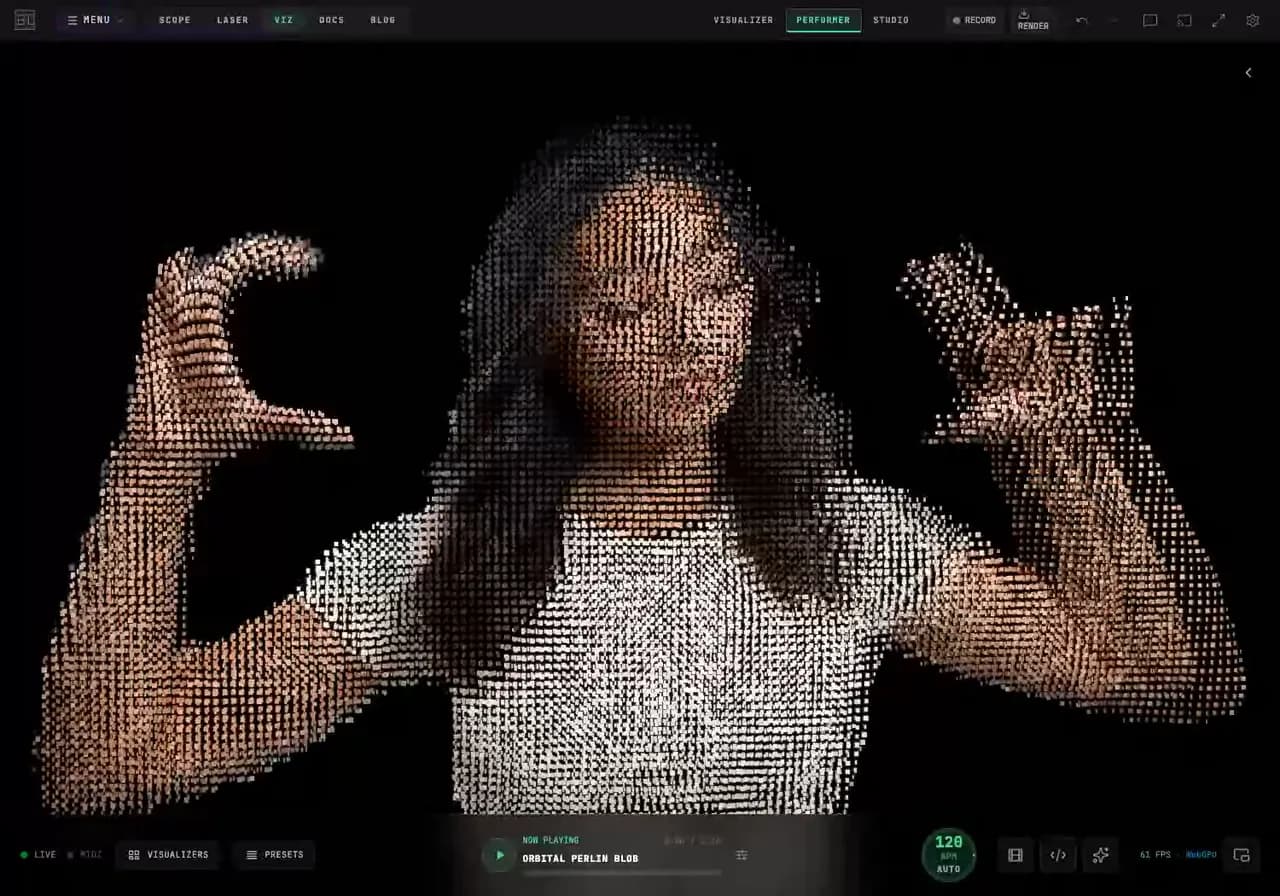
How Do I Turn a Video into Particles in My Browser?
Turn a video into a moving particle cloud in BeamTracer Performer. Isolate a person, stir the points with your hands, or let particles stream off the picture.
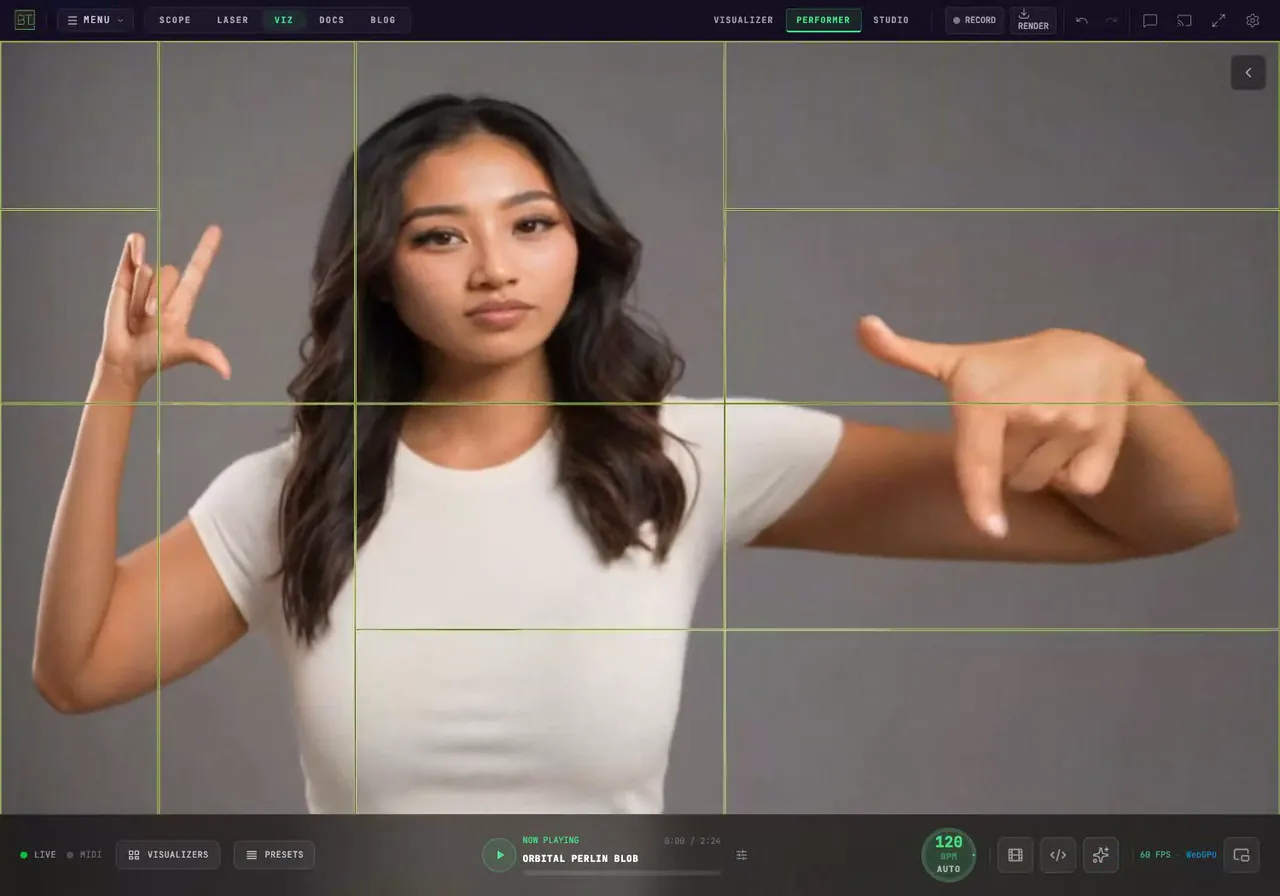
How Do I Make an Animated Video Grid with Stretch and Bounce?
Make an animated video grid in your browser. Keep a face intact or segment its features, stretch the picture, and add flowing recomposition or spring movement.
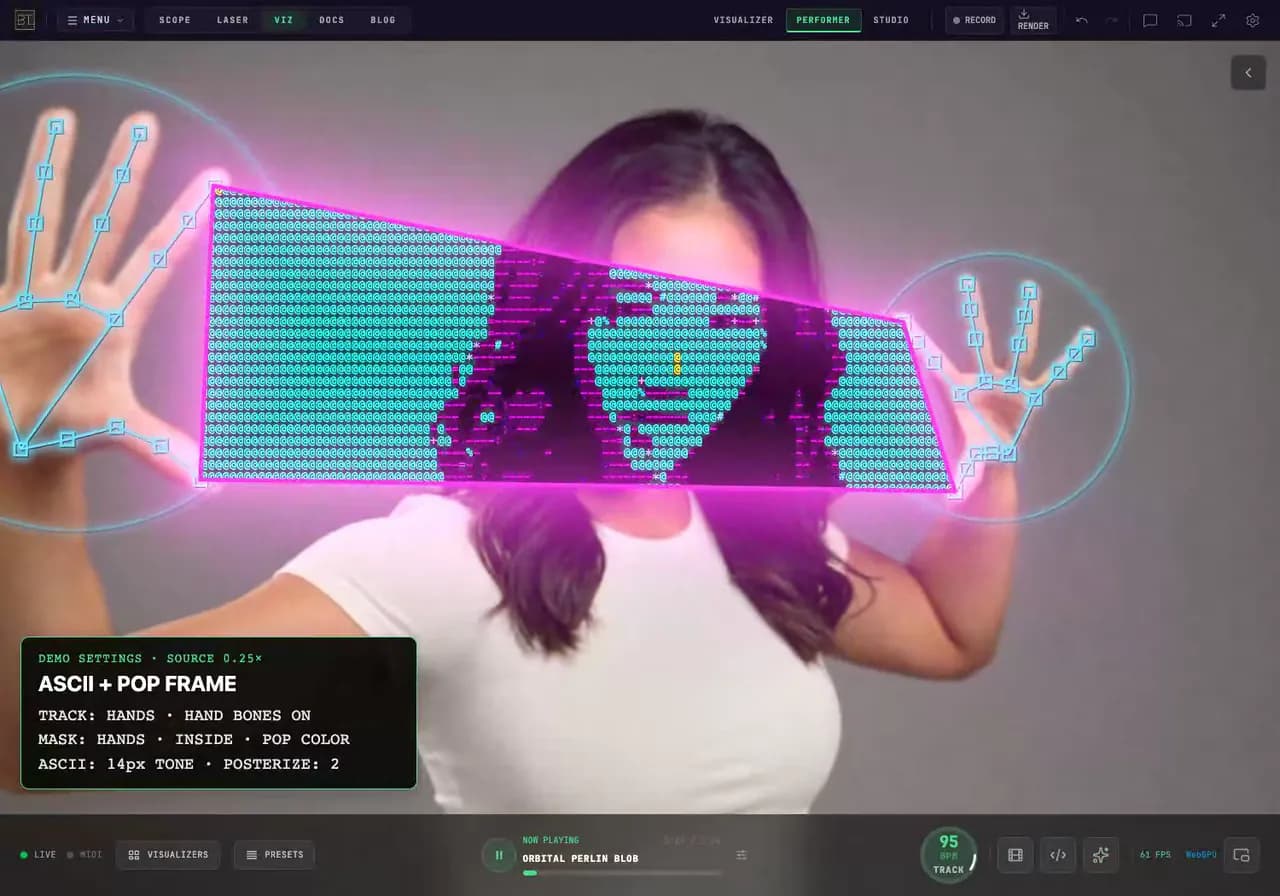
How Do I Make an ASCII Hand Window Without TouchDesigner?
Make a TouchDesigner-style hand window in your browser with BeamTracer. Add colorful ASCII, tracked hand bones and Kanji characters. Follow the exact settings.
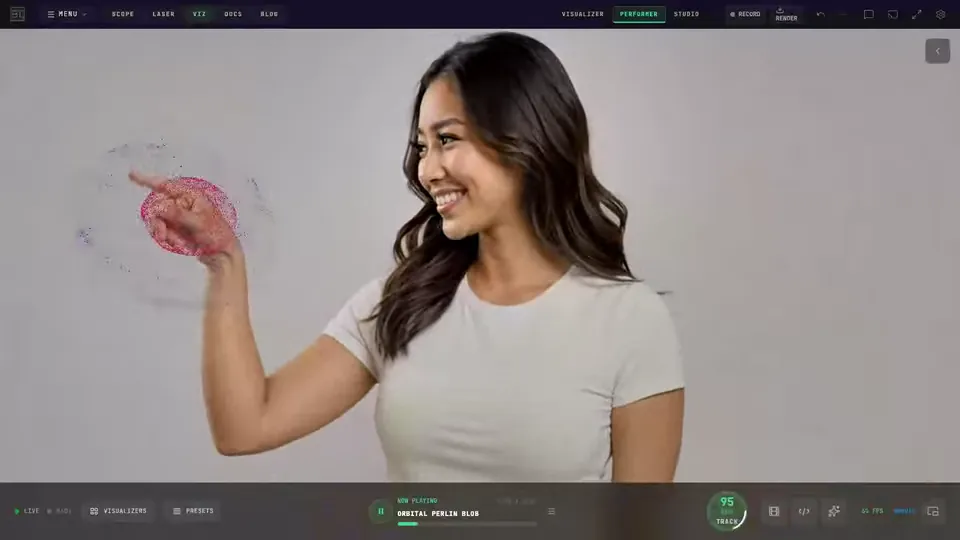
How Do I Make Audio-Reactive Visuals Without TouchDesigner?
Try simpler BeamTracer routes to the particle clouds, audio-reactive particles and hand-controlled video seen in popular TouchDesigner tutorials.
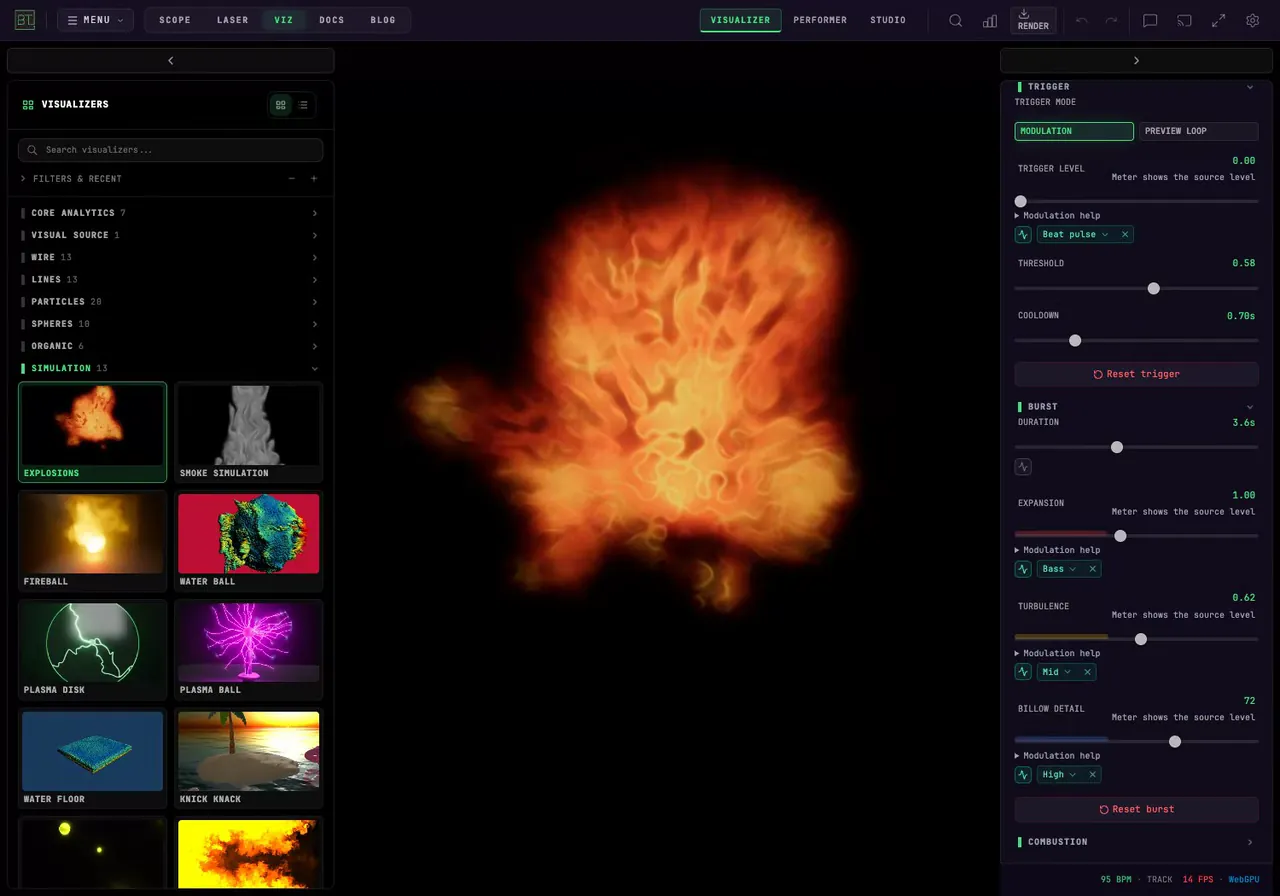
How Do I Trigger Fireball Visuals with Music?
Make BeamTracer Explosions follow your music. Adjust its trigger threshold and cooldown, compare short and long bursts, and export the result as MP4 or WebM.
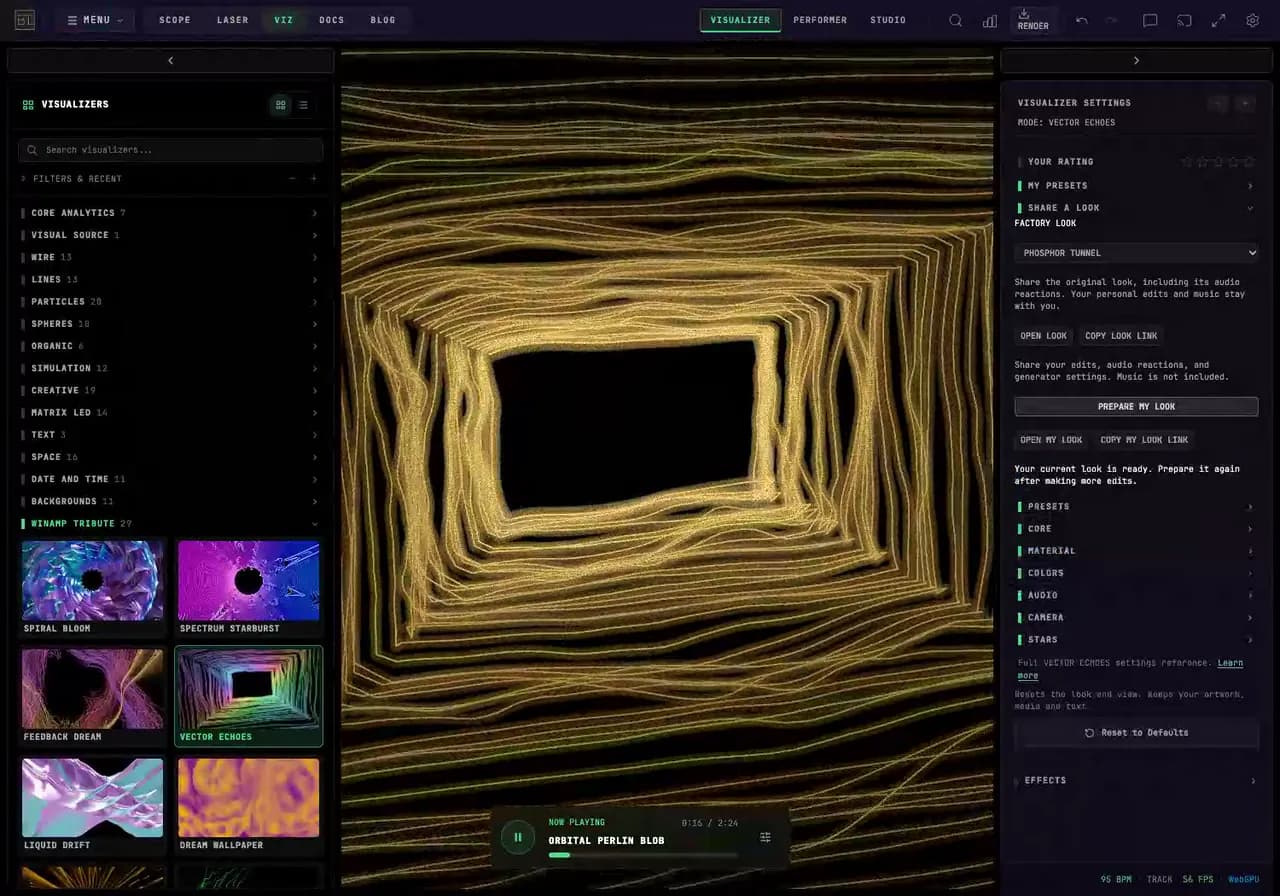
How Do I Share a Custom Winamp-Style Visualizer Look?
Share a custom BeamTracer visualizer look as a link. Keep your edited colors and audio reactions, reopen the look, and understand why music stays separate.
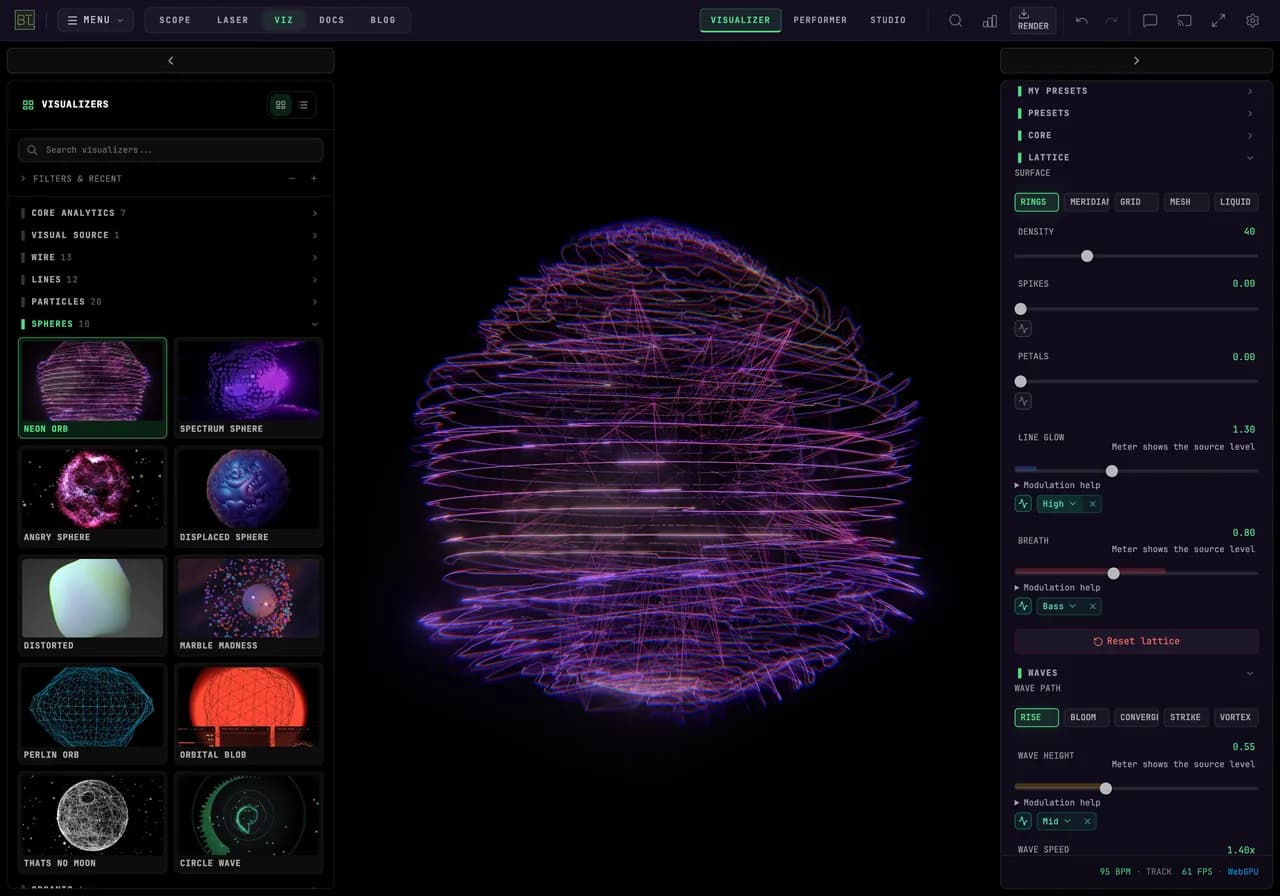
How Do I Make Bass, Mids and Highs Control Different Visual Effects?
Give bass, mids and highs different jobs in BeamTracer. Map Neon Orb's breathing, wave height and line glow, then tune each response while your music plays.
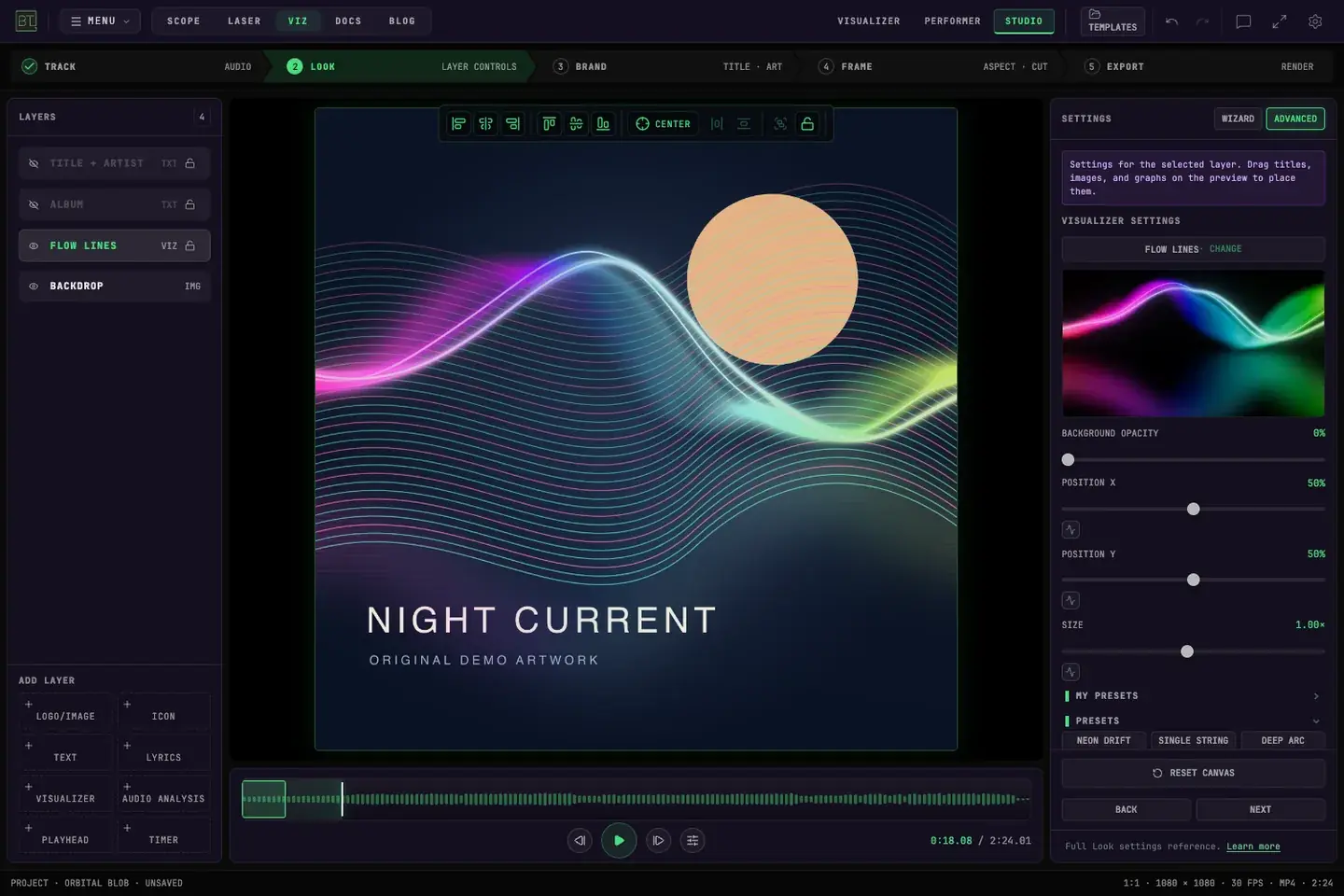
How Do I Make an Animated Album Cover for Apple Music?
Make a flowing waveform react to your song over your album cover in BeamTracer Studio, export a silent video, and prepare the files for Apple Music delivery.
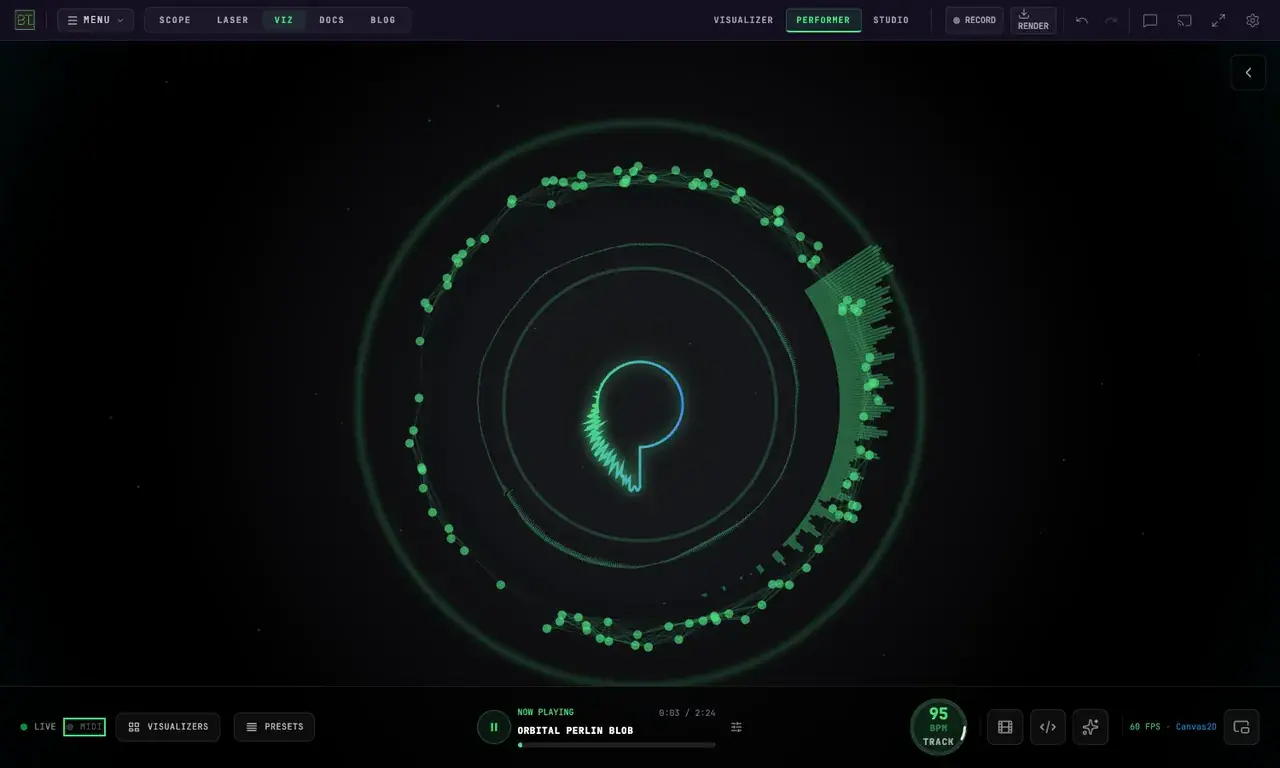
How Do I Control Music Visualizers with MIDI in Chrome?
Control live BeamTracer visuals with MIDI in Chrome. Connect a controller, learn knobs and pads, switch presets, and understand what MIDI clock controls.
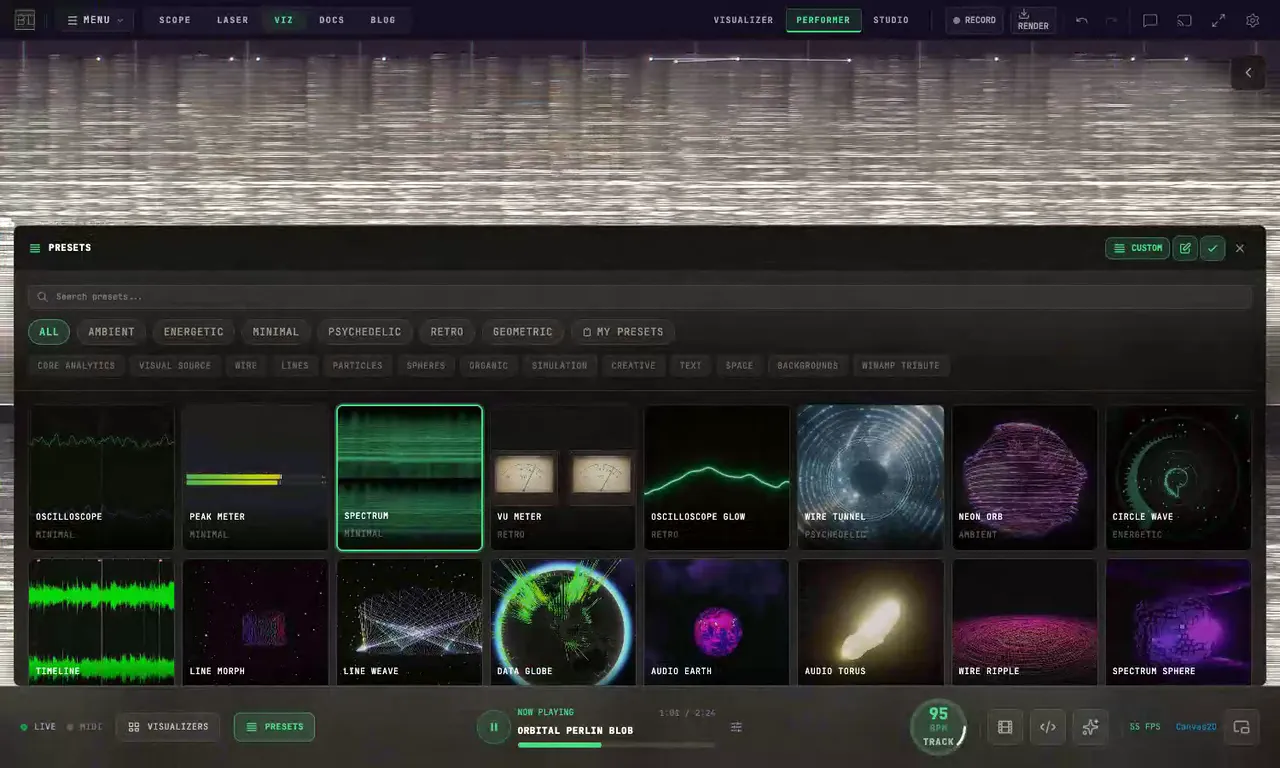
How do I put Performer presets in order for a live set?
Arrange BeamTracer Performer presets for a live set. Save a custom order, rehearse changes with a recorded track, and check MIDI selection before the show.
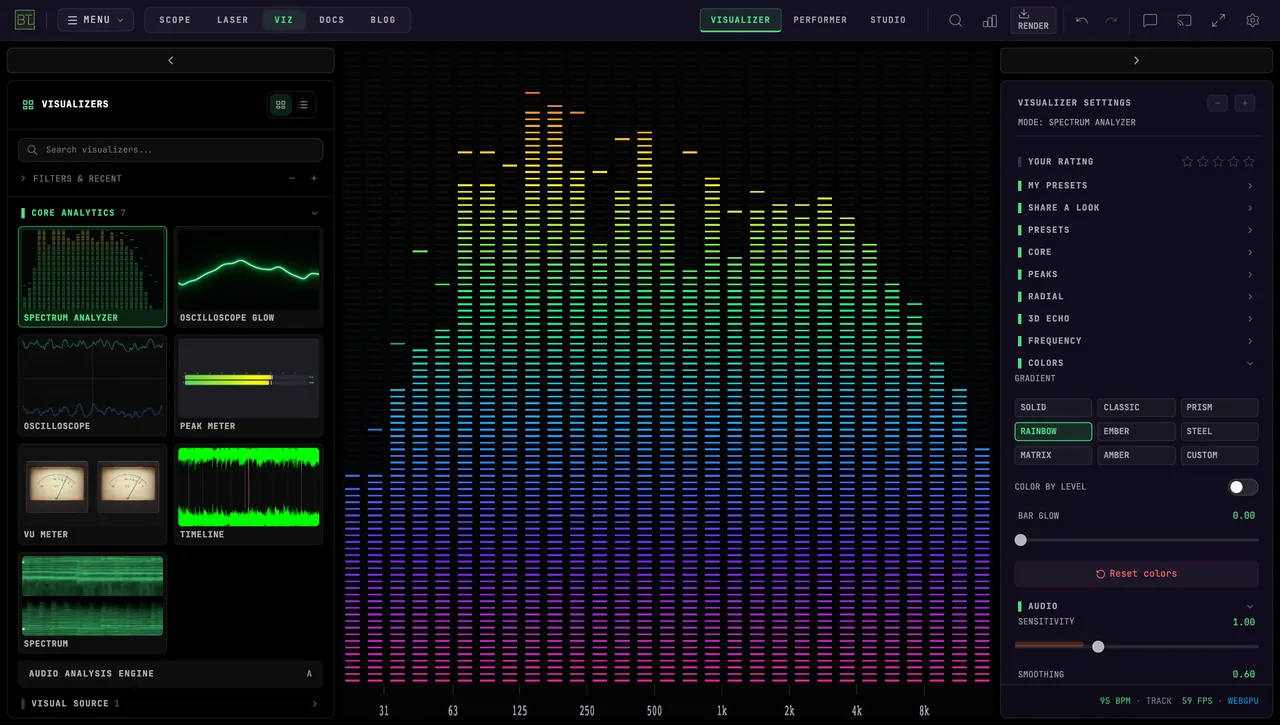
How Do I Run Live Music Visuals During a DJ Set?
Set up live DJ visuals in BeamTracer: choose an audio input, rehearse Performer presets, mirror the stage to a clean window and understand video export limits.
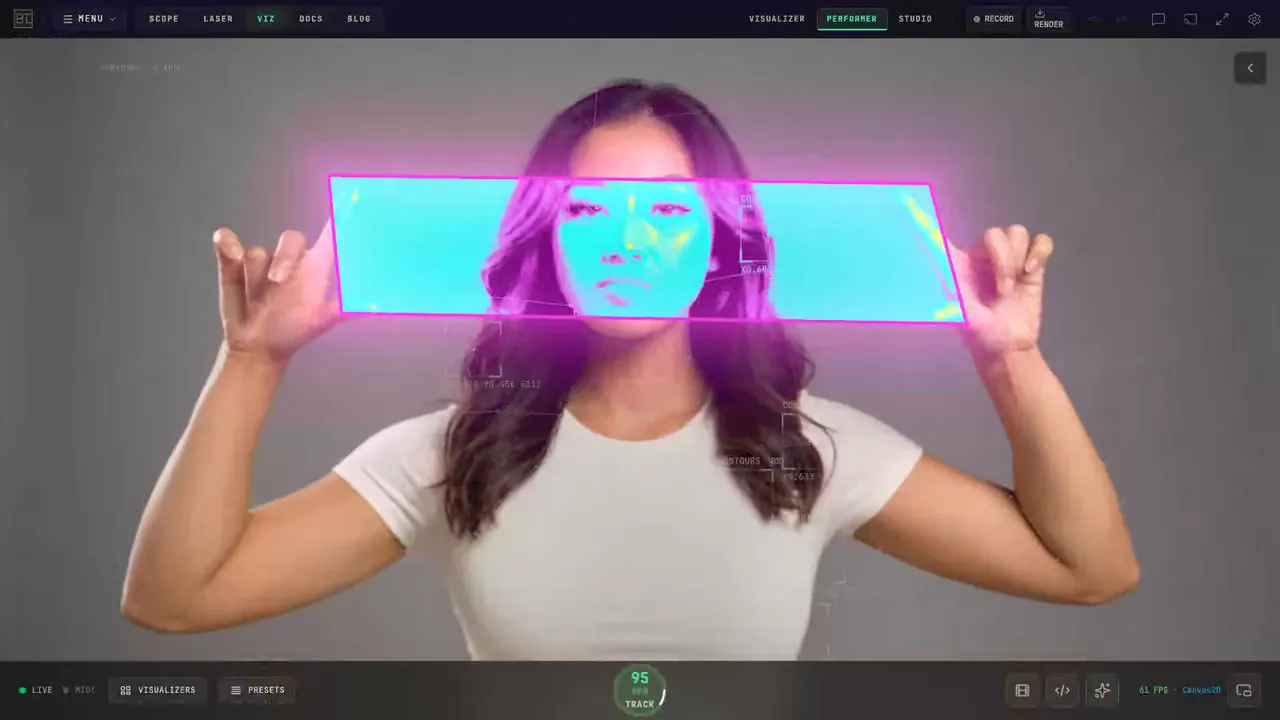
How Do You Make Hand-Tracking Video Effects in BeamTracer?
Make a color window between your hands in BeamTracer, add tracking lines and masks, then choose recording or rendering for a live camera or uploaded video.
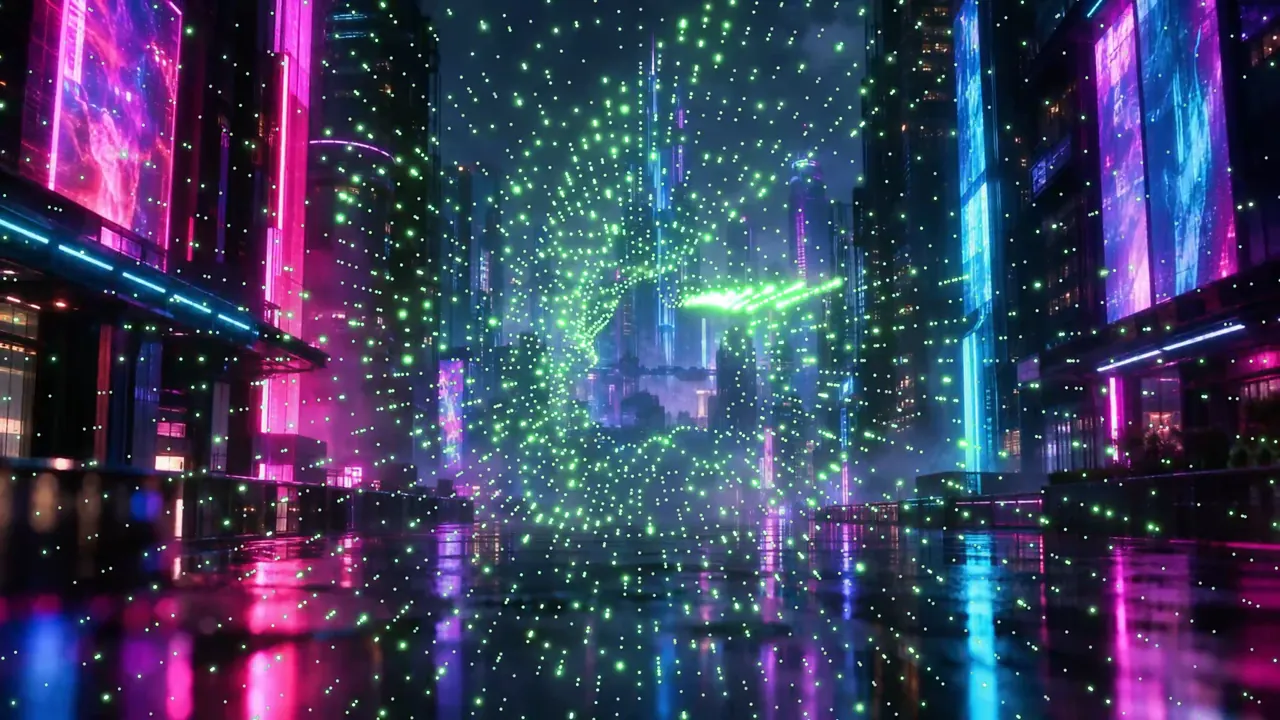
How to Add John Whitney-Inspired Animations to Your Music Video
Load your song in BeamTracer Studio, switch the visualizer to JOHN WHITNEY, put your own video behind it, and export the finished music video as an MP4.
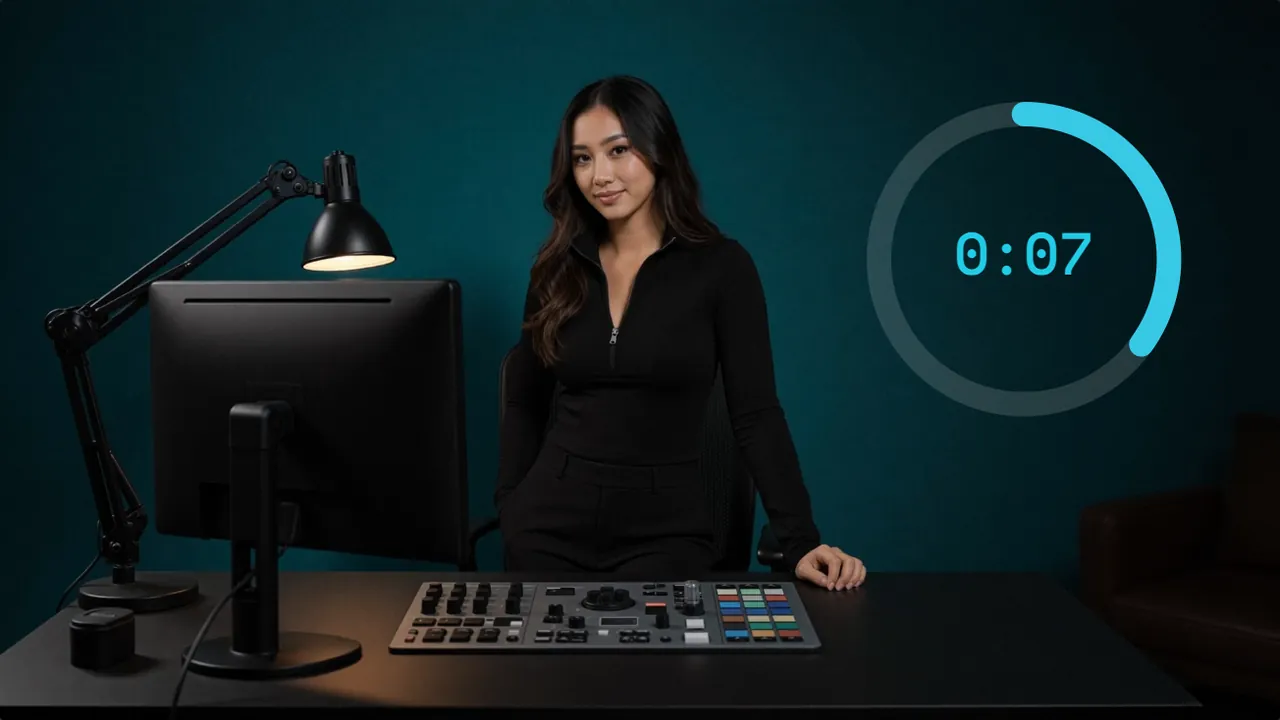
DaVinci Resolve Countdown Timer: No Fusion Needed
Resolve can count down with a Fusion expression or a burn-in trick. For a clean M:SS clock, render the countdown in BeamTracer Studio and import the MP4.
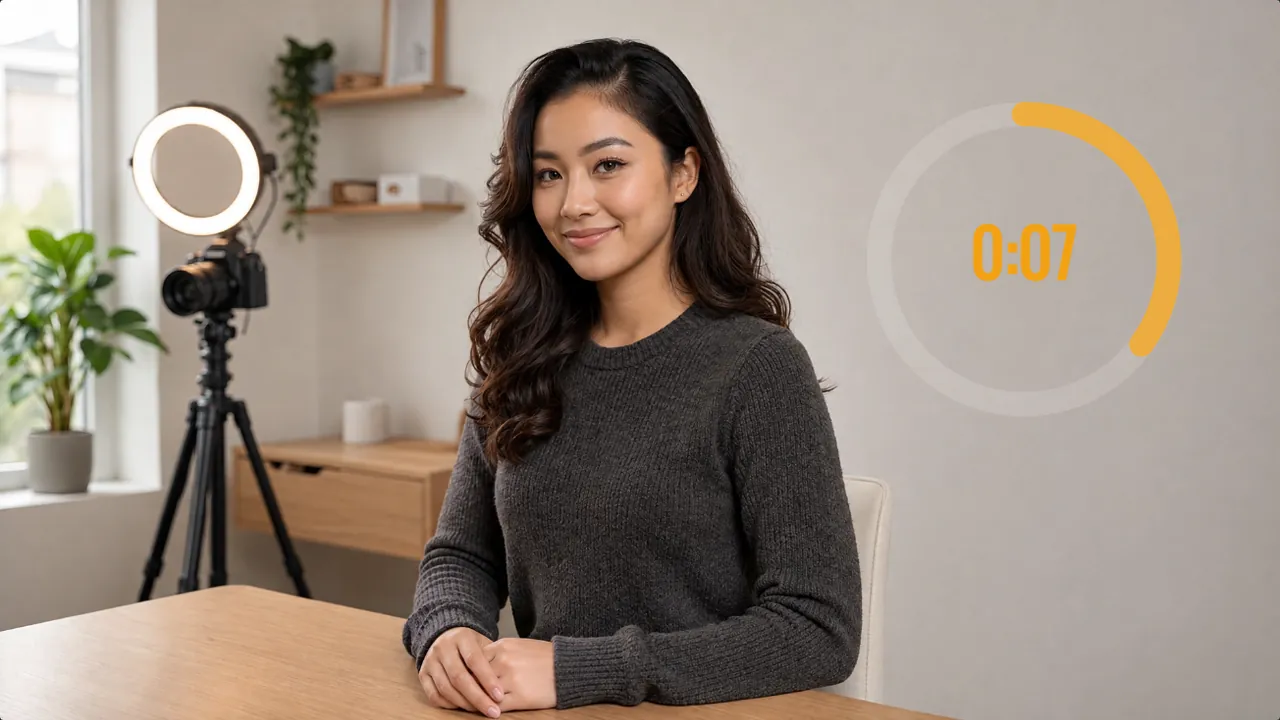
Premiere Pro Countdown Timer: No Plugin Needed
Premiere's Counting Leader is a film leader, and the Timecode effect is gone in 26.0. Render an M:SS countdown in BeamTracer Studio and import the MP4.
Trace Live Video on an Oscilloscope (and Send It to a Laser)
Trace a camera or screen live on an XY oscilloscope in OSC-1, then send the same outlines to a laser. Plus which of three video-to-laser routes fits your job.
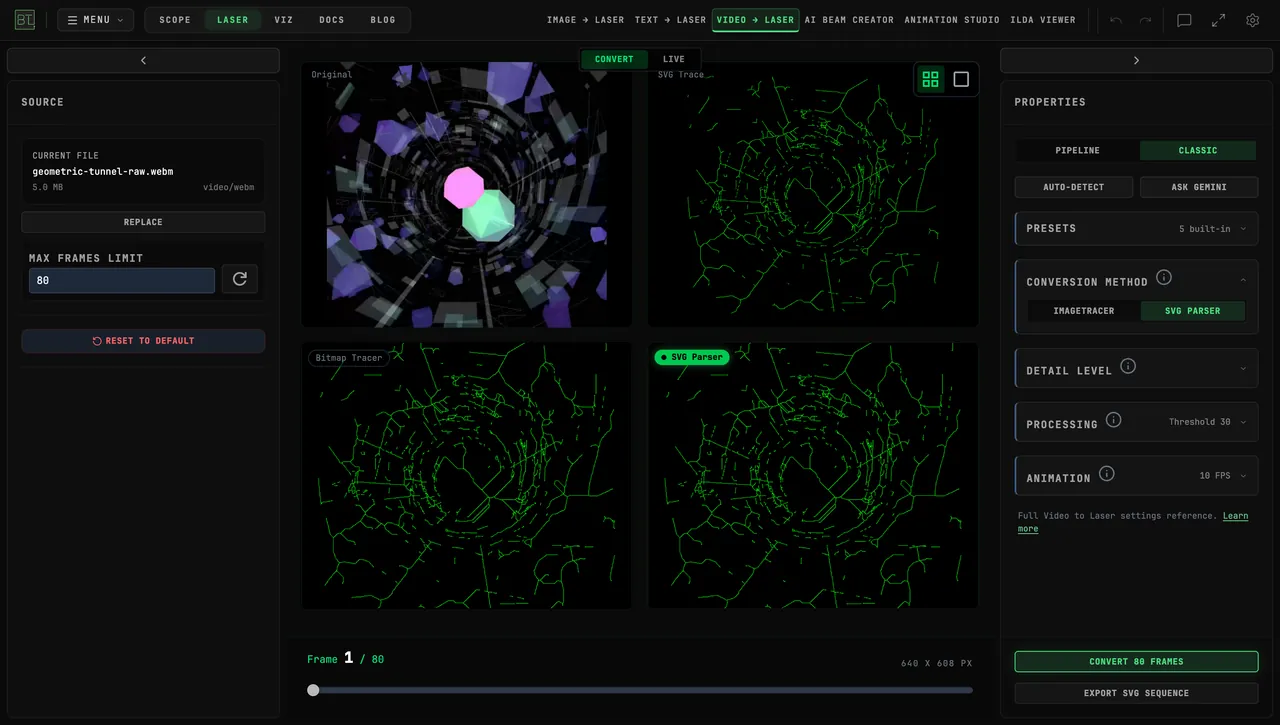
Can You Turn Geometric Animation into Laser Graphics?
Turn geometric animation into laser graphics with BeamTracer Video to Laser. Compare video projection, traced contours, ILDA export, and live sources.
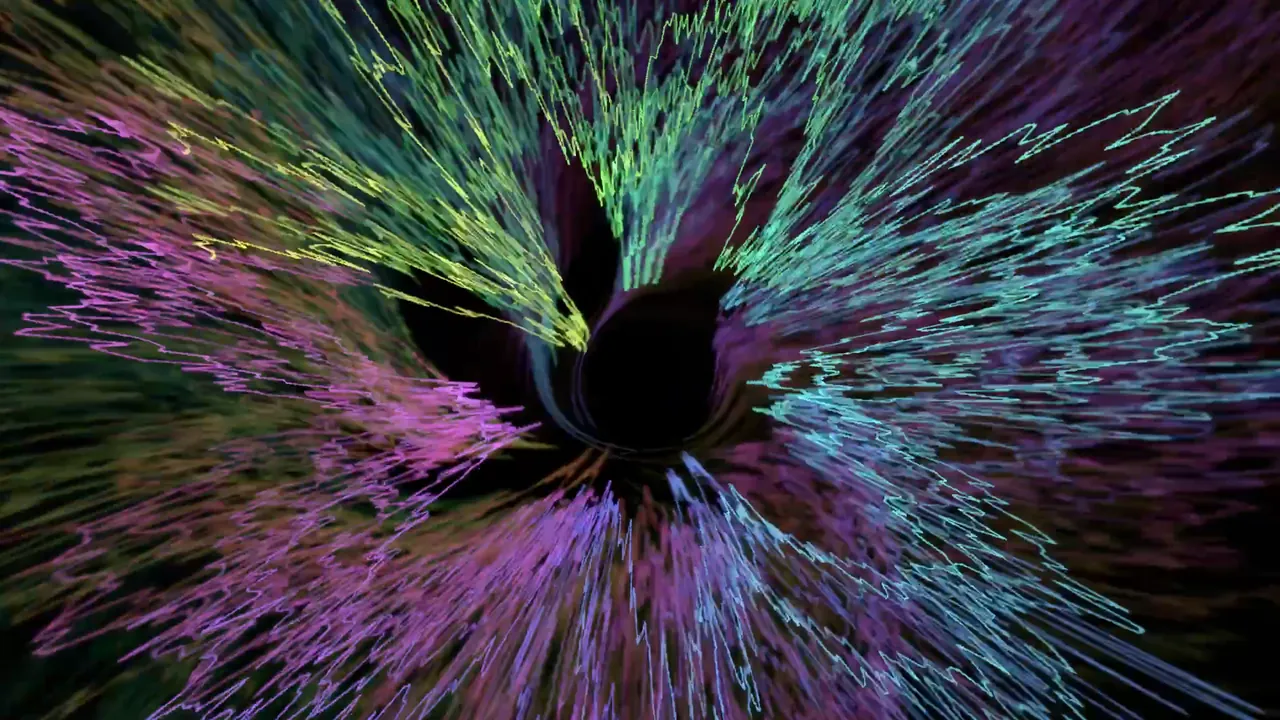
How to Make Winamp-Style Visuals React to Your Music
Make Winamp-style visuals follow your music in BeamTracer: map Bass to Spread, use an LFO for color, shape Spectral flux, and export an MP4 or WebM.
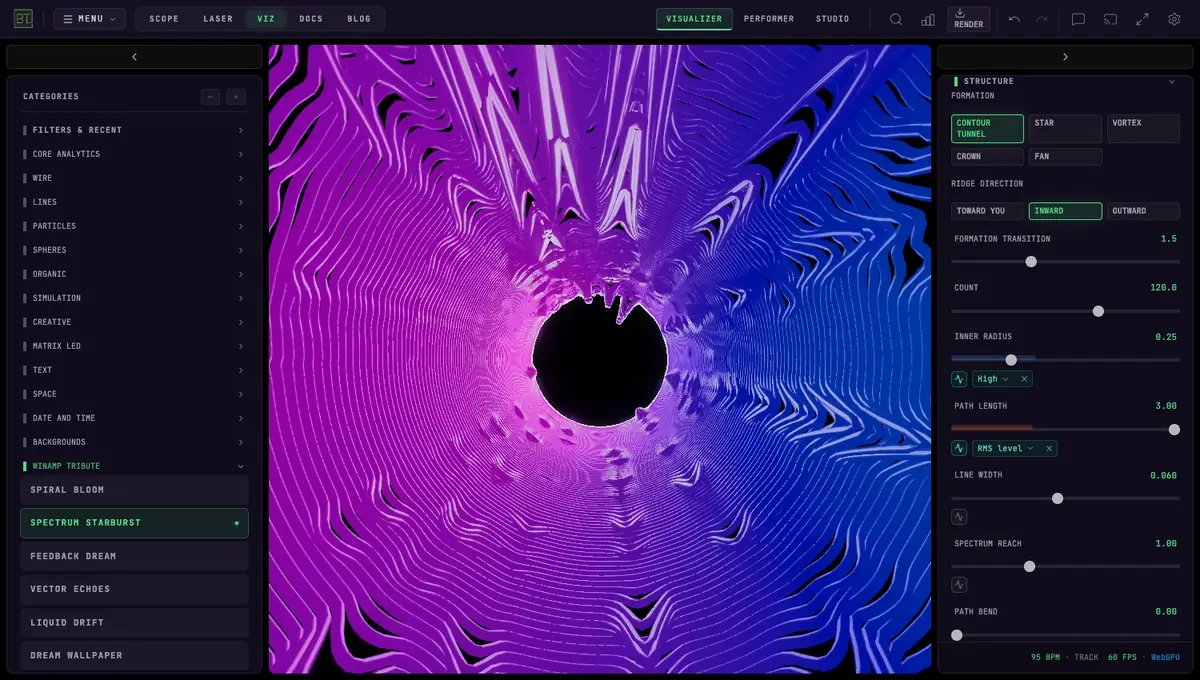
Winamp-Style Visualizers Today: Browser, Mac and Classic Options
Choose between Webamp’s classic player experience and BeamTracer’s editable visuals and video export. A practical Mac browser comparison, with desktop options clearly separated.
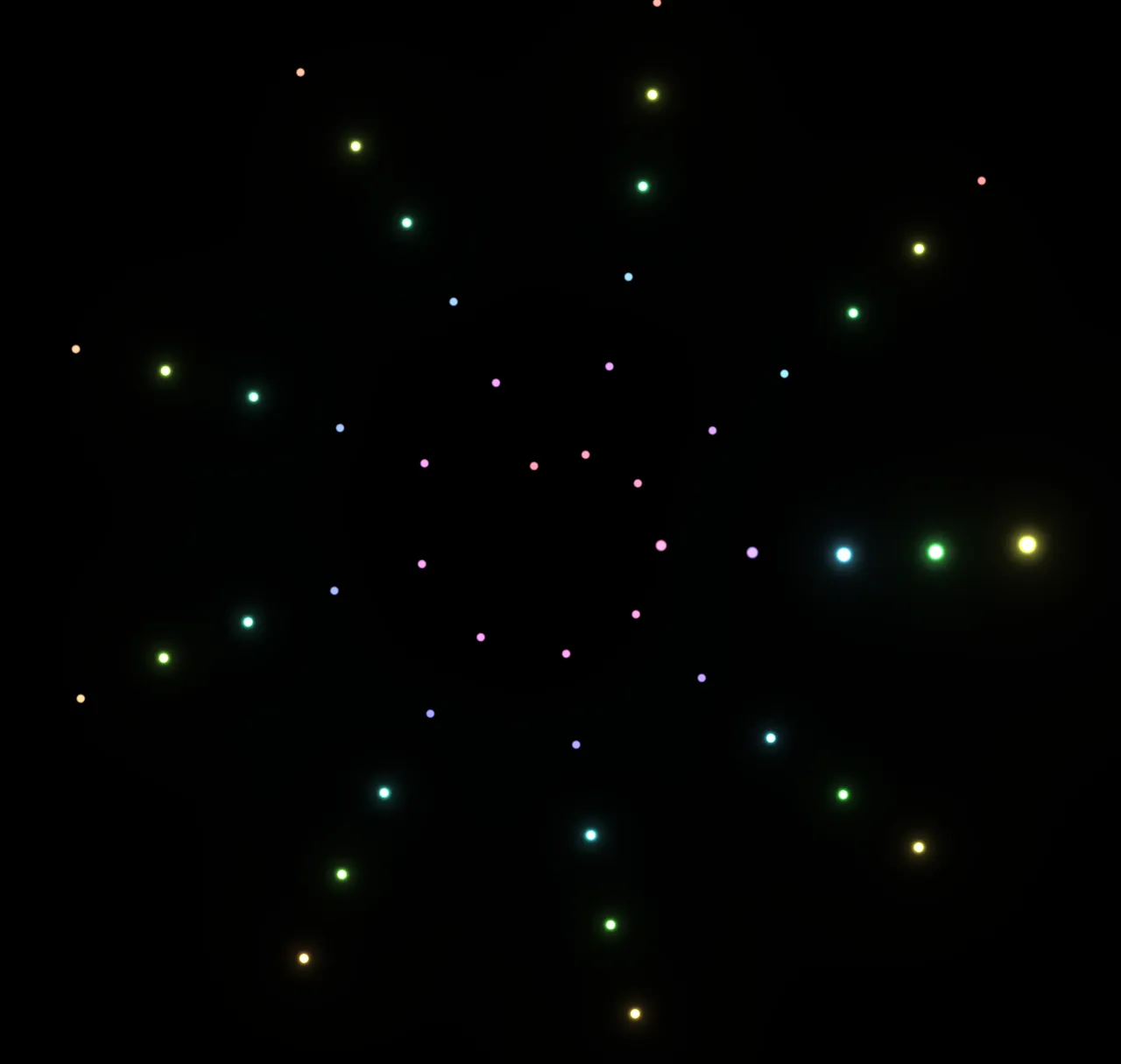
Is There a Visualizer Inspired by John Whitney’s Animations?
Explore a John Whitney-inspired visualizer in your browser: moving dots, dancing lines, geometric patterns, music reaction, and video export in BeamTracer.
Send Your Laser Look as an MP4
Make a laser show preview video with no projector: export your look from BeamTracer Animation Studio as a 1080p or 4K MP4 to send a client or post online.
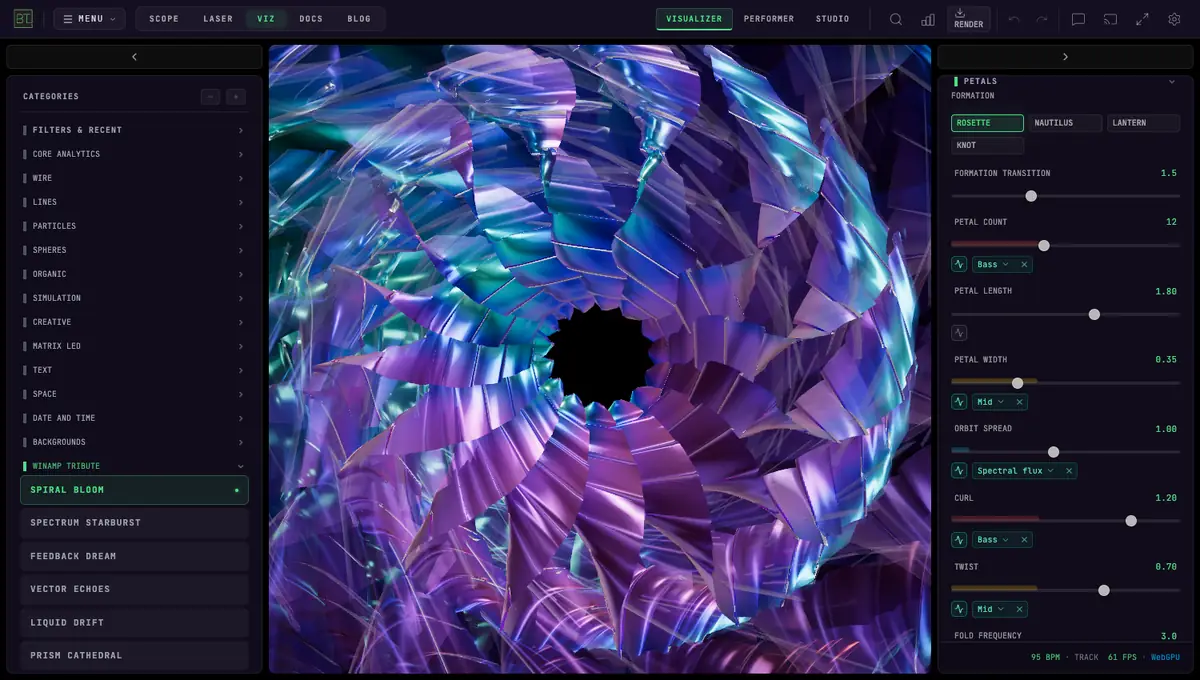
What Happened to Winamp — and Is It Coming Back?
Winamp still exists and plans a Deezer-powered player for 2027. Follow the dated history, MilkDrop's future, and today's Winamp-style visualizers.
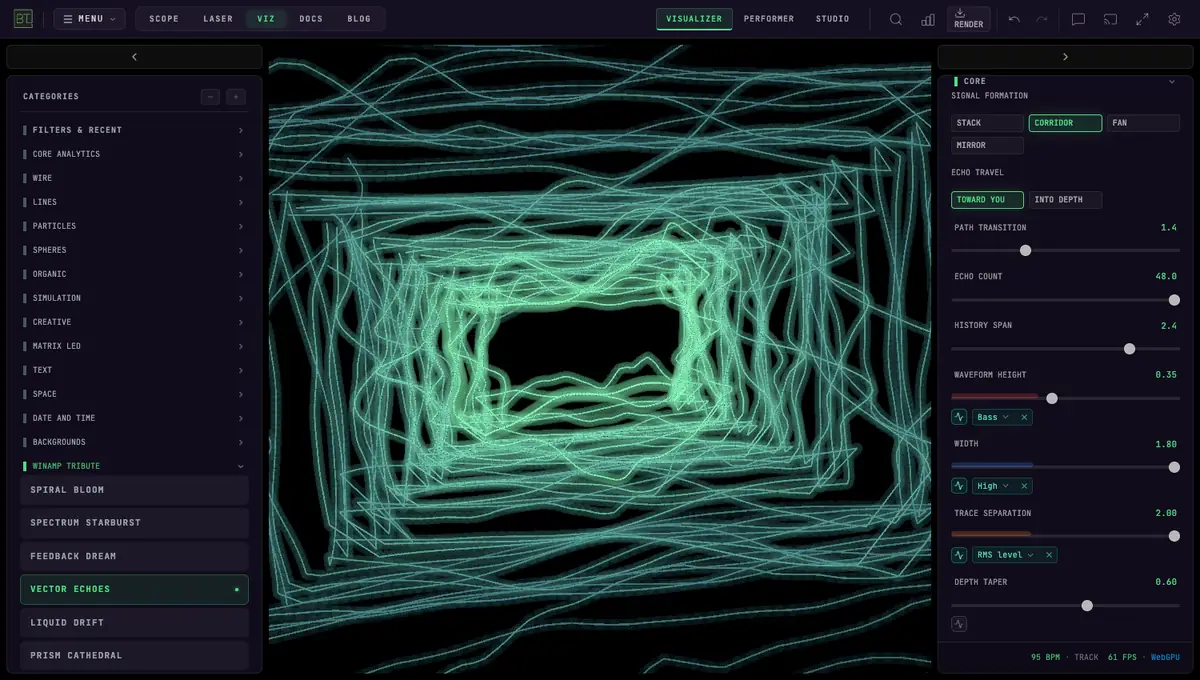
Winamp-Style Visualizer for Spotify and YouTube, in a Tab
Use Spotify or YouTube tab audio with BeamTracer's Winamp-style visualizers in Chrome or Edge. More than 20 visualizers, no install or virtual cable for tab capture.
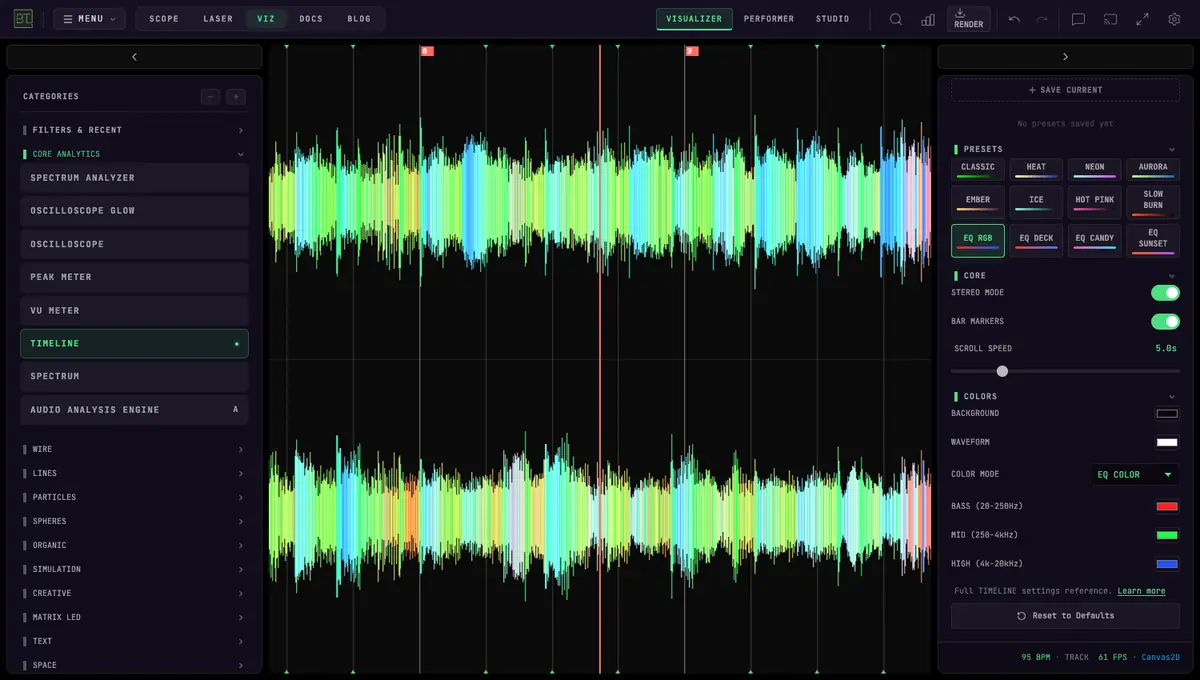
Music Frequencies Explained: See Bass, Mids and Highs Live
Every band from 20 Hz to 20 kHz, where each instrument sits, and how to see bass, mids and highs on a free browser visualizer. Read EQ colors like a DJ.
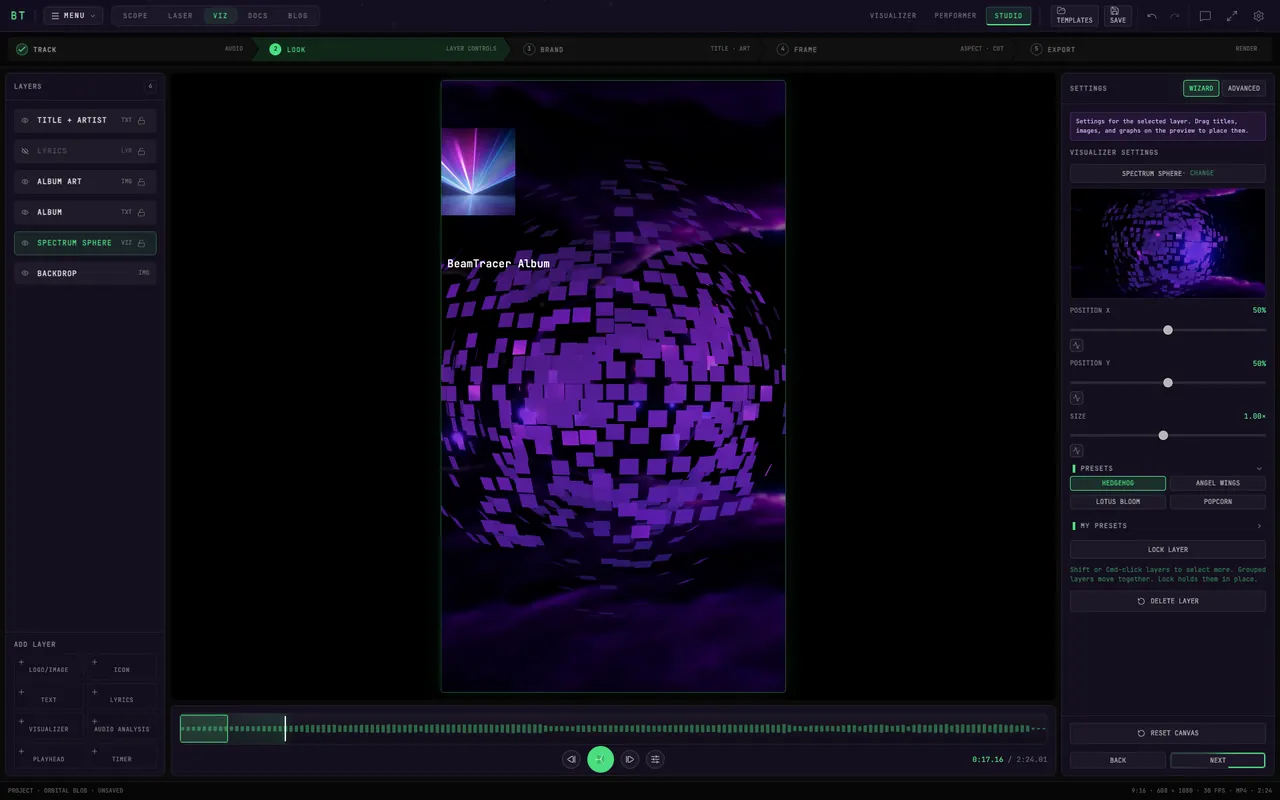
How to Make a Spotify Canvas (And Why Yours Got Rejected)
A Spotify Canvas is 9:16, 3 to 8 seconds, and silent. Make one from your own track in the browser — and fix why yours got rejected or isn't showing up.
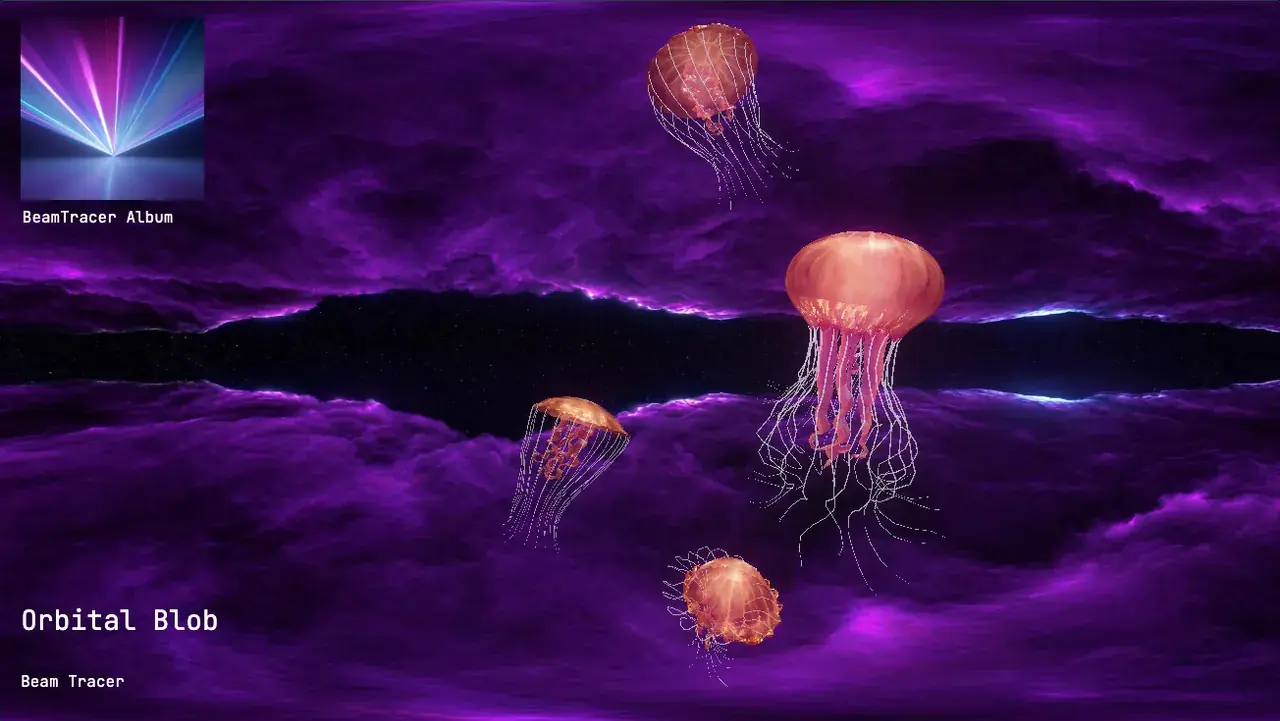
Album Art Music Visualizer: Stop Retyping Your MP3 Tags
Most visualizer tools make you retype your title and re-upload your cover art. Your MP3 already carries all of it — here's how Studio reads the tags for you.
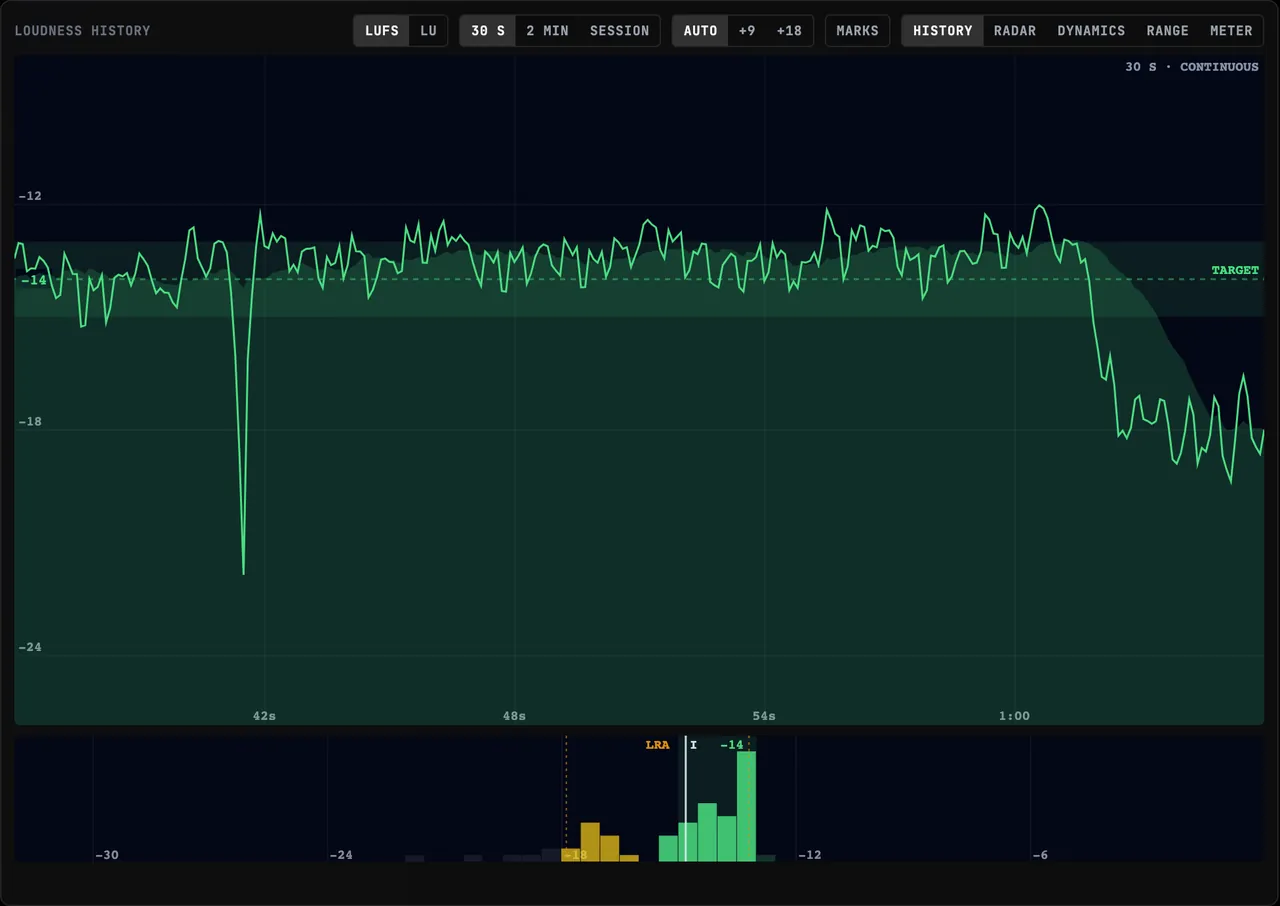
How to Read a Loudness Meter: LUFS in Plain Language
What LUFS actually measures, why it replaced RMS, and what momentary, short-term, integrated, true peak and LRA mean — explained on a free browser meter.
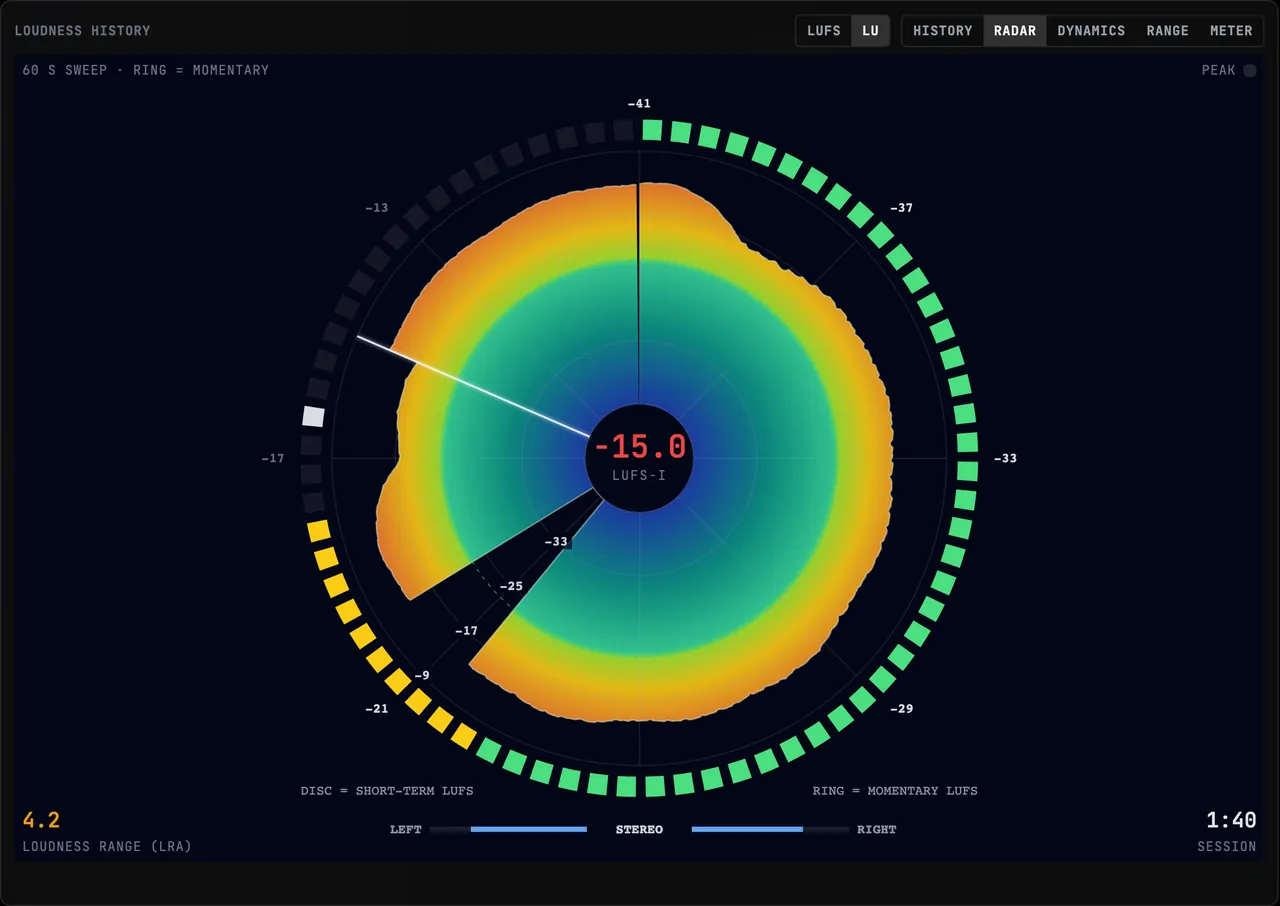
Level Livestream Audio in the Browser: No Second PC
The classic livestream loudness workflow needs a second machine and a capture app. Here's the same LUFS speech leveling done free, in one browser tab.
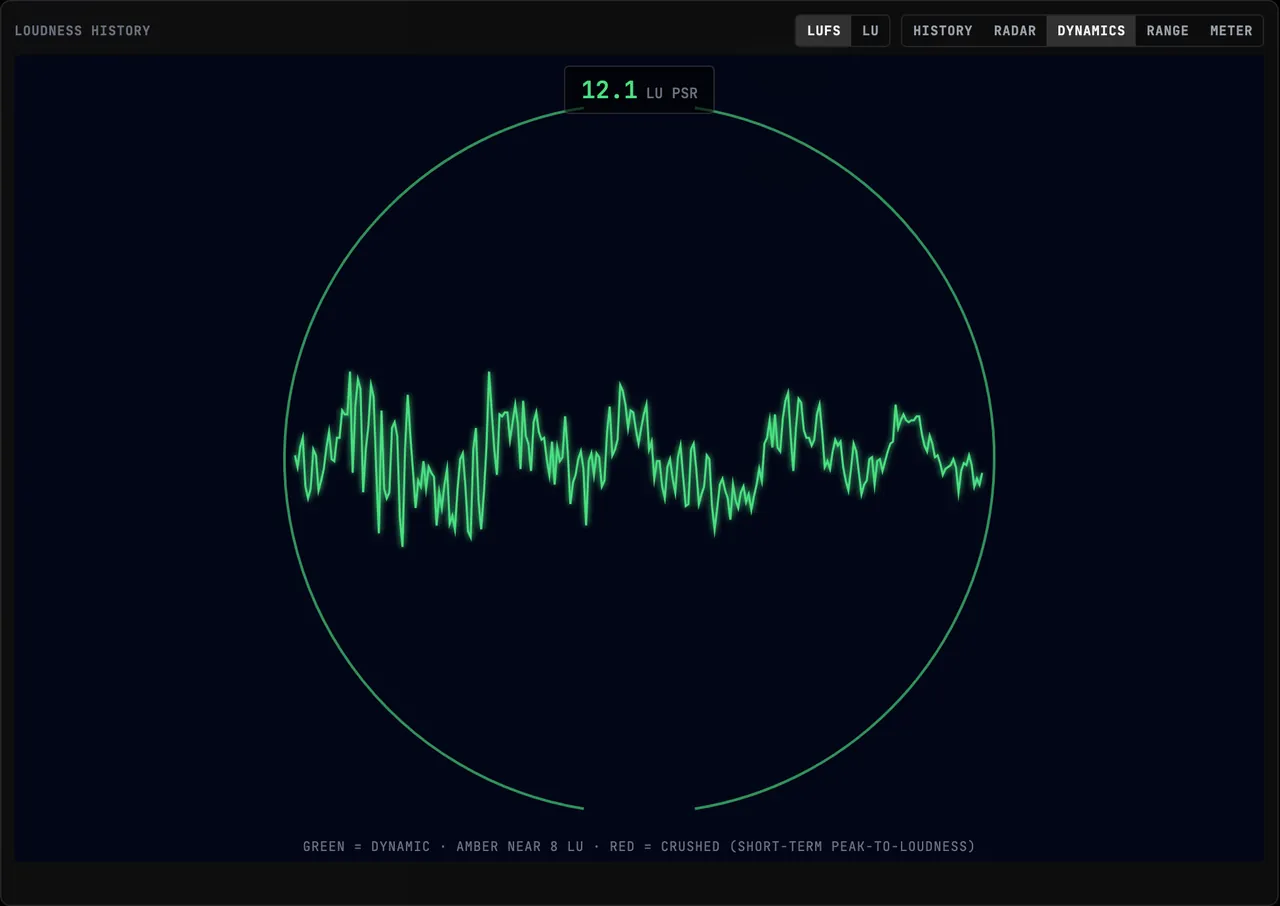
PSR, PLR and LRA Explained: How Dynamic Is Your Master?
Learn what PSR, PLR and LRA measure, how to interpret low PSR readings, and when to use live playback or whole-file analysis in BeamTracer.
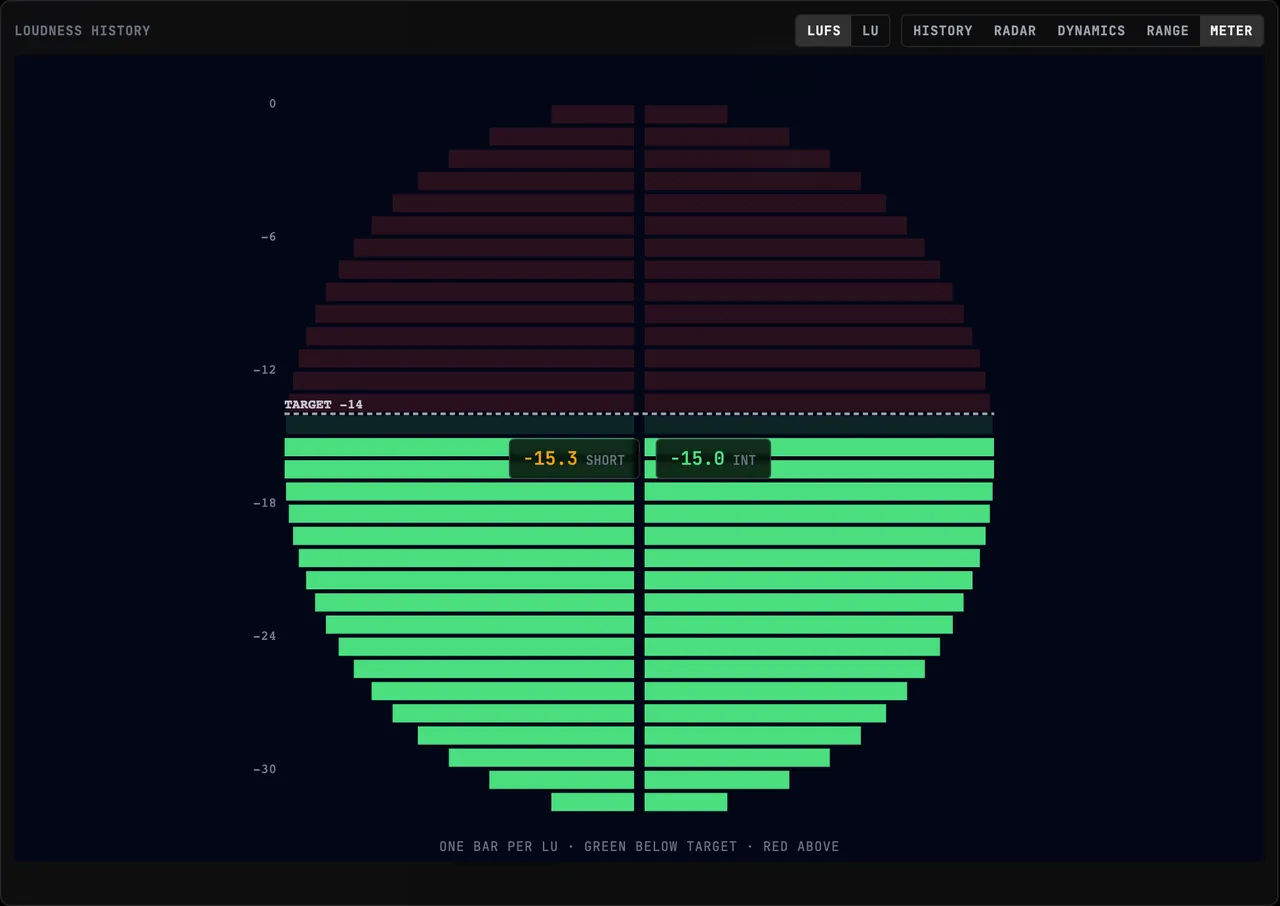
Spotify Loudness Normalization: What −14 LUFS Really Does
Spotify normalizes to −14 LUFS, but the boost is capped by true peak and turning down never clips. The real behavior, and how to preview it before upload.
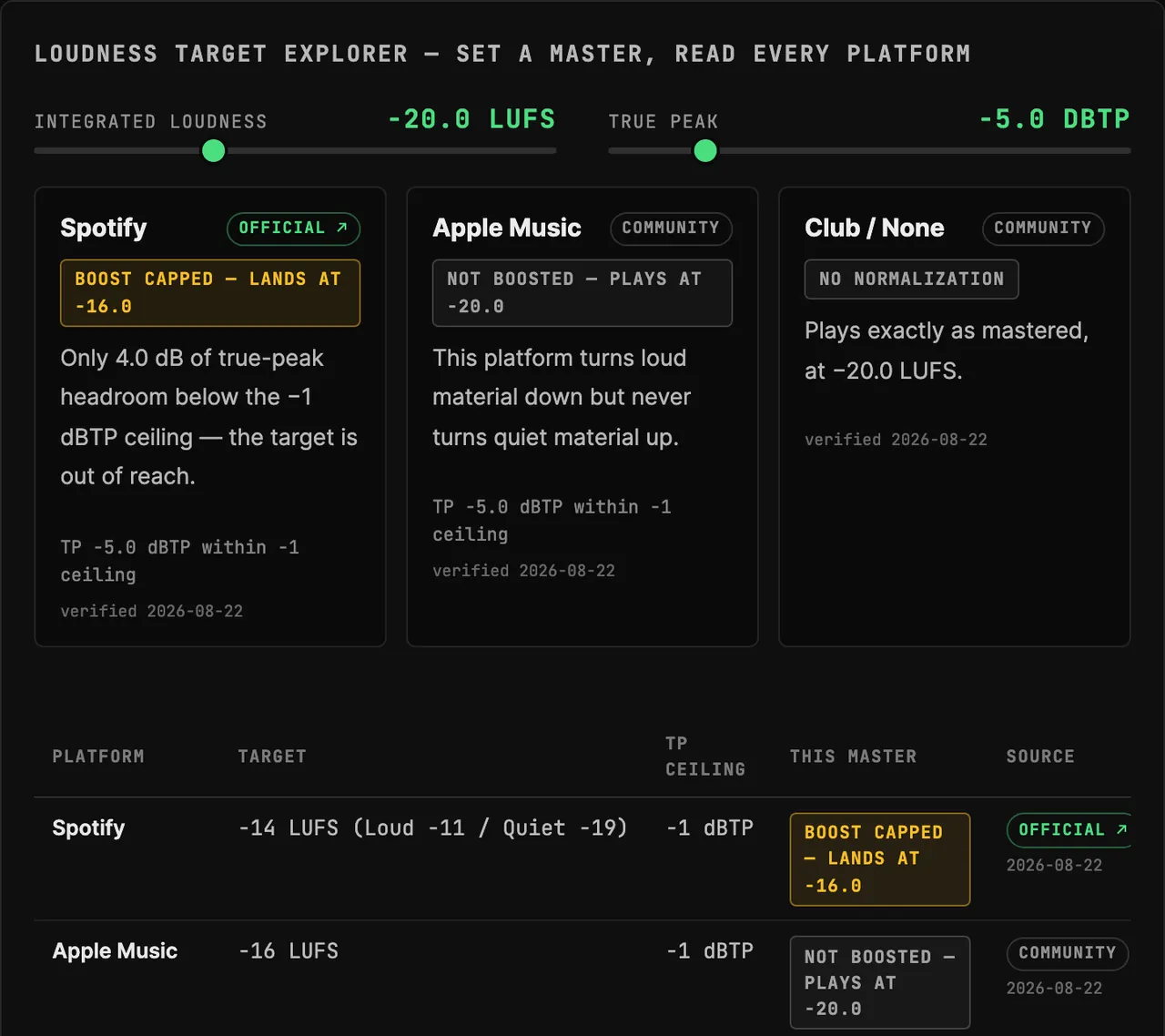
Streaming Loudness Targets: Every Platform, Sourced
Spotify, Apple Music, YouTube, Tidal and the rest: every platform's real playback numbers with a source class on each — plus a live loudness calculator.
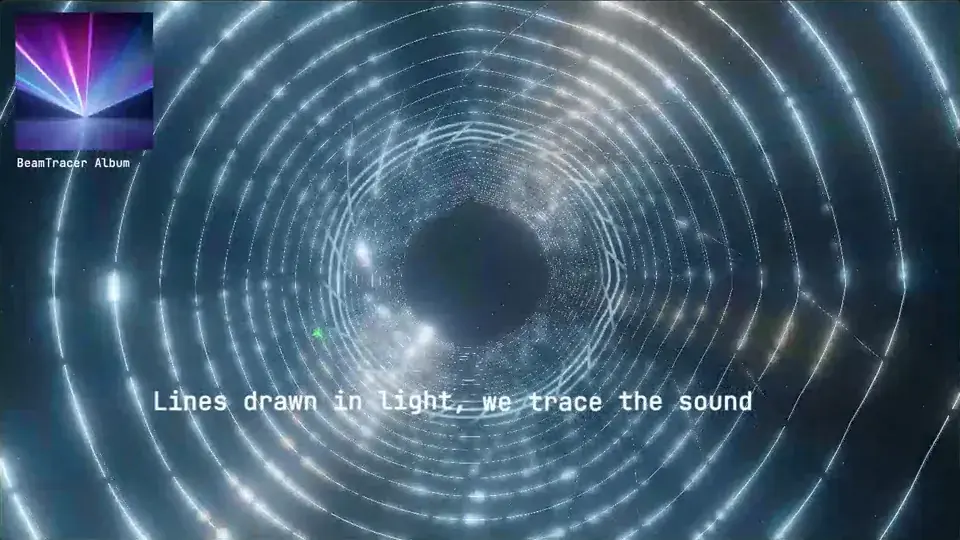
How to Make a Music Visualizer From an MP3
Turn an MP3 into a music visualizer in BeamTracer Studio. Try more than 150 modes live, change colors while the track plays, then render an MP4 or WebM.
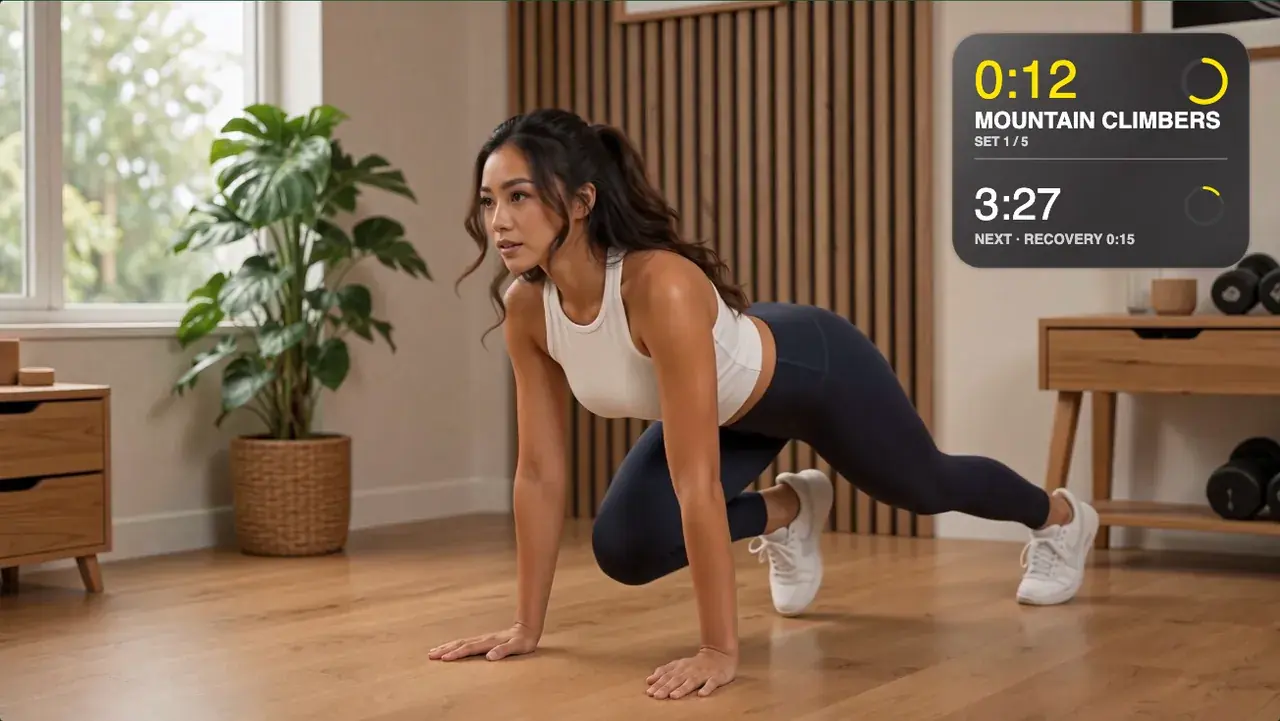
Workout Timer Overlay for Long Videos: Many Sets, One Take
Put a named interval timer with sets, recoveries and a whole-workout clock over a 5- or 30-minute training video — authored in a browser, previewed live.
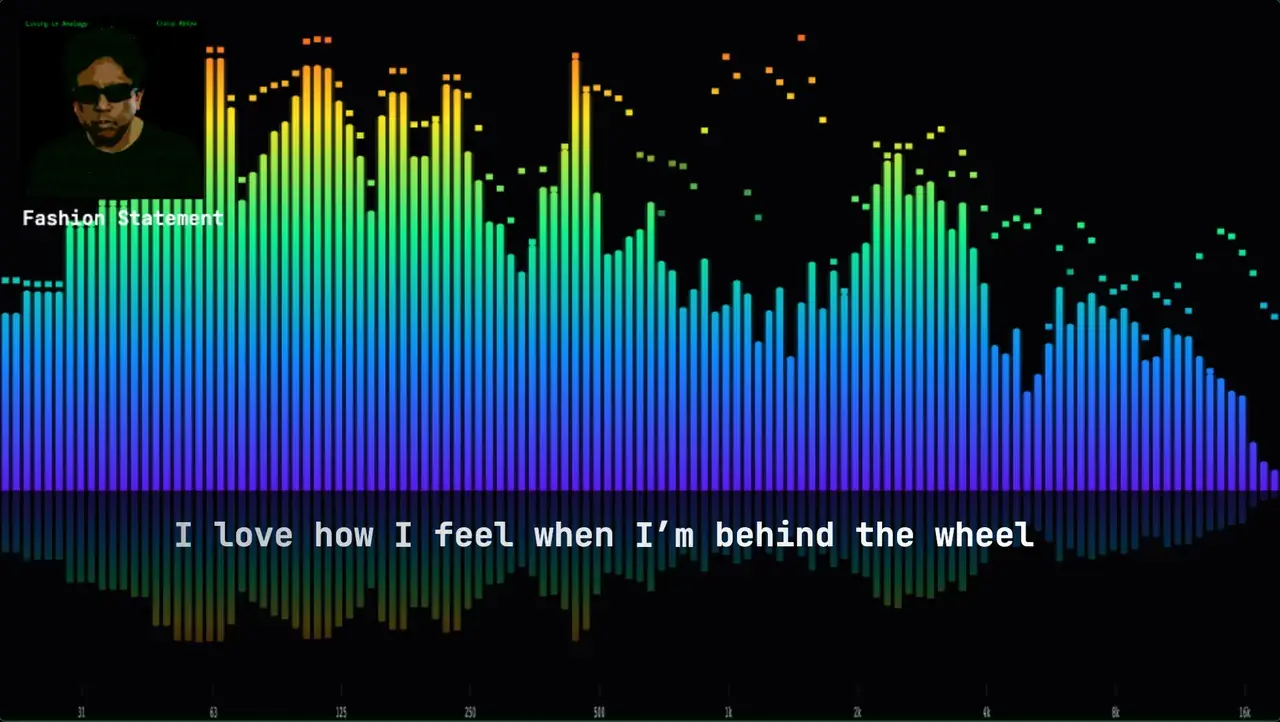
How to Make a Lyric Video Without Typing a Single Timestamp
Lyric videos are usually timed line by line by hand. Studio can listen to the track and place the lines for you — here's the whole job on a real song.
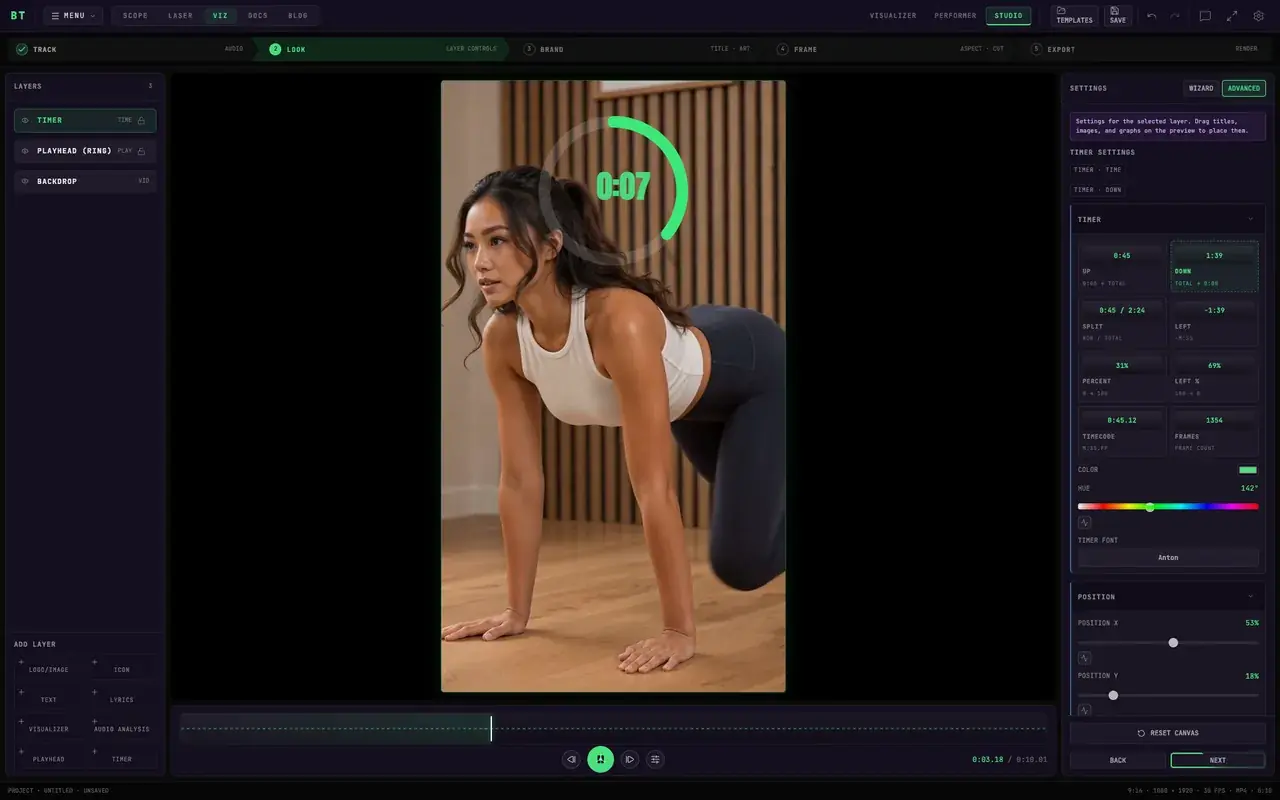
How to Add a Timer in CapCut: Countdown Options
Add a countdown in CapCut with text clips, a sticker, or a recorded clock. For an M:SS timer, make a countdown video in BeamTracer Studio and import the MP4.
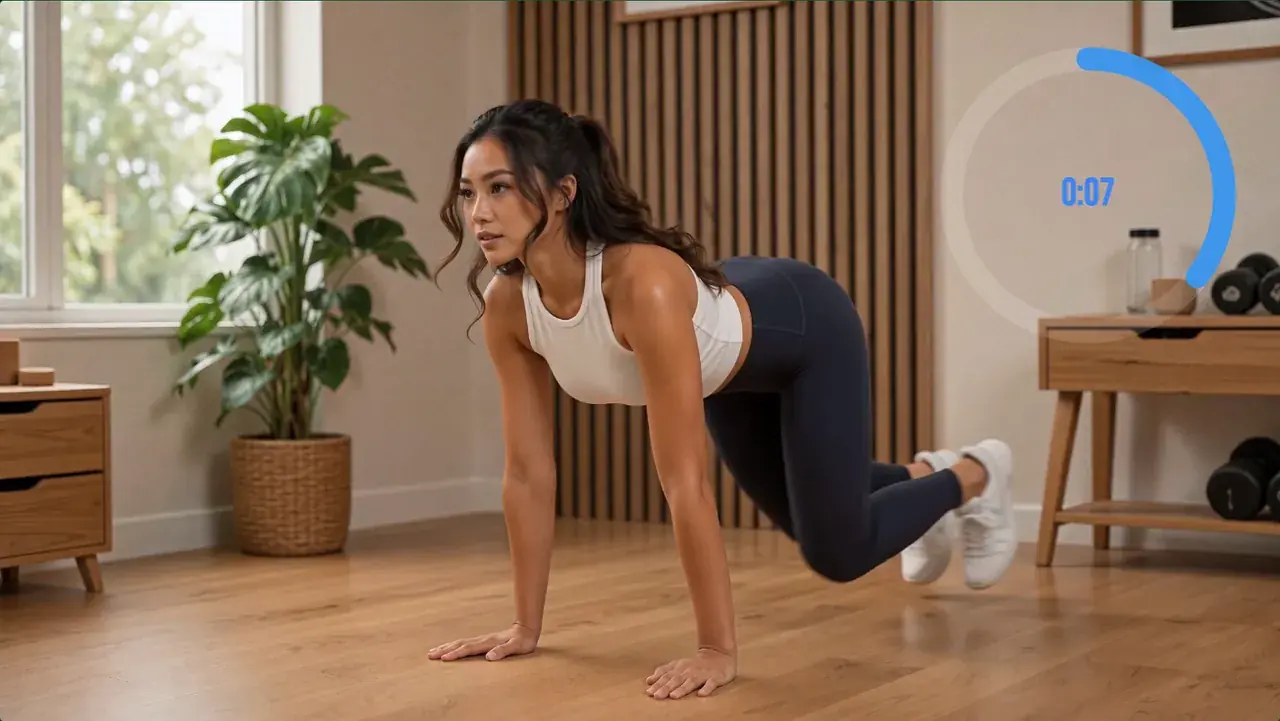
How to Add a Countdown Timer to a Workout Video (HIIT)
Build a HIIT work-and-rest schedule with interval and total countdowns on one glass card, then burn it into your workout video in your browser — no plugin.
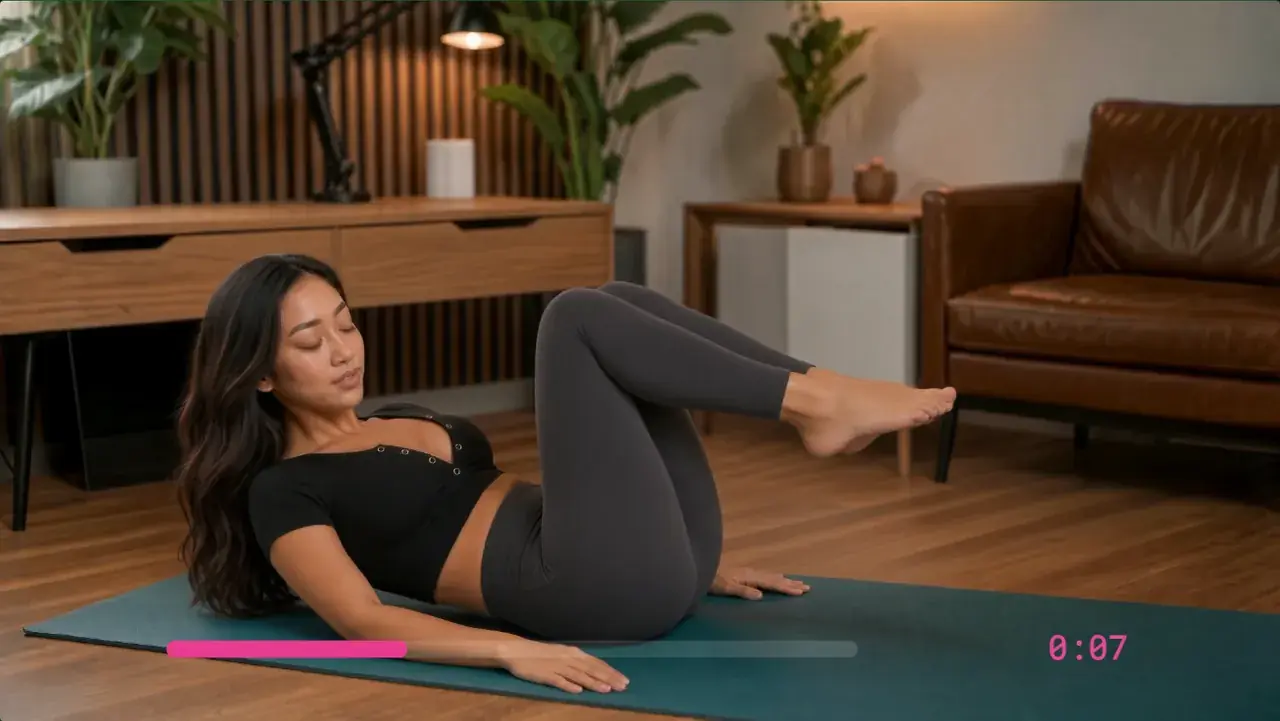
Final Cut Pro Countdown Timer: No Plugin Needed
Make an M:SS countdown video in BeamTracer Studio and import the MP4 into Final Cut Pro. Compare this workflow with Counting, Timecode, and timer plugins.
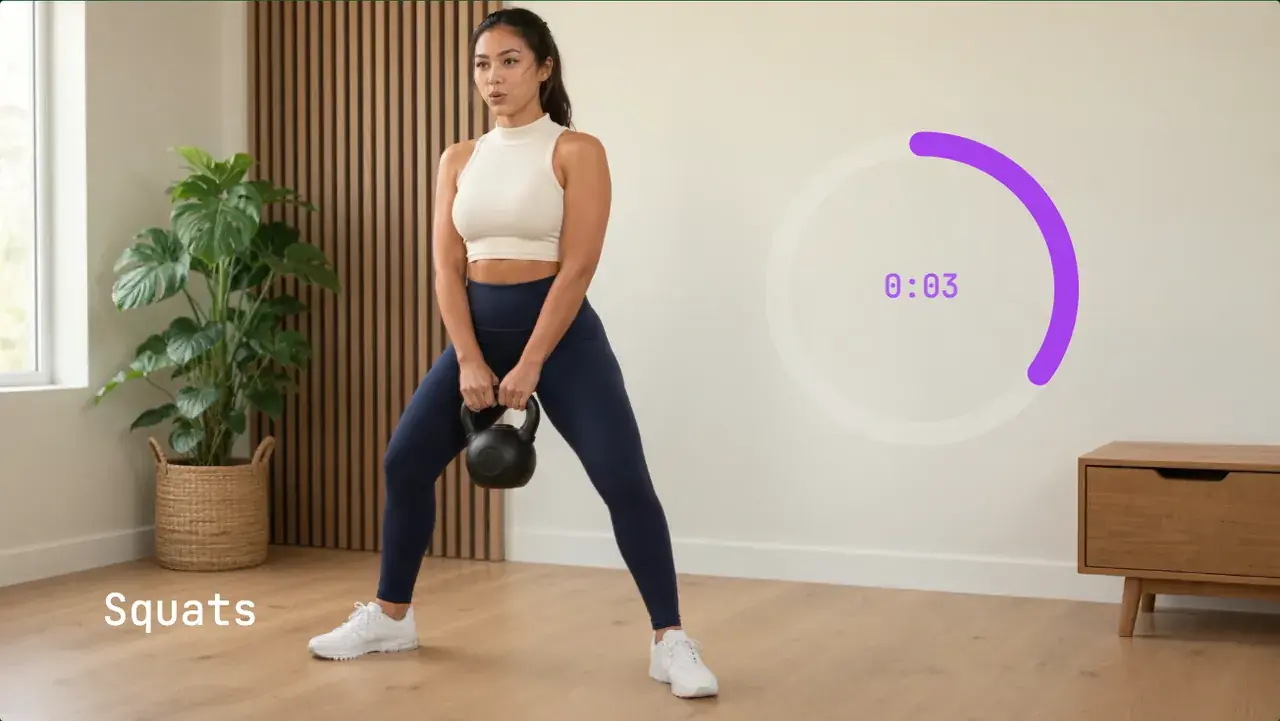
Stopwatch or Timer Overlay on a Video (No Screen-Recording)
The standard advice is to film your phone's clock app and key it out. Why that fails, and how to render a real timer overlay in the browser in a minute.
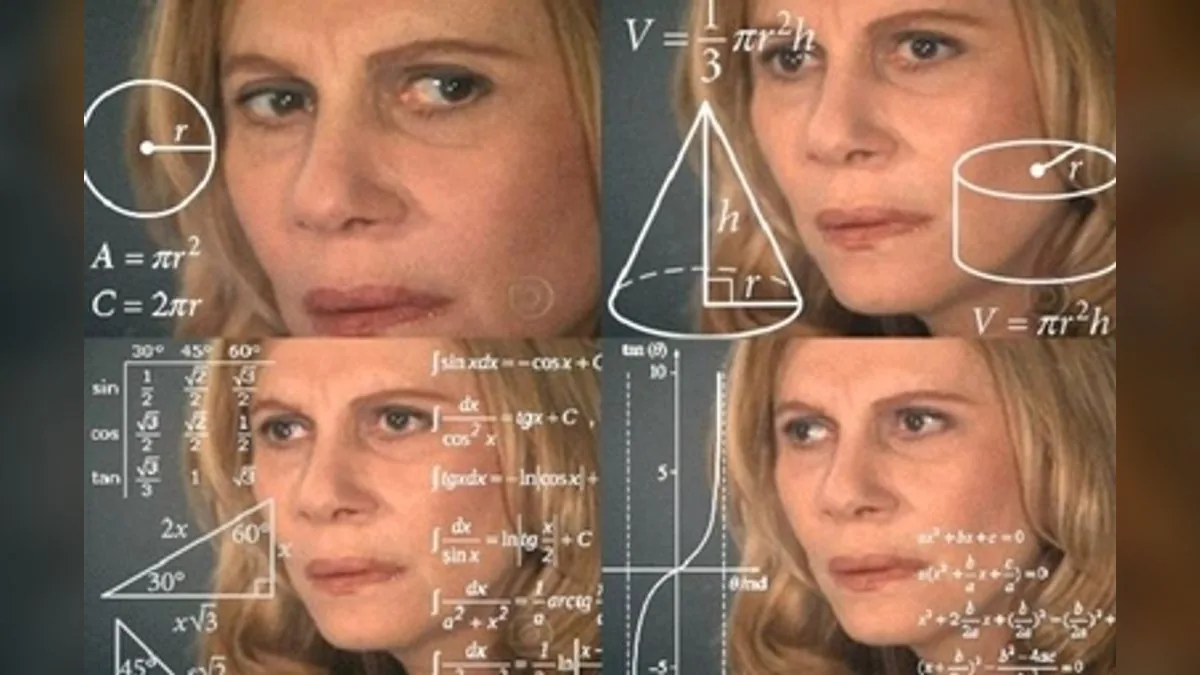
How to Make the Math Lady Floating Equations Meme
The history of the Math Lady and Hangover math memes, plus how to make floating equations yourself — CapCut, Final Cut, After Effects, or free in your browser.
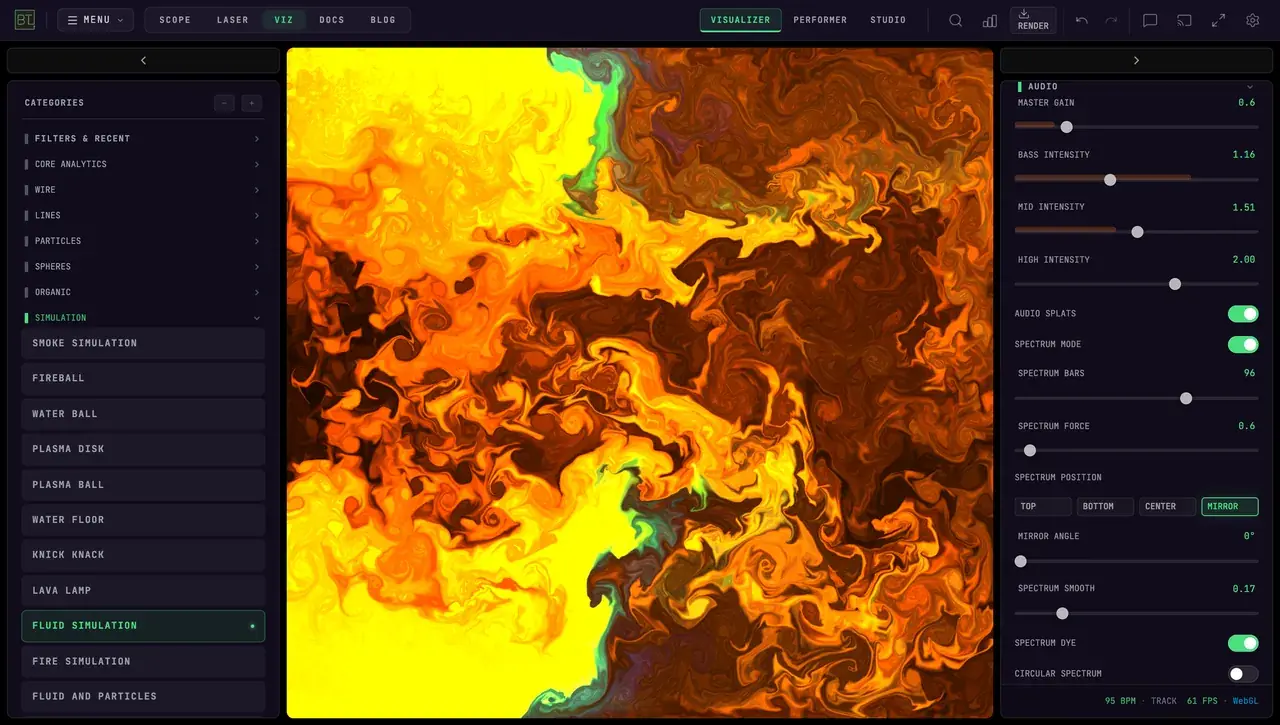
Free Audio Visualizers for Live Shows, YouTube & TikTok
Compare six audio visualizers for live shows and content creation in 2026. BeamTracer runs more than 150 real-time modes with MIDI, modulation, and 4K export.