
DMX Control
Drive Audio Visualizers from a lighting console — sACN and Art-Net input through BeamTracer Bridge with a fixed 12-channel personality.
Audio Visualizers can be driven from a lighting console. DMX arrives over sACN (E1.31) or Art-Net through BeamTracer Bridge and controls the performer with a fixed 12-channel personality — patch it once at address 1 and it works with zero configuration.
Connecting
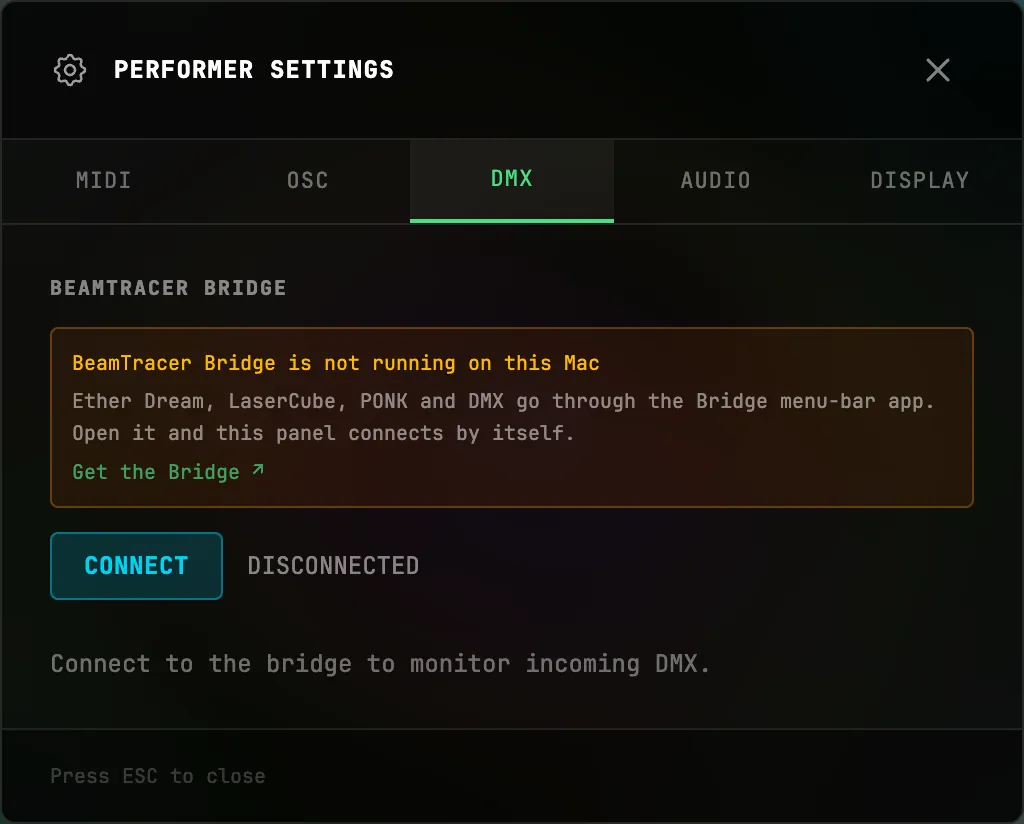
- Start BeamTracer Bridge and read the four-digit PAIRING CODE in its menu-bar panel.
- In the performer view, click the MIDI status chip in the control bar to open PERFORMER SETTINGS, then switch to the DMX tab.
- Enter that code and press CONNECT, or choose OPEN BEAMTRACER in the Bridge panel.
- Send DMX to the computer running the Bridge. Every universe the Bridge hears appears as a button — the selected universe drives the show, and the monitor shows all 12 channels live.
The personality — "BeamTracer Visualizer" v1
Patch a 12-channel fixture at start address 1:
| Channel | Function | Values |
|---|---|---|
| 1 | Master intensity | 0 black → 255 full |
| 2 | Preset select | 0 hold · 1–255 preset number |
| 3 | Scene select | 0 hold · 1–255 scene number |
| 4 | Crossfade time | 0 cut → 255 ≈ 10 s |
| 5 | Bank MSB | bank × 256 + preset select |
| 6 | Speed | 128 = 1× |
| 7 | Hue shift | 0–255 |
| 8–10 | R / G / B tint | default 255 |
| 11 | Strobe | 0 off |
| 12 | Control | 251–255 blackout |
What that means live:
- Master intensity (1) dims the whole canvas toward black; blackout (12 at 251–255) cuts it instantly. Both only darken — they can never flash the output brighter.
- Preset select (2) steps through the same preset order the performer grid shows. Value 0 means hold — the current preset stays until the channel moves to a new number. (If your console parks faders at 0, that's by design: 0 never retriggers.)
- Crossfade time (4) shapes how preset changes land: 0 is a hard cut, higher values crossfade up to about ten seconds.
- Scene select (3) jumps the scene sequencer to a scene by number, using that scene's own transition.
- Speed, hue shift, tint, and strobe (6–11) appear in the live monitor today; their visual wiring is coming to the performer next.
Two consoles sending to the same universe? The higher sACN priority wins; on a tie the most recent sender takes over and the panel shows PRIORITY CONFLICT so the handover is never silent.
MIDI & OSC Integration
MIDI Learn for every visualizer control, Program Change preset switching, APC Mini MK2 LED feedback, MIDI clock, the OSC bridge, and controlling the Performer and its camera from TouchDesigner over OSC.
Audio Modulation
Drive any modulatable slider from the full live catalog — bands, loudness, spectral shape, rhythm, stereo, generators, MIDI CC, and camera tracking — with amount and route options.