
BLOG
Tutorials, guides, and updates from the BeamTracer team
Find articles for your workflow
18 articles for BT Laser Studio · Workflow & Export
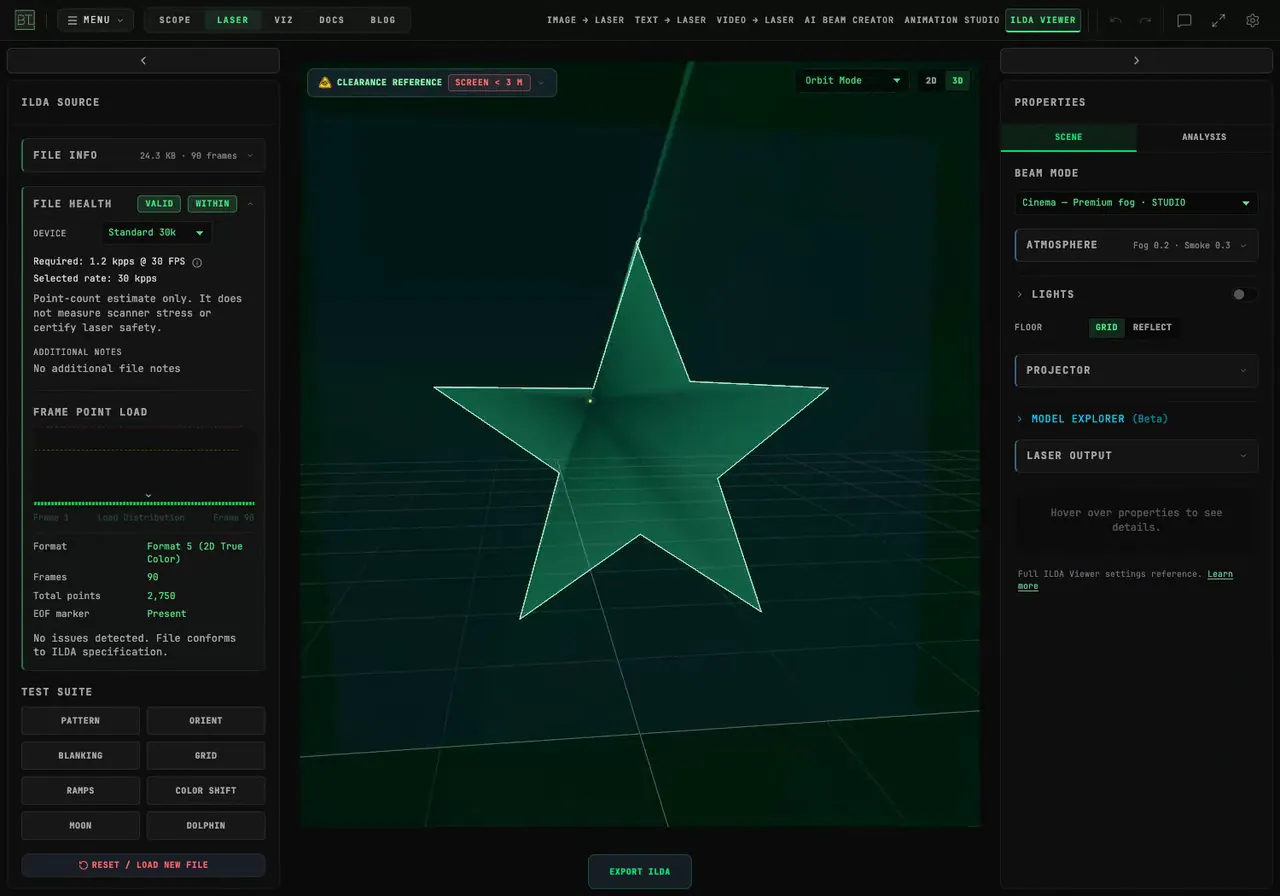
How Do I Add an Animated Glitch Effect to Laser Artwork?
Break up an SVG with BeamTracer's Glitch modifier. Compare intensity, rate and dropout, export an ILDA animation, and replay the actual file in Cinema.
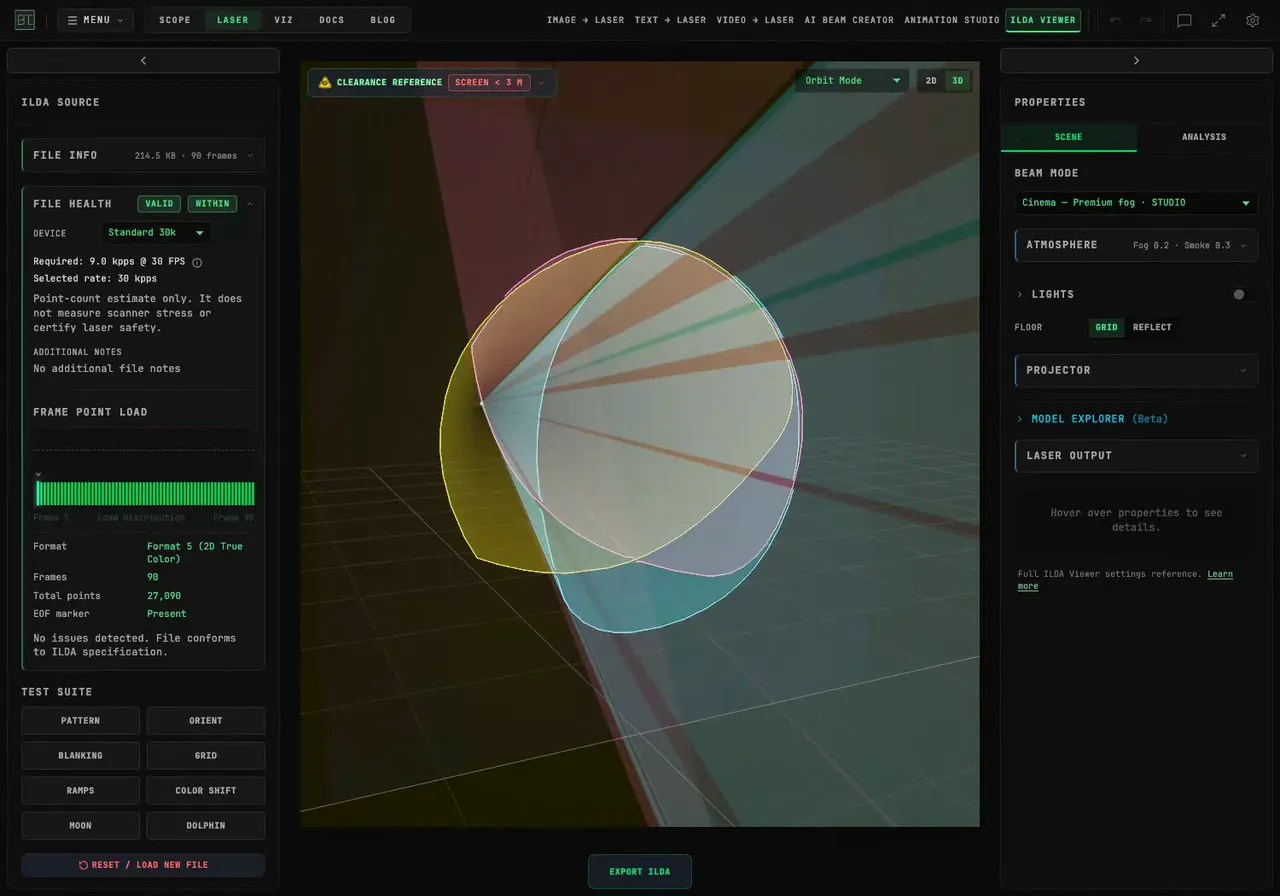
How Do I Keep My Image's Colors in a Laser Animation?
Preserve your artwork's colors, recolor one region or apply a single laser palette color. Follow the settings and replay the exported ILDA animation.
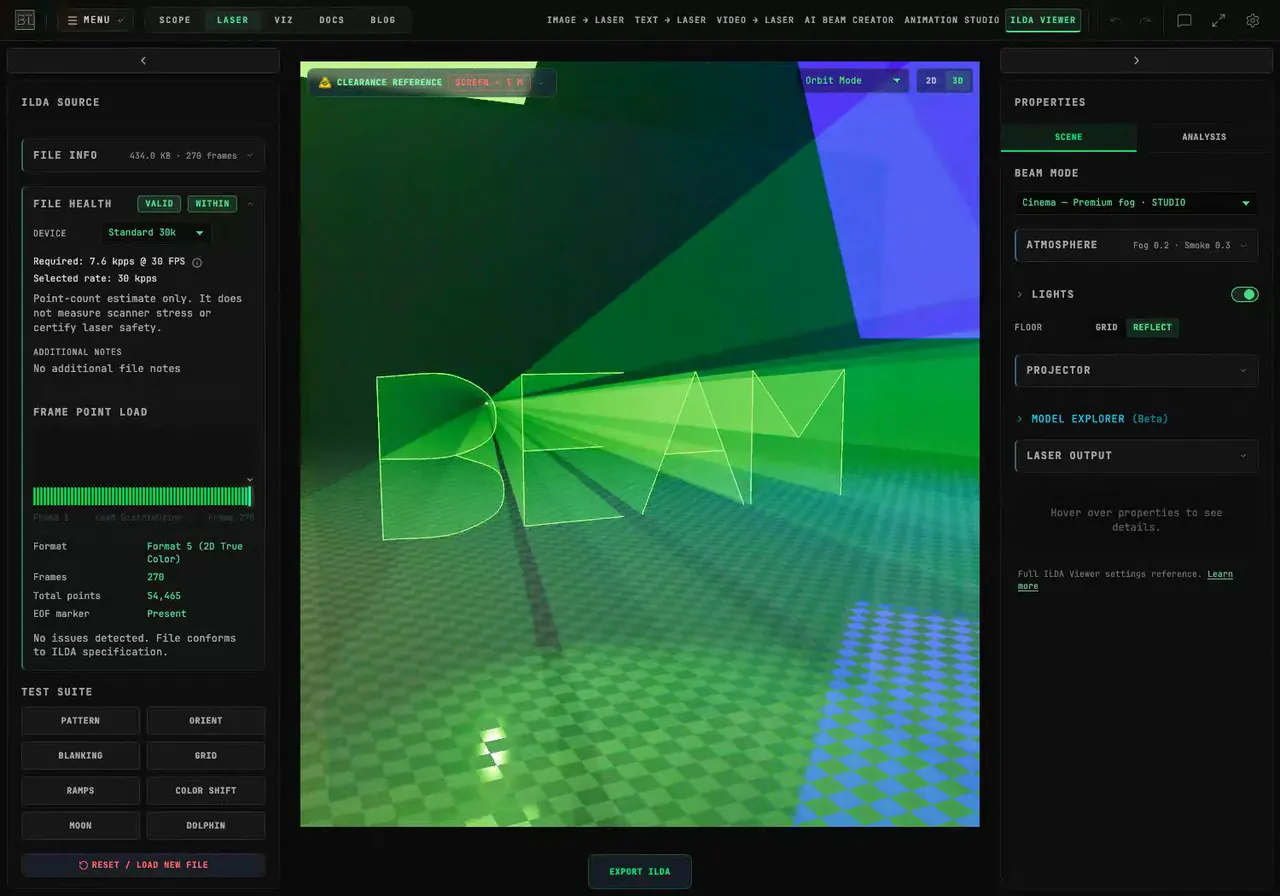
How Do I Make Laser Text Write Itself One Stroke at a Time?
Animate laser lettering in your browser with HANDWRITING and WRITE. Control stroke order, stagger the reveal, add neon color, and download the animation as ILDA.
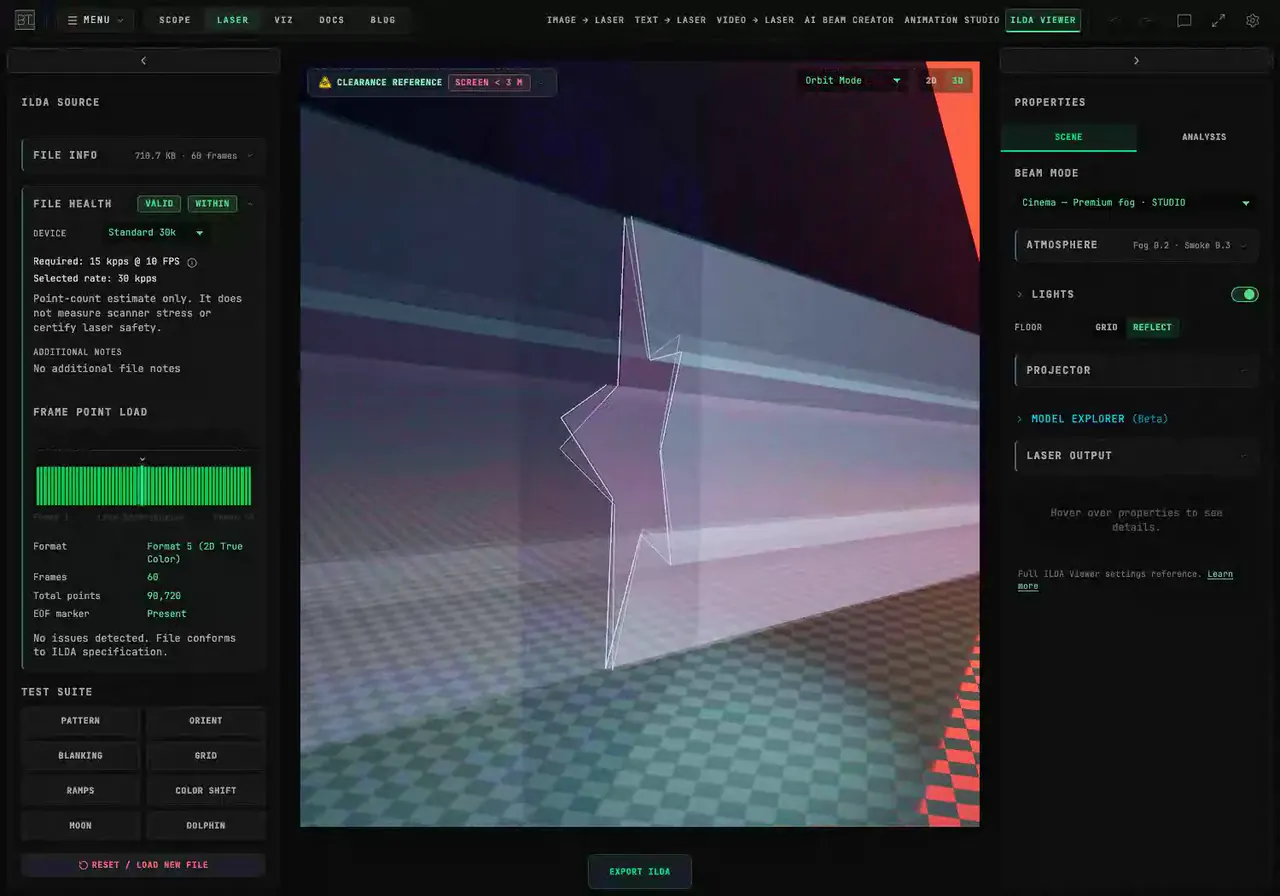
How Do I Check an ILDA File Before Connecting a Laser?
Check ILDA file structure and point demand in BeamTracer. Compare frame rates and device profiles, read File Health, and preview the artwork in 3D Cinema.
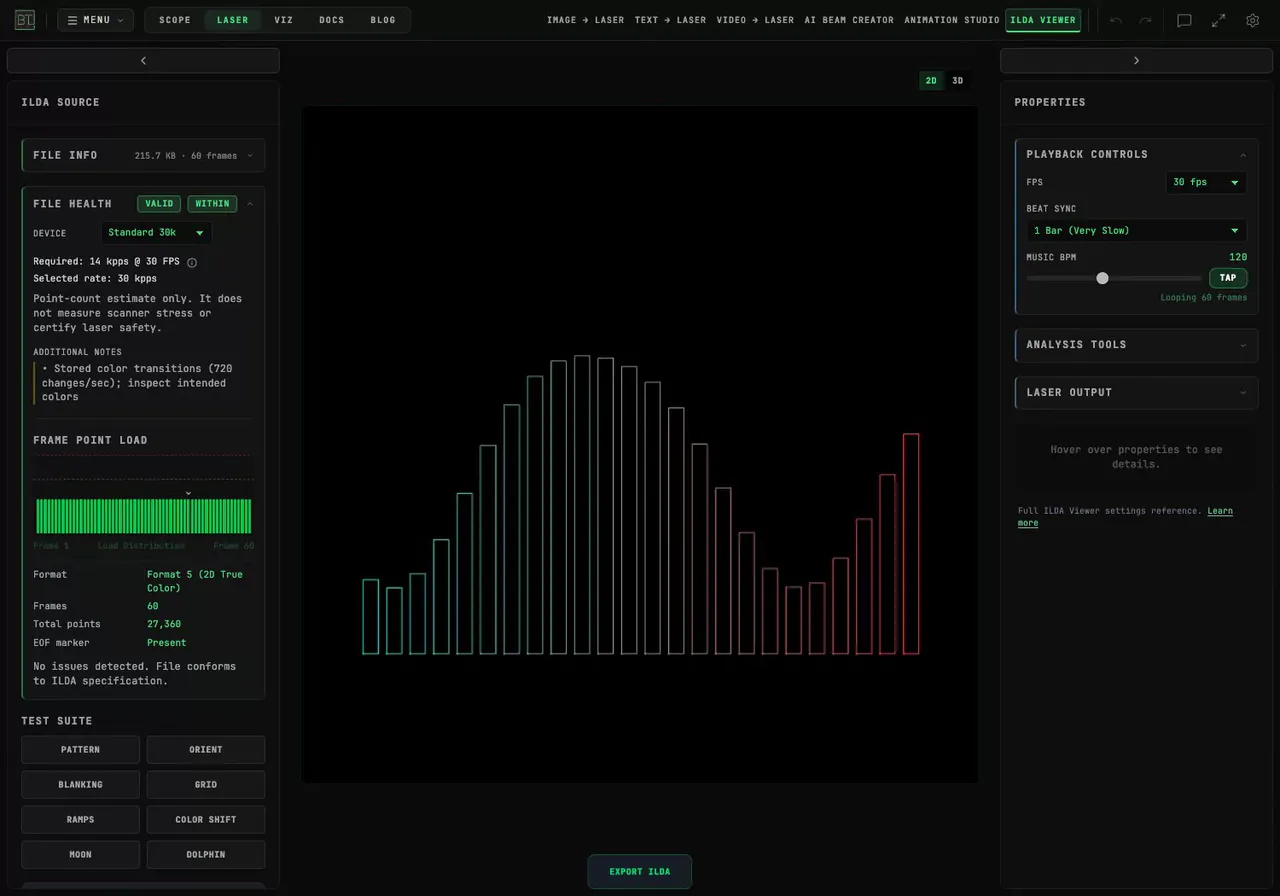
How Do I Loop an ILDA Animation to the Beat?
Time an ILDA animation in BeamTracer with FPS, Beat Sync and Music BPM. Compare one-beat and one-bar loops, inspect the frame range, and preview it in Cinema.
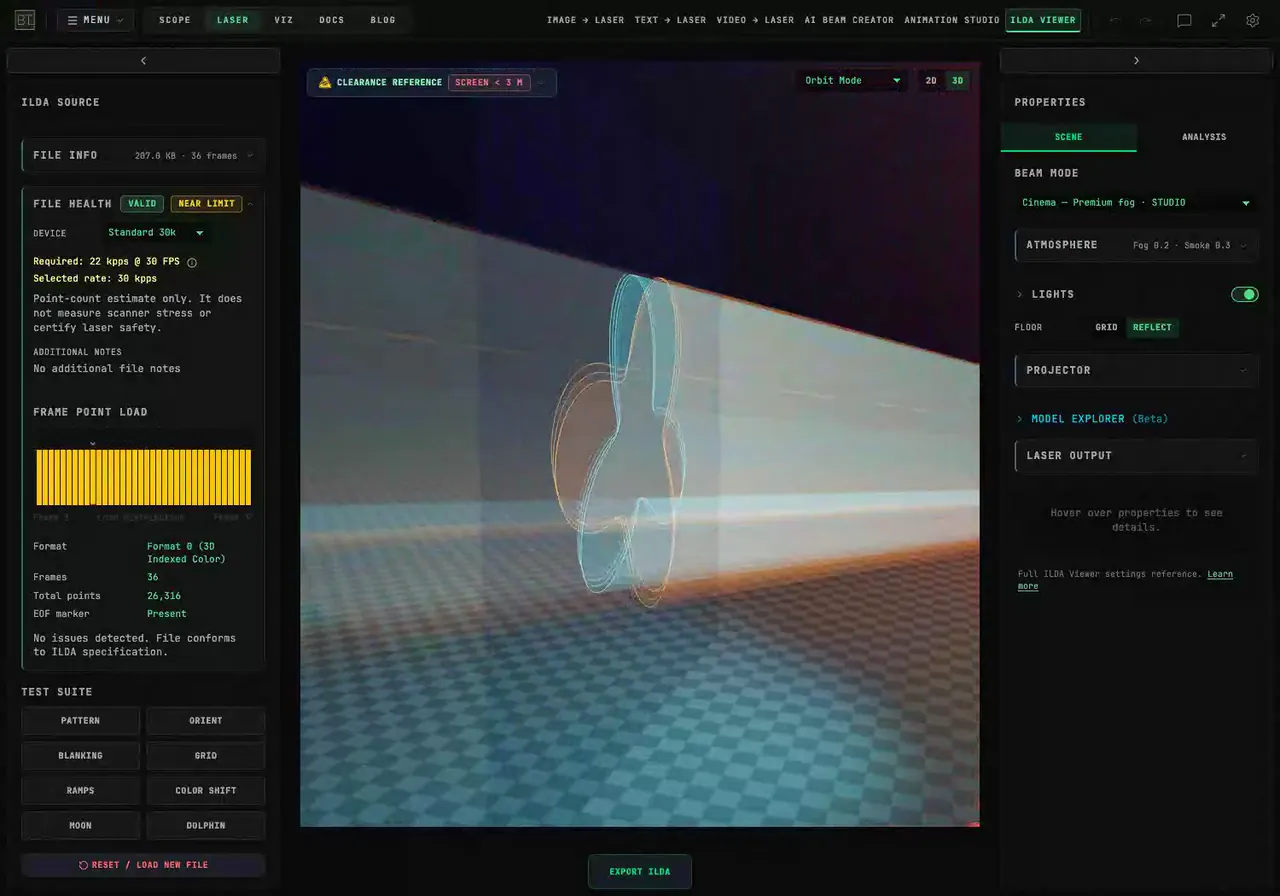
How Do I Prepare an ILDA Animation for an SD-Card Laser?
Prepare an ILDA animation with BeamTracer's SD Card export preset. Check format, point limits and lost shapes, then reopen the downloaded file before copying it.
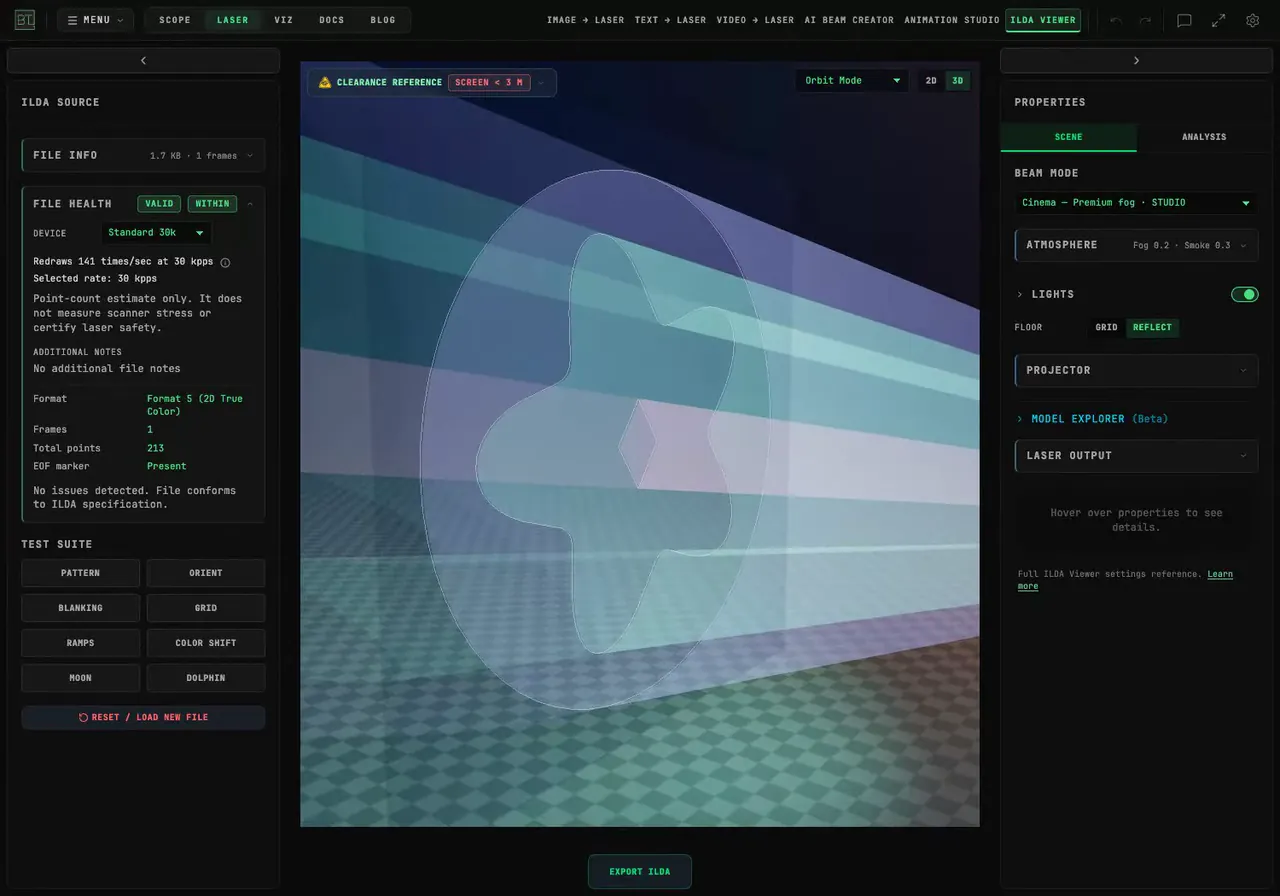
How Do I Simplify an SVG Before Exporting a Laser File?
Reduce redundant SVG samples in BeamTracer, compare point budgets and inspect the exported ILDA file. Watch Simplify, density and Cinema demonstrations.
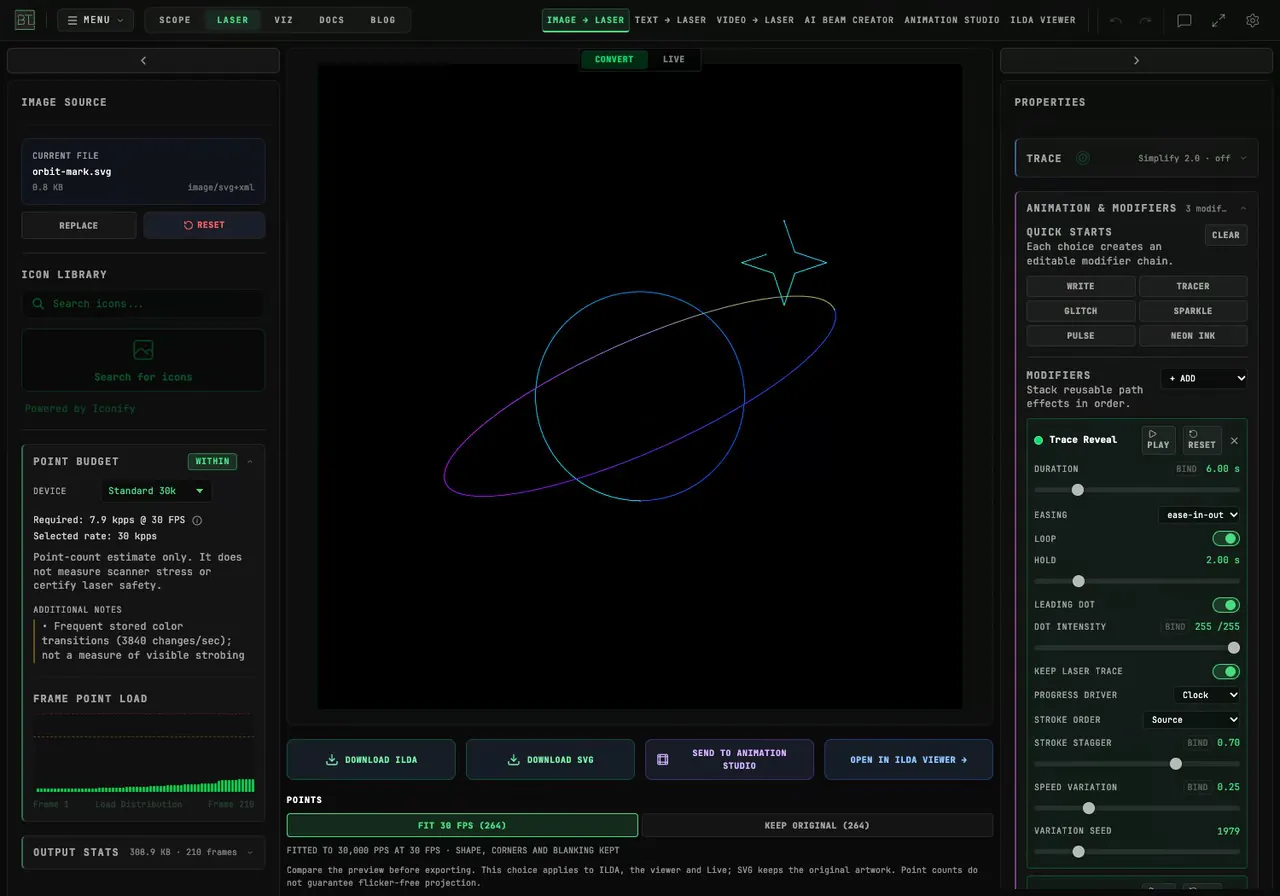
How Do I Animate a Static SVG for a Laser?
Animate an SVG in BeamTracer with Write or Neon Ink, adjust its reveal and hold time, then export ILDA frames and inspect the same artwork in 3D Cinema.
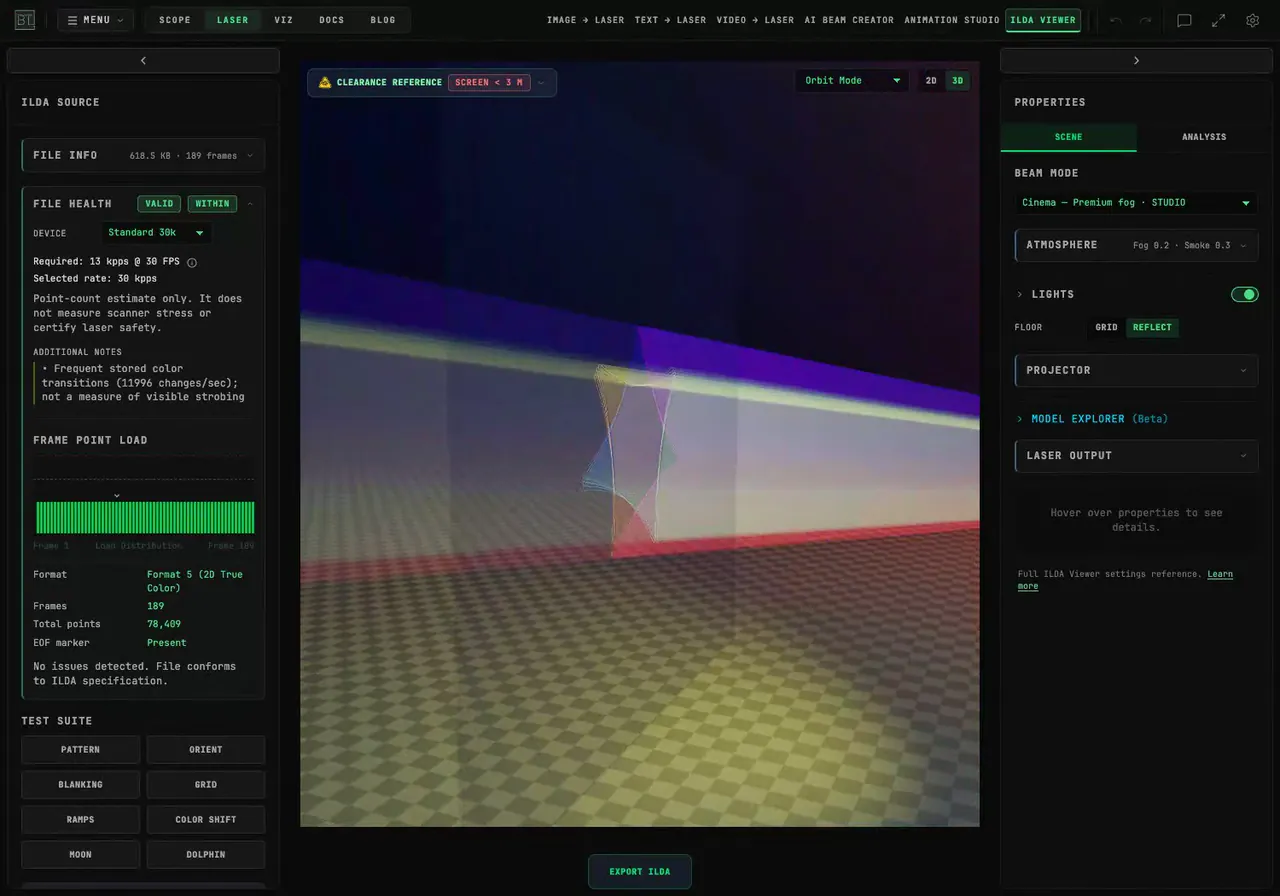
How Do I Make a Rotating Spirograph Laser Animation?
Build a rotating Spirograph in BeamTracer Laser, compare instant drawing with a gradual reveal, and preview the exported ILDA animation in Cinema view.
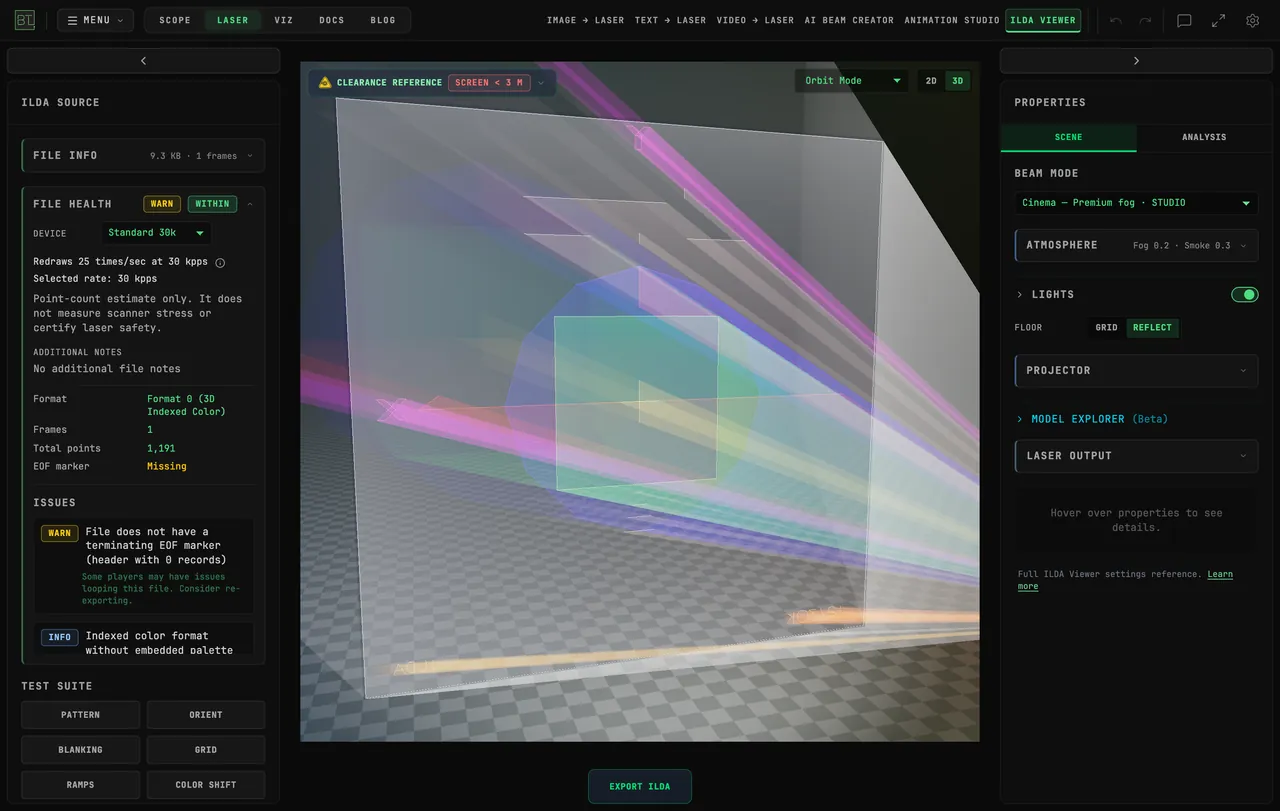
How Do I Connect a Helios Laser DAC Directly from Chrome?
Connect a Helios laser DAC to BeamTracer in Chrome or Edge. Learn the USB picker, practice with the simulator, and check what to do before starting real output.
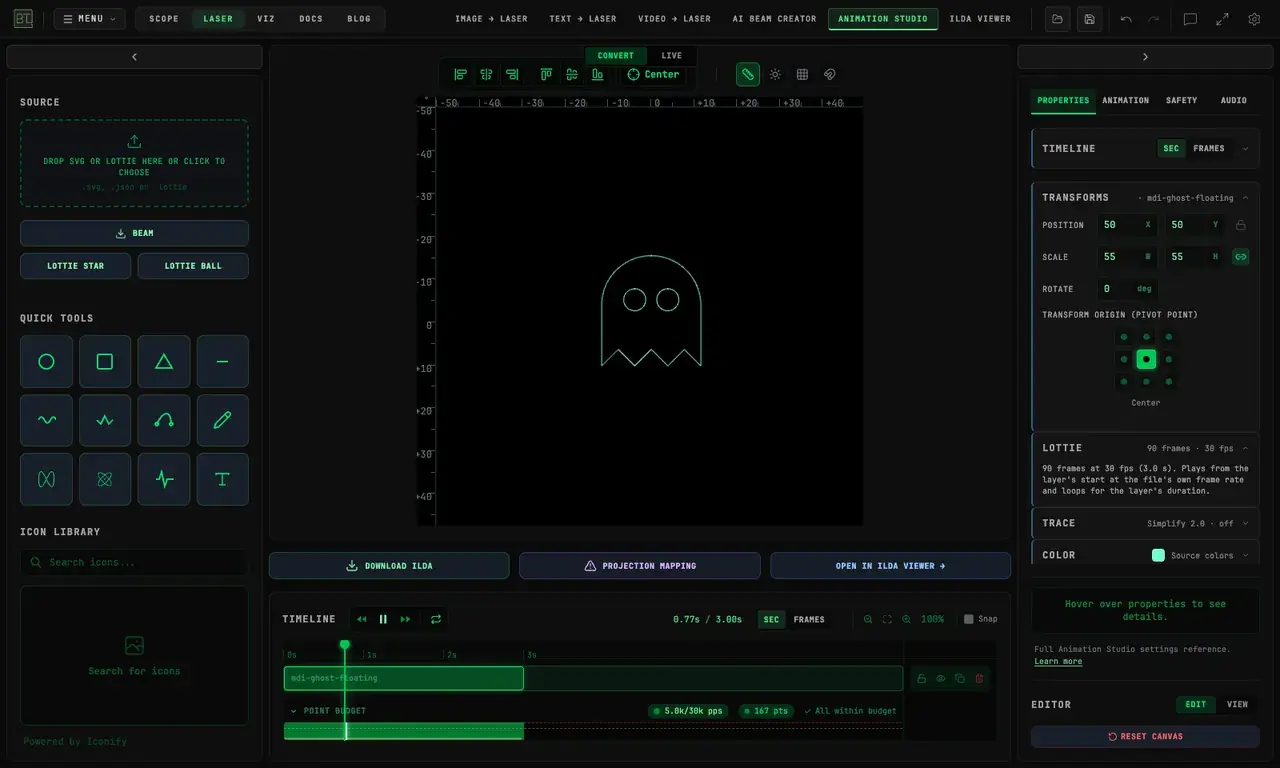
Halloween Laser Ideas: Turn Free Lottie and SVG Art into ILDA Files
Make Halloween laser artwork from free Lottie animations, SVG pumpkins, and clip art. Preview the result in BeamTracer and learn the free ILDA export limits.
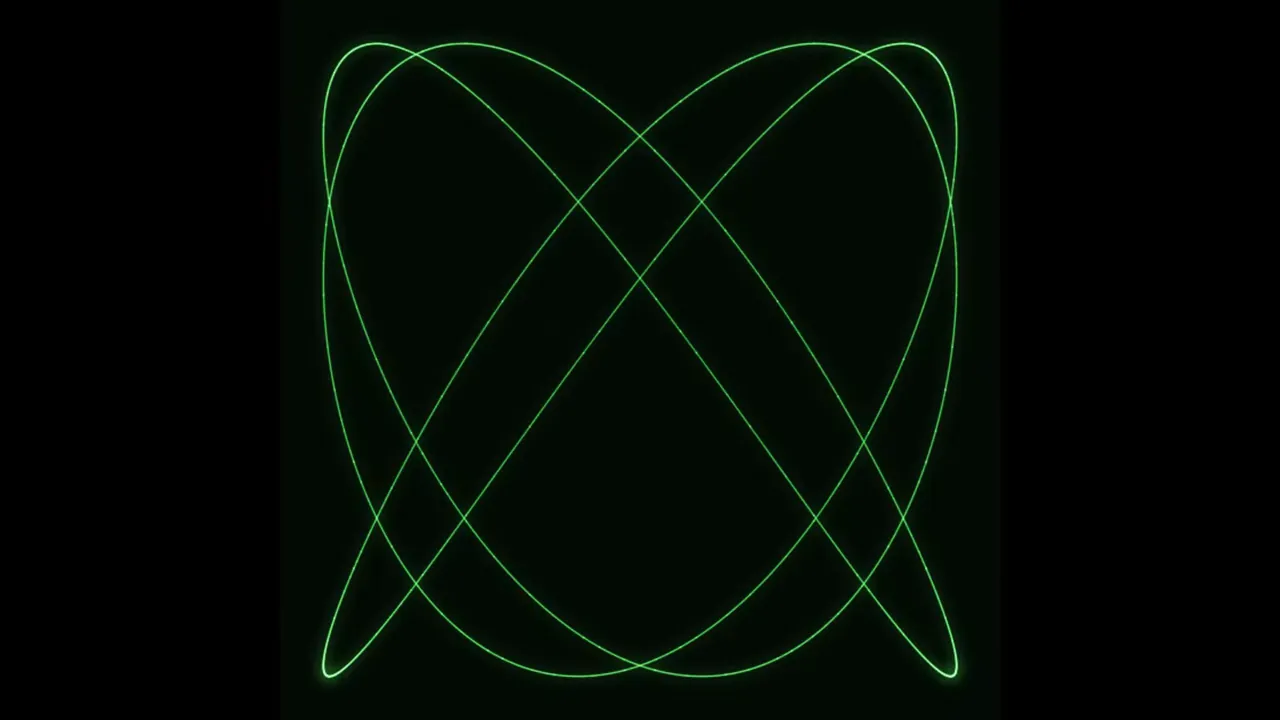
How Do You Make Lissajous Figures in a Browser?
Make Lissajous figures in BeamTracer OSC-1 with frequency ratios, phase and amplitude. Save a static SVG or ILDA frame, or record the figure with its sound.
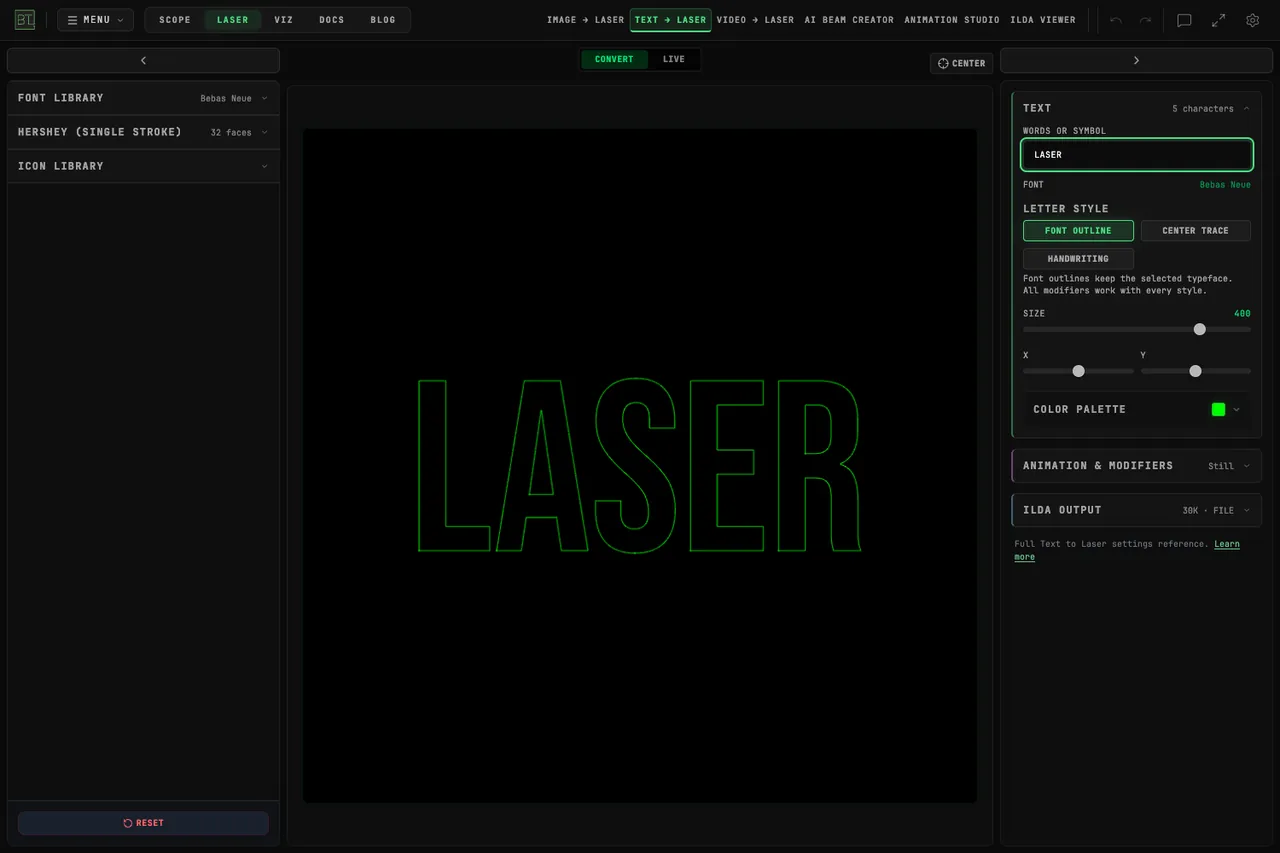
Which Fonts Work Best for Laser Text?
Compare Font Outline, Center Trace and Hershey single-stroke lettering in BeamTracer. Inspect readable laser text in ILDA Viewer and save an ILDA animation.
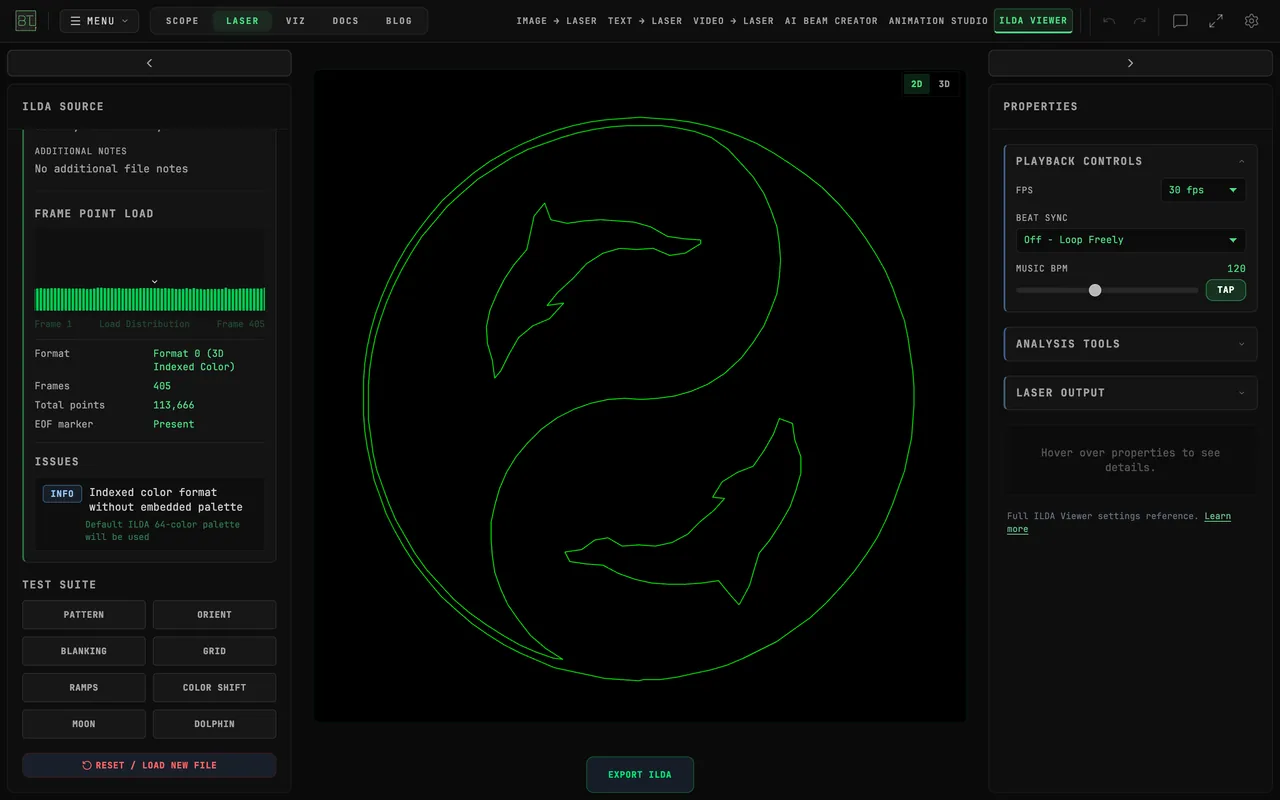
Which ILDA Format Should You Export: 0, 1, 4 or 5?
Choose an ILDA export format in BeamTracer by comparing 2D and 3D coordinates, indexed and true color, then convert a file for your intended laser player.
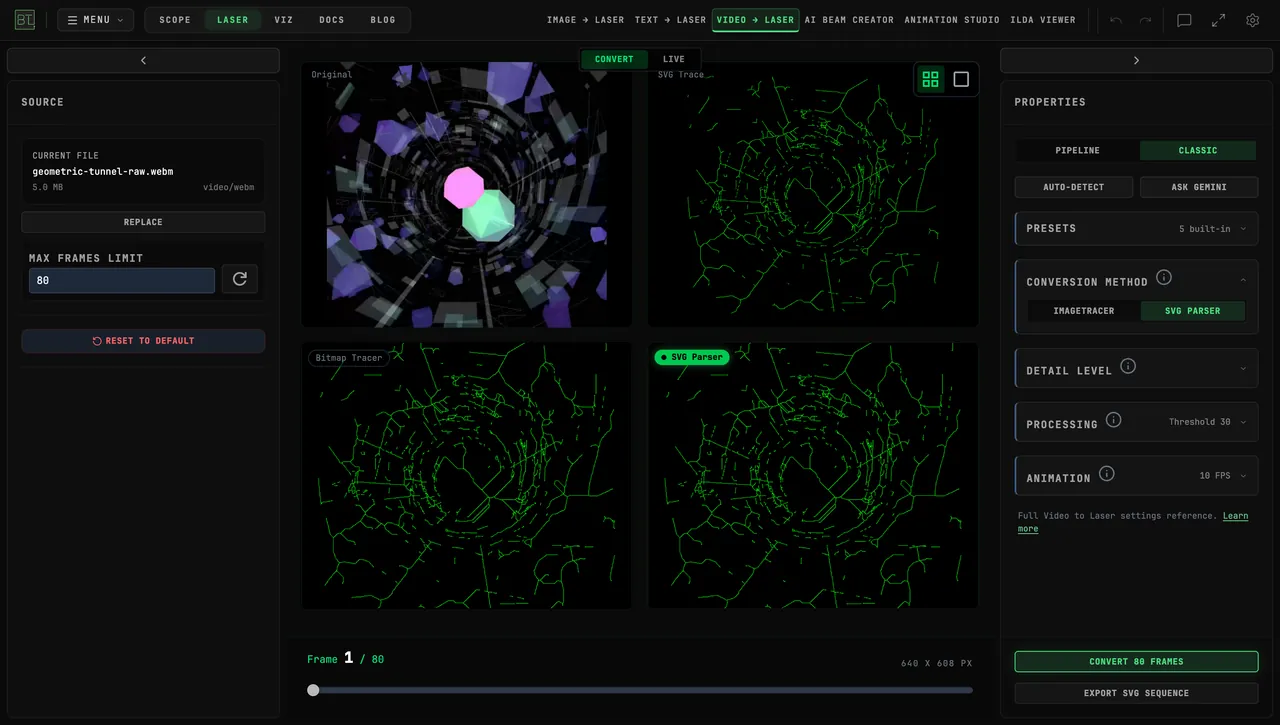
Can You Turn Geometric Animation into Laser Graphics?
Turn geometric animation into laser graphics with BeamTracer Video to Laser. Compare video projection, traced contours, ILDA export, and live sources.
Send Your Laser Look as an MP4
Make a laser show preview video with no projector: export your look from BeamTracer Animation Studio as a 1080p or 4K MP4 to send a client or post online.
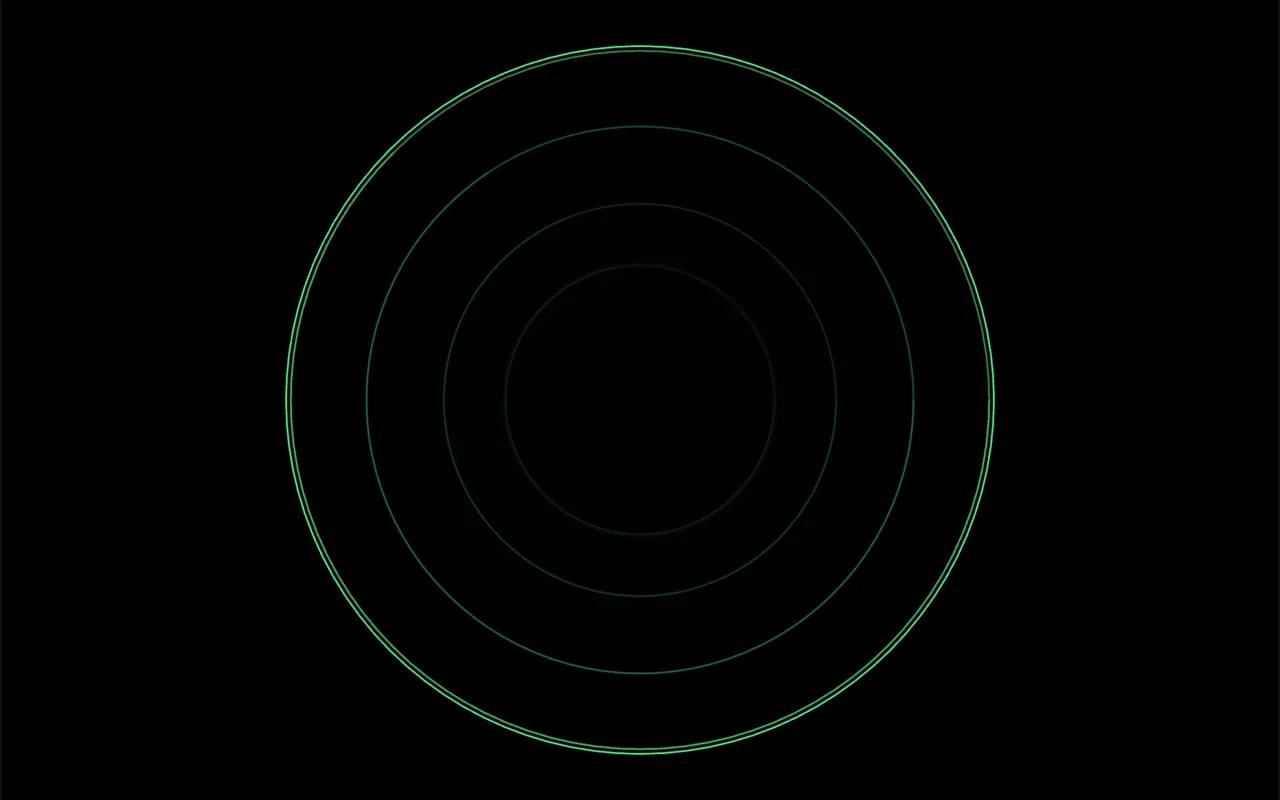
Audio-Reactive Laser Show: Export a Beat-Synced ILDA File
Make an audio-reactive laser show: tie a shape to your track's bass in BeamTracer Animation Studio, export an ILDA file, and check it in the ILDA Viewer.
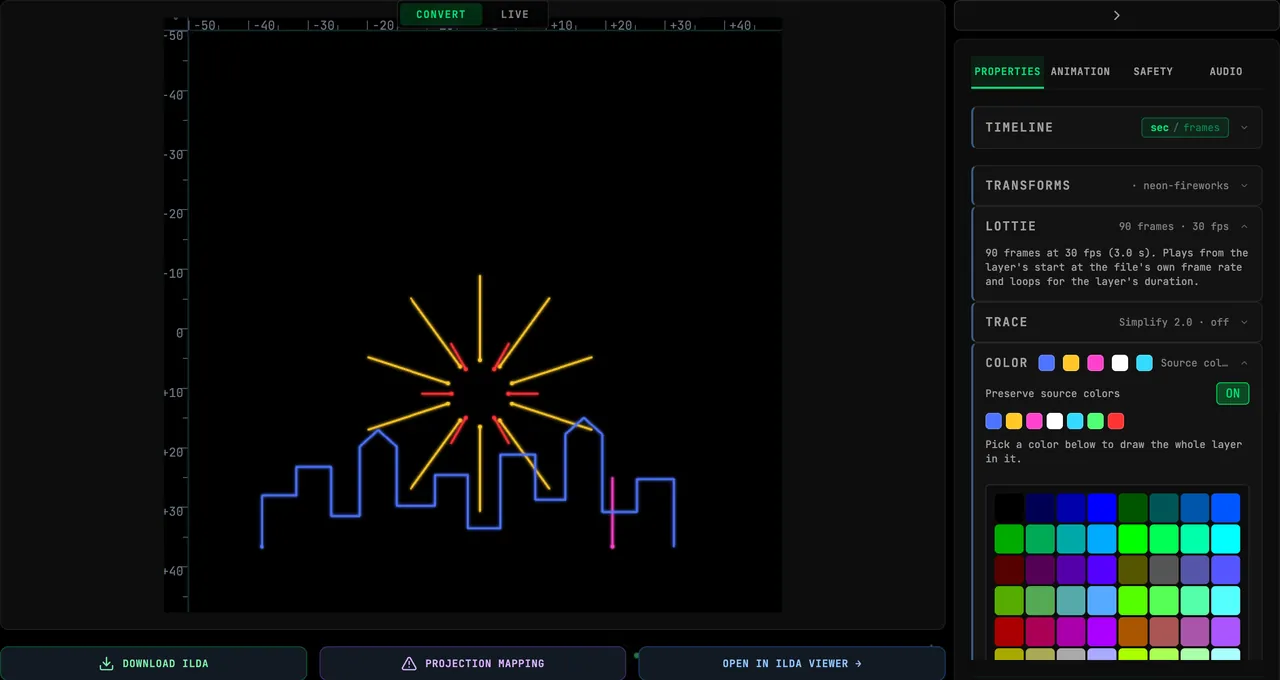
Lottie to Laser: Turn a Lottie Animation into an ILDA Show
Turn a Lottie animation into a laser show: drop the .json or .lottie file into BeamTracer, keep its colors, export ILDA, and prepare the file so it draws cleanly.