
BLOG
Tutorials, guides, and updates from the BeamTracer team
Find articles for your workflow
7 articles for BT Laser Studio · Troubleshooting
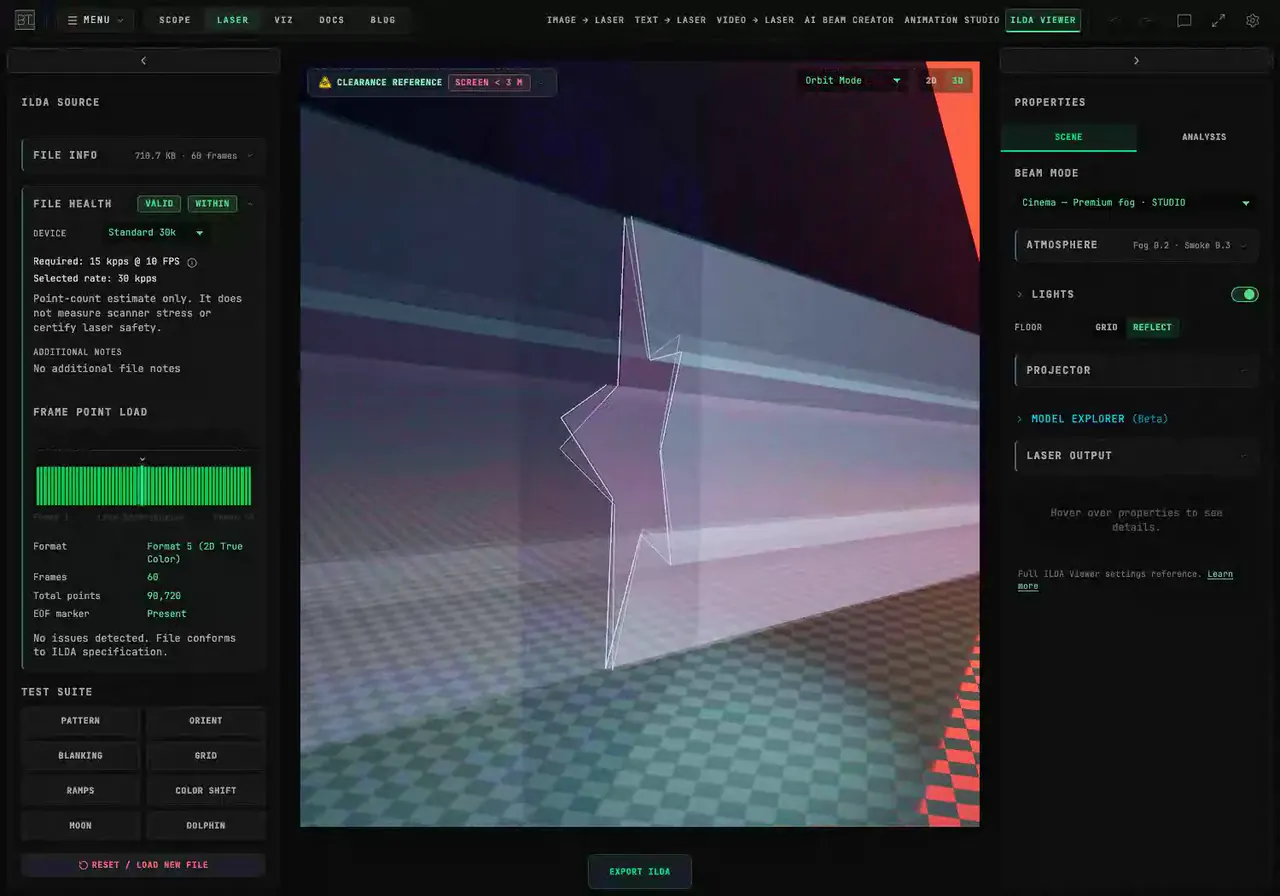
How Do I Check an ILDA File Before Connecting a Laser?
Check ILDA file structure and point demand in BeamTracer. Compare frame rates and device profiles, read File Health, and preview the artwork in 3D Cinema.
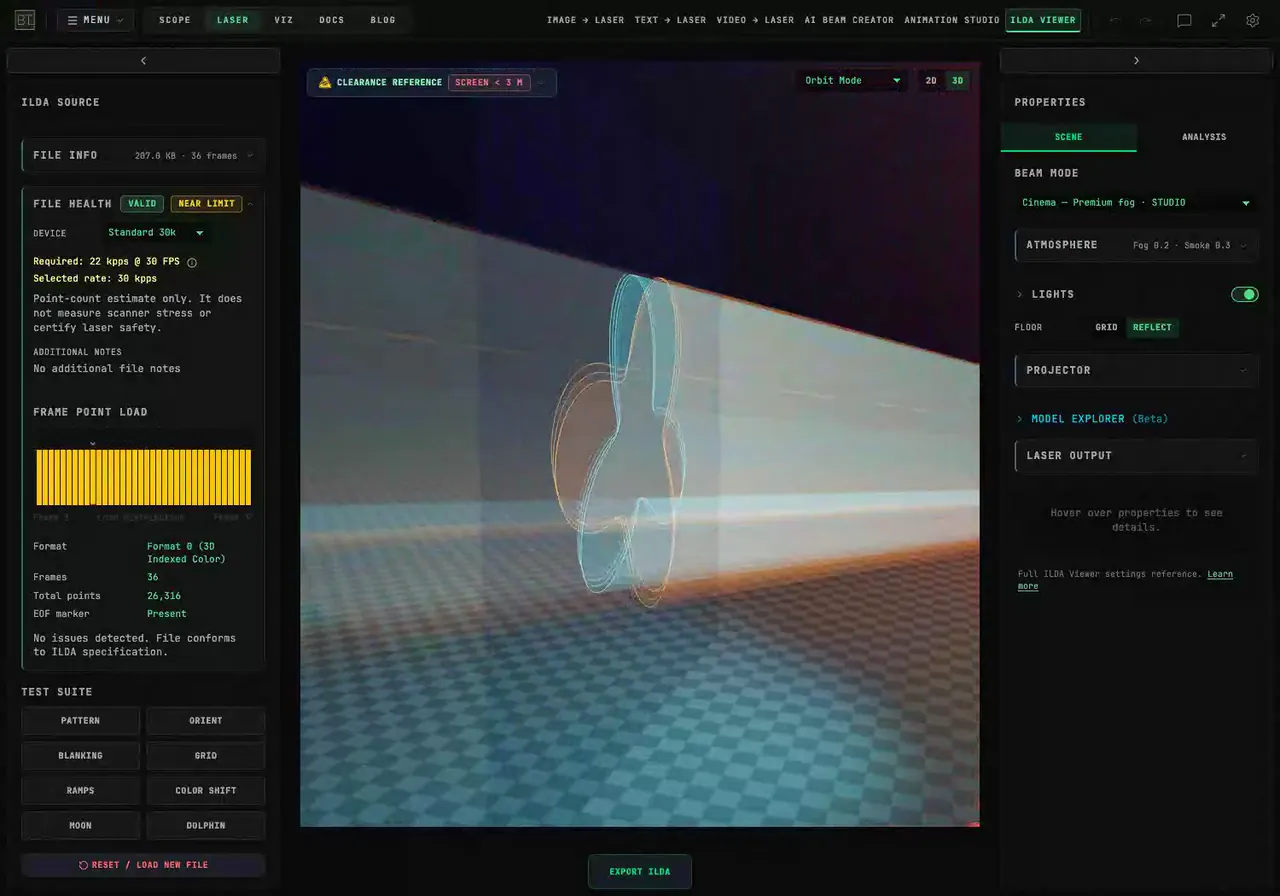
How Do I Prepare an ILDA Animation for an SD-Card Laser?
Prepare an ILDA animation with BeamTracer's SD Card export preset. Check format, point limits and lost shapes, then reopen the downloaded file before copying it.
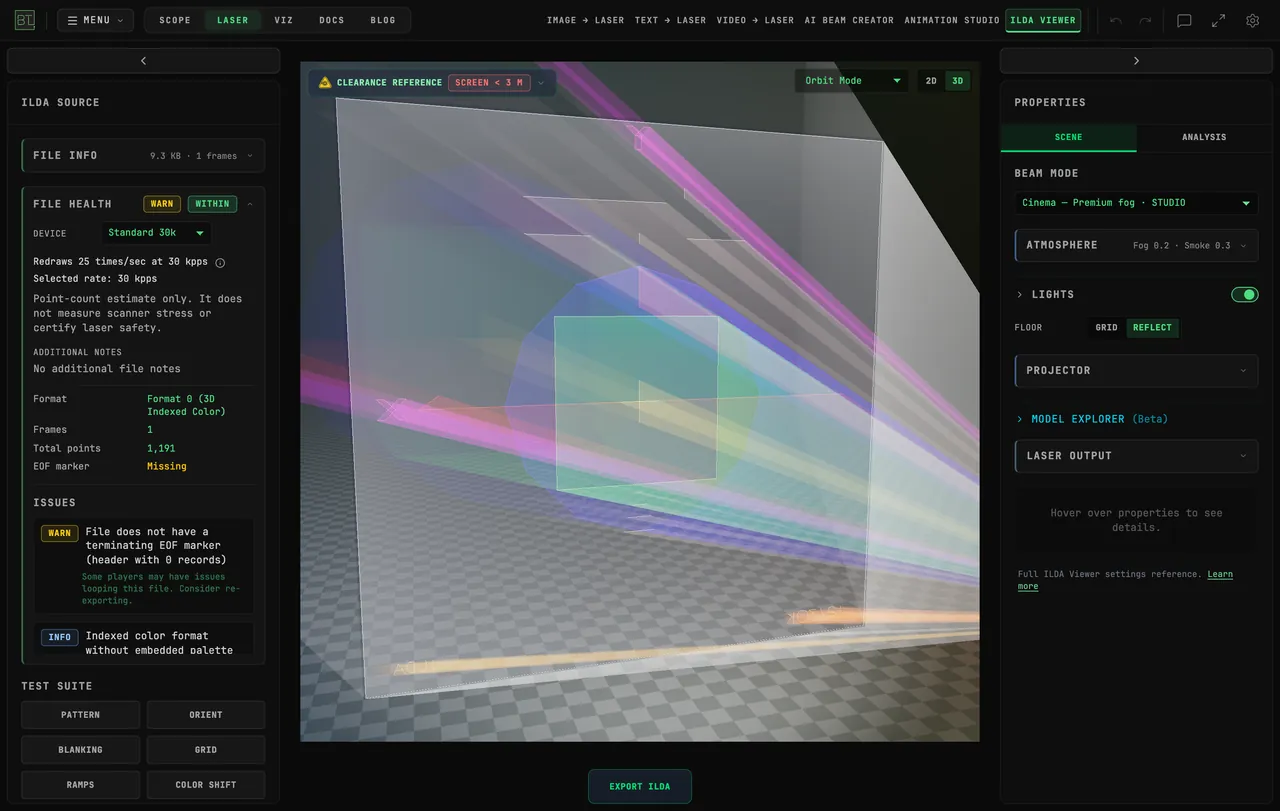
How Do I Connect a Helios Laser DAC Directly from Chrome?
Connect a Helios laser DAC to BeamTracer in Chrome or Edge. Learn the USB picker, practice with the simulator, and check what to do before starting real output.
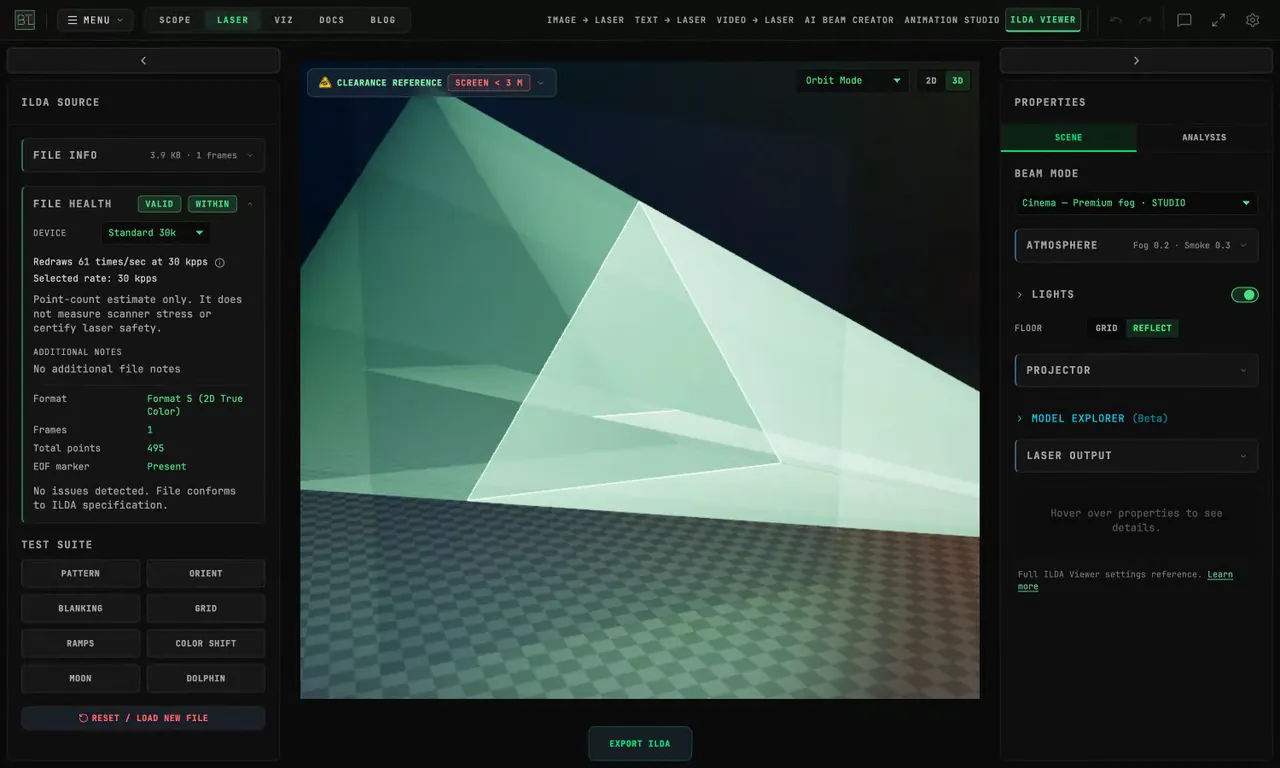
How do I inspect an ILDA file before connecting a projector?
Inspect an ILDA file in BeamTracer before connecting a projector. Check File Health, compare scanner simulation, and view the same artwork in Cinema mode.
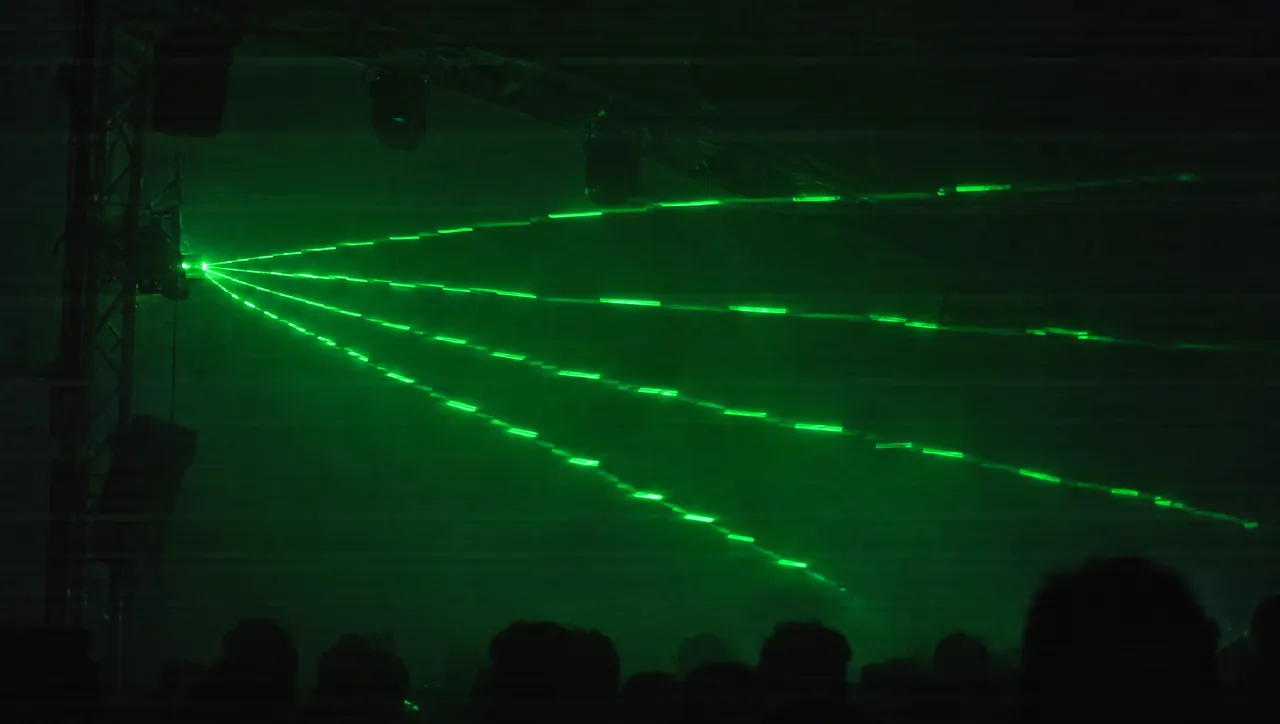
Laser Banding Explained: Why Laser Beams Look Wavy or Broken on Camera
Laser banding explained: why laser beams look wavy, bent or broken on camera but not to the eye, the redraw-rate math, and how to match it to your camera in BeamTracer.
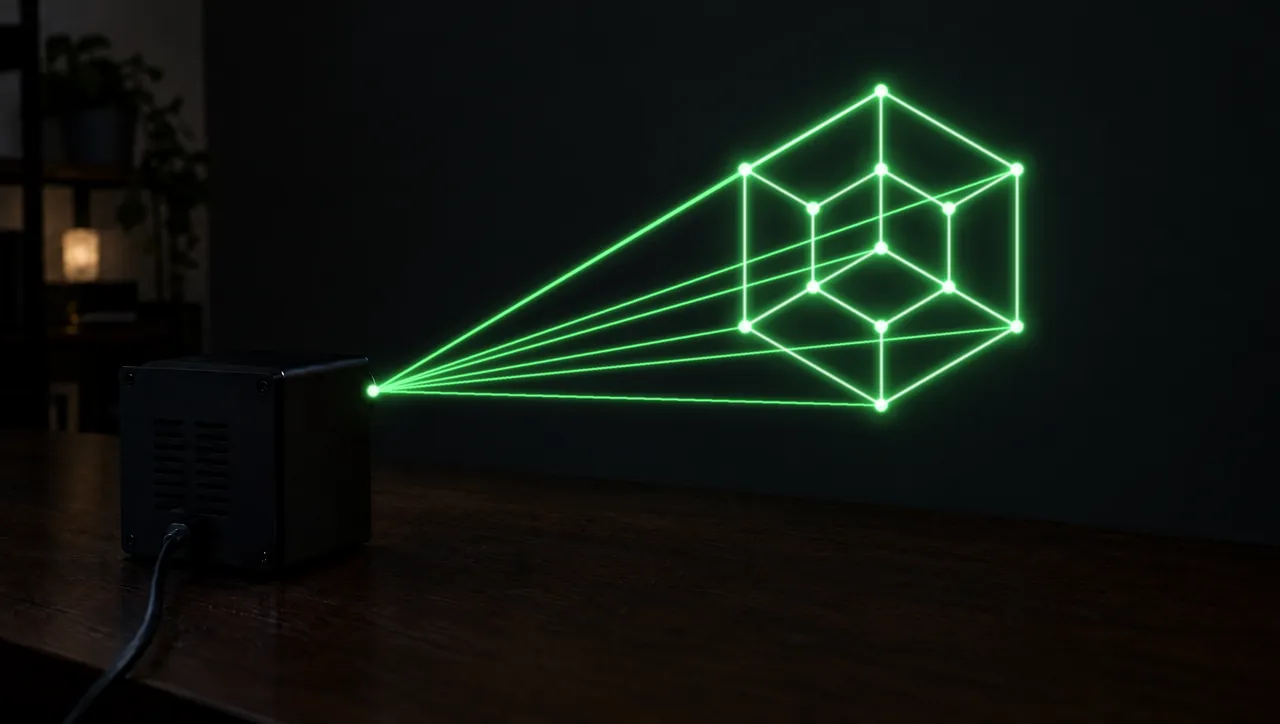
LaserCube Point Rate: What the 35K Limit Means
The Wicked Lasers LaserCube Ultra Mk2 tops out at 35,000 points per second. What a higher setting does, the low-rate floor, and how to check a file first.
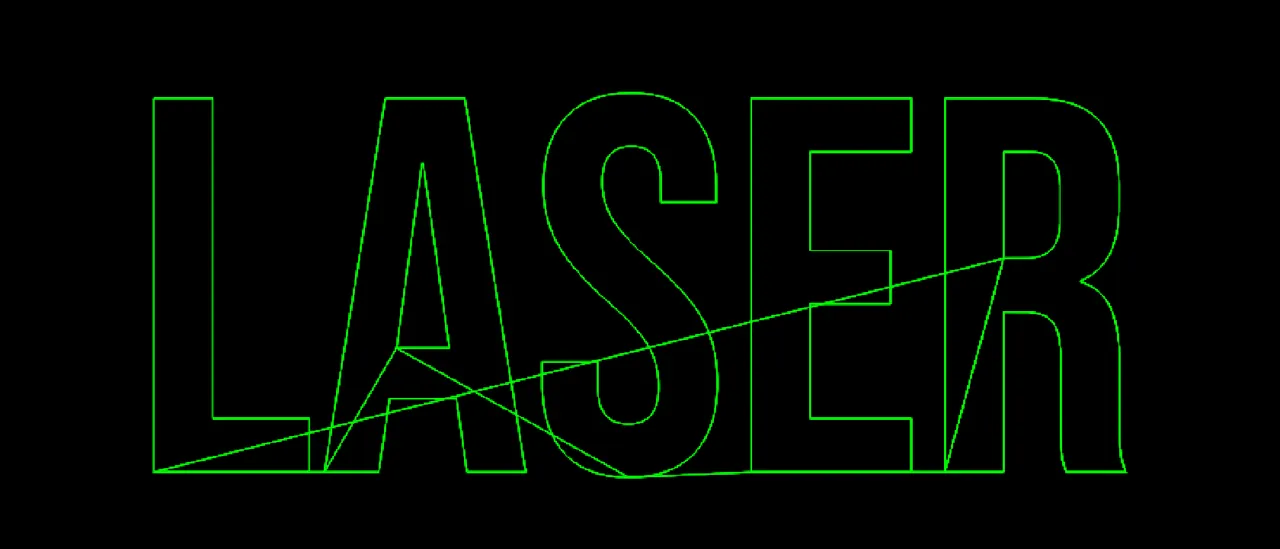
Laser Blanking Explained: How to Fix Ghost Lines Between Letters
Laser blanking explained: why ILDA files show ghost lines between letters, how to check a file in the free ILDA Viewer, and how to fix blanking or color delay.