
BLOG
Tutorials, guides, and updates from the BeamTracer team
Find articles for your workflow
7 articles for Audio Visualizers · Timers & Overlays
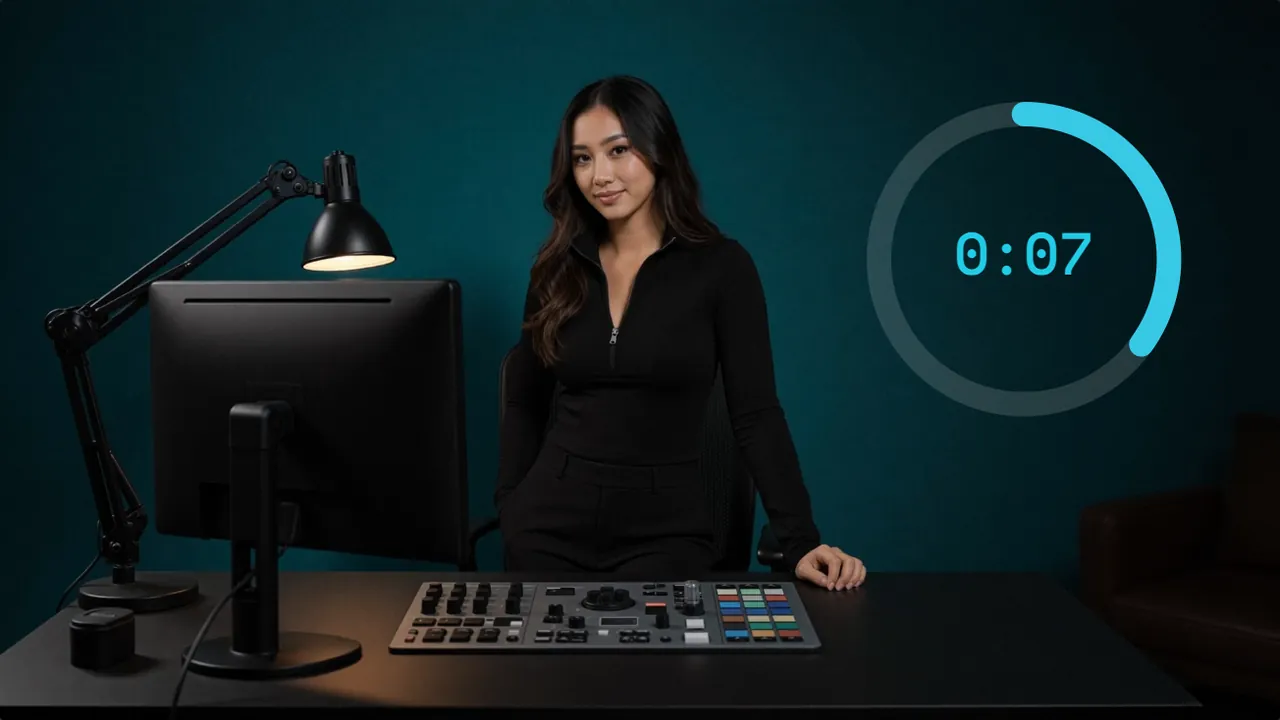
DaVinci Resolve Countdown Timer: No Fusion Needed
Resolve can count down with a Fusion expression or a burn-in trick. For a clean M:SS clock, render the countdown in BeamTracer Studio and import the MP4.

Premiere Pro Countdown Timer: No Plugin Needed
Premiere's Counting Leader is a film leader, and the Timecode effect is gone in 26.0. Render an M:SS countdown in BeamTracer Studio and import the MP4.
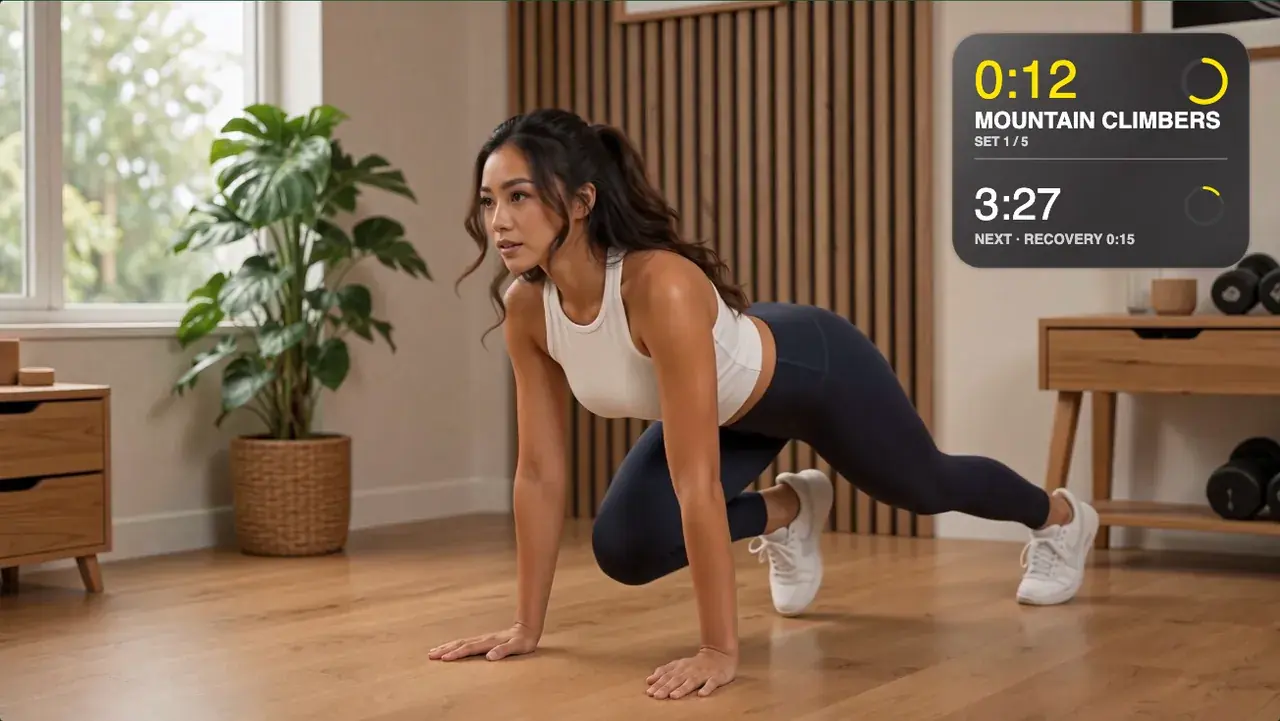
Workout Timer Overlay for Long Videos: Many Sets, One Take
Put a named interval timer with sets, recoveries and a whole-workout clock over a 5- or 30-minute training video — authored in a browser, previewed live.
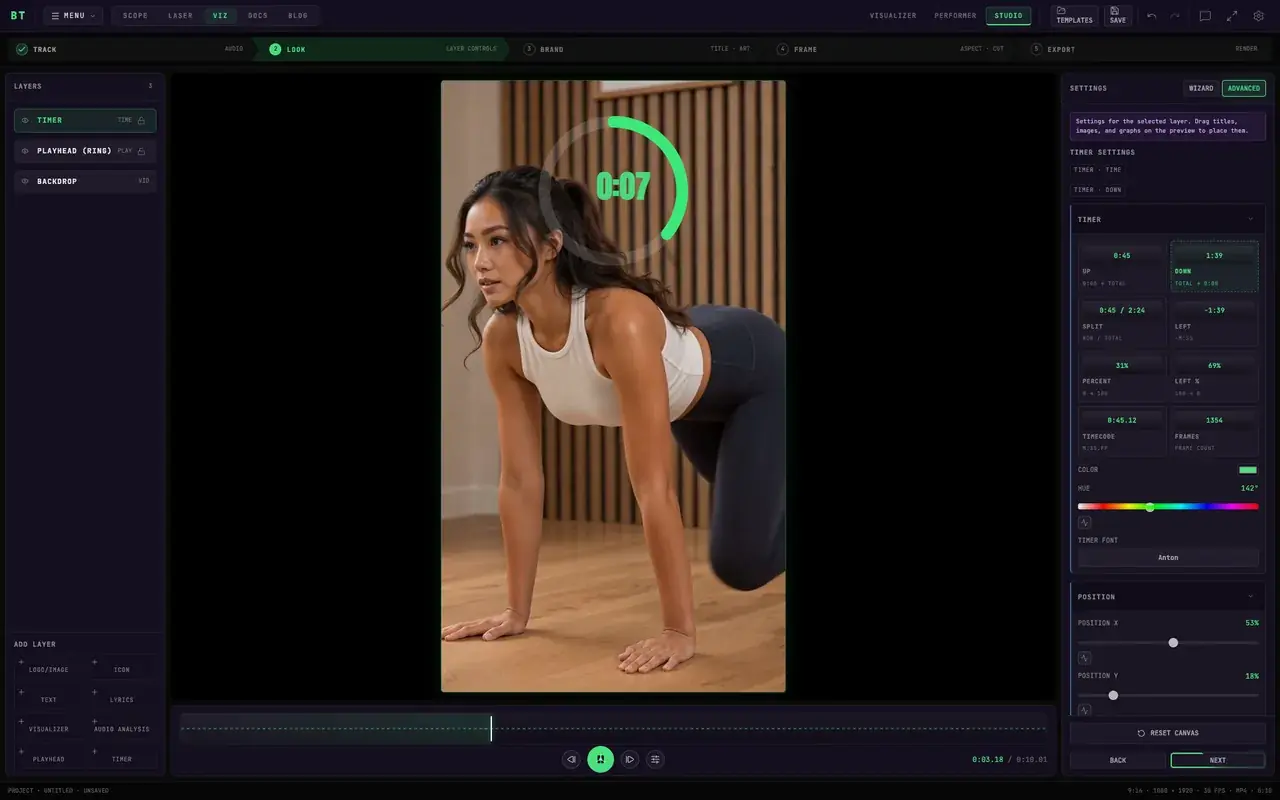
How to Add a Timer in CapCut: Countdown Options
Add a countdown in CapCut with text clips, a sticker, or a recorded clock. For an M:SS timer, make a countdown video in BeamTracer Studio and import the MP4.
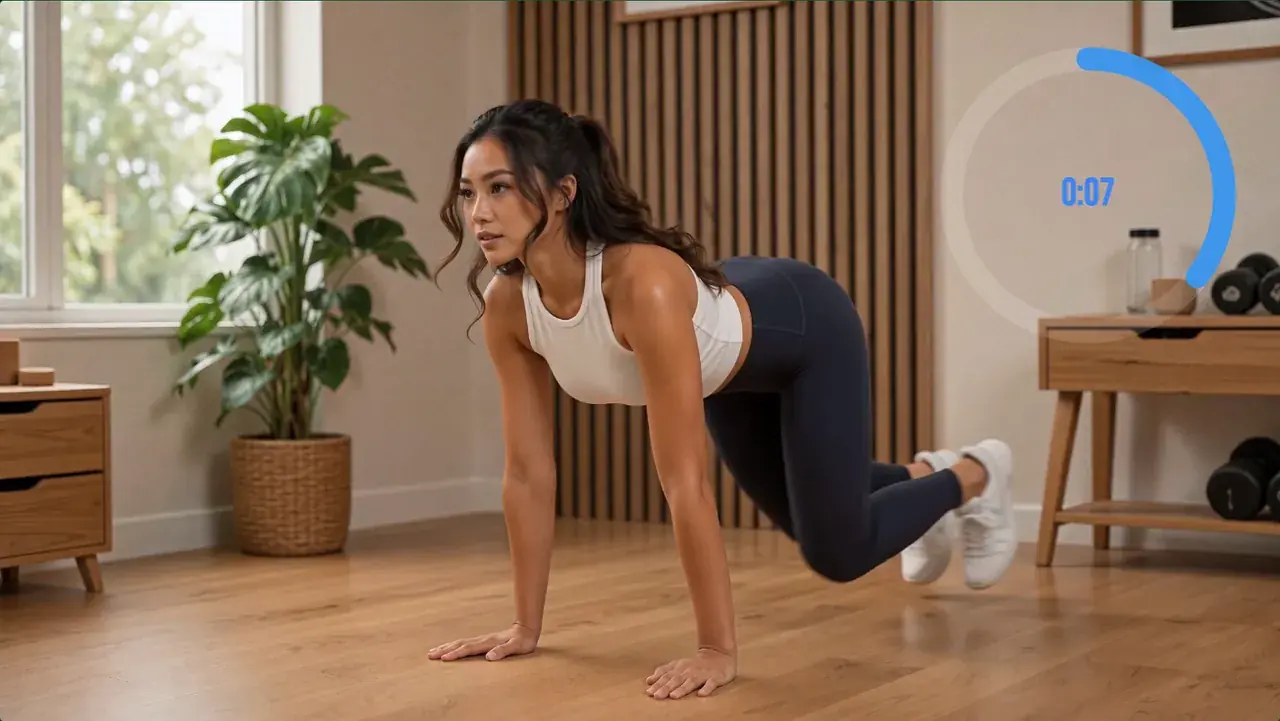
How to Add a Countdown Timer to a Workout Video (HIIT)
Build a HIIT work-and-rest schedule with interval and total countdowns on one glass card, then burn it into your workout video in your browser — no plugin.
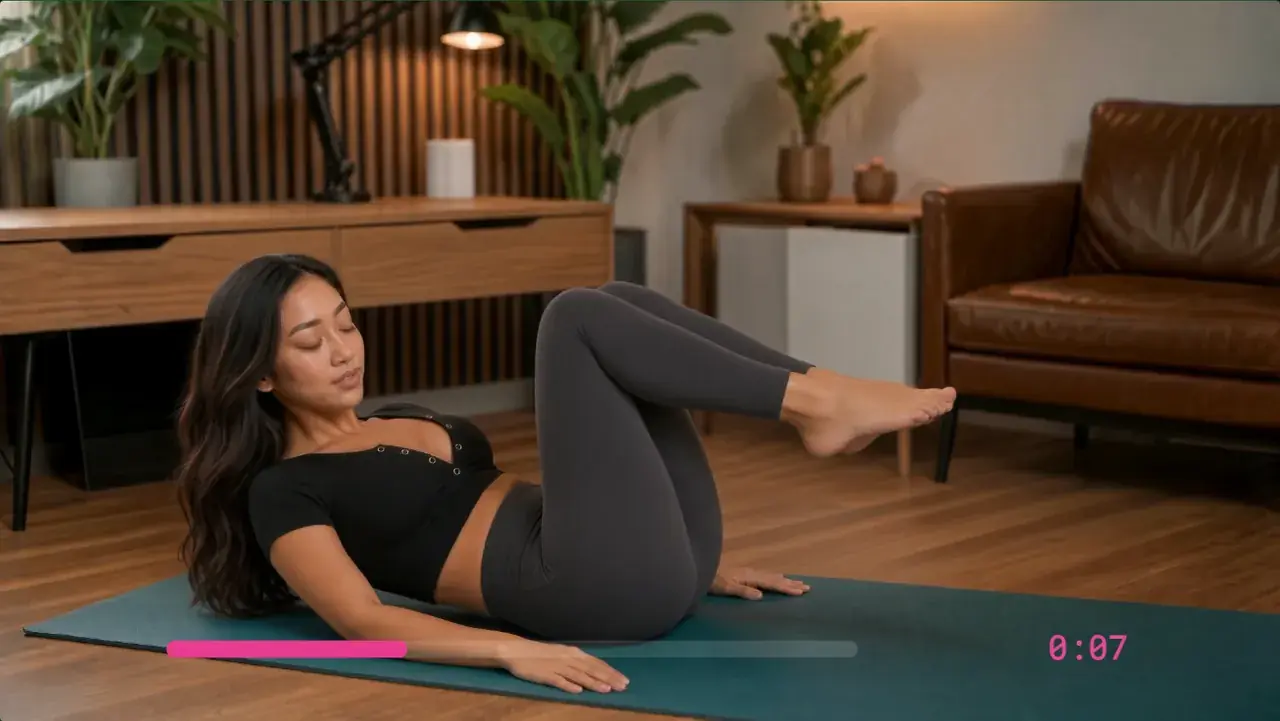
Final Cut Pro Countdown Timer: No Plugin Needed
Make an M:SS countdown video in BeamTracer Studio and import the MP4 into Final Cut Pro. Compare this workflow with Counting, Timecode, and timer plugins.
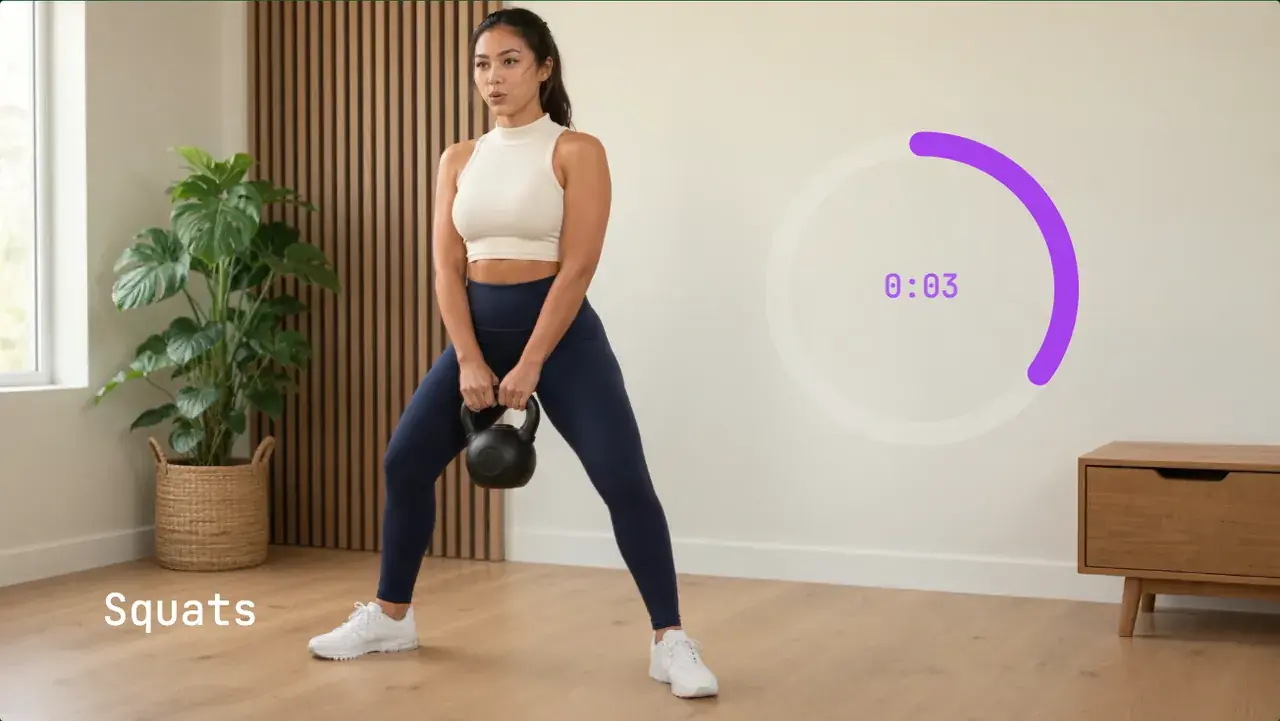
Stopwatch or Timer Overlay on a Video (No Screen-Recording)
The standard advice is to film your phone's clock app and key it out. Why that fails, and how to render a real timer overlay in the browser in a minute.