
BLOG
Tutorials, guides, and updates from the BeamTracer team
Find articles for your workflow
9 articles for OSC-1 Oscilloscope · Workflow & Export
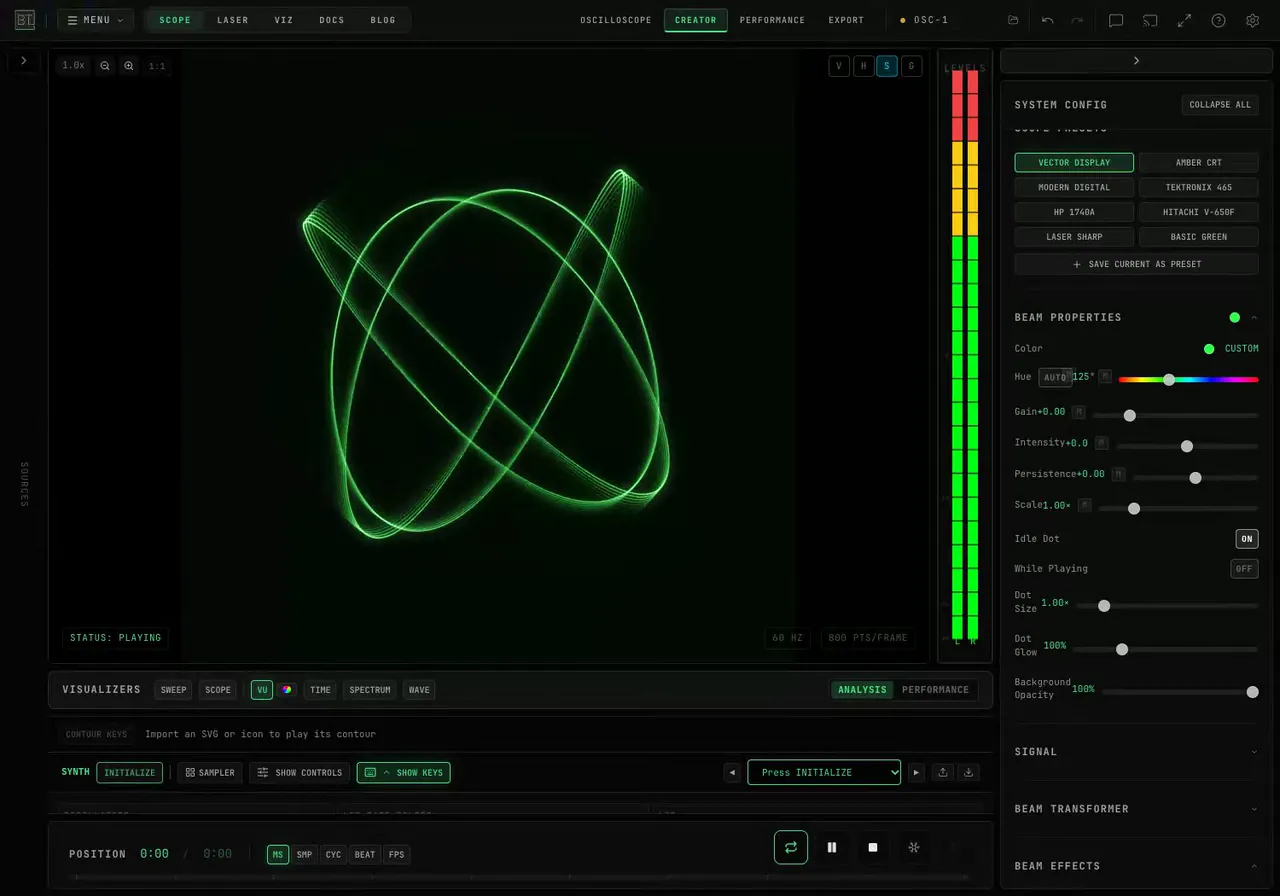
How Do I Freeze an Oscilloscope Display Without Stopping the Audio?
Hold the picture while audio keeps playing in OSC-1, update the frozen trace one frame at a time, and save a PNG of the displayed figure.
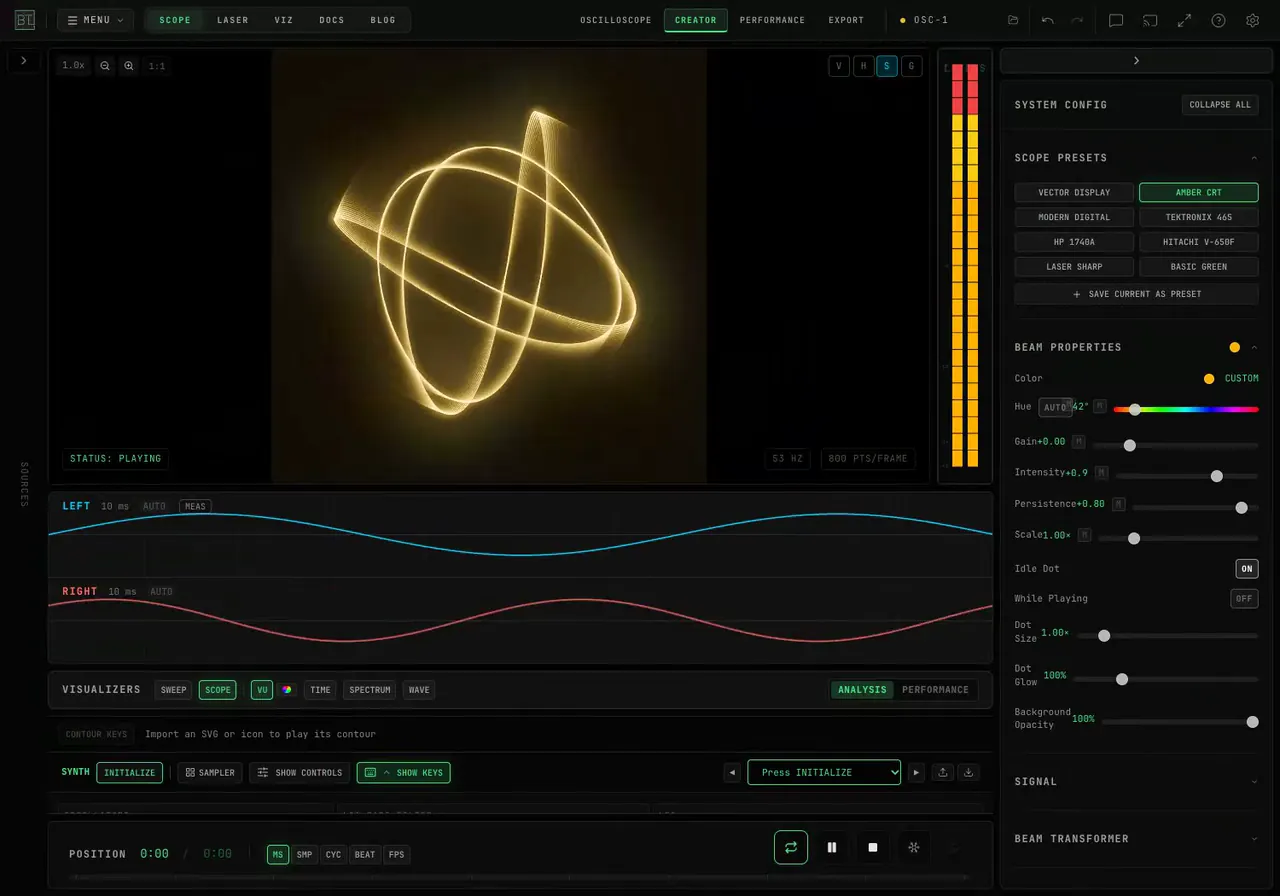
How Do I Add Phosphor Trails to an Oscilloscope Video?
Give moving oscilloscope art glowing trails in OSC-1. Compare persistence settings, try Amber CRT, and save the result with the native video recorder.
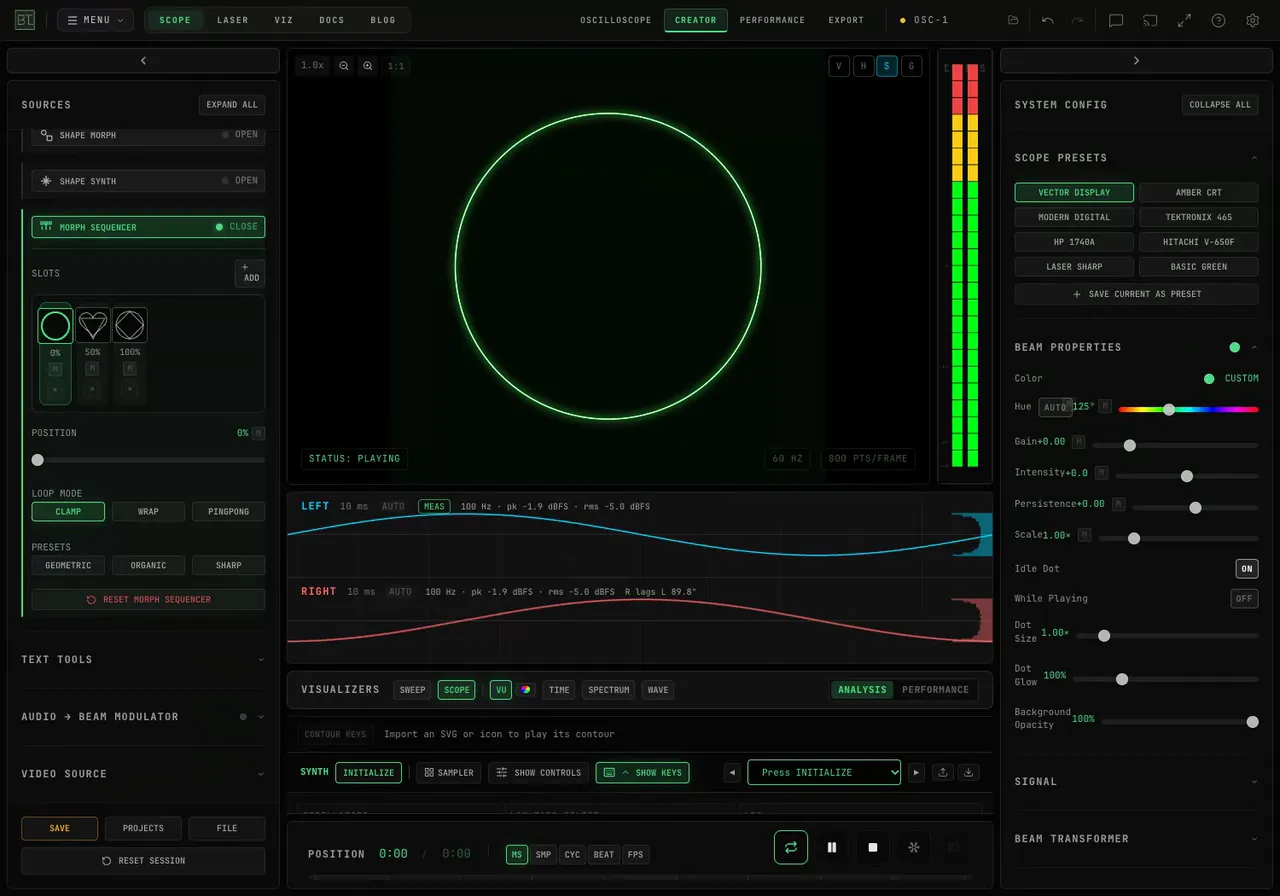
How Do I Morph Between Shapes on an Oscilloscope?
Morph a circle into a triangle, a heart or a star in OSC-1. Use the Morph Sequencer's shape slots, sweep POSITION, and record the changing XY trace as WebM.
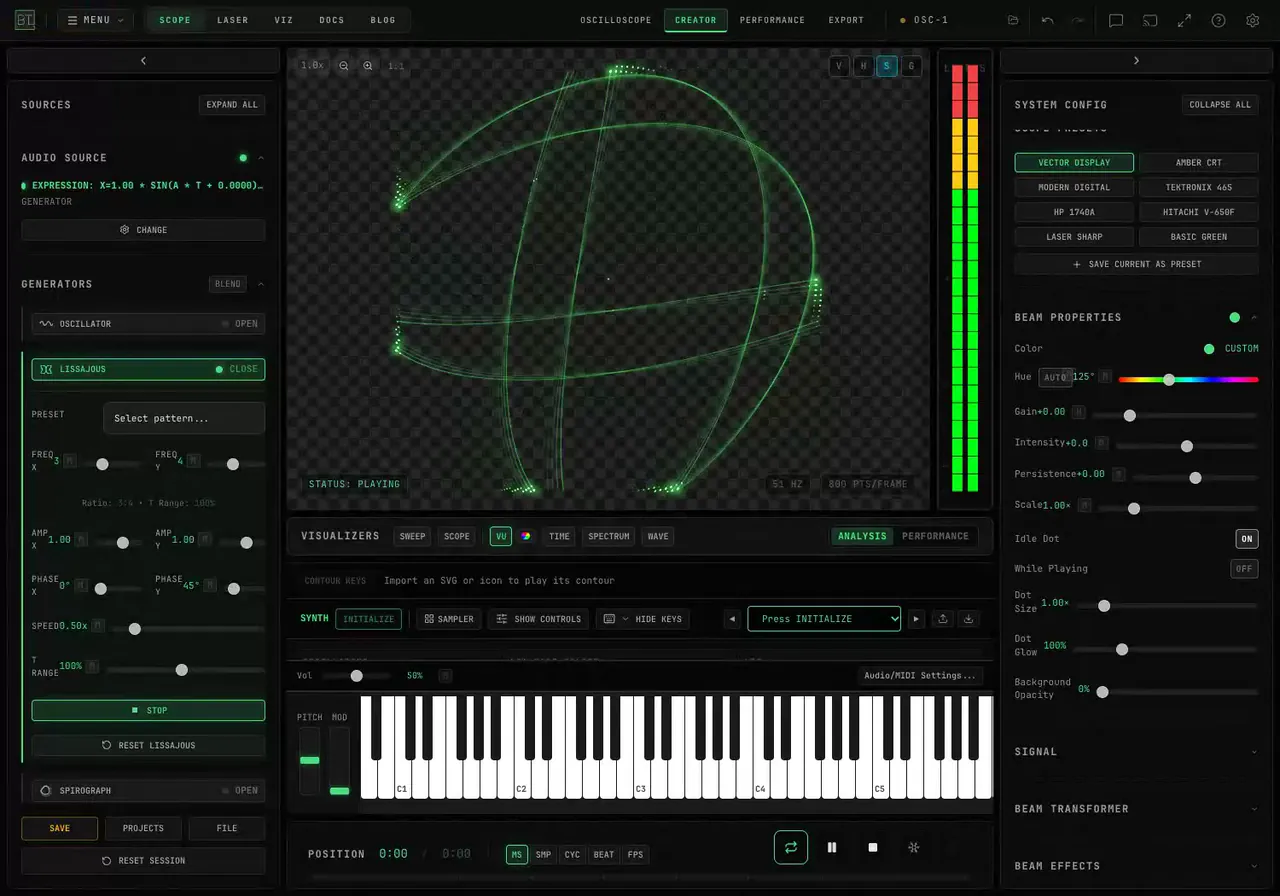
How Do I Export an Oscilloscope Video with a Transparent Background?
Record an OSC-1 trace as transparent WebM for video overlays. See Background Opacity, the live recording settings, and why Render Video keeps a black background.
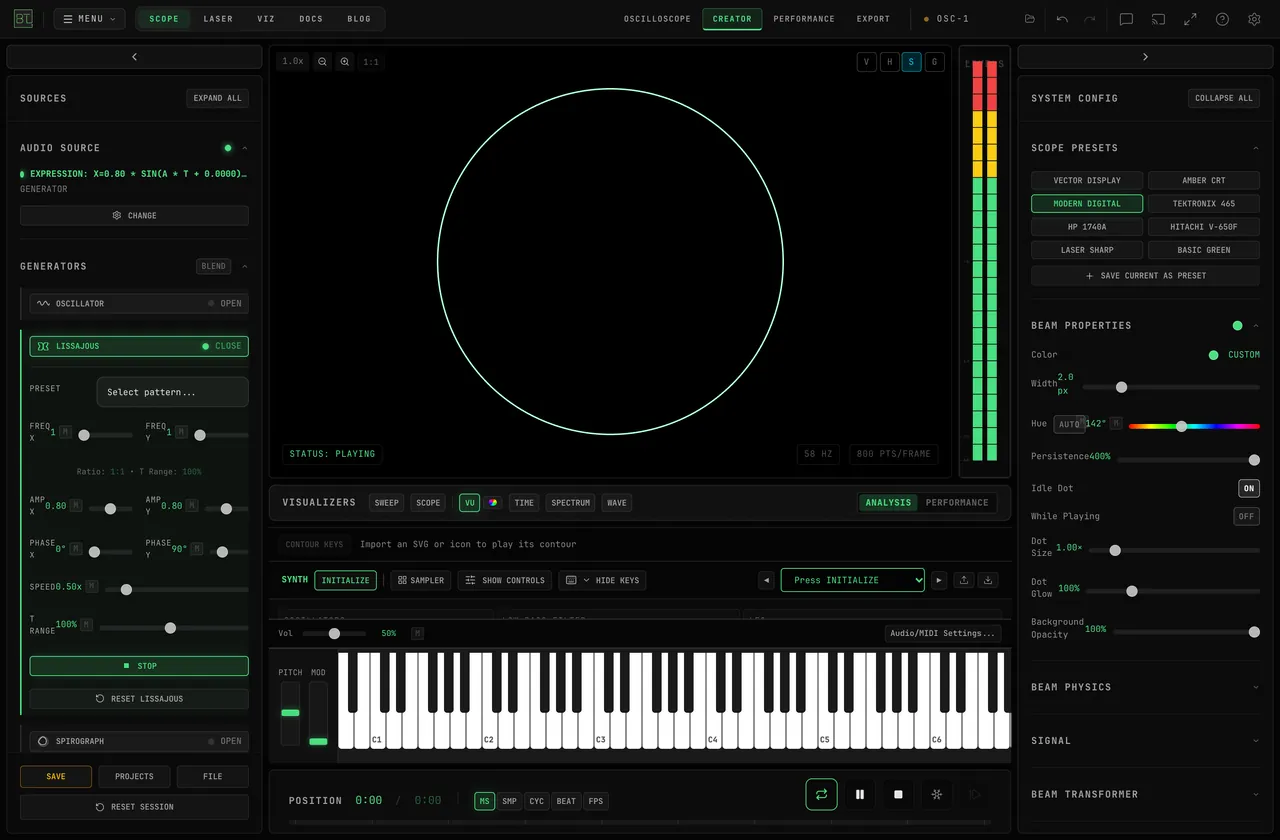
How Do I Record Oscilloscope Art as a Video with Sound?
Record BeamTracer OSC-1's live picture and audio as a WebM. Choose the video shape, capture a changing figure, and learn when to use Render Video for MP4.
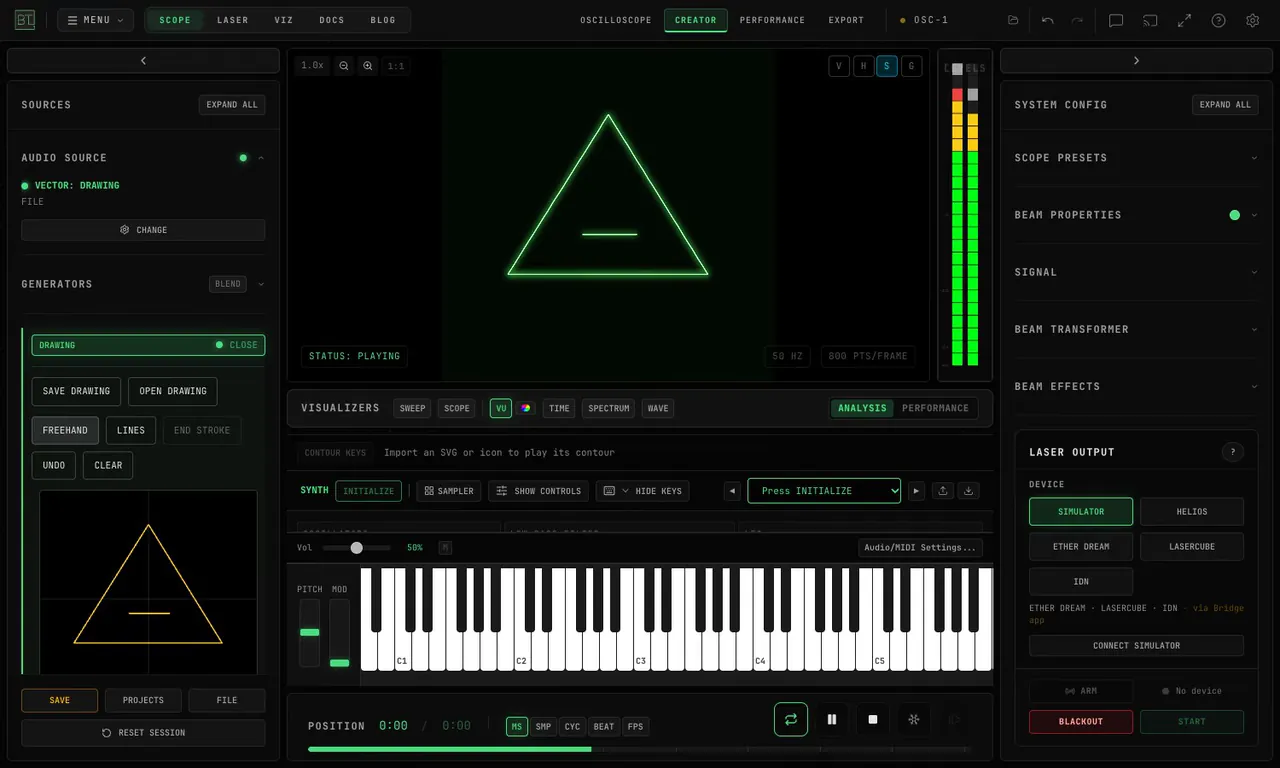
How do I save an editable oscilloscope drawing in OSC-1?
Save an editable oscilloscope drawing in BeamTracer OSC-1. Reopen strokes, keep unfinished lines and trace speed, and choose drawing or project files.
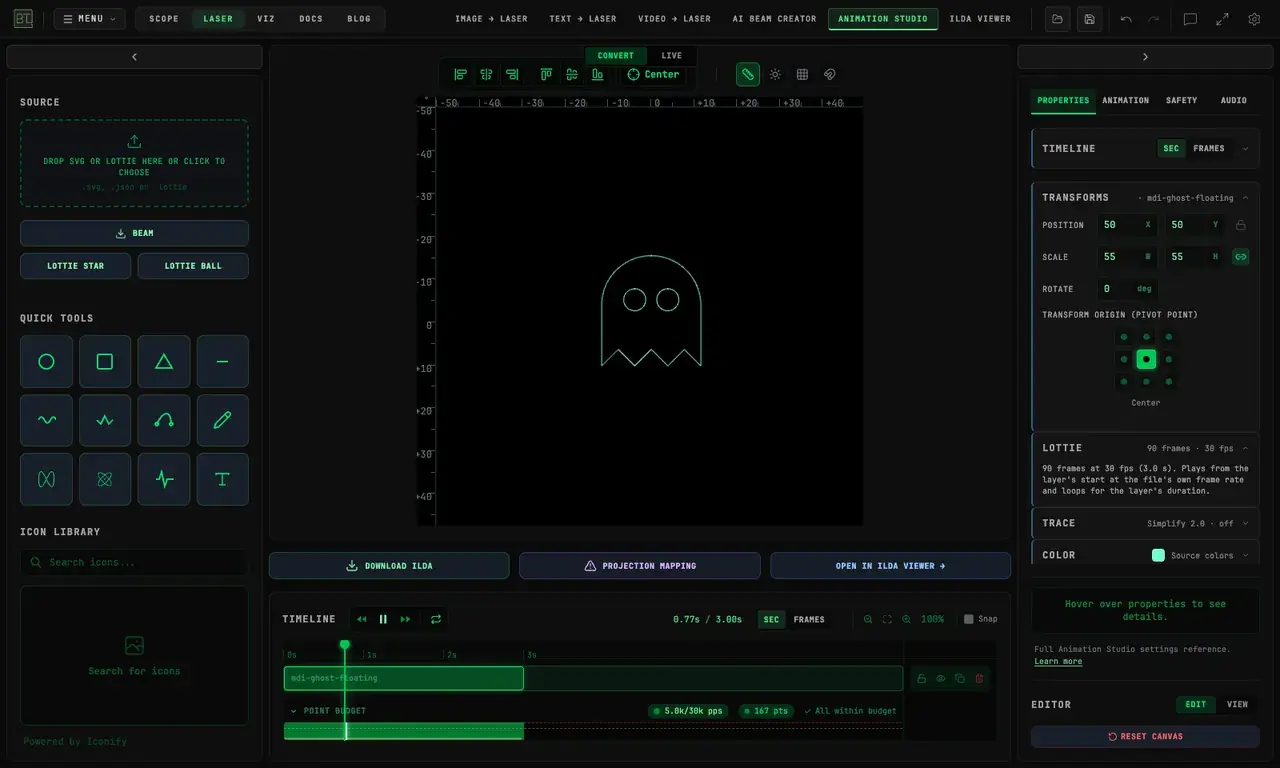
Halloween Laser Ideas: Turn Free Lottie and SVG Art into ILDA Files
Make Halloween laser artwork from free Lottie animations, SVG pumpkins, and clip art. Preview the result in BeamTracer and learn the free ILDA export limits.
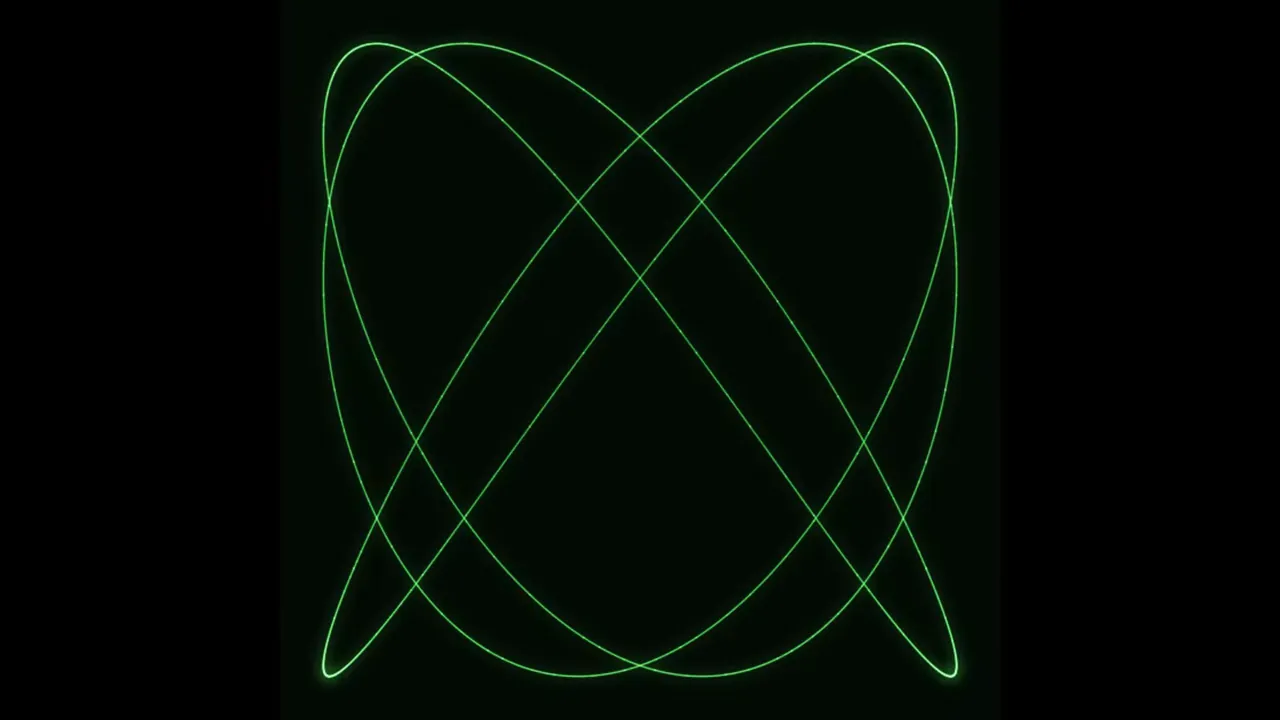
How Do You Make Lissajous Figures in a Browser?
Make Lissajous figures in BeamTracer OSC-1 with frequency ratios, phase and amplitude. Save a static SVG or ILDA frame, or record the figure with its sound.
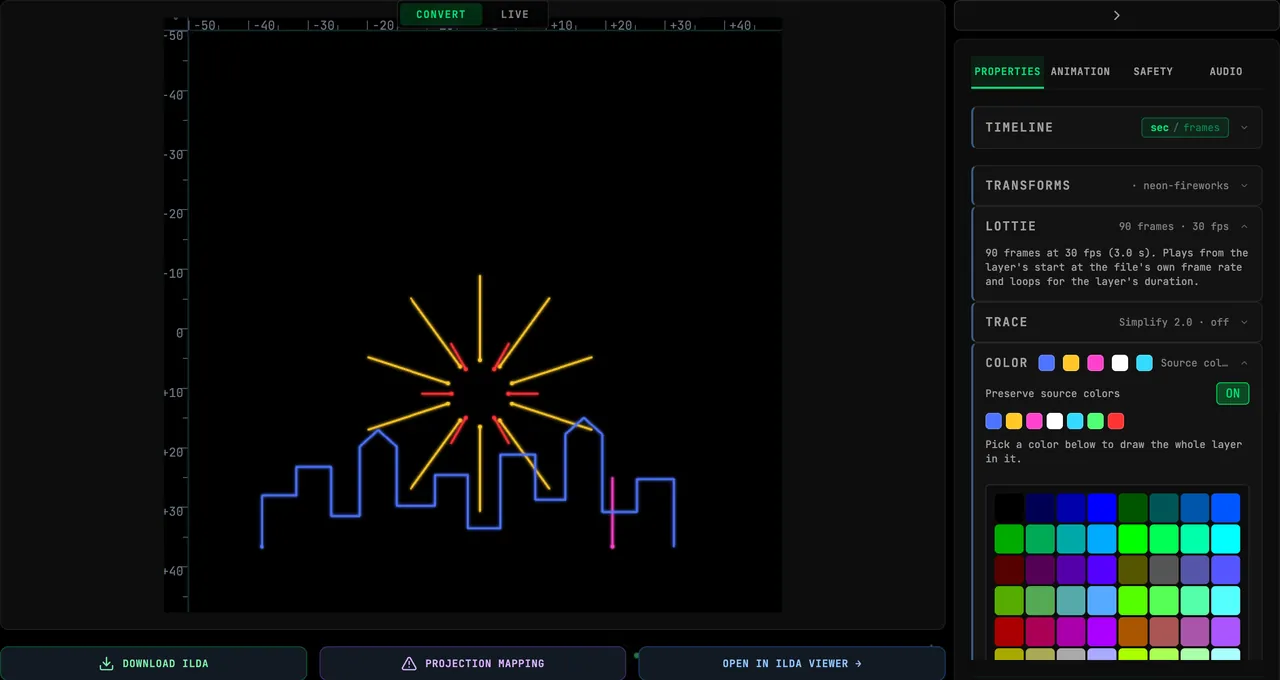
Lottie to Laser: Turn a Lottie Animation into an ILDA Show
Turn a Lottie animation into a laser show: drop the .json or .lottie file into BeamTracer, keep its colors, export ILDA, and prepare the file so it draws cleanly.