
BLOG
Tutorials, guides, and updates from the BeamTracer team
Find articles for your workflow
6 articles for OSC-1 Oscilloscope · Audio Analysis
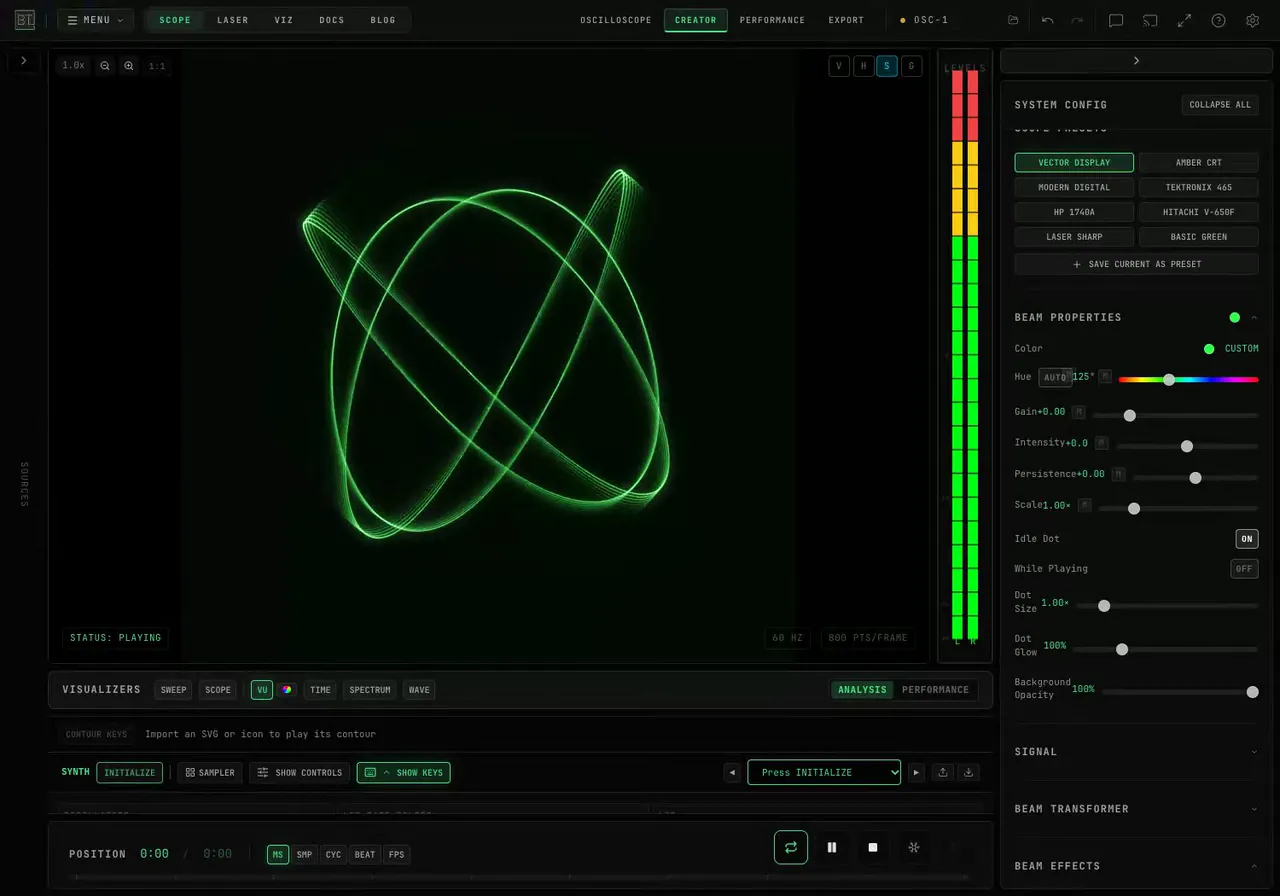
How Do I Freeze an Oscilloscope Display Without Stopping the Audio?
Hold the picture while audio keeps playing in OSC-1, update the frozen trace one frame at a time, and save a PNG of the displayed figure.
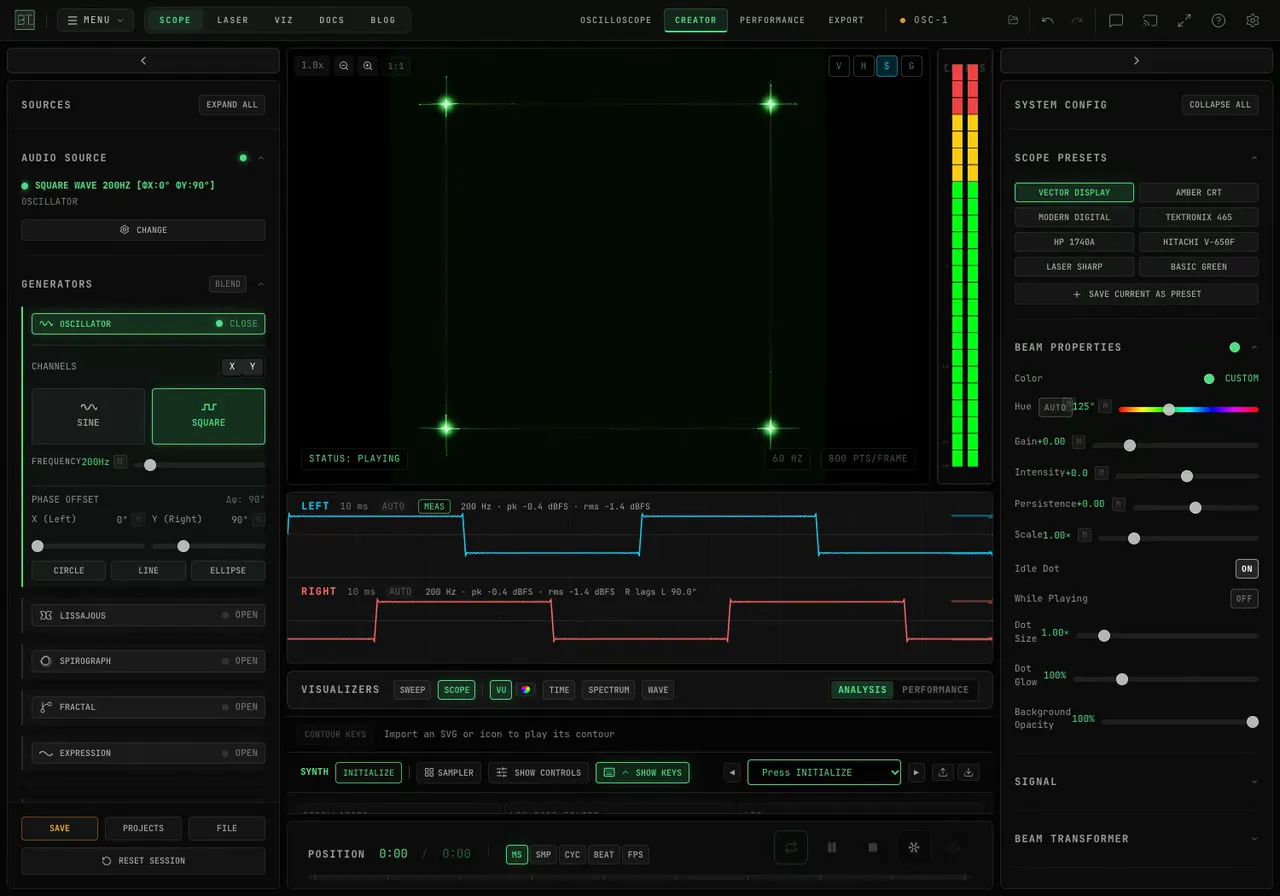
How Do I Draw a Square Instead of a Circle on an XY Oscilloscope?
Compare sine and square waves in BeamTracer OSC-1. See the two channel waveforms, change phase, and record the resulting XY picture with its actual sound.
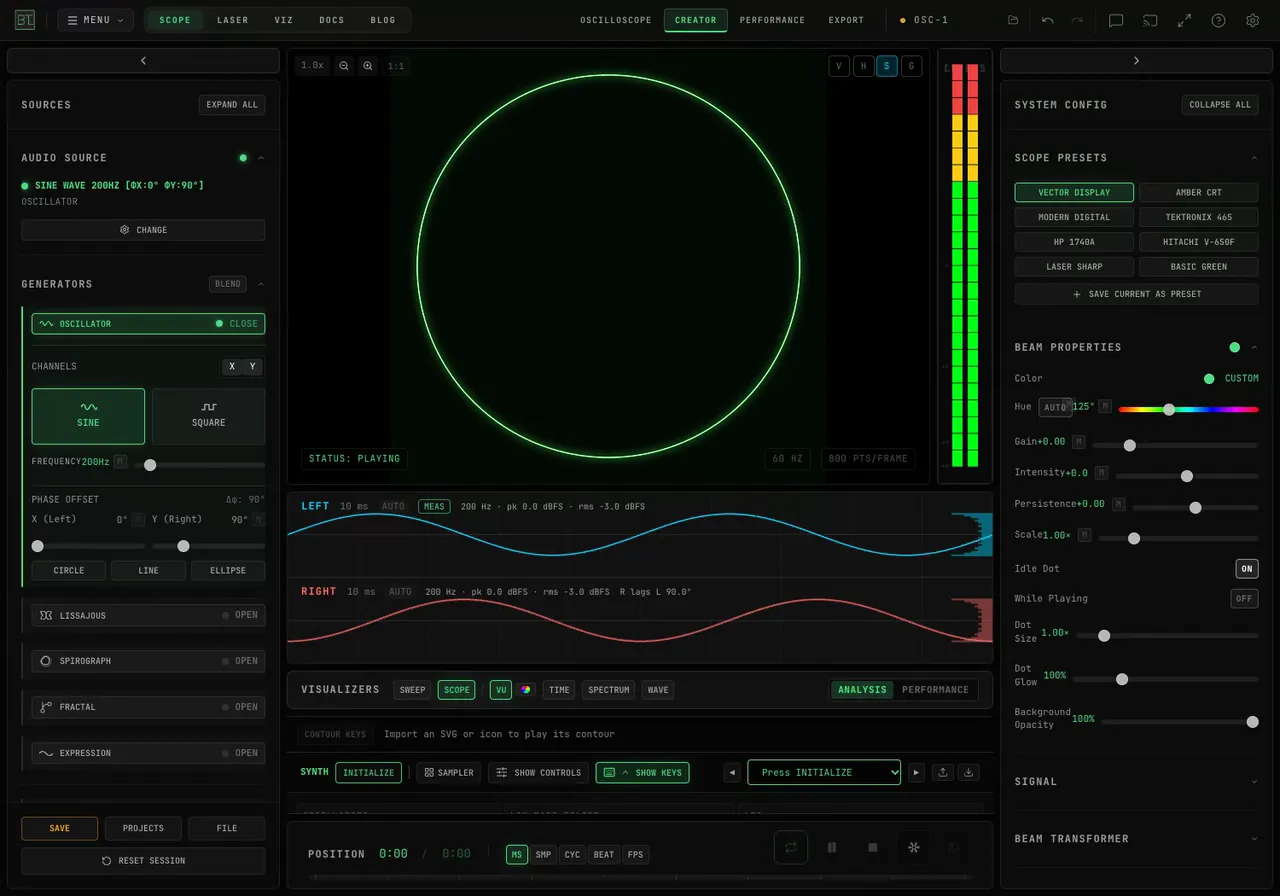
How Do I Measure Stereo Phase on an Oscilloscope?
Compare left and right channel phase in BeamTracer OSC-1. Use SCOPE and MEAS, test circle, line and ellipse presets, and record the XY drawing with sound.
Why Does Mono Audio Draw a Diagonal Line in OSC-1?
See why matching left and right signals draw a diagonal in OSC-1. Compare phase, unequal levels and a missing channel with animated demos and native sound.
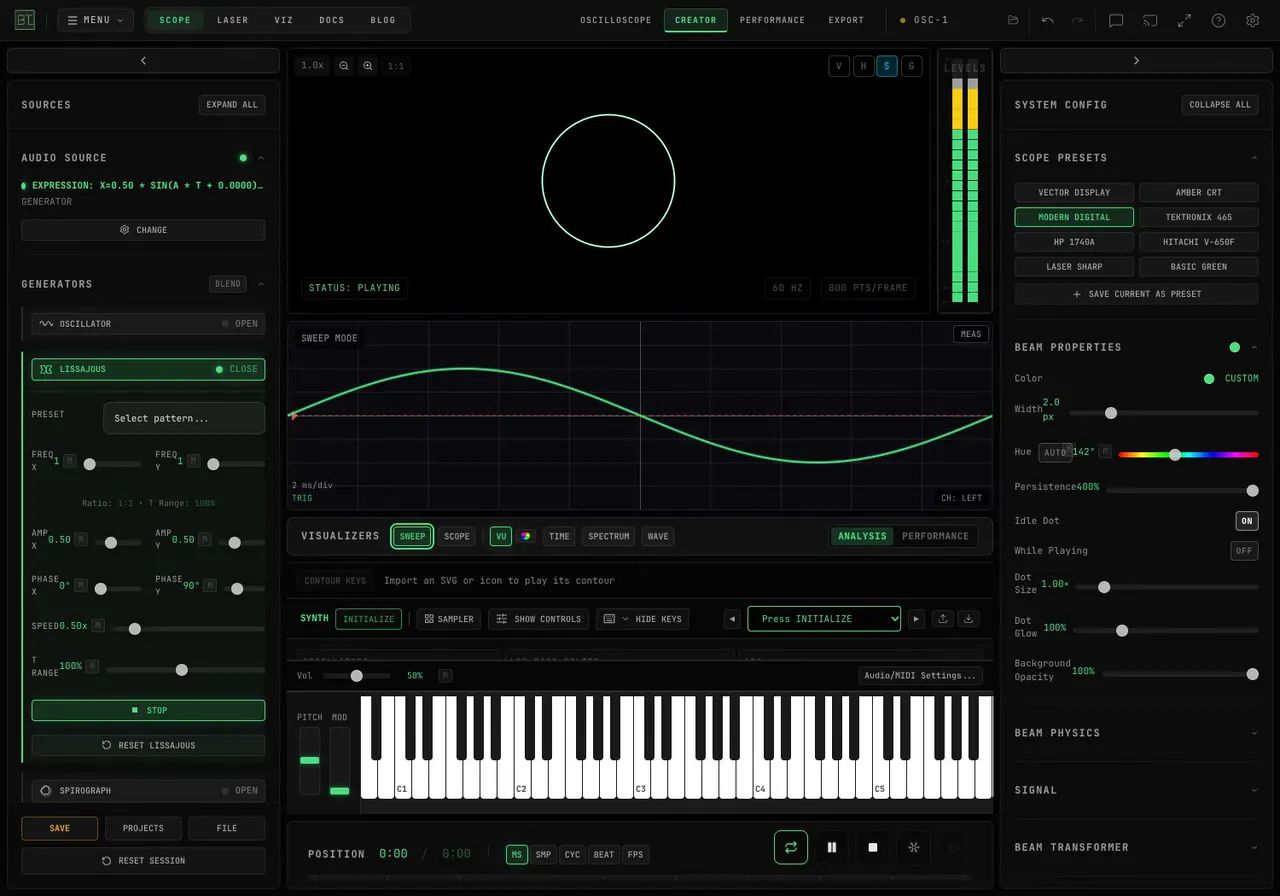
How Do I Stop a Waveform from Rolling in OSC-1?
Hold a rolling OSC-1 Sweep waveform still. Choose the right channel, set an edge trigger, and compare AUTO, TRIG, rising and falling with animated examples.
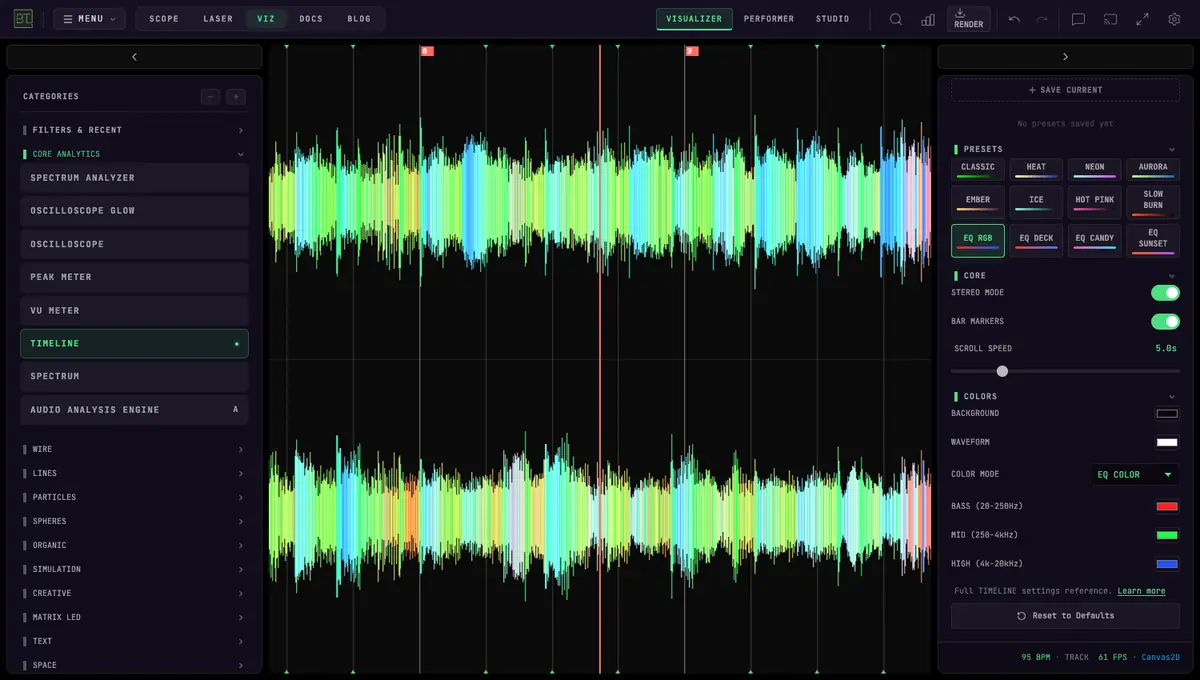
Music Frequencies Explained: See Bass, Mids and Highs Live
Every band from 20 Hz to 20 kHz, where each instrument sits, and how to see bass, mids and highs on a free browser visualizer. Read EQ colors like a DJ.